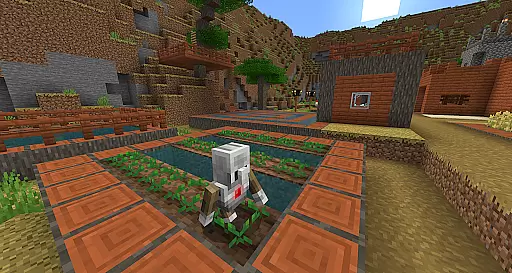
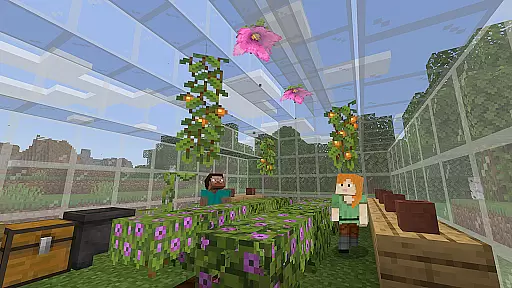
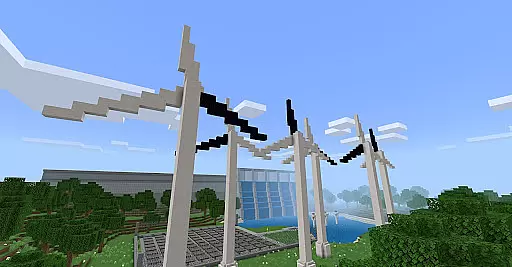
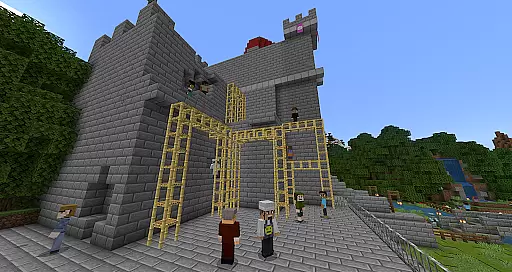
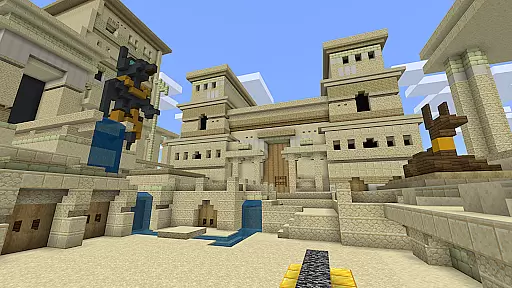
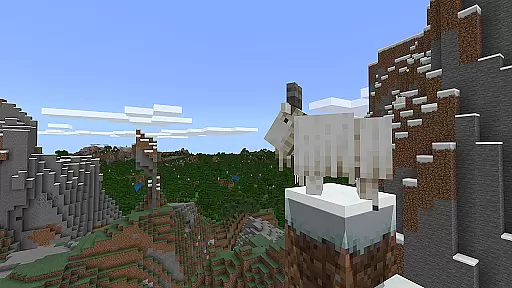
Minecraft Education is a game-based learning platform designed to inspire creative and inclusive education through interactive play. This app allows students and educators to explore blocky worlds that unlock innovative ways to approach any subject or challenge. With lessons and standardized curricula covering subjects like reading, math, history, and coding, the platform caters to all types of learners. Additionally, it offers open-world creative building for collaborative exploration.
The app provides hundreds of ready-to-teach lessons and customizable worlds, making it adaptable to various teaching styles and student needs. Minecraft Education helps learners develop essential skills such as problem-solving, collaboration, digital citizenship, and critical thinking. These skills prepare students for future academic and workplace success while sparking interest in STEM fields. The platform also features content partnerships with organizations like BBC Earth, NASA, and the Nobel Peace Center, offering culturally relevant lessons and immersive experiences.
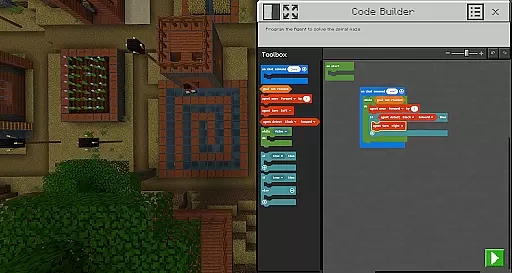
Minecraft Education boasts several key features that enhance its educational value. One standout is the multiplayer mode, which enables real-time collaboration across different platforms, devices, and hybrid learning environments. This ensures seamless teamwork whether students are in the same classroom or spread across remote locations. Another notable feature is Code Builder, which supports block-based coding as well as JavaScript and Python, providing an intuitive interface for executing code directly within the game.
Additional tools include Immersive Reader, which assists players by reading and translating in-game text, making the app more accessible to diverse learners. The Camera and Book & Quill items allow users to document their creations and export them for further analysis or presentation. Furthermore, integration with Microsoft Teams and Flipgrid enhances teacher control and assessment capabilities, streamlining classroom management. These features collectively create a versatile and engaging educational experience tailored to modern learning needs.
Minecraft Education stands out in the realm of educational tools by offering content that is both accurate and authoritative. This platform collaborates with reputable organizations such as BBC Earth, NASA, and the Nobel Peace Center to create immersive learning experiences. These partnerships ensure that the educational material is not only engaging but also grounded in real-world knowledge and scientific research.
The app provides lessons and standardized curriculums covering a wide array of subjects including reading, math, history, and coding. Each lesson is designed with all types of learners in mind, ensuring inclusivity and accessibility. The curriculum is carefully crafted to align with educational standards, making it a reliable tool for educators aiming to integrate game-based learning into their teaching.
Moreover, Minecraft Education aids in preparing students for the future by instilling key skills such as problem-solving, collaboration, digital citizenship, and critical thinking. By engaging with content that mirrors real-world scenarios and challenges, students are better equipped to thrive in their current academic pursuits and future professional environments.
One of the core strengths of Minecraft Education is its ability to offer personalized learning paths tailored to individual student needs. With hundreds of ready-to-teach lessons, creative challenges, and open-world environments, educators can customize the learning experience to suit various learning styles and paces. This flexibility ensures that every student can engage with the material in a way that resonates best with them.
The platform supports diverse teaching methods without requiring any prior gaming experience. Educators can choose from structured lessons or provide a blank canvas for students to explore and build creatively. This adaptability makes it an invaluable tool for differentiated instruction, catering to both guided and independent learning preferences.
Additionally, features like Immersive Reader enhance personalization by helping players read and translate text within the game. This functionality breaks down language barriers and supports students with different literacy levels, ensuring that everyone has equal access to the educational content. By leveraging these personalized learning paths, Minecraft Education fosters an inclusive environment where every learner can succeed.
Engaging gameplay
Versatile lesson plans
STEM-focused content
Multiplayer support
Accessible design
Requires subscription
Complex setup
Limited offline use
High system requirements
Dependent on tech support

Childcare Management App: Daily sheets, sign in-out, billing and learning tools
 4.70
4.70
Learn and joke with the Silly Turkey!
4.5
An easy to use yet powerful and full-featured flashcard study app.
4.50
Hebrew Vocab
4.90
Master the NRP with 700+ questions, rationales, and updated NREMT scenarios.
3.00
Astronomy Guide To Night Sky
4.30
Discover Your Place in the Universe
4.70
Stack the States makes learning about the 50 states fun!
4.70
Learn to make peaceful contact with extraterrestrial civilizations
4.10
Learn & Speak New Languages
4.70
Turn scrolling hours into improving your knowledge, communication, intelligence
4.50
Stack the Countries makes learning world geography fun!
4.50
Practice Casino Roulette Payouts for Table Game Dealers and Croupiers
4.40
Learn math, step-by-step
4.30
Monkey Preschool Lunchbox: 7 exciting educational games for your preschooler.
4.30
School Communication
4.30
A magical world of fun, building, and learning with Mickey Mouse and more!
4.20
Bebefinn and Baby Shark educational, animated videos & games for kids
3.40
Visit Daniel's house & make believe. Play doctor, make music, & feed fish.
3.20


User Reviews