
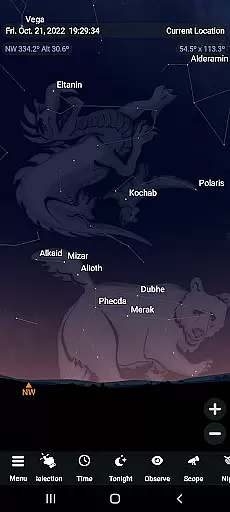
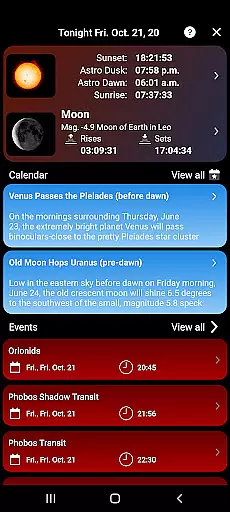
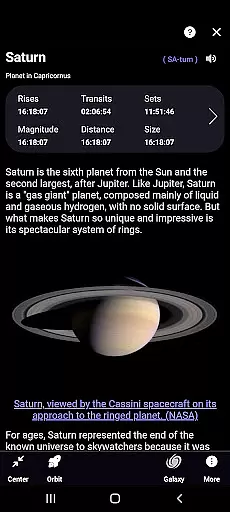
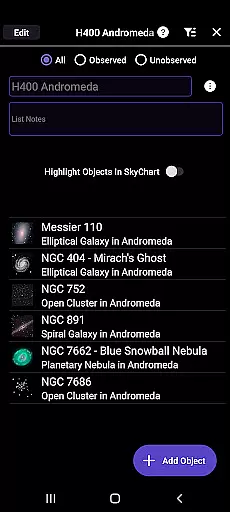
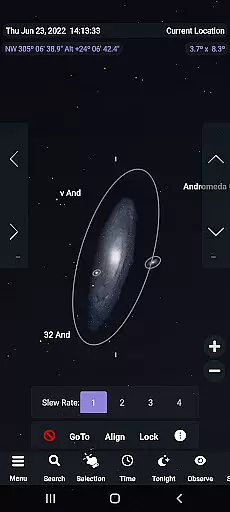
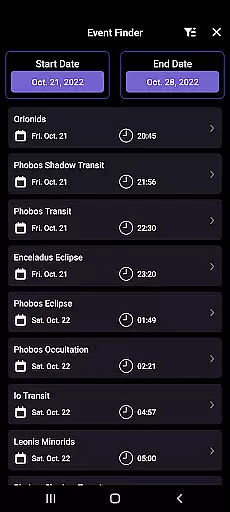
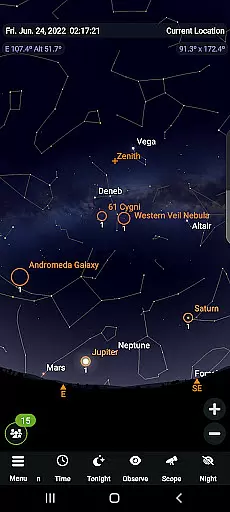
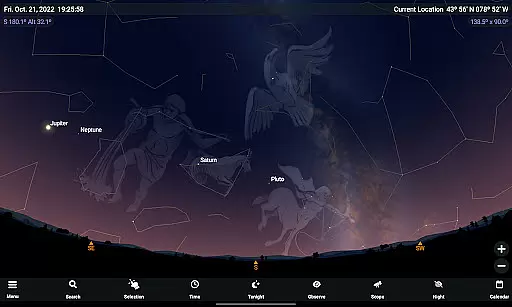
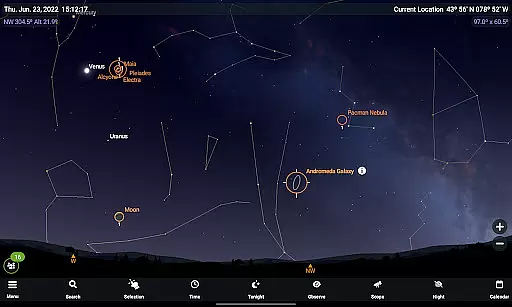
SkySafari 7 Plus is a premier astronomy app designed for both amateur stargazers and dedicated sky watchers. This comprehensive space simulator offers advanced telescope control, making it an essential tool for exploring the universe. With support for Android 10 and above, SkySafari 7 Plus provides users with an immersive stargazing experience that goes beyond basic apps.
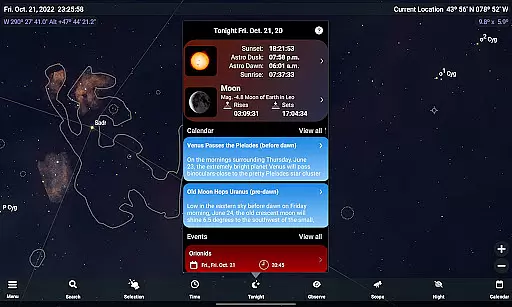
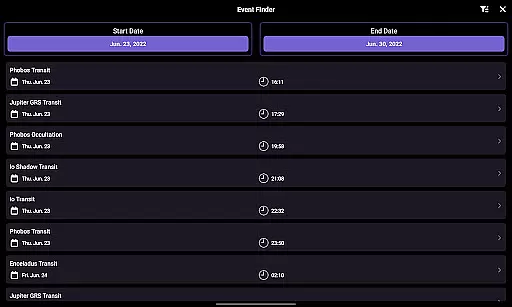
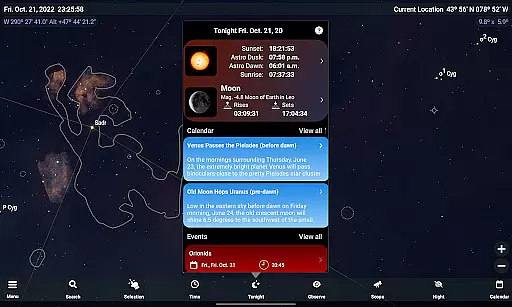
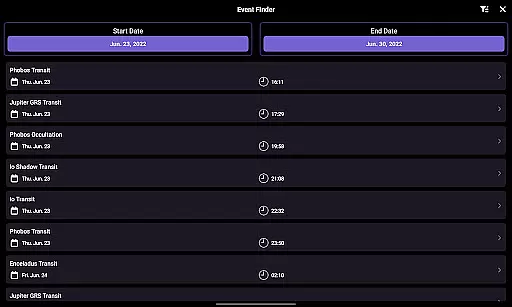
Key features include the Events Finder, which helps locate astronomical events like eclipses and meteor showers, and OneSky, allowing real-time observation of what others are viewing. The app also includes Sky Tonight, Telescope Support through ASCOM Alpaca and INDI protocols, and improved observation tools for planning and recording sessions. These capabilities make it ideal for anyone looking to deepen their understanding of the night sky.
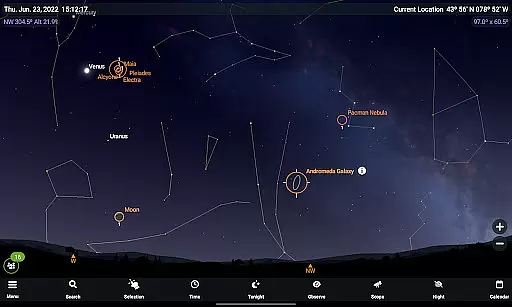
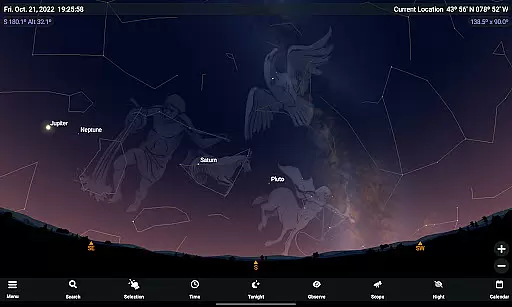
Whether you're simulating celestial events 10,000 years in the past or future, controlling your telescope, or learning about astronomy through rich content, SkySafari 7 Plus delivers immense value. Its detailed sky charts, mythology descriptions, and advanced search options create an engaging platform for all levels of astronomers.
SkySafari 7 Plus stands out with its robust feature set tailored for astronomy enthusiasts. The app's Events Finder dynamically generates listings of moon phases, eclipses, planetary phenomena, and more, offering a powerful search engine for celestial happenings. Notifications have been revamped, enabling users to customize alerts for specific astronomical events on their devices.
Telescope control is another highlight, supporting next-generation protocols like ASCOM Alpaca and INDI. This allows seamless connection to hundreds of compatible devices. Additionally, innovative features such as OneSky provide real-time insights into what other users are observing, while SkyCast lets you guide friends around the night sky via shared links.
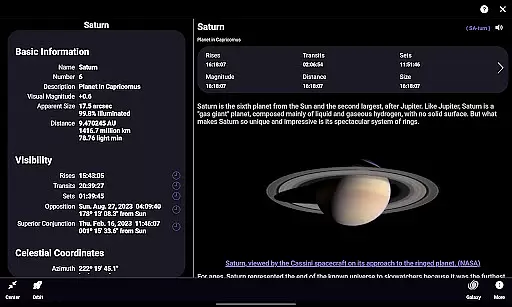
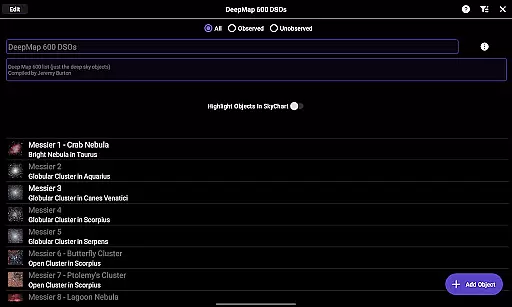
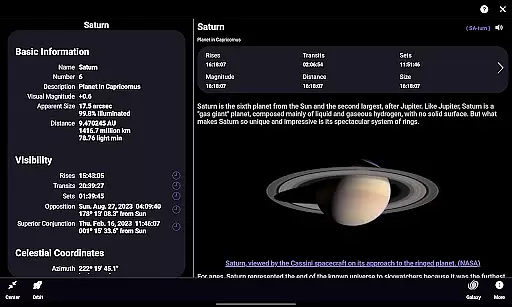
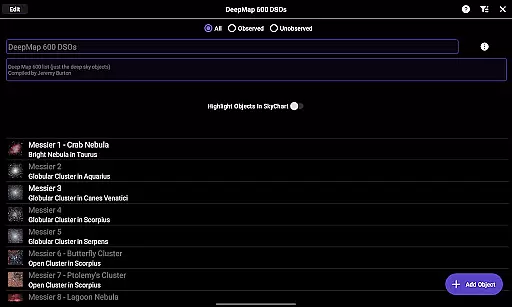
The app also excels in educational content, providing over 1500 object descriptions, images, and historical data. Enhanced observation tools simplify logging sessions, filtering data, and planning observations. With added functionalities like orbit mode, time flow simulation, and advanced search options, SkySafari 7 Plus ensures a complete and interactive astronomy experience.
SkySafari 7 Plus stands out in the realm of educational astronomy applications due to its commitment to content accuracy and authority. The app provides a comprehensive database of over 1,500 object descriptions and astronomical images, each meticulously researched to ensure factual correctness. This dedication to precision makes it an invaluable tool for both amateur stargazers and seasoned astronomers.
The application's authoritative content is further enriched by its ability to simulate the night sky with remarkable precision, up to 10,000 years into the past or future. By incorporating advanced features such as detailed moon phases, planetary conjunctions, and eclipses, SkySafari 7 Plus delivers trustworthy information that aligns with professional astronomical standards.
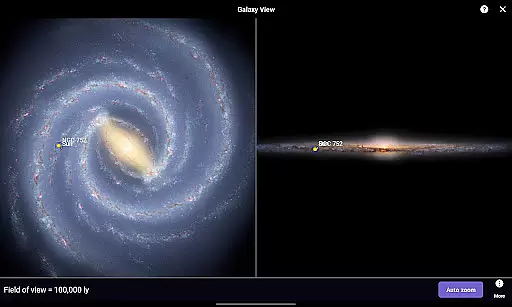
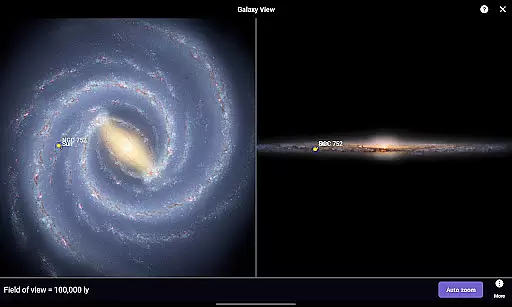
Users benefit from regular updates that introduce new functionalities and improve existing ones, ensuring that the information remains current and reliable. With previous in-app purchases like the H-R diagram and 3D Galaxy view now free, SkySafari 7 Plus offers even more authoritative resources to enhance users' understanding of the cosmos.
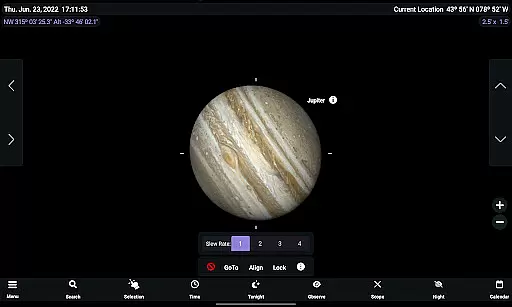
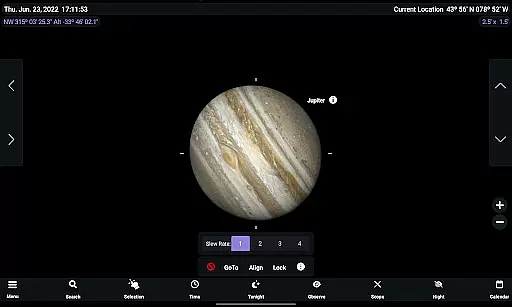
While SkySafari 7 Plus may not offer traditional personalized learning paths like adaptive quizzes or tailored lesson plans, it excels in providing customizable tools that cater to individual learning styles within the field of astronomy. Users can adjust settings such as the Jupiter GRS Longitude Value and explore various grid and reference options, allowing them to tailor their stargazing experience according to their preferences and educational goals.
The appu2019s powerful Events Finder and Notifications system create a dynamic learning environment where users can set personal objectives based on upcoming astronomical events. Whether planning observations for meteor showers or planetary conjunctions, these features help users structure their exploration of the night sky in a way that suits their interests and schedule.
Additionally, SkySafari 7 Plus supports telescope control through next-generation protocols like ASCOM Alpaca and INDI, enabling hands-on learners to engage directly with their equipment. This practical approach, combined with the app's extensive object database and historical/mythological context, allows users to forge unique educational journeys through the stars.
Comprehensive astronomy tool
Real-time event tracking
Advanced telescope support
Rich educational content
User-friendly interface
No upgrade path to Pro
High learning curve
Premium price point
Limited free features
Device compatibility issues

FAR/AIM, FAR for Flight Crew and FAR for Aviation Maintenance Technicians
 3.80
3.80
A 2024 digital study guide for the Expert Infantryman and Expert Soldier's Badge
4.0
Learning the ancient Viking language made simple
4.70
Short Lessons for Better Finances, Health, Skills, Jobs & Relationships.
4.80
Latest TLC Practice Questions! Multiple languages available!
4.50
Astronomy Guide to the Night Sky
4.40
Pickleball guide complete with illustrated Pickleball drills and helpful info
4.1
Guitar chord finder, analyzer, smartly visualized theory, progressions, quizzes.
4.70
An aviator’s preparation, study and test tool for FAA Knowledge Exams.
4.30
Explore myths and gods across cultures with in-depth insights and stories.
5.00
Childcare Management App: Daily sheets, sign in-out, billing and learning tools
4.70
A fast and fun way to learn guitar - works with any guitar.
4.60
Dinosaurs coloring book game. Drawing and painting dinos.
4.50
SkyView®, an augmented reality space app, brings stargazing to everyone!
4.40
The "Go To" app for Airmen studying for promotion to SSgt and TSgt
4.30
Build math skills in: addition, subtraction, multiplication and division.
4.10
Hasbro's Classic Board Game - Make Cavity Sam better or get the buzzer!
3.50
Study the questions most likely to be asked during the Oral & Practical Exams.
2.80
AR planetarium app that brings the solar system to you via XREAL Glasses.
4.4


User Reviews