
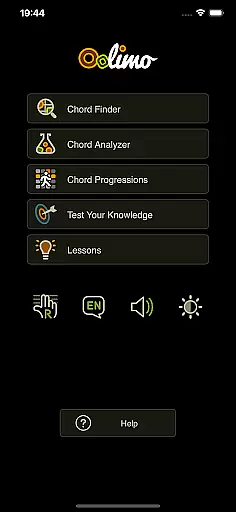
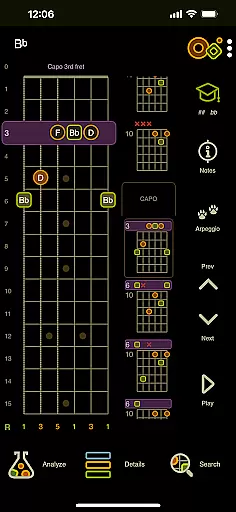
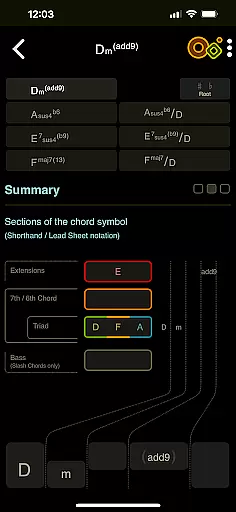
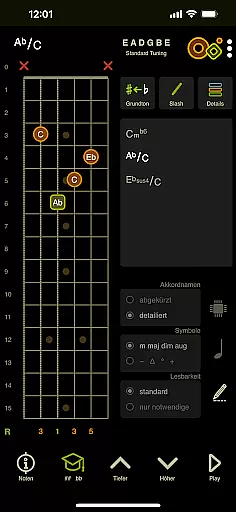
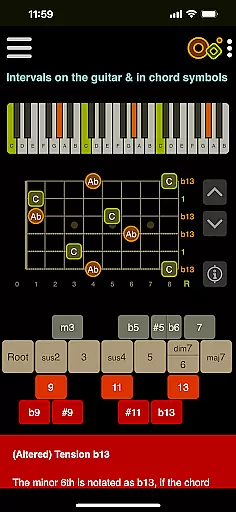
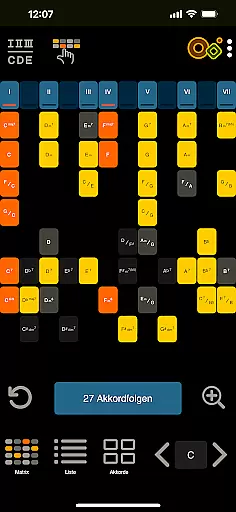
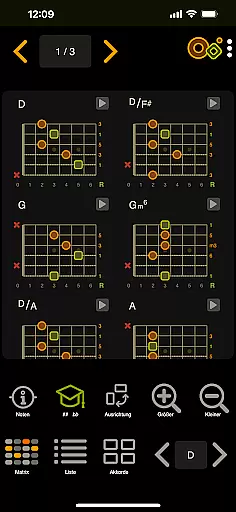
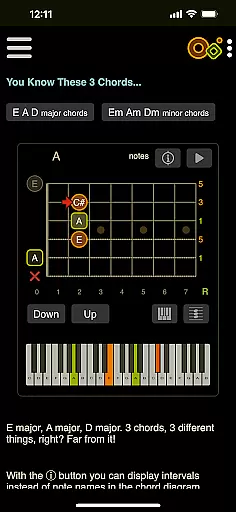
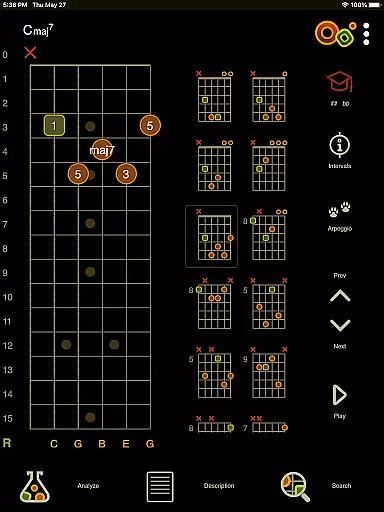
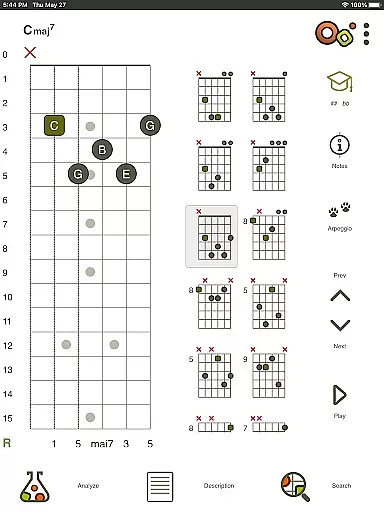
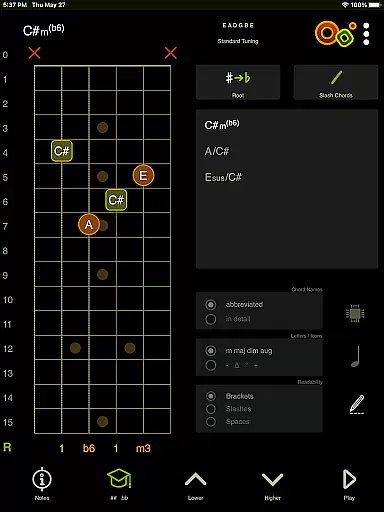
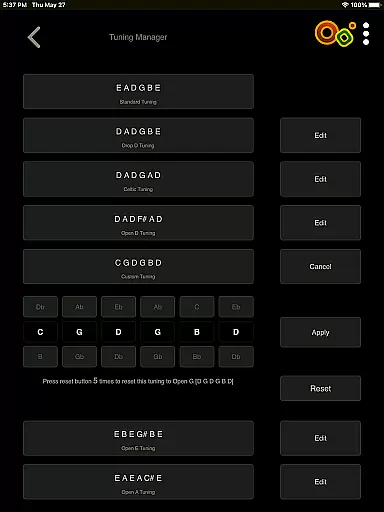
Oolimo Guitar Chords is an innovative educational app designed specifically for guitar enthusiasts who want to deepen their understanding of chord theory. This app serves as both a learning tool and a comprehensive reference guide, making it easier than ever to grasp the intricacies of guitar chords.
With its unique approach, Oolimo goes beyond simple chord charts by providing structured lessons that explain why certain chords work together harmonically. The app includes features like the Chord Finder, which intelligently suggests usable voicings based on real-world music theory, and the Chord Analyzer, which instantly identifies any chord you input. Whether you're a beginner or an advanced player, Oolimo helps you gain lasting insights into chord construction and harmonic relationships.
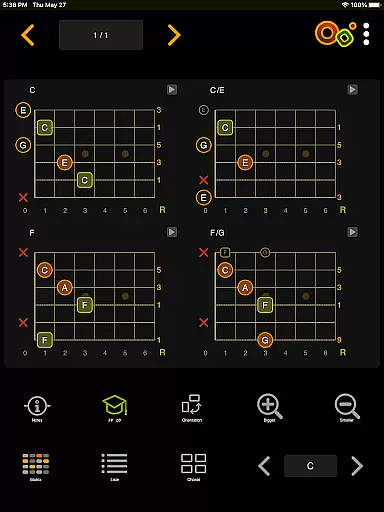
The app's value lies in its ability to turn complex musical concepts into something tangible and understandable. By offering interactive tools such as the fretboard visualization and playback functions, users can see, hear, and practice chords in various keys and contexts. This makes Oolimo an invaluable resource for anyone looking to improve their guitar skills systematically and enjoyably.
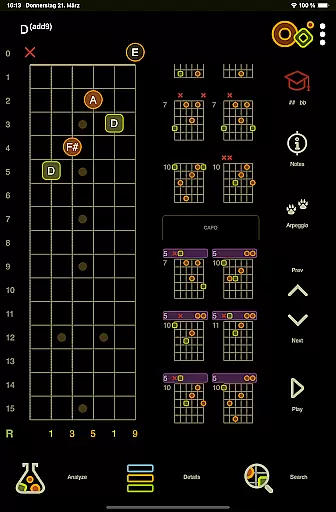
Oolimo Guitar Chords stands out with its rich feature set tailored for guitar learners and professionals alike. One of its key features is the Chord Finder, which uses a curated database of voicings and an intelligent algorithm to suggest chords that fit musically within your selected key. This ensures that users receive practical and applicable suggestions rather than random chord shapes.
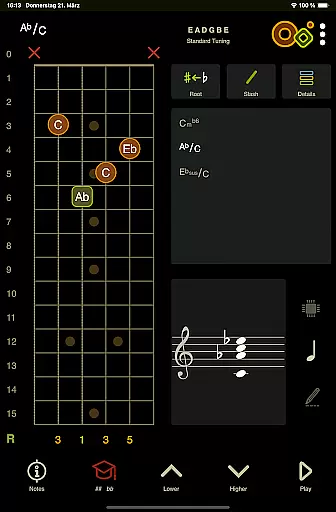
Another standout feature is the Chord Analyzer, which allows users to input any fingering on a virtual fretboard and receive instant feedback on the chord name. Unlike other apps, Oolimo provides accurate results without 'unknown chord' messages, even supporting advanced notation options like slash chords and double accidentals. Additionally, the app offers Theory Lessons with 22 interactive modules covering essential topics such as intervals, diatonic harmony, and various chord types.
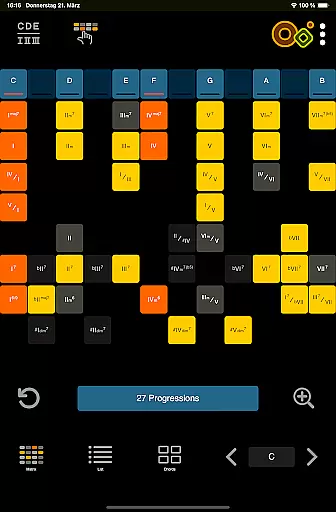
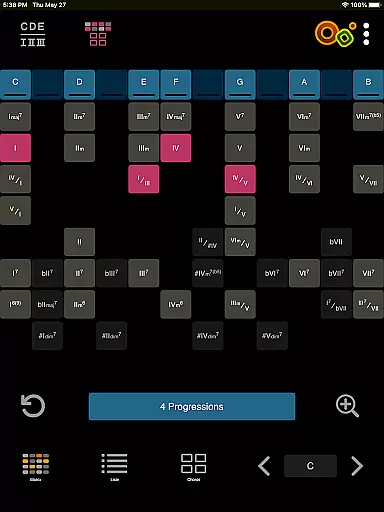
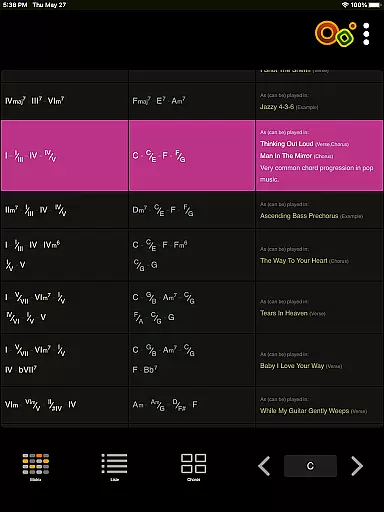
Users also benefit from the Chord Progressions module, which visualizes harmonic functions through an innovative matrix. This helps musicians explore and practice common progressions across different keys. With added functionalities like day/night mode, left-handed mode, and multilingual support, Oolimo ensures accessibility and usability for a diverse range of users.
When it comes to learning guitar chords, the accuracy and authority of the content are paramount. Oolimo Guitar Chords offers a meticulously curated database of chord voicings that ensures every piece of information is both reliable and educationally sound. This app doesn't just provide chord charts; it delves into why each chord works within a musical context.
The app's creator, Oliver Mochmannu2014a guitarist and developeru2014has infused Oolimo with a structured approach to chord theory that is unparalleled in clarity and depth. The theoretical framework provided by Oolimo serves as a foundational guide for understanding harmonic relationships on the guitar, making it an indispensable tool for learners at any level.
With interactive features such as the Chord Finder and Analyzer, users can explore chords with confidence, knowing they're receiving correct names and notations for any fingering entered. This empowers musicians to gain lasting insights into music theory rather than just collecting fragmented tips from across the web.
Oolimo Guitar Chords distinguishes itself by offering personalized learning paths tailored to individual progress and understanding. Through its main modules like Chord Progressions and Theory Lessons, the app adapts to your selected key, providing an innovative matrix that visualizes harmonic functions and relationships unique to your musical journey.
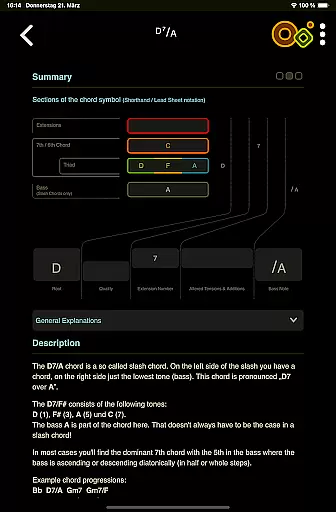
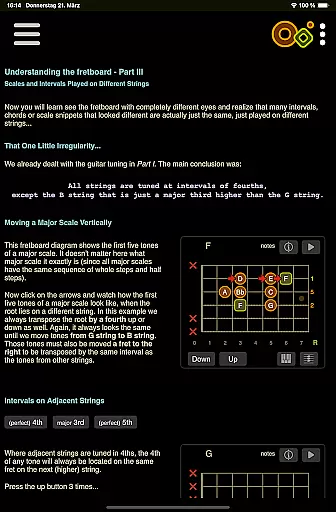
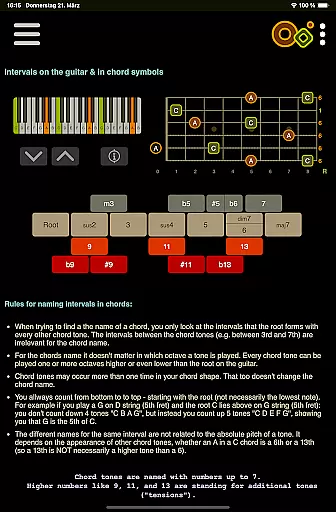
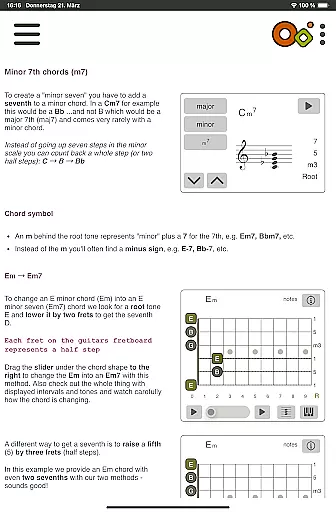
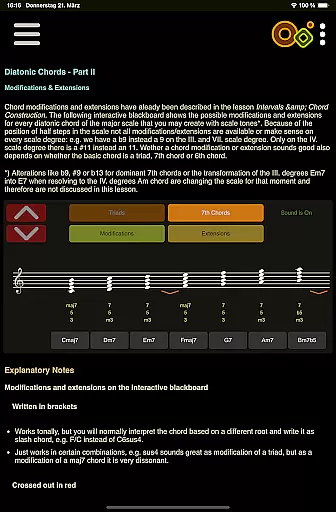
Included in these lessons are smart visualizations that elucidate complex concepts such as intervals, chord construction, voicings, slash chords, diatonic harmony, and more. These interactive tools allow users to see, hear, and understand the intricacies of various chord typesu2014from major, minor, dominant 7 to altered, suspended, add, sixth, and diminished chords.
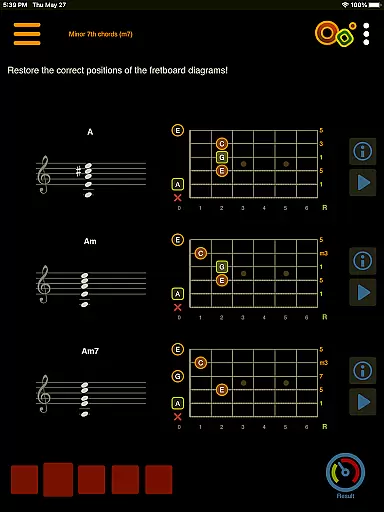
Furthermore, quizzes integrated throughout the application test knowledge and train the ear through engaging playu2014an essential feature for reinforcing learned material. With playback options for chords or single notes and switchable display modes between detailed or compact chord names, Oolimo ensures a customized experience that caters to each musician's personal growth trajectory.
Comprehensive chord database
Accurate chord analysis
Interactive theory lessons
Supports multiple tunings
User-friendly interface
Limited free content
No MIDI integration
Advanced features require purchase
Occasional bugs reported
Steep learning curve

Study the questions most likely to be asked during the Oral & Practical Exams.
 2.80
2.80
Explore myths and gods across cultures with in-depth insights and stories.
5.00
AI Language tutor: Speak fluently with Lucy’s personalized coaching
4.70
Designed for Calculator 84 users
4.20
Skelly is a fully poseable, anatomically correct reference skeleton for artists.
4.10
Master note reading with StaffWars….
4.00
MONOPOLY JUNIOR brings Hasbro's classic the board game to life.
3.00
Stack the Countries makes learning world geography fun!
4.50
Learn to pass DMV permit tests. Driver license practice test 2025.
4.60
Learning the ancient Viking language made simple
4.70
Perform physics experiments with your phone. (by the RWTH Aachen University)
4.70
Latest TLC Practice Questions! Multiple languages available!
4.50
Welcome to the Speak Navajo Language Application - Volume 1
4.50
The FE Clock is a way to track sun & moon around the circle of the earth.
4.30
School Communication
4.30
For medical training - Visualize complex vein maps and structures in real-time.
4.10
Bebefinn and Baby Shark educational, animated videos & games for kids
3.40
Quiz App to help case managers studying for CCMC Certification, 200+ Questions
3.40
A collection of favorite stories from Daniel Tiger's Neighborhood
2.00


User Reviews