
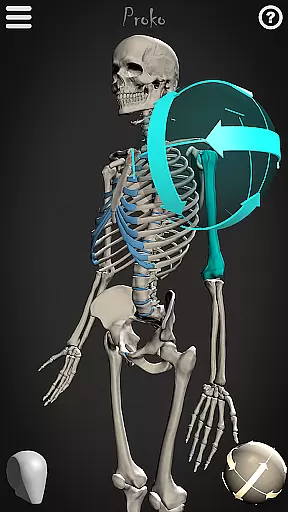
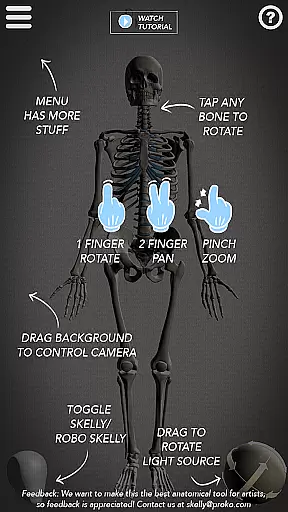
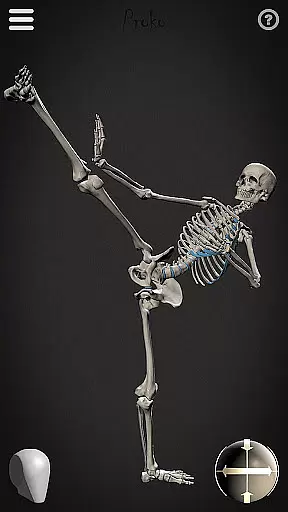
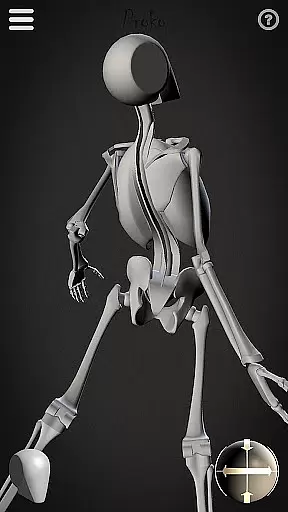
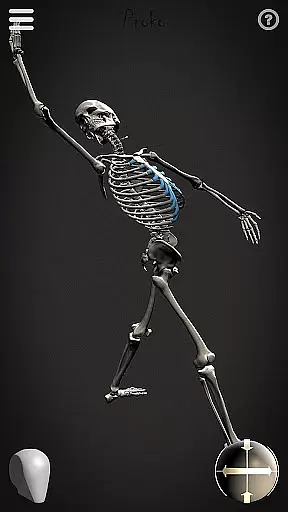
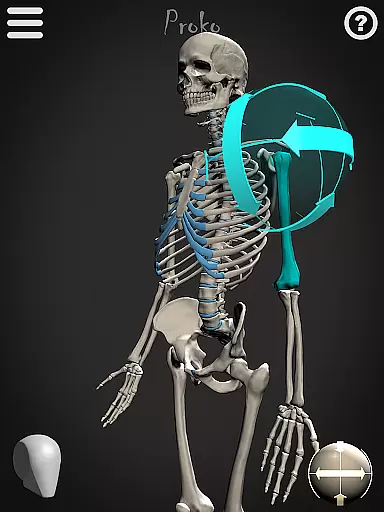
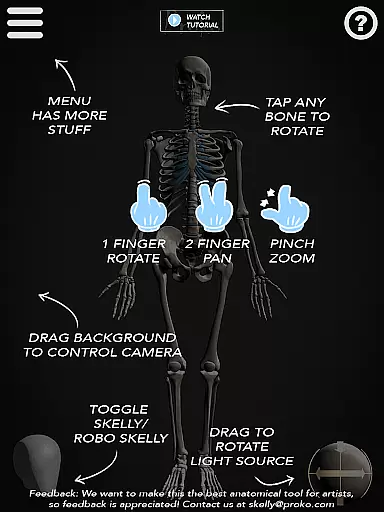
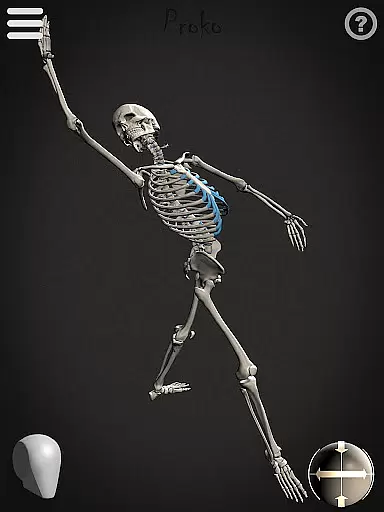

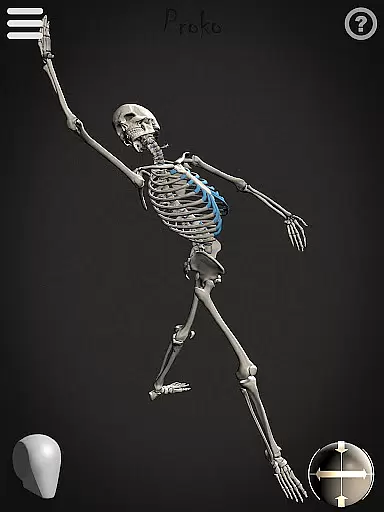
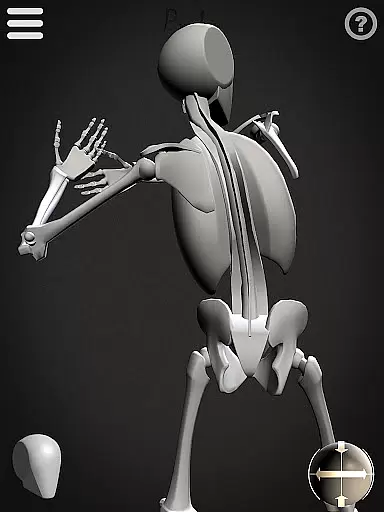
Skelly is an innovative educational app designed specifically for artists and art students who want to master human anatomy. This fully poseable, anatomically correct reference skeleton serves as a portable artistic tool that can be accessed anytime, anywhere. The app includes two main features: the detailed anatomical skeleton and the simplified 'Robo-Skelly,' both based on Dr. Paul Richer's proportional teachings and Andrew Loomis's 'Loomis Head' concept.
The app provides artists with complete creative freedom to manipulate poses, adjust lighting, and change camera angles without needing physical models or searching for reference images online. Whether you're working on illustrations, animations, comics, or storyboards, Skelly helps you understand skeletal structures from any angle while maintaining anatomical accuracy. Its user-friendly interface makes it suitable for both beginners and professional artists.
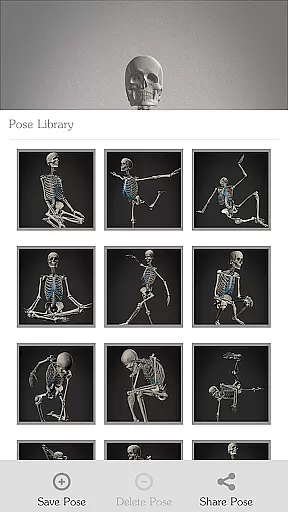
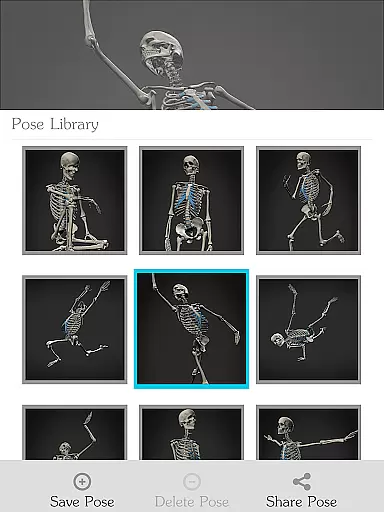
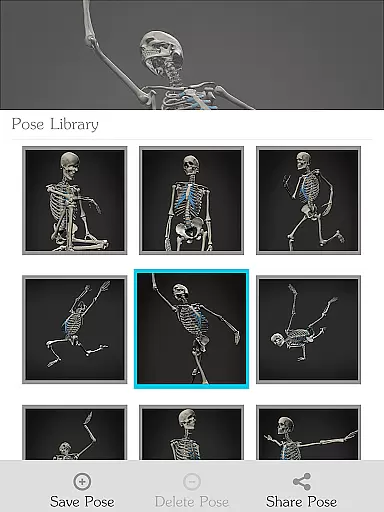
This virtual skeleton eliminates the need for traditional reference materials, saving time and avoiding awkward situations. With its Pose Library feature, users can save custom poses and access pre-made ones, making it an essential tool for creating anatomically precise artwork. Skelly empowers artists to focus on their creative process while providing them with accurate anatomical references.
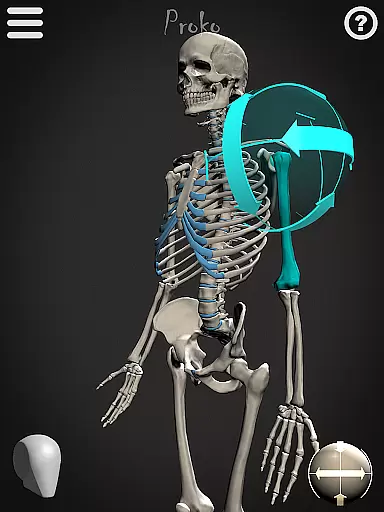
Skelly offers several advanced features that make it stand out among other anatomy reference tools. The app's core functionality revolves around its fully poseable 3D skeleton model, which allows users to manipulate every joint and bone with precision. The inclusion of both the detailed anatomical skeleton and the simplified 'Robo-Skelly' caters to different learning styles and artistic needs, making it versatile for various projects.
One of the app's most valuable features is its sophisticated Pose Library system. Users can not only create and save their own custom poses but also access a collection of pre-made positions. The adjustable camera and lighting controls provide complete environmental customization, enabling artists to study their poses under different conditions. The ability to switch between light and dark backgrounds further enhances visibility and contrast during drawing sessions.
Skelly's attention to anatomical accuracy extends to its implementation of Dr. Paul Richer's proportional theories and Andrew Loomis's head construction method. These scientifically-based features ensure that users learn proper proportions while practicing their craft. The app's intuitive interface and instant reset to neutral 'Anatomical Pose' make it easy to start fresh or modify existing poses, streamlining the artistic workflow and enhancing productivity.
When it comes to learning anatomy, having accurate and authoritative content is crucial for artists and students. Skelly offers an anatomically correct skeleton model that serves as a reliable reference tool. The proportions of the skeleton are based on the teachings of Dr. Paul Richer, ensuring that users are learning from a well-respected source in the field of anatomy.
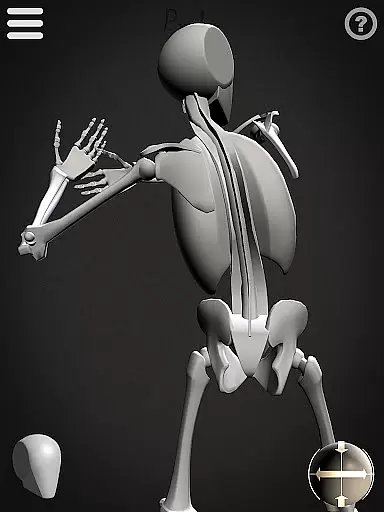
The app also includes 'Robo-Skelly', a simplified version designed to make the study of anatomy more accessible and enjoyable without compromising on correctness. This dual approach caters to both beginners who need a less intimidating start and advanced users seeking precise details. With these features, Skelly stands out as an educational resource that can be trusted by anyone looking to deepen their understanding of human anatomy.
By providing such authoritative content, Skelly empowers artists to focus on their creative work with confidence. Users no longer have to sift through questionable online resources or worry about privacy concerns while searching for references. Instead, they can rely on Skelly's expertly crafted models to guide them in creating anatomically correct artwork.
Skelly supports personalized learning paths by offering a fully poseable skeleton that can be adjusted to fit individual study needs. Artists and students can manipulate the skeleton into any position, allowing them to explore different angles and poses relevant to their specific projects or studies. This flexibility ensures that each useru2019s learning experience is tailored to their unique artistic goals.
In addition to posing capabilities, Skelly includes a Pose Library feature where users can save their own custom poses alongside pre-made options. This allows learners to track their progress over time and revisit important poses that contribute to their personal growth. By saving favorite or challenging poses, users create a personalized database that reflects their learning journey.
Moreover, with adjustable lighting and camera settings, Skelly lets users experiment with various visual conditions, further customizing how they interact with the material. Whether you're working on detailed illustrations or dynamic animations, this adaptability makes Skelly an invaluable tool for crafting your own educational path within the realm of anatomy.
User-friendly interface
Accurate anatomical details
Customizable pose options
Lighting and camera control
Pre-made pose library
Limited device compatibility
No muscular system
Premium price point
Learning curve present
Occasional performance lag

Learn math, step-by-step
 4.30
4.30
Learn and joke with the Silly Turkey!
4.0
Your guide to thousands of satellites and spacecraft in orbit around Earth!
3.90
Hebrew Vocab
4.90
Practice Casino Roulette Payouts for Table Game Dealers and Croupiers
4.40
An interactive enhancement of the Sesame Street classic.
4.50
Study for your 608 certification.
4.50
Learn to make peaceful contact with extraterrestrial civilizations
4.10
Courses, certificates, degrees
4.50
Learn Words Daily in Just Minutes - Boost Your Language Skills Fast!
4.60
Stargazing Guide App. Stars and constellations map. Solar system planets finder.
4.60
Intuitive Transformer Lab - By a Lineman, For Linemen & Apprentices
4.50
The Fighter Verses Bible memory system helps you memorize God's Word.
4.50
Astronomy Guide To Night Sky
4.30
Turns you phone or tablet into TI graphing calculator (ROM required).
4.20
Hasbro's Classic Board Game - Make Cavity Sam better or get the buzzer!
3.50
Flashnote Derby is the fun way for kids to learn music notes and memorize them.
3.40
MONOPOLY JUNIOR brings Hasbro's classic the board game to life.
3.00
Your best partner for learning Japanese words. Based on a best-selling textbook.
2.80


User Reviews