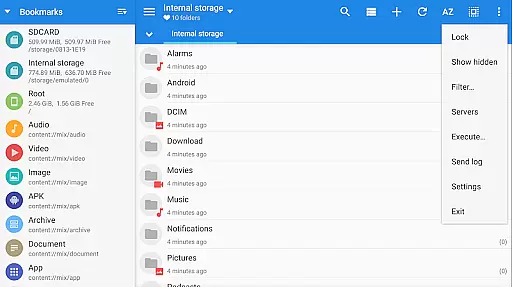
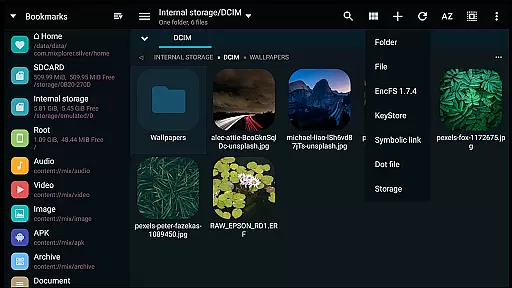
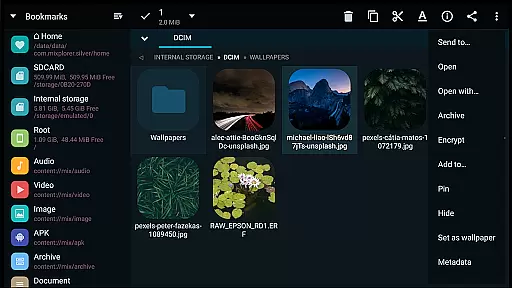
MiXplorer Silver is a comprehensive file management solution that combines the robust MiXplorer file manager with powerful add-ons like Archiver, Image viewer, Tagger, and PDF reader. Designed for productivity enthusiasts, this paid app offers an all-in-one platform to efficiently manage files, archives, and multimedia content while supporting development of the MiXplorer ecosystem.
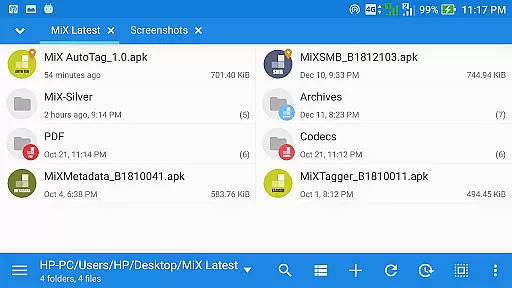
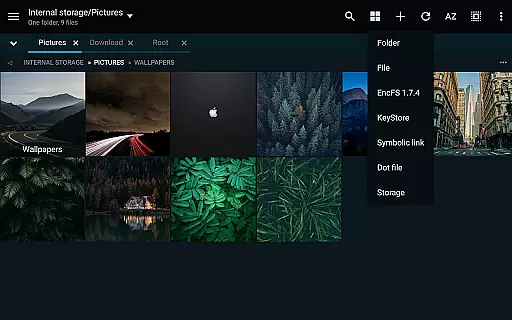
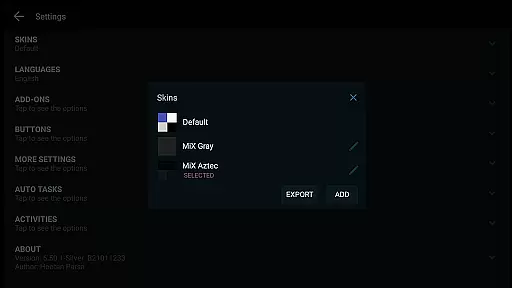
The application stands out with its extensive customization options, cloud integration capabilities, and advanced file handling features. Users can seamlessly organize files through unlimited tabbed browsing, dual panels in landscape mode, and drag-and-drop functionality between panels. Its themable interface allows users to personalize colors and menu options, while the built-in skin editor enables further UI customization.
Whether you're managing local files or working across multiple cloud storage services, MiXplorer Silver provides a unified experience. The app supports various archive formats, encrypted containers, network protocols, and root operations, making it an ideal tool for both casual users and power users who need advanced file management capabilities.
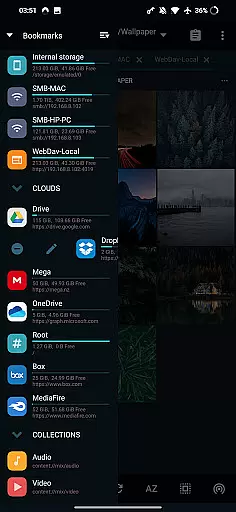
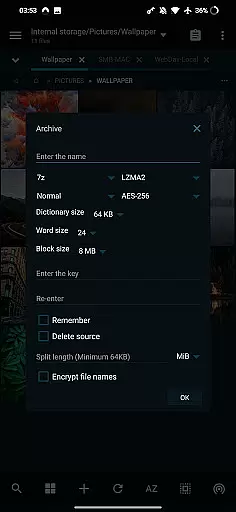
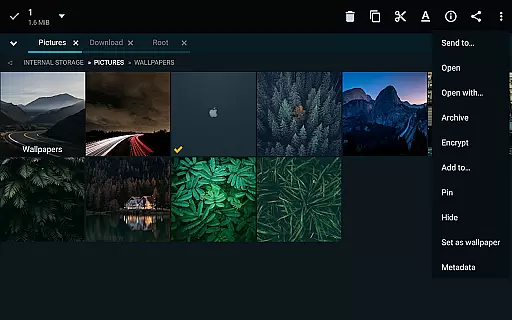
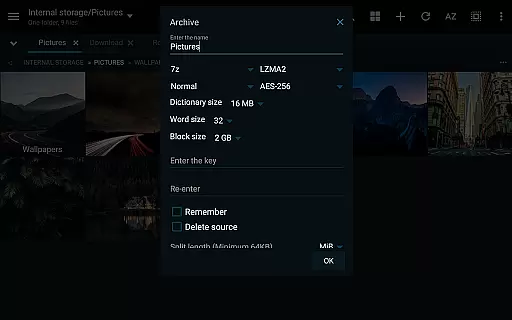
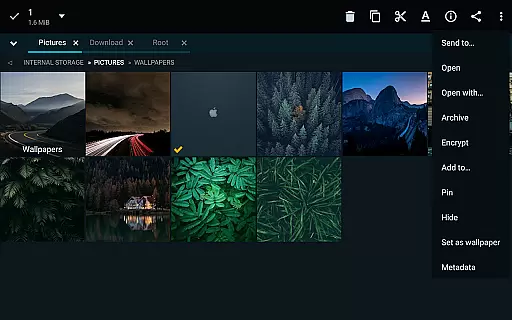
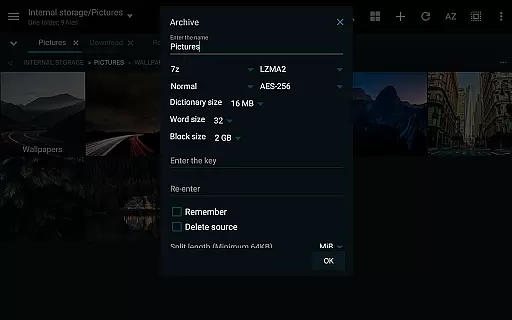
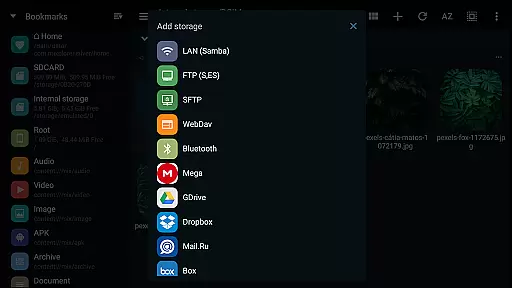
MiXplorer Silver distinguishes itself through its rich feature set tailored for productivity. The application supports over 20 archive formats for packing and unpacking, including 7z, Zip, TAR, and specialized formats like WIM and Zstandard. For cloud storage, it integrates with major providers such as Google Drive, Dropbox, OneDrive, and Mega.nz, while also supporting WebDAV-compatible services.
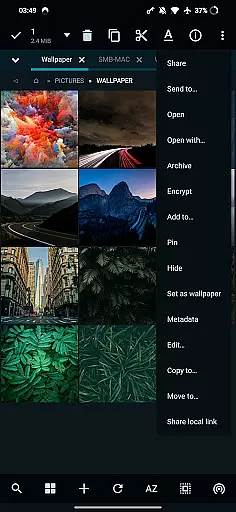
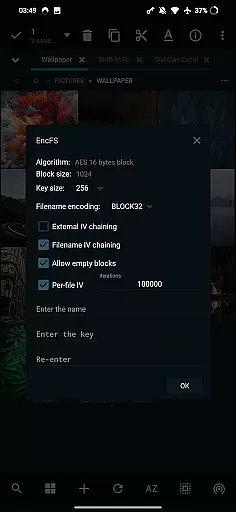
Advanced users will appreciate the app's technical capabilities, including FTP/HTTP/WebDAV server functionality, SAMBA client support, and EncFS volume handling. The built-in text editor and code editor facilitate on-the-go modifications, while the APK signer supports multiple signing schemes. Additionally, the media player comes with extra video codecs, and the image viewer handles various formats including RAW and SVG.
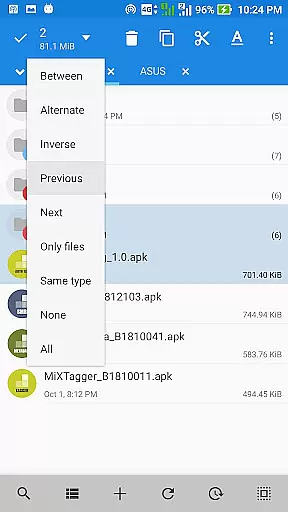
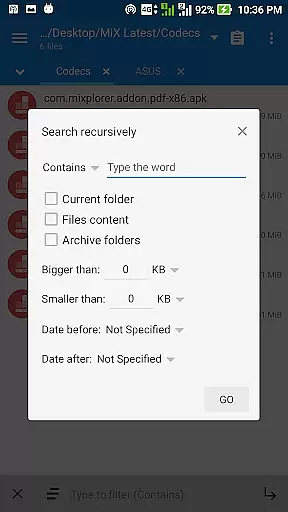
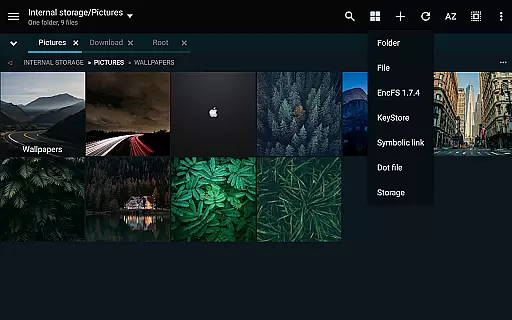
Productivity is enhanced through practical features like customizable bookmarks, advanced search functions, and multitasking capabilities. Users can export/import preferences and skins, create tasks for file operations, and access essential tools like HTML viewer and font viewer. These features collectively enable efficient file management across different platforms and use cases.
In the realm of file management, MiXplorer Silver excels with its robust core task management capabilities. This feature allows users to handle multiple operations such as copying, moving, and other file manipulations simultaneously through an intuitive task creation system.
Users can easily create and manage tasks, ensuring that complex file operations are streamlined and efficient. The ability to multitask various file operations not only saves time but also enhances productivity by allowing users to focus on other important activities while the app manages the tasks in the background.
The app's task management system is designed to be both powerful and user-friendly, providing clear feedback and control over each operation. This ensures that even those new to file management can efficiently organize and manage their digital content without feeling overwhelmed.
MiXplorer Silver offers reliable cross-device synchronization, a crucial feature for users who work across multiple devices. With seamless integration between your smartphone, tablet, and computer, you can access and manage your files from anywhere, at any time.
This synchronization process is not only fast but also secure, ensuring that your data remains protected during transfer. The app supports various cloud storage services including Google Drive, Dropbox, and OneDrive, making it easy to keep your files up-to-date across all your devices.
Moreover, MiXplorer Silver provides real-time updates, so any changes made on one device are immediately reflected on others. This level of synchronization reliability empowers users to maintain consistency and accessibility in their workflow, regardless of the device they are using.
Highly customizable interface
Extensive cloud integration
Advanced archive support
Powerful root capabilities
Unified productivity solution
Paid application only
Steeper learning curve
Feature overload possible
Limited free alternatives
Requires technical knowledge

When you Focus, so will your Bean in this cozy focus timer
 4.30
4.30
The long-awaited modern gallery app for your Nextcloud server
4.70
Auto-shutoff Alarm with Sunrise, Sunset & Fixed Options.
3.50
⏰ Finally a timer app which can run multiple timers simultaneously on your watch
3.90
IP Camera Viewer - Android TV : RTSP Surveillance camera viewer for Android TV
4.2
Enjoy classic gameplay with customizable features and retro-style graphics.
4.30
Code on-the-go with VScode for Android. Edit,debug and collaborate from mobile!!
3.10
A Pixel Art watchface inspired by other iconic 90s designs for Wear OS devices!
4.40
Browse and view your photos and videos from the phone with photo & video hide.
4.10
Mind Map and brainstorm, note taking and idea collection
4.80
Subscribe to Webcal & .ics calendars and keep them up-to-date!
4.50
Send files, sync SMS, notifications & clipboard across devices via local network
4.40
Automates browsing any website and notifies you of important changes or events
4.30
Access, manage and transfer files on Android, PC, Mac, NAS and cloud storages.
4.30
Easily read and manage all your PDF files
4.10
Todo reminder
4.10
Activate Two Factor Authentication (2FA or Multi OTP), Password manager and more
4.10
Unlock AutoNotification
4.00
The ultimate file manager for rooted devices. The original and still the best.
4.00


User Reviews