
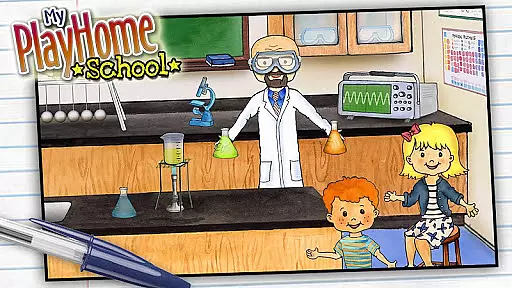
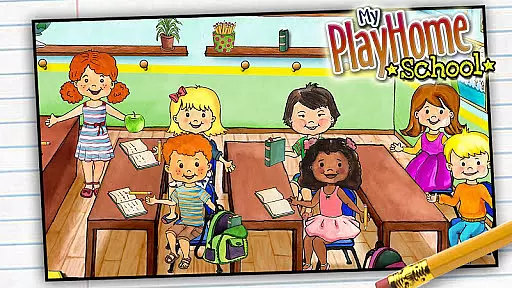
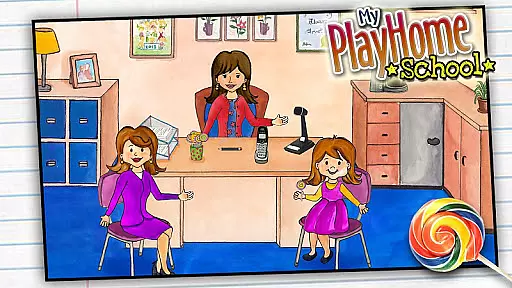
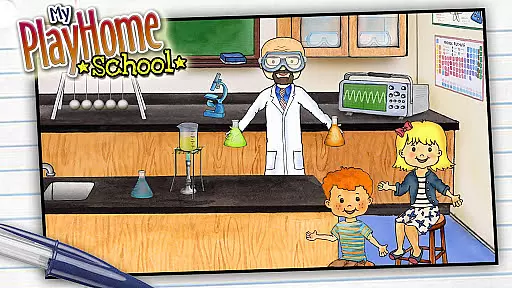
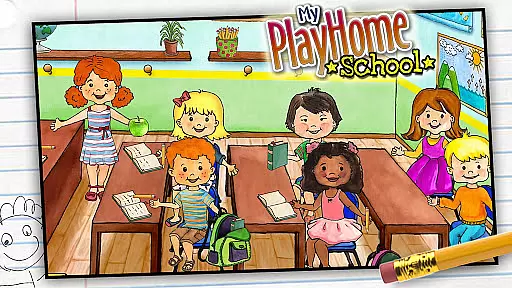
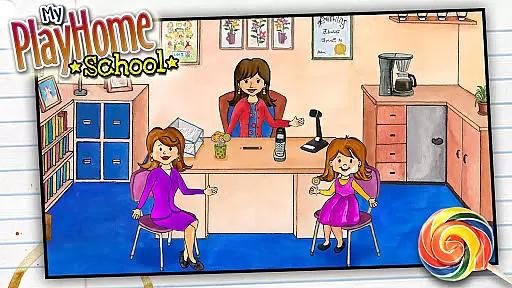
My PlayHome School is an interactive casual game that brings the award-winning PlayHome experience into a school setting. This virtual environment allows children to engage in imaginative play by exploring various school locations and activities.
The app features multiple rooms such as classrooms, science labs, and cafeterias where kids can role-play as teachers or students. With seamless integration with other PlayHome apps, it creates an expansive world of creative play without time limits or competitive elements.
Designed for free, unstructured play, My PlayHome School helps develop children's imagination and social skills through engaging scenarios and interactions. The safe environment ensures parents peace of mind with no advertisements or in-app purchases.
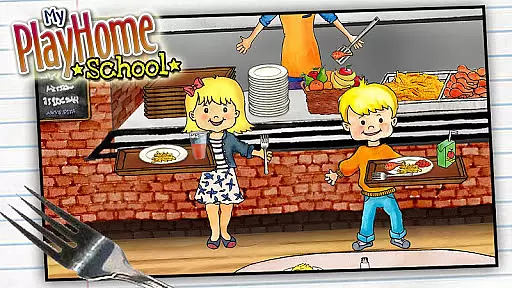
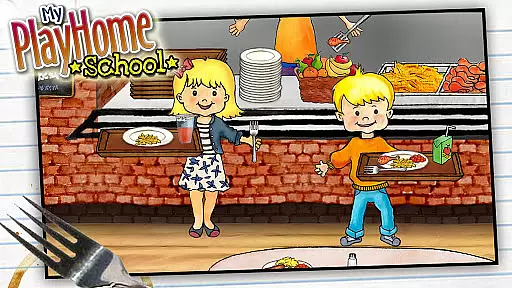
My PlayHome School offers rich features that enhance creative play experiences. The app includes interactive elements in each room, allowing children to perform various activities like conducting science experiments or serving lunch.
A key feature is its cross-compatibility with other PlayHome apps, enabling users to transfer characters and items between different environments. This creates a dynamic world where play isn't confined to just one location.
The app maintains a focus on child-safe design with no third-party ads, social media links, or registration requirements. Its intuitive interface and detailed graphics make it suitable for young children to explore independently while encouraging their cognitive development.
My PlayHome School offers a refreshing take on casual gaming by focusing on core gameplay simplicity. The app provides an intuitive and easy-to-navigate school environment that encourages children to explore various rooms and activities without any time limits or complex rules.
The absence of scores or power-ups ensures that the gameplay remains stress-free, allowing kids to immerse themselves in the joy of discovery and role-play. Whether they are experimenting in the science room or taking lunch in the cafeteria, every activity is designed to spark imagination and creativity.
This approach not only makes the game accessible to younger audiences but also supports longer engagement as children can play at their own pace, creating stories and scenarios driven by their imagination.
One of the standout features of My PlayHome School is its session length flexibility, which caters perfectly to the unpredictable attention spans of its young audience. Children can dive into the game for a quick play session or spend hours exploring every corner of the virtual school.
The integration with other PlayHome apps adds another layer of flexibility, enabling seamless transitions between different environments such as home and stores. This interconnected world allows for extended play sessions where kids can transport items and characters across different settings.
Parents will appreciate how this flexibility accommodates both short bursts of play during busy schedules and longer, more immersive sessions when time allows, making it a versatile addition to family entertainment.
Imaginative play
No in-app purchases
Cross-app integration
Safe environment
Detailed graphics
Limited educational content
No multiplayer mode
Simple gameplay
Few updates
Offline only

Go exploring with Duggee!
 4.20
4.20
RPG Adventure in the Caribbean as Pirate or Trader.
4.60
All-in-one tricky challenges, viral trending mini games. Stay calm & relax.
4.20
Relax, merge, and shine! Create your own beauty style story with every move.
4.50
Join LeeFoxie in a fun tower defense! Cute towers, tricky enemies, endless fun.
4.5
A companion app for score tracking while playing My Cows! on a roadtrip
4.3
Unfurl tent flaps, cut through bushes, slam doors, and poke some crocodiles!!!
4.70
A minimalist game about digging a hole in the garden of a newly purchased house
3.00
Suika Game is now available on Android!
3.90
A satisfying yarn puzzle. Unravel the tangled threads in the right order!
4.80
Save the Candy Bears! Match, pop, and blast through fizzy match-3 puzzles!
4.60
Repair, Refit, Repaint. Customize your truck today!
4.60
Relax and Explore your own fishing travel
4.50
Adds up the dots on a group of dominoes with your phone's camera and keeps score
4.30
Freddi and Luther have arrived at the Founder’s day festival!
4.20
Play the Angry Birds game enjoyed by millions of players every day!
4.10
Explore dungeons simple action RPG game Dungeons & Pixel Hero!
4.00
How does a p fall?
3.70
Epic air battles, jet upgrades, and boss fights await.
4.5


User Reviews