
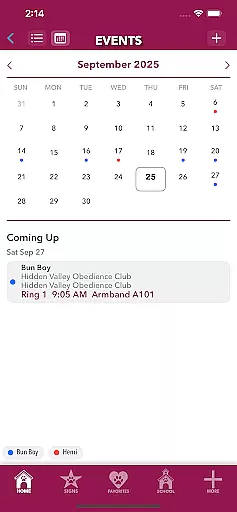
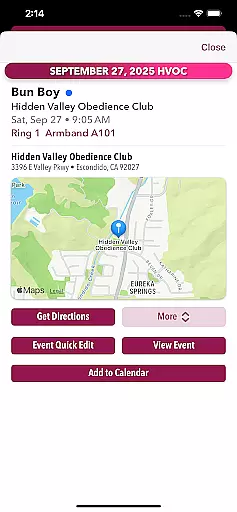
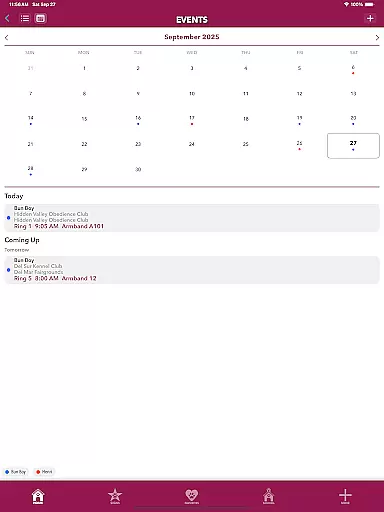
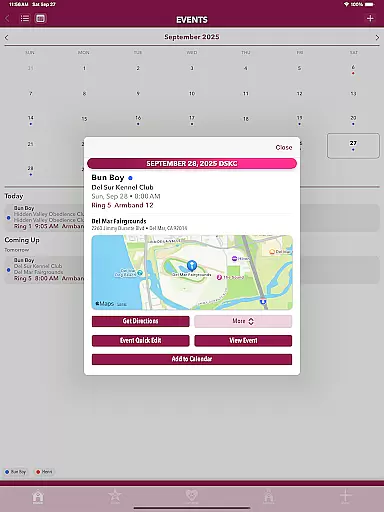
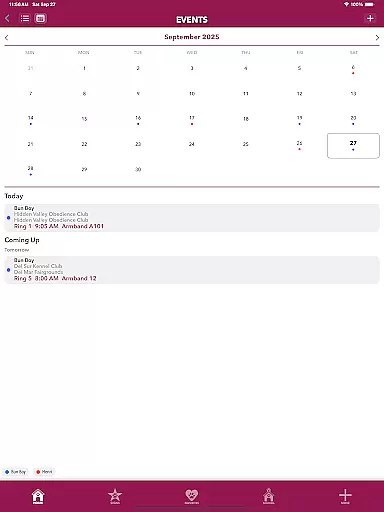
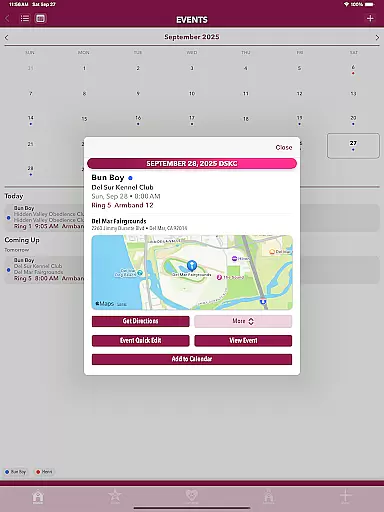
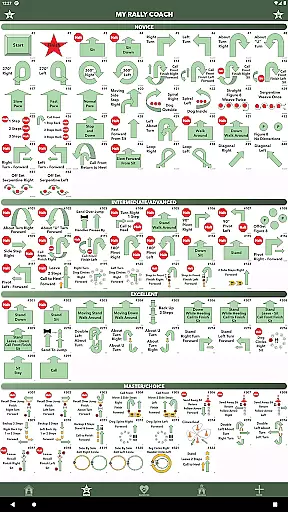
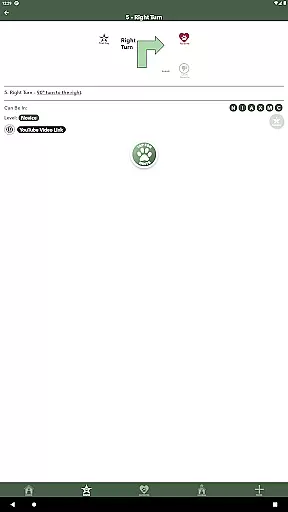
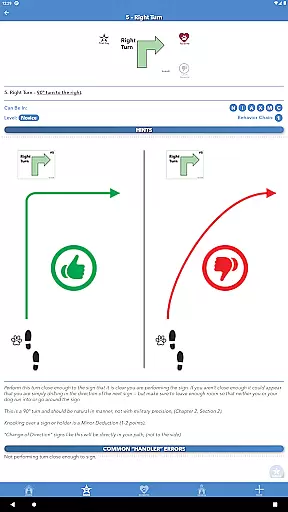
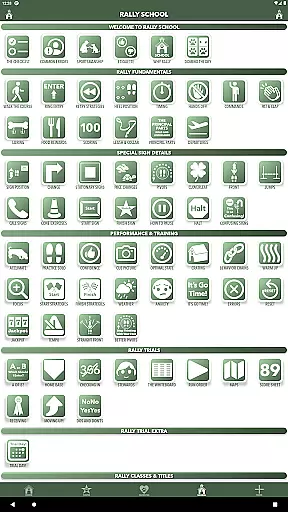
MyRallyCoach is a comprehensive training and tracking tool designed specifically for dog Rally enthusiasts. This app serves as your personal guide through the intricacies of Rally competitions, offering in-depth hints, diagrams, and resources to help you prepare effectively. With features like the Events Hub, users can seamlessly switch between list and calendar views, while built-in maps provide easy navigation to event venues. The app also allows attaching performance videos from platforms like YouTube and Vimeo, making it simple to review past performances.
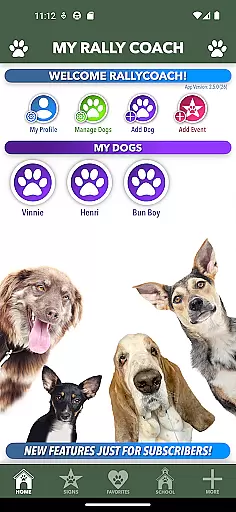
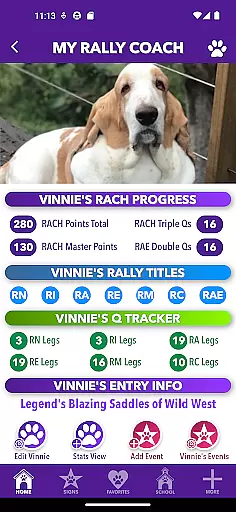
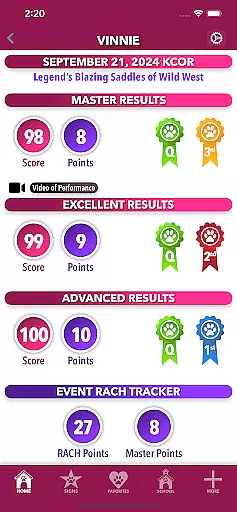
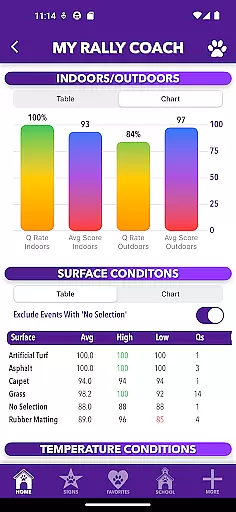
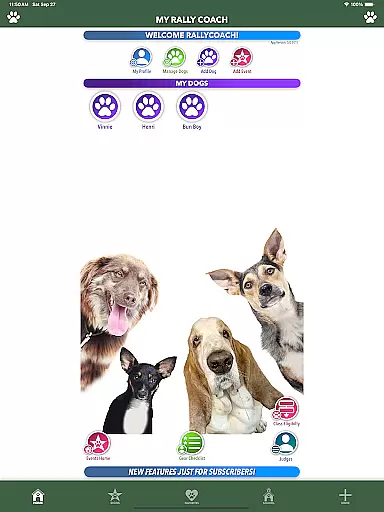
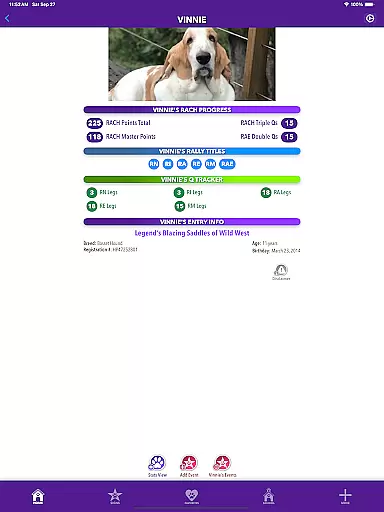
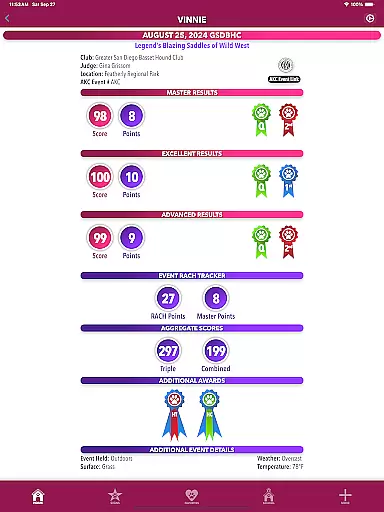
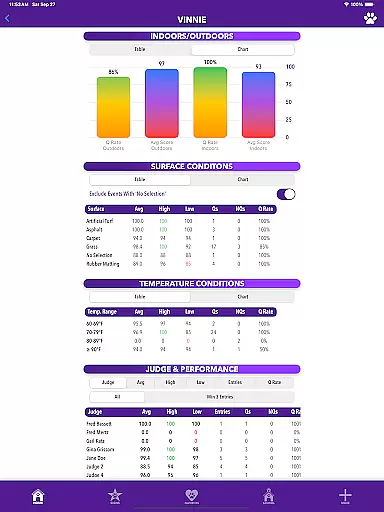
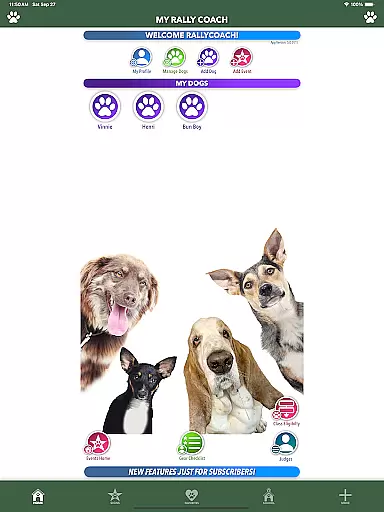
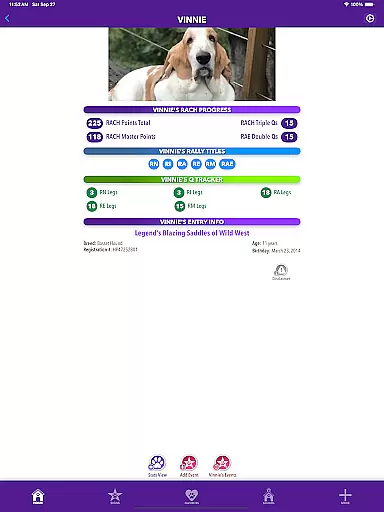
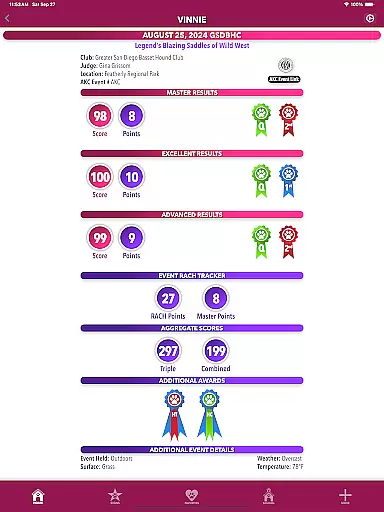
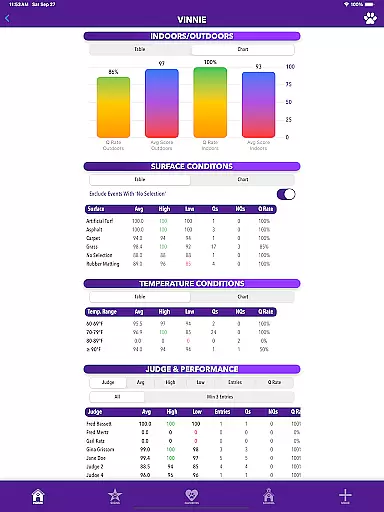
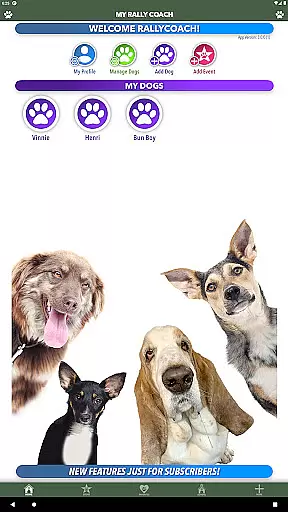
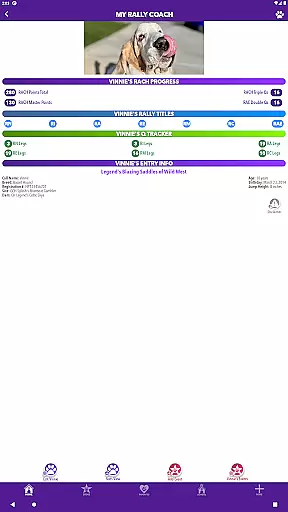
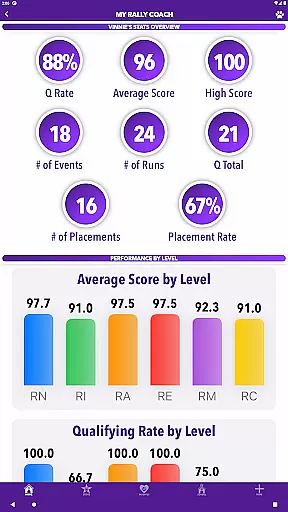
One of the standout features is the Rally Companion, which offers personalized dog profiles, automatic updates for qualifying legs, titles, and RACH points, and detailed performance stats. Whether you're new to Rally or an experienced competitor, MyRallyCoach provides all the tools necessary to track progress, plan events, and enhance training strategies. By consolidating essential Rally tools into one platform, this app ensures competitors can focus on what truly matters — excelling in their sport.
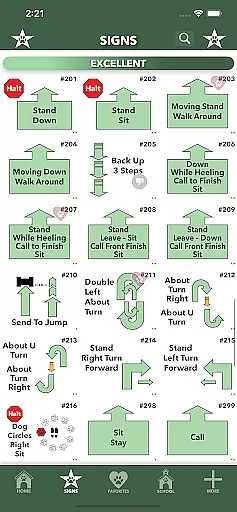
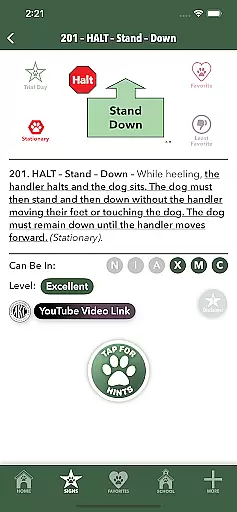
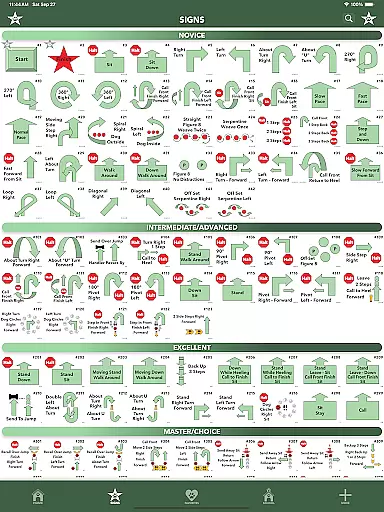
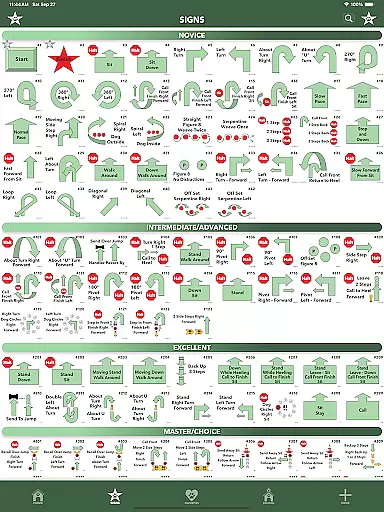
MyRallyCoach boasts a variety of advanced features tailored to meet the needs of Rally competitors. The Complete Sign Library includes all CKC Rally signs with filters for different levels and categories, aiding in both study and course planning. Subscribers gain access to Hints & Rally School, providing detailed guidance on each sign, common errors to avoid, and strategic lessons covering walkthroughs, retries, and ring readiness. The app's intelligent design extends to enhanced sorting and search functionalities, allowing users to quickly locate specific signs, events, or judges.
The app's latest updates introduce even more functionality. Users can now export data via Enhanced CSV Export, ensuring detailed records are always accessible. Integration with external mapping services like Apple Maps, Google Maps, and Waze streamlines travel logistics, while the ability to add events directly to the device’s calendar keeps users organized. These robust features collectively create a seamless experience that empowers users to manage every aspect of their Rally journey efficiently.
MyRallyCoach offers a comprehensive digital library tailored for Rally enthusiasts. The app includes all CKC Rally signs, providing users with an extensive resource for study and course planning.
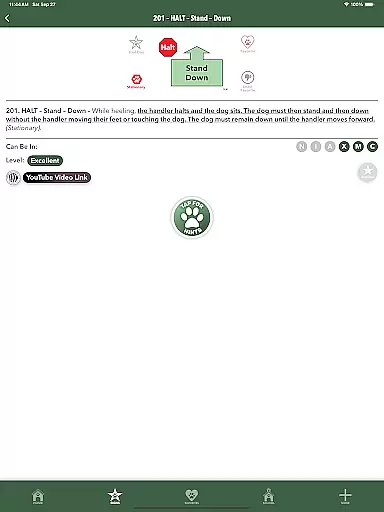
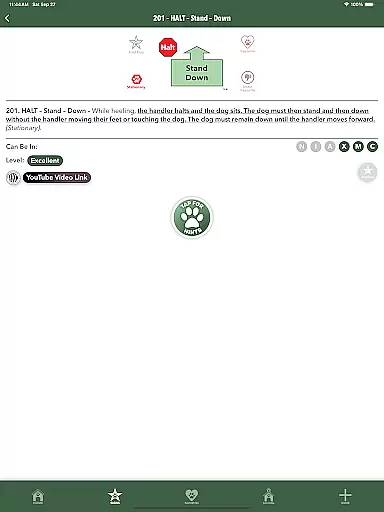
Each sign in the library is accompanied by detailed guidance, diagrams, and strategy lessons, ensuring that users have access to authoritative and accurate content. This guarantees that the learning material aligns with official regulations and standards.
The app's subscription-based Rally School further enhances its library by offering in-depth lessons on walkthroughs, retries, and ring readiness. These resources are crafted and vetted by experts in the field, reinforcing the authenticity of the educational content.
With its rich repository of Rally-specific knowledge, MyRallyCoach ensures users can confidently prepare for events and trials, knowing they are referencing credible and officially sanctioned materials.
User-friendly interface
Comprehensive sign library
Personalized dog profiles
Automatic progress tracking
Integrated mapping services
Subscription required for full access
Limited free content
Occasional bugs reported
Highly specialized niche
Steep learning curve for beginners

Bilingual dictionary with English translations of Modern Standard Arabic words.
 4.30
4.30
A wonderful reader for good time spend.
4.20
Read the romance stories on the go. Take my breath away, The Spoiled Girl
4.30
Prime novels await! Fantasy & Romance on JoyRead. Immersive reads!
4.20
Liturgy of the Hours totally off-line
4.80
Full text, sheet music, and recordings of the print edition
4.60
Identify birds of North America by call or picture | Bird Identification
4.20
A highly sophisticated app for all of your mobile reading—any format, any time
4.50
Learn to tie more than 200 knots in 3D!
4.90
Read and study the Bible and other content in over 1,000 languages.
4.80
This is the pro version King James bible Offline that we have
4.70
Read the KJV Bible with Strong’s offline: reading plans, audio Bibles, and more.
4.70
8 Dr. Seuss short stories in 1 app!
4.70
Offline translator from english to spanish, and from spanish to english.
4.50
Manage collectibles, survey and treasure maps in Elder Scrolls Online.
4.40
Mirror Bible - eye-opening paraphrase translation of the NT by Francois du Toit
4.30
A companion for prayer, with Azan alarm, Quibla direction, and Holy Quran book
4.10
All in one Calibre libraries on your phones and tablets.
3.80
University of North Carolina Herbarium presents the flora of TN, AL, & MS.
4.5


User Reviews