
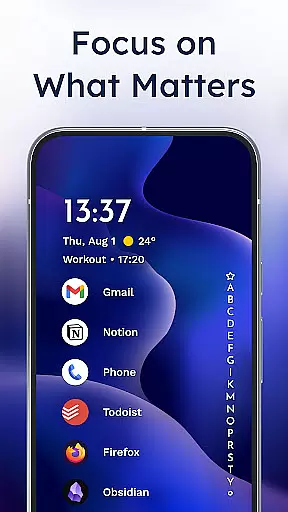
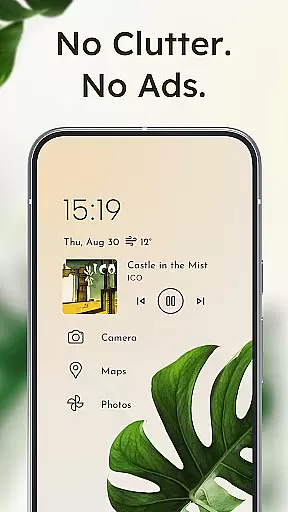
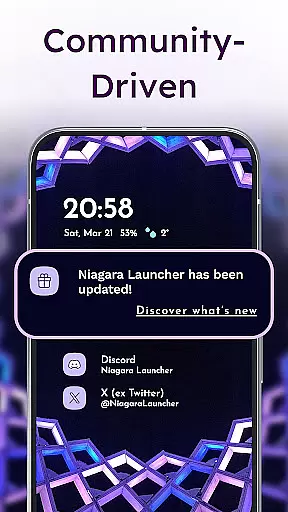
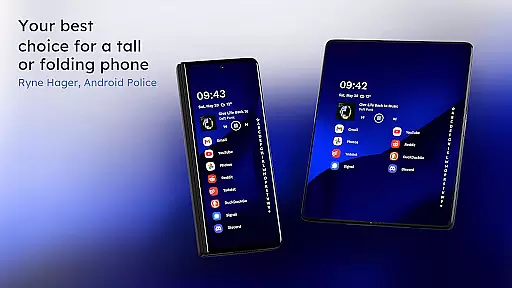
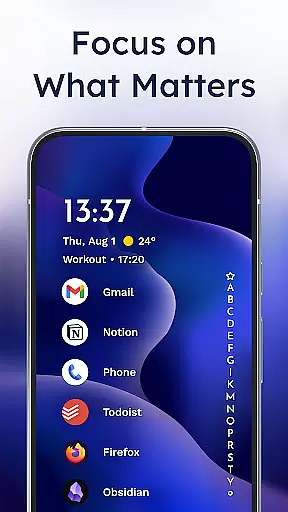
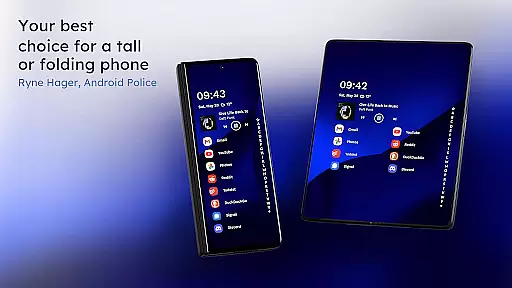
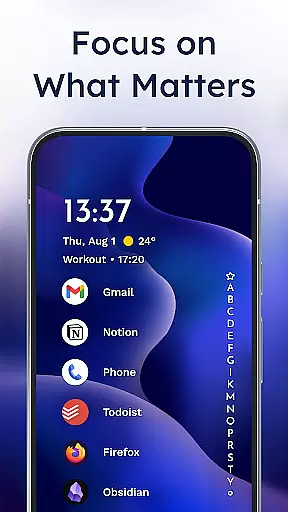
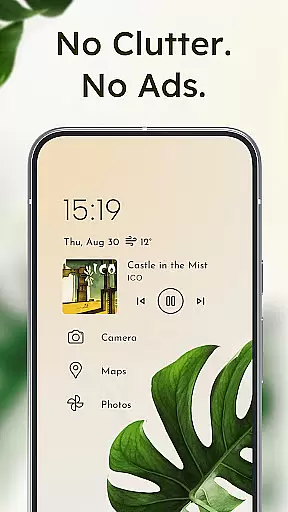
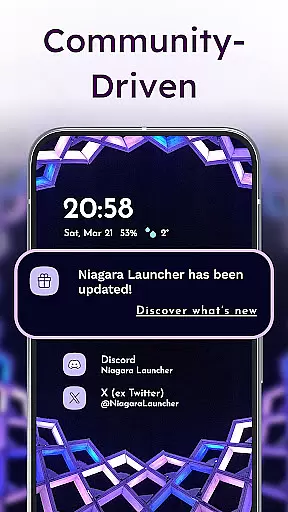
Niagara Launcher is a minimalist home screen app designed for modern smartphones. It focuses on one-hand usability, allowing users to access all their apps and essential information without stretching or discomfort. The launcher features an adaptive list layout that dynamically displays important content like media controls, messages, and calendar events when needed.
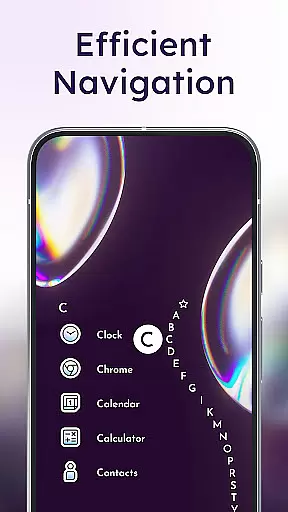
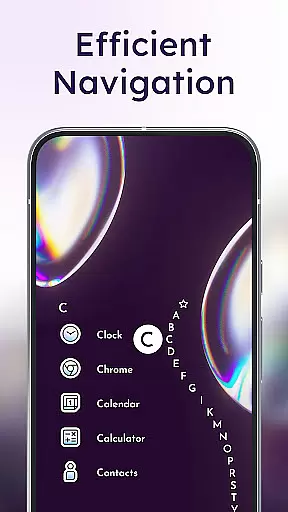
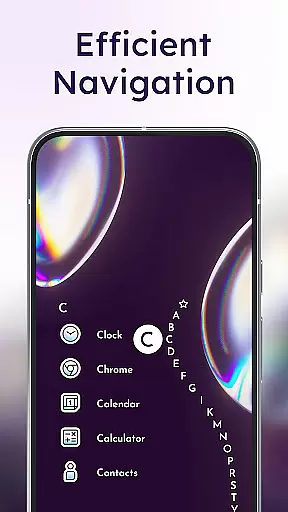
One of Niagara Launcher's standout features is its wave alphabet navigation, which lets users reach any app efficiently without needing an app drawer. The interface also embeds notifications directly into the home screen, enabling users to read and respond to messages instantly. Its Material You theming brings personalized design elements that adapt to your chosen wallpaper, creating a unique and visually appealing experience.
This launcher is ideal for users who value simplicity, speed, and focus. By decluttering the home screen and removing distractions, Niagara Launcher helps streamline daily smartphone interactions while maintaining a lightweight footprint. Whether you're looking to improve productivity or simply enjoy a cleaner aesthetic, this app offers a refreshing alternative to traditional launchers.
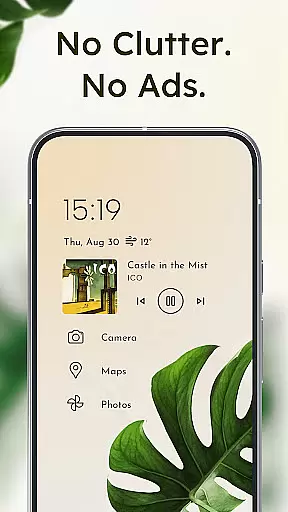
Niagara Launcher stands out with its innovative approach to Android home screens. Unlike conventional grid-based layouts, it uses an adaptive list system that prioritizes relevant content such as media controls, notifications, and calendar events. This ensures that only the most important information appears at any given time, reducing visual noise and enhancing usability.
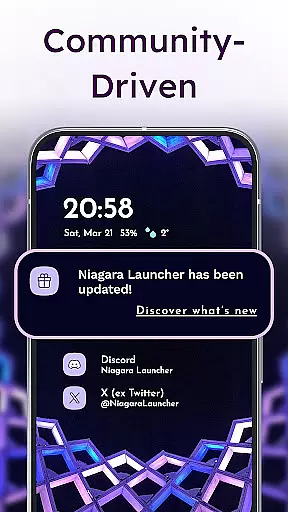
The wave alphabet feature exemplifies the app's commitment to ergonomic efficiency. Users can glide through their apps effortlessly using a smooth animation that feels intuitive and satisfying. Embedded notifications further enhance convenience by letting users interact with alerts directly from the home screen, eliminating the need to switch between multiple apps.
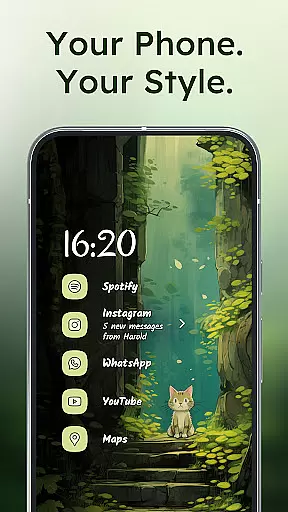
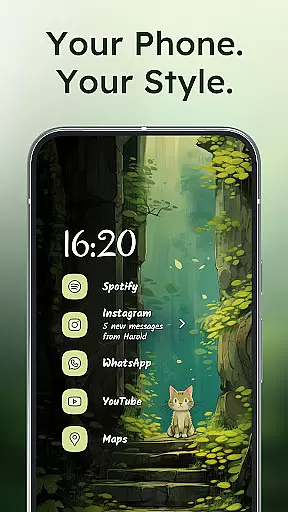
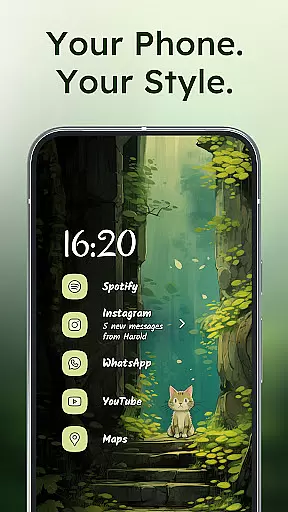
Customization options abound in Niagara Launcher. With support for Material You theming, users can personalize their home screens with dynamic color schemes based on their wallpapers. Additional customization tools include icon packs, fonts, and wallpapers, ensuring that each user's experience is uniquely theirs. Despite these rich features, the app remains lightweight and fast, making it suitable for devices of all performance levels.
Niagara Launcher offers a rich array of customization options that allow users to tailor their home screen experience according to their preferences. This includes integrated icon packs, various fonts, and customizable wallpapers, enabling a personalized touch to every user's interface.
With the adoption of Material You Theming, the launcher provides an expressive design system that automatically themes around the user's chosen wallpaper. This feature ensures that personal style is not only reflected in static elements but also in the dynamic theming of the entire home screen environment.
The minimalist design does not mean limited options. Users can impress their friends with a clean look while still having the freedom to adjust settings to suit their needs. Whether it's embedding notifications or adapting the layout for media players and calendar events, Niagara Launcher makes sure everything is accessible and visually coherent.
Theme compatibility in Niagara Launcher extends beyond basic theming by incorporating Material You, Android's latest design philosophy. This ensures that the visual experience is not only consistent across devices but also expressive and unique to each user's choice of wallpaper and color scheme.
The launcher backports Material You to all Android versions, making advanced theming accessible to a wider audience. This commitment to compatibility means users aren't restricted by their device's Android version when customizing their home screens.
By focusing on seamless integration with Androidu2019s evolving design systems, Niagara Launcher guarantees that its themes remain visually appealing and functionally intuitive. The result is a cohesive user interface where every element, from icons to notification styles, aligns perfectly with the chosen theme.
User-friendly interface
Lightweight performance
Ad-free experience
Customizable themes
Active community support
Limited widget support
No live wallpapers
Basic folder management
Fewer transition effects
Learning curve for new users

3D, live, and moving wallpapers & themes in 4K and HD for your device.
 4.50
4.50
Add cute Shimeji pets to screen, interact with them and relax with cute motions
4.60 4.50
4.50 4.10
4.10 4.50
4.50
Icons made of colorful linear lines
4.60
Launcher OS™ Pro without ads help make your phone simple and pretty
4.30
Adorable pets roam and play right on your phone screen!
3.30
Enjoy a variety of amazing live wallpapers and colorful EDGE lighting borders!
4.80
Only for Wear OS devices!
4.90
Dark icon pack based on One 8
4.80
Wallpaper HD 4K Live - Thousands of high-quality Anime backgrounds for you.
4.80
Beautiful realistic hybrid watch face with numerous customization options.
4.50 4.50
4.50
200+ Material Inspired Widgets
4.50
Your home screen, just the way you like it.
4.30
Realistic animated snow on your wrist, with 10 images landscapes to choose from
4.00
Turn your lock screen into fun with smile live wallpapers & animated wallpapers!
2.50
Struggling to find apps? Use this app to locate and open any app on your phone!
2.20


User Reviews