
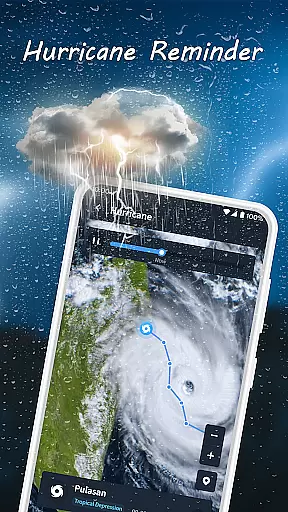
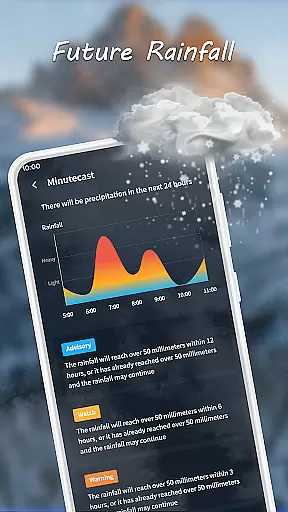
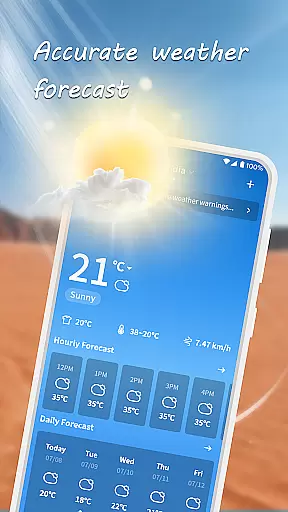
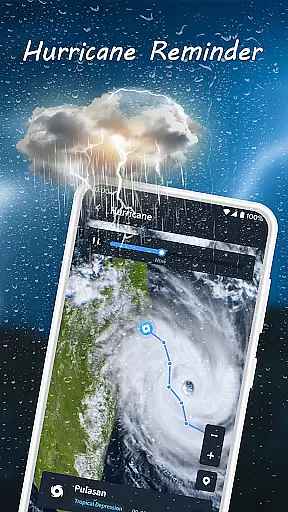
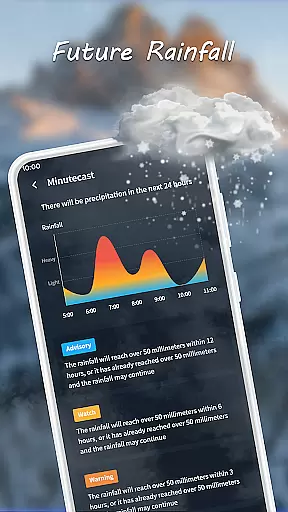
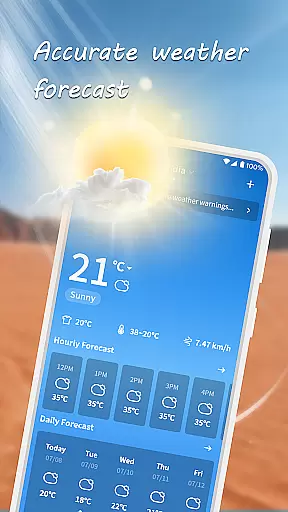
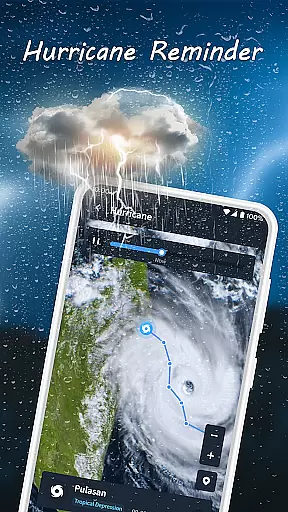
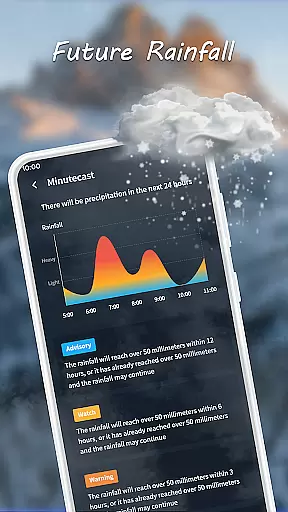
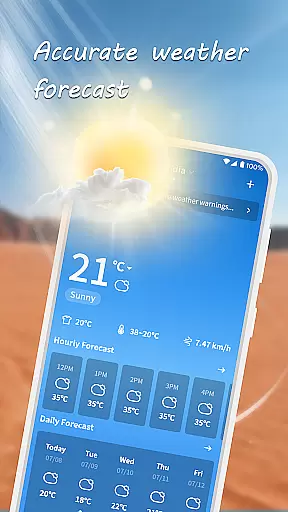
Nice Weather is a comprehensive weather application designed to provide users with real-time updates and detailed forecasts. The app's core functionality revolves around delivering accurate weather information, including hourly forecasts, today's detailed weather, and a 7-day outlook. This ensures users are prepared for any weather conditions they may encounter.
What sets Nice Weather apart is its user-friendly interface and personalized settings. Users can easily navigate through the app to access vital weather data such as temperature, humidity, and UV index. Additionally, the app supports automatic location-based updates while allowing manual city additions, making it versatile for various user needs.
Whether planning daily activities or preparing for weekend trips, Nice Weather equips users with the necessary information to make informed decisions. Its reliable and timely updates help eliminate weather uncertainties, ensuring users stay prepared and safe in all conditions.
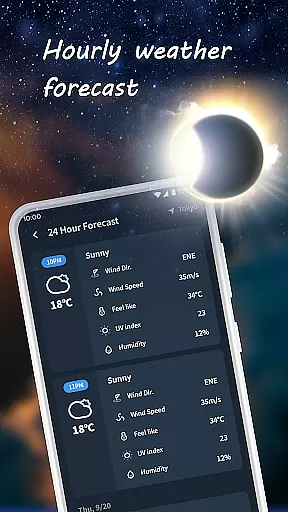
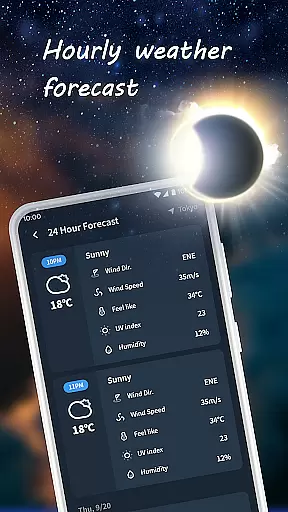
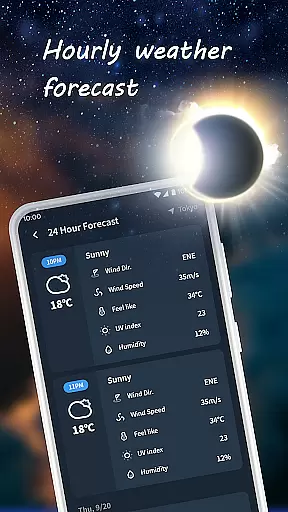
Nice Weather boasts an array of features that cater to diverse user requirements. One standout feature is the hour-by-hour forecast, which provides granular details about upcoming weather changes. This allows users to anticipate sudden rain showers or unexpected sunshine, enhancing their daily planning.
In addition to hourly updates, the app offers comprehensive insights into today's weather. Users receive detailed information on temperature fluctuations, humidity levels, and UV indices, enabling them to dress appropriately and take necessary precautions. The 7-day forecast further extends this utility by offering a broader view of weekly weather trends.
The app also emphasizes personalization and ease of use. With a clean, intuitive design, users can effortlessly navigate through different sections. Personalized settings ensure the app updates based on the user's location while providing the flexibility to add multiple cities. These features collectively enhance user experience, making weather tracking both efficient and enjoyable.
When it comes to weather applications, the accuracy of forecasts and credibility of data sources are paramount. Nice Weather excels in providing reliable and precise weather information that users can depend on every day.
The app employs advanced meteorological algorithms and integrates data from reputable weather services, ensuring that each hourly and daily forecast is as accurate as possible. This scientific approach guarantees that whether it's predicting a sudden rain shower or the best sunny days for outdoor activities, users receive trustworthy updates tailored to their locations.
For those planning weekend trips or managing weekly schedules, the 7-day forecast feature offers an extended outlook that helps anticipate weather trends effectively. The comprehensive daily insights, including temperature, humidity, and UV index, further enhance personal preparedness and safety.
Nice Weather stands out by offering extensive temporal and spatial forecast ranges, catering to both immediate and long-term weather information needs. Understanding these aspects is crucial for effective planning and decision-making based on upcoming weather conditions.
With real-time updates and an hourly forecast feature, the app ensures users are informed about sudden weather changes throughout the day. Whether it's unexpected sunshine or a brief rain shower, you'll know exactly what to expect within the next few hours.
In addition to short-term forecasts, Nice Weather provides a detailed 7-day overview, perfect for planning ahead. This broader temporal coverage allows users to strategize their activities well in advance, making sure they're always prepared regardless of where they are or what the weather holds.
User-Friendly Interface
Real-Time Updates
Accurate Forecasts
Personalized Settings
Detailed Insights
Limited Customization
Occasional Lag
Ads Present
No Extreme Alerts
Basic UI Design

Live local weather updates: various widgets & radar maps & hourly forecast.
 4.70
4.70
Moon phase calendar with live wallpaper, lunar widget, & 3D simulation.
3.60
Ultimate Lunar Calendar for 2021!
4.80
My Aurora Forecast is the app for Northern Lights and Aurora Borealis alerts.
4.60
Know the weather earlier.
3.90
Your ultimate app for accurate local weather information!
4.60
Stay Ahead Of Changing Weather Conditions
4.00
Prepare for severe weather with notifications, future radar, and live alerts.
4.60
Live NOAA weather app to track storm, rain, wind, lightning & real local updates
4.20
Local Weather provides accurate and current hourly and daily forecasts.
4.80
Ultimate weather forecast + moon phase for Wear OS 5+ (Pixel, Galaxy, et al.)
4.70
The reliable and trusted global air quality, wildfire, pollen, PM2.5 forecast
4.70
Get accurate rainfall and snowfall totals for pinpoint locations on a map.
4.60
Local forecast, alerts, rain, snow and wind radar, air quality & weather widget
4.60
Weather related custom complications for Wear OS. UV, Hi-Lo, AQI and more!
4.40
Your Trusted Weather Companion
4.40
Weather watch face for Wear OS 5
4.40
Weather watch face for Wear OS 5+
4.10
Dynamic weather watch face with glass effect, bold time & 7 complications.
4.0


User Reviews