
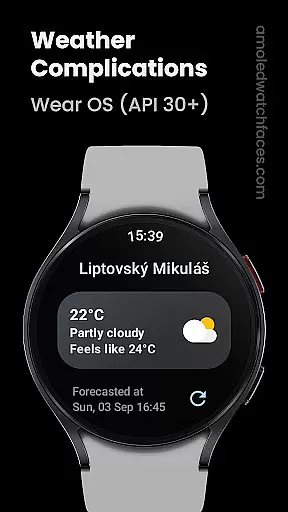
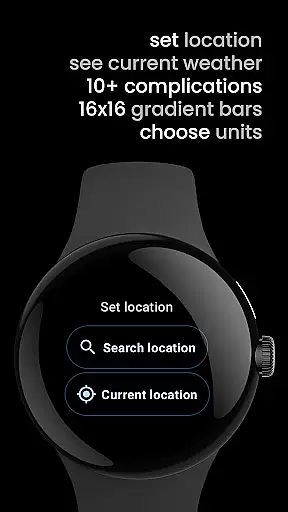
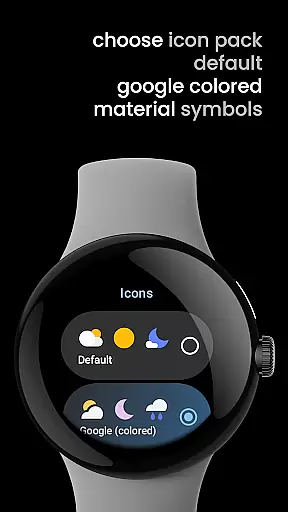
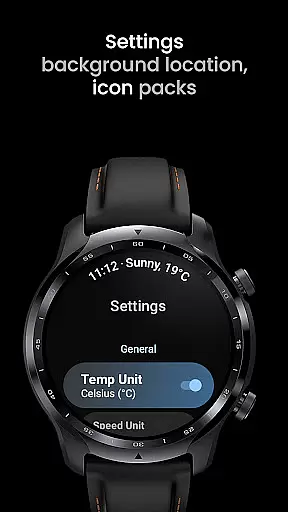
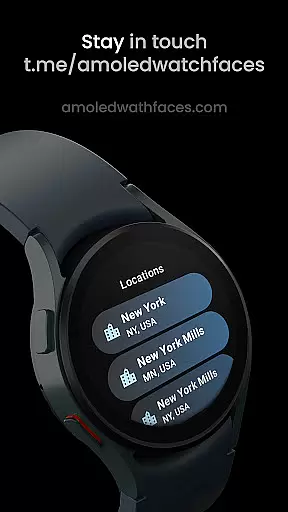
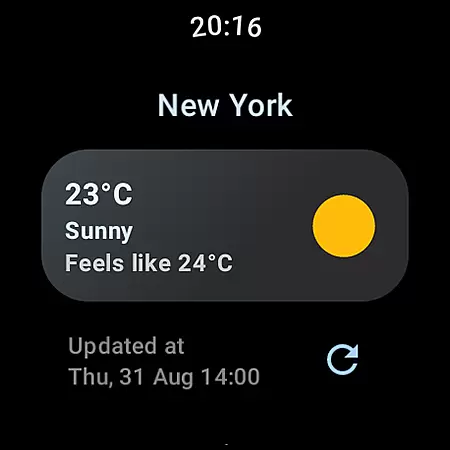
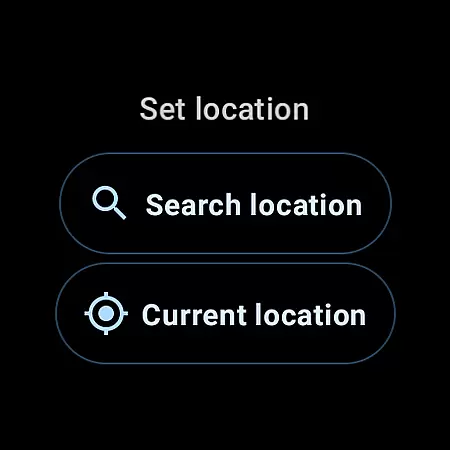
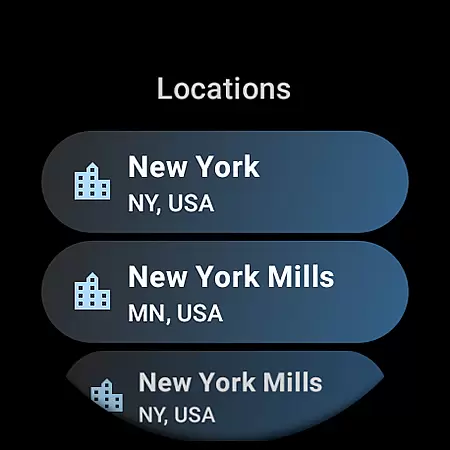
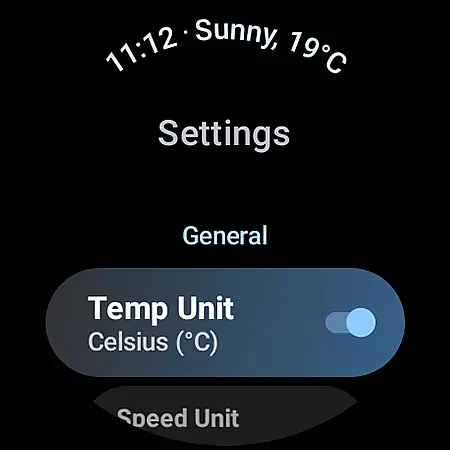
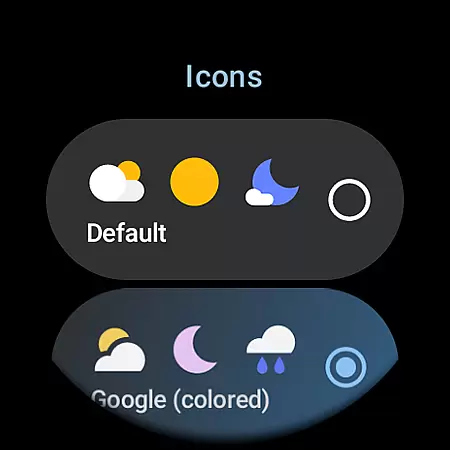
Weather Complications is a specialized app designed exclusively for Wear OS API 30+ devices. This application consolidates all weather-related custom complications into one convenient package, refreshing data every 35 minutes to optimize battery life while maintaining up-to-date information. Users can access detailed weather data including air quality index, atmospheric pressure, and UV index, among others, ensuring they stay informed about environmental conditions.
The app leverages advanced APIs such as Places API from Google for location services and integrates with reliable weather data sources like WeatherAPI.com and OpenWeatherMap.org. Whether you need short-term forecasts or detailed climate analysis, Weather Complications provides versatile display options adaptable to various watch faces. Its compatibility with multiple complication types makes it an essential tool for smartwatch users seeking comprehensive weather insights on their wrist.
Weather Complications stands out with its extensive range of supported custom complications, offering over a dozen unique data points such as Air Quality Index, Atmospheric Pressure, and UV Index. Each complication type supports multiple display formats including SHORT_TEXT, LONG_TEXT, RANGED_VALUE, ICON, and SMALL_IMAGE, allowing users to personalize their watch faces according to preference and necessity.
This app ensures data freshness within 15 minutes and continues providing forecasted information even when offline. By utilizing robust APIs for both location services and weather updates, the app guarantees accuracy and reliability. Additionally, integration with popular weather services like WeatherAPI.com and customizable provider keys from OpenWeatherMap.org enhances user experience by delivering precise meteorological details tailored to individual needs.
Weather Complications for Wear OS provides highly accurate weather forecasts powered by reliable data sources such as WeatherAPI and OpenWeatherMap. These platforms are renowned for their precision in delivering real-time meteorological information.
The app refreshes its weather complications every 35 minutes, ensuring that users receive the most up-to-date climate details without compromising battery life. Even when offline, it continues to display forecasted data for the current hour, maintaining a seamless user experience.
By leveraging Google's Places API, the application accurately determines location-based weather updates, enhancing the credibility of the information provided. This meticulous approach to data sourcing ensures users can trust the app for their daily weather needs.
One of the standout features of Weather Complications is its ability to provide both temporal and spatial forecast ranges. Users can access detailed predictions that span various timeframes, from immediate conditions to extended outlooks, all within a single interface.
The app supports an extensive array of custom complications, including Air Quality Index, UV Index, Humidity levels, and more. Each complication type offers different formats like SHORT_TEXT, LONG_TEXT, or ICON, catering to diverse user preferences and smartwatch designs.
With support for multiple data providers, users have the flexibility to choose between default services or input custom provider keys. This adaptability not only broadens the forecast range but also allows personalized configurations tailored to individual requirements.
User-friendly interface
Comprehensive weather data
Optimized battery usage
Multiple display options
Reliable offline functionality
Limited to Wear OS
No BOGO promotions
Requires API 30+
Premium features locked
Occasional sync delays

Live local weather updates: various widgets & radar maps & hourly forecast.
 4.70
4.70
An unofficial app version of the National Weather Service (Weather.gov)
3.90
Track rainfall totals with ease using our rain gauge app. Accurate rain tracker.
4.50
Weather forecast & live radar map
4.20
Storm Radar, Alerts & Live Weather Forecasts Right on Your Home Screen
3.70
3D Animation Weather Icon
4.00
Download now and give your smartwatch a fresh, premium look!
4.20
Powerful US and worldwide earthquake feed with earthquake alerts and maps.
4.70
Weather radar map, storm tracker, local forecast, live rain alerts & daily news.
4.60
Local weather forecast app, your personal 7*24 local weather forecast assistant.
4.90
Weather radar, hyperlocal tracker and weather maps: follow your weather station
4.80
Nuts Weather, your ideal choice for knowing weather forecast & weather radar
4.70
Track lightning strikes with our thunderstorms map, radar and lightning alarm.
4.70
72-hour weather & daily forecasts with extreme weather alerts
4.60
Super-res, real-time weather radar. Be prepared for extreme weather.
4.50
14-day & 24-hour Forecast | Real-time Alert | Accurate & Fast
4.40
Precision Weather, Right at Your Fingertips
4.40
Weather watch face for Wear OS 5+
4.10
Most precise & accurate compass app give true North South East West directions.
3.00


User Reviews