
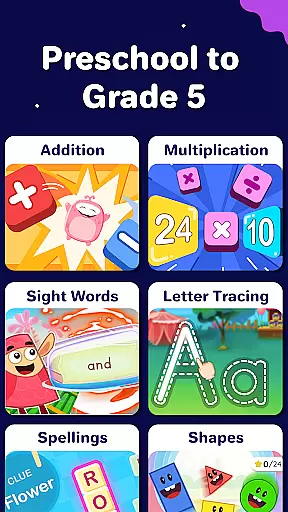
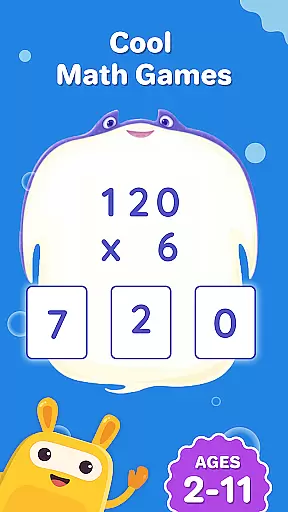
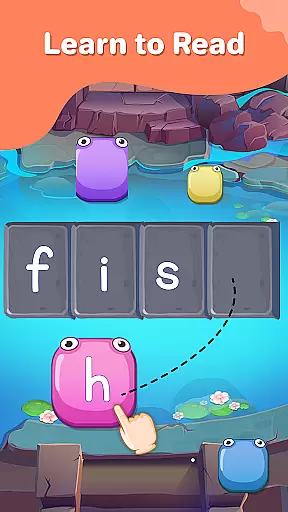
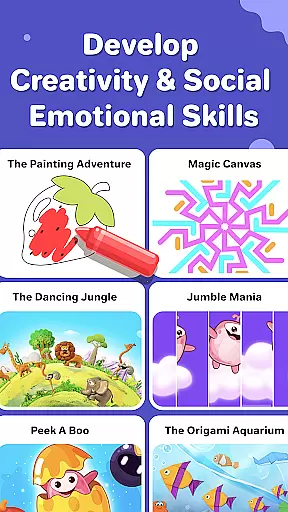
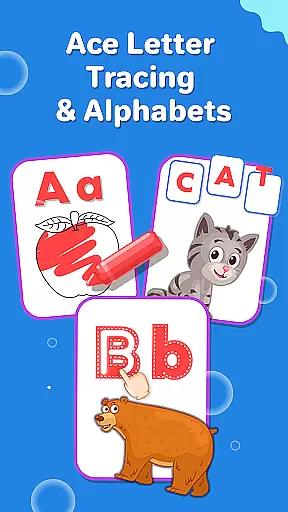
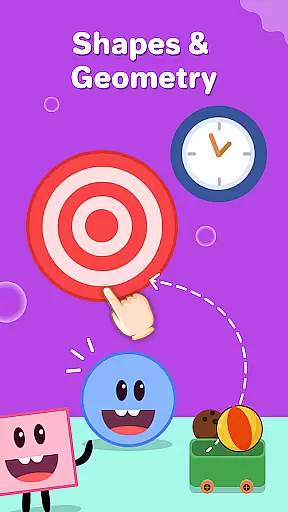
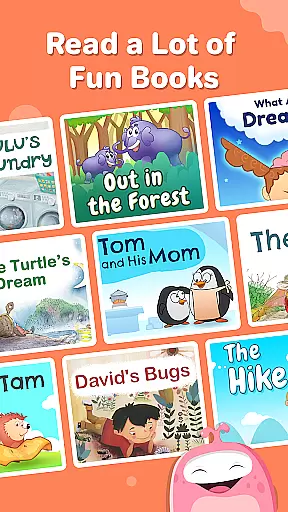
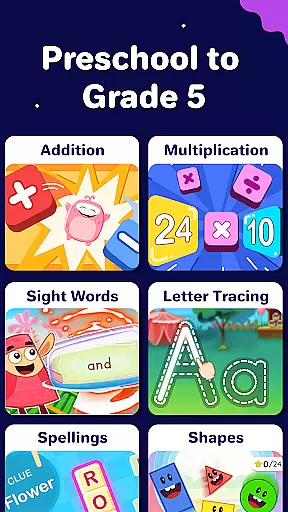
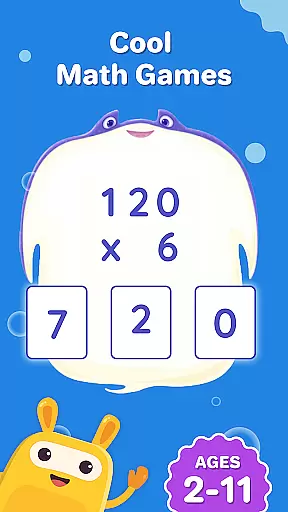
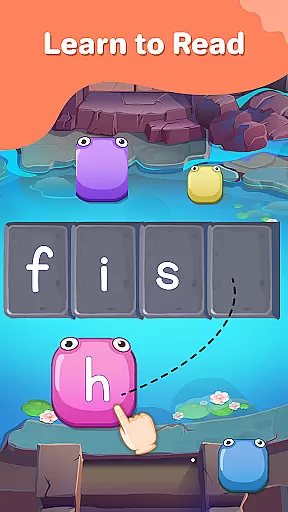
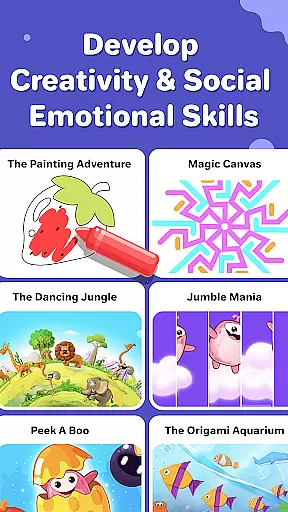
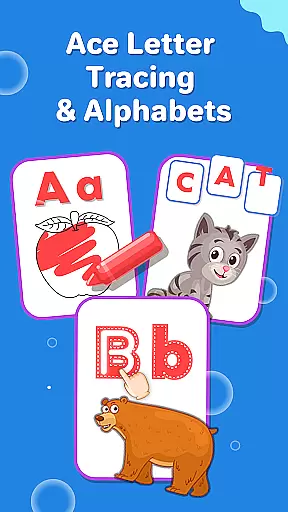
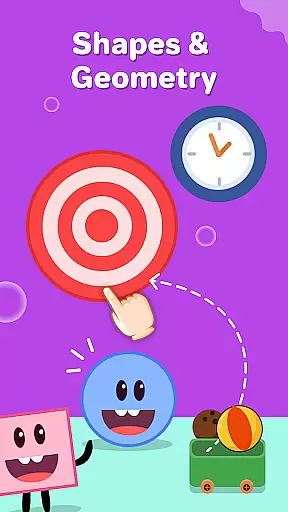
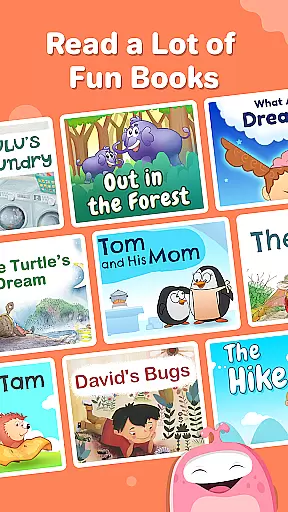
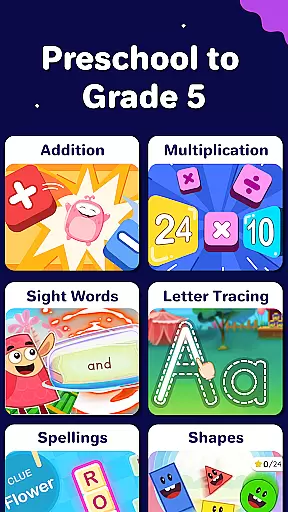
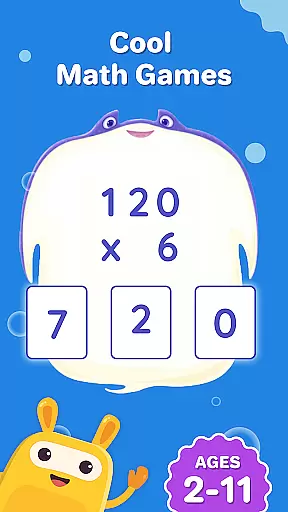
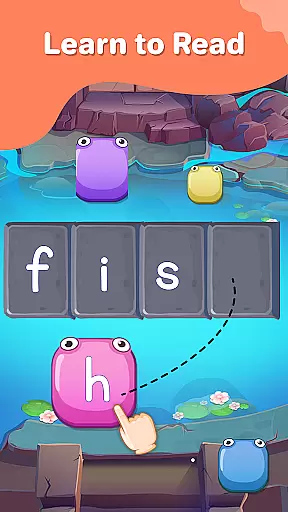
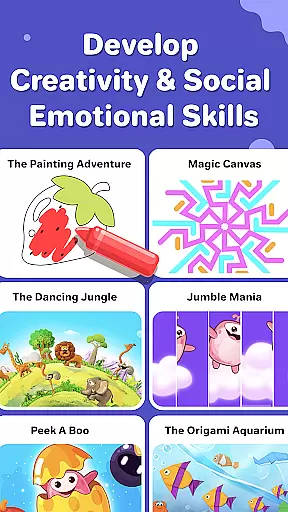
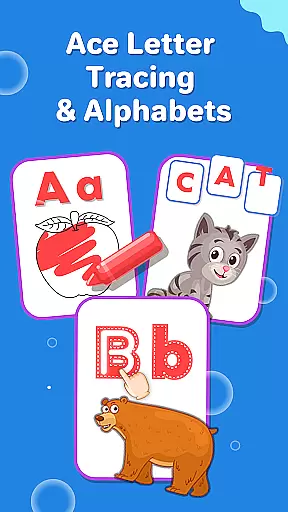
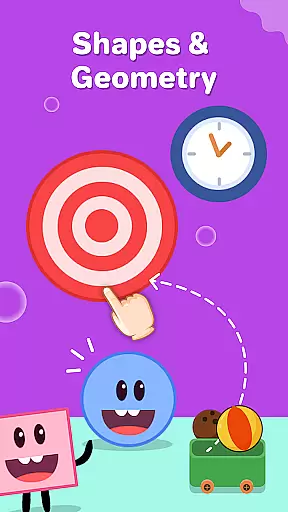
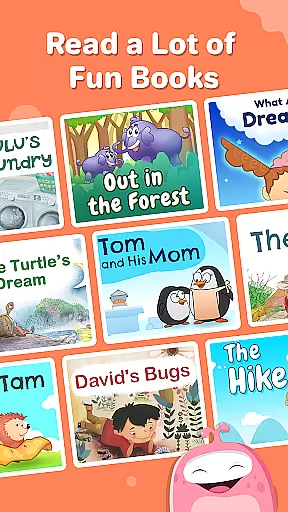
SplashLearn is an award-winning educational app designed for children aged 2-11, covering PreK to Grade 5 learning needs. This comprehensive learning platform focuses on math, reading, and creativity through engaging games and activities tailored to each child's level. The app transforms screen time into productive learning sessions, making education both enjoyable and effective.
With personalized learning paths, SplashLearn adapts to individual progress, offering content that spans from basic counting and letter recognition to advanced math operations and reading fluency. Its unique blend of interactive exercises, storytelling, and creative games ensures a balanced approach to childhood education. Parents and teachers trust this app to build foundational skills while keeping kids motivated through fun challenges and rewards.
SplashLearn stands out with its diverse range of features designed to support young learners at every stage. The app includes common core-aligned lessons in math and reading, ensuring that children meet educational standards while having fun. Math topics cover everything from number recognition to complex operations like fractions and decimals, while reading incorporates phonics, sight words, and fluency practice.
A key highlight is the app’s personalization engine, which tailors content based on each child's performance and learning pace. Progress tracking allows parents and educators to monitor growth over time, identifying areas where additional focus may be needed. Safety is prioritized with an ad-free environment, and built-in reward systems keep kids engaged as they advance through various levels of difficulty.
SplashLearn stands out for its commitment to content accuracy and authority, ensuring that every learning module is meticulously crafted and reviewed by educational experts. The app's math and reading curricula are aligned with Common Core standards, providing a reliable framework for foundational skills development.
For mathematics, the app offers structured lessons from basic counting for toddlers to advanced operations like fractions and decimals for older children. Each exercise is designed based on proven pedagogical methods, ensuring age-appropriate challenges and accurate skill-building opportunities. The integration of interactive tools further reinforces mathematical concepts through engaging practice.
In reading, SplashLearn employs research-backed phonics instruction and sight word practice, helping children develop strong literacy foundations. The app includes carefully curated read-aloud books and leveled readers that support vocabulary growth and comprehension skills. These resources are developed in consultation with reading specialists to ensure effectiveness and relevance.
The app's personalized approach extends to its adaptive learning paths, which adjust to each child's progress. This ensures that students receive appropriately challenging content at every stage, maintaining both engagement and learning precision. Parents and teachers can trust that the material is not only accurate but also tailored to optimize individual learning outcomes.
SplashLearn excels in creating personalized learning paths that adapt to each child's unique needs and abilities. Through sophisticated algorithms, the app assesses a childu2019s current skill level and automatically adjusts the difficulty of activities to provide an optimal learning experience.
For younger learners, the app introduces playful toddler games and preschool activities that focus on essential skills such as number recognition and letter tracing. As children grow, the system seamlessly transitions them to more complex tasks, including multiplication tables and reading comprehension exercises, all while maintaining an element of fun.
Progress tracking features allow parents and educators to monitor individual achievements and areas needing improvement. Detailed reports highlight completed lessons, time spent on tasks, and mastery levels across subjects. This data-driven approach ensures that learning remains targeted and effective.
Additionally, built-in reward systems motivate continued engagement by celebrating milestones and accomplishments. By combining adaptive technology with expert-designed content, SplashLearn delivers a truly customized educational journey that grows alongside each learner, fostering both confidence and competence.
Personalized learning paths
Engaging game-based format
Comprehensive curriculum coverage
Progress tracking tools
Safe, ad-free experience
Limited offline functionality
Premium subscription required
Advanced topics need guidance
Occasional loading delays
Interface can overwhelm beginners

Learn Words Daily in Just Minutes - Boost Your Language Skills Fast!
 4.60
4.60
2026 DVSA Driving Theory Test revision with Hazard Perception + Highway Code
4.60
Listen, request and record pronunciations in more than 450 languages. Everywhere
3.90
An aviator’s preparation, study and test tool for FAA Knowledge Exams.
4.30
Hasbro’s classic CANDY LAND game is now a gorgeous interactive storybook app.
2.30
Adventures await with Spider-Man and other Marvel characters!
4.10
Your Arts+Culture Guide
4.00
Train, track, and reward potty training using Potty with Pull-Ups® ft. Disney®
4.70
Plant identifier: Identify plants, trees, weeds, flowers. Disease diagnosis.
4.30
Discover Your Place in the Universe
4.70
The Fighter Verses Bible memory system helps you memorize God's Word.
4.50
The FE Clock is a way to track sun & moon around the circle of the earth.
4.30
For medical training - Visualize complex vein maps and structures in real-time.
4.10
FAR/AIM, FAR for Flight Crew and FAR for Aviation Maintenance Technicians
3.80
Make your own game and world. Draw and animate characters
3.70
A must-have app for mastering Japanese verb/adjective conjugations.
3.60
Quiz App to help case managers studying for CCMC Certification, 200+ Questions
3.40
A 2024 digital study guide for the Expert Infantryman and Expert Soldier's Badge
4.5
Learn and joke with the Silly Turkey!
4.4


User Reviews