
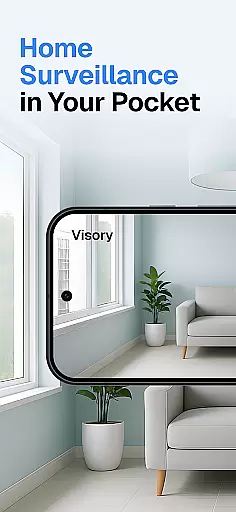
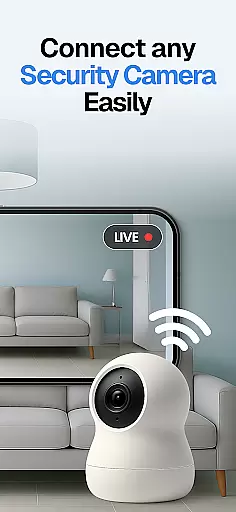
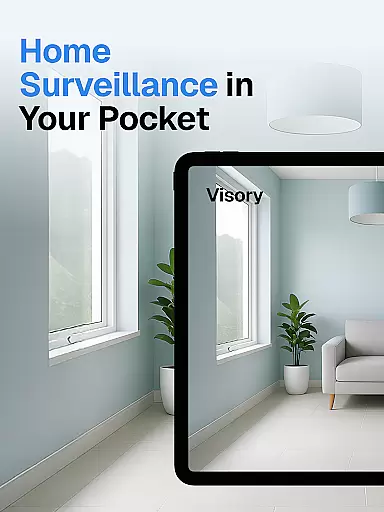
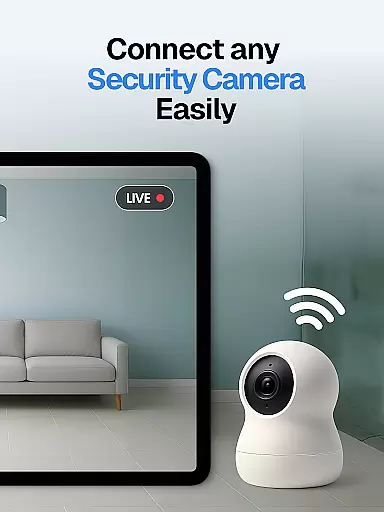
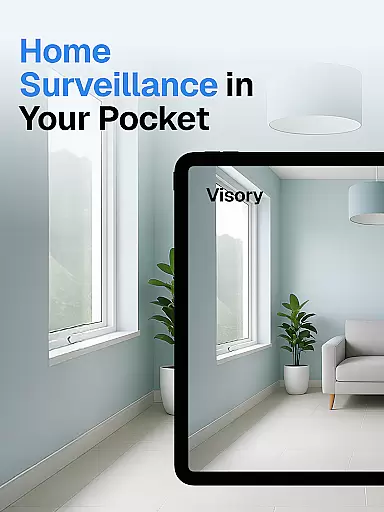
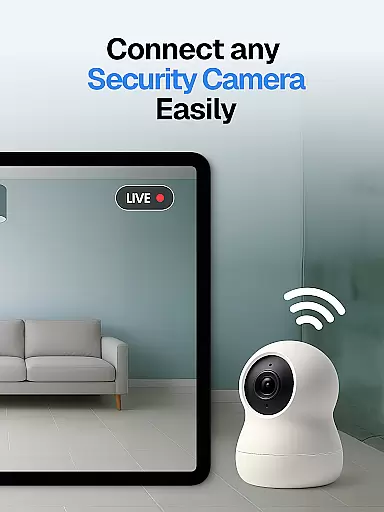
Surveillance Camera is a feature-rich home monitoring solution that transforms your mobile devices into a comprehensive security system. This HD wireless IP camera app allows users to create a home CCTV network by connecting multiple devices, enabling remote monitoring and discreet surveillance. The application's core functionality lies in its ability to link at least two devices - one for capturing video and another for viewing, making it an ideal solution for home security and pet monitoring.
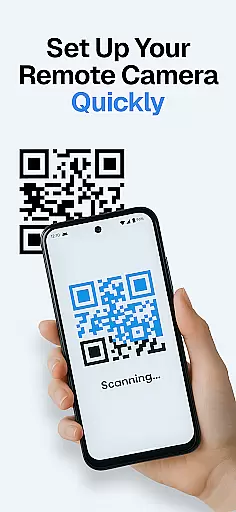
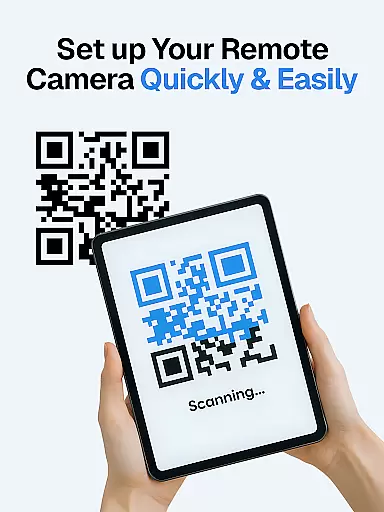
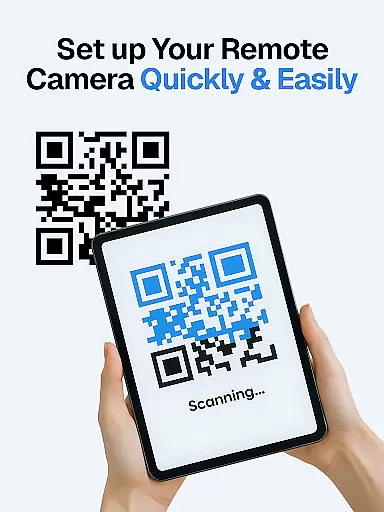
The app stands out with its cross-platform compatibility, supporting both Android and iOS devices seamlessly. Its QR code setup feature simplifies the connection process between devices, while the cloud-based storage system ensures all recordings are automatically saved and accessible from anywhere. Whether you need to monitor your pets, keep an eye on elderly family members, or set up a smart alert system for intruders, this application provides a reliable and flexible solution for various monitoring needs.
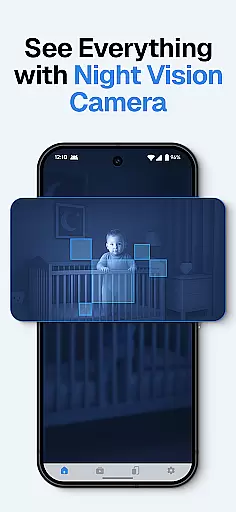
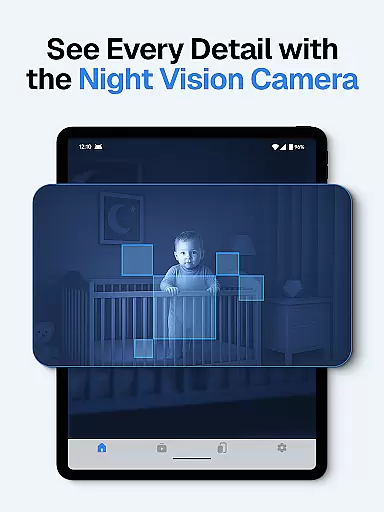
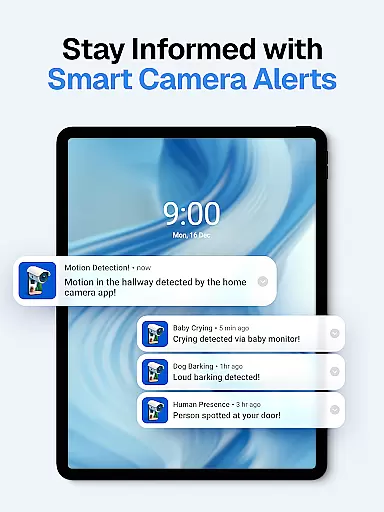
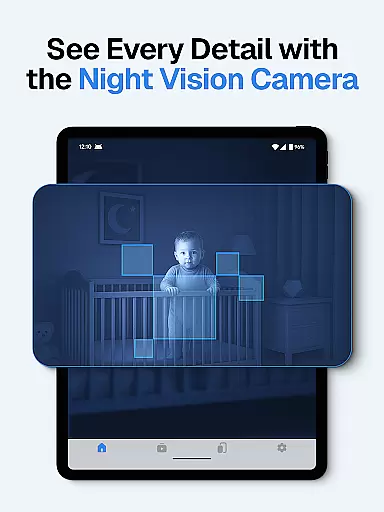
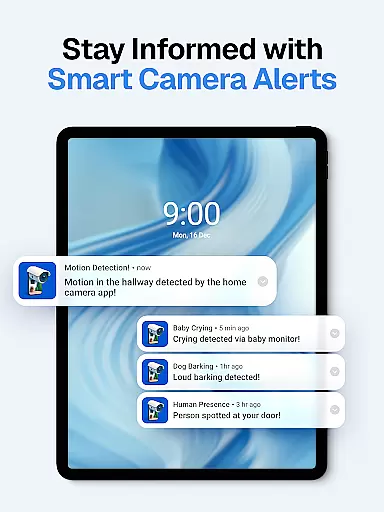
A particularly useful application of this system is in baby monitoring. Parents can receive instant alerts for baby cries while maintaining complete night vision capabilities, ensuring peace of mind during nighttime hours. The combination of sound detection, motion sensors, and automatic night vision makes this app an invaluable tool for modern home security and family monitoring solutions.
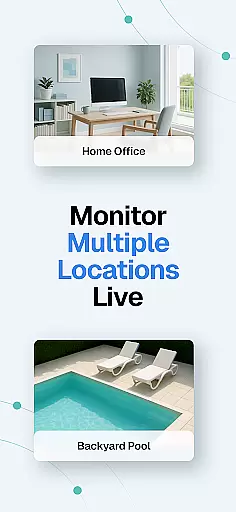
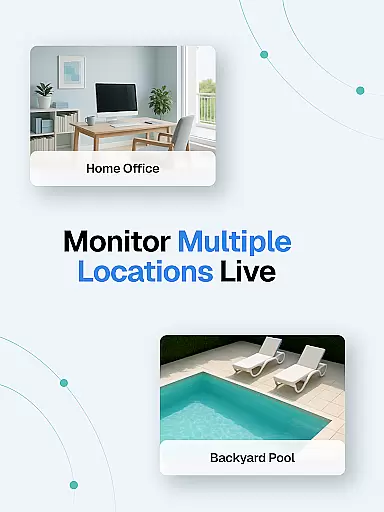
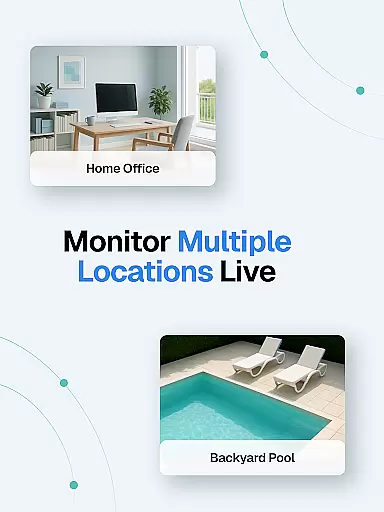
The Surveillance Camera app offers an impressive array of features designed to enhance home security and monitoring capabilities. One of its most notable aspects is the multi-device support system, allowing users to maintain several live streams simultaneously. This feature enables comprehensive coverage of different areas within your home or property, providing real-time monitoring across multiple locations through a single interface.
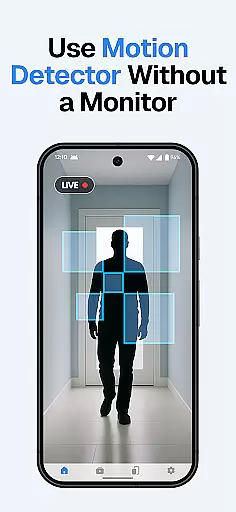
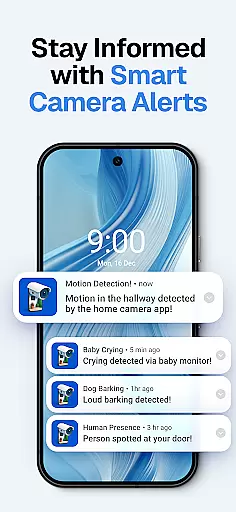
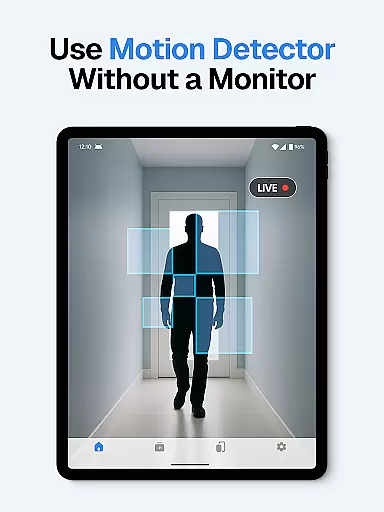
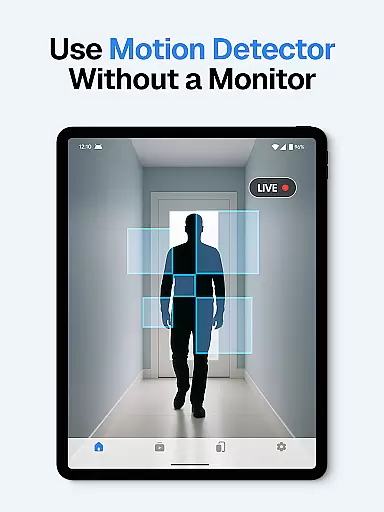
Advanced detection systems form another crucial component of this application. The app incorporates sophisticated algorithms for sound and motion detection, including specialized recognition for baby cries and dog barks. These detection systems trigger instant alerts to users' devices, ensuring immediate notification of any unusual activity. The automatic night vision mode further enhances these capabilities by providing crystal-clear footage even in complete darkness, maintaining 24/7 monitoring effectiveness.
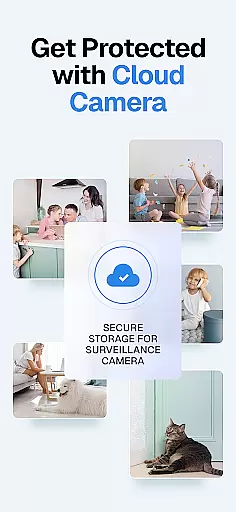
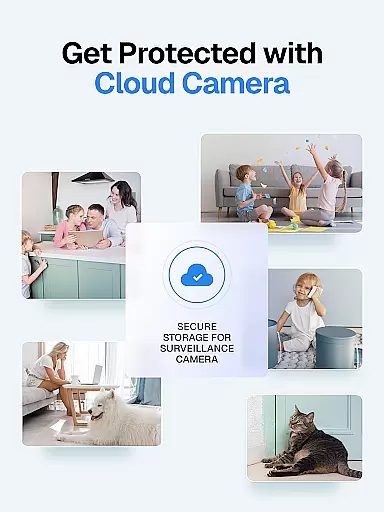
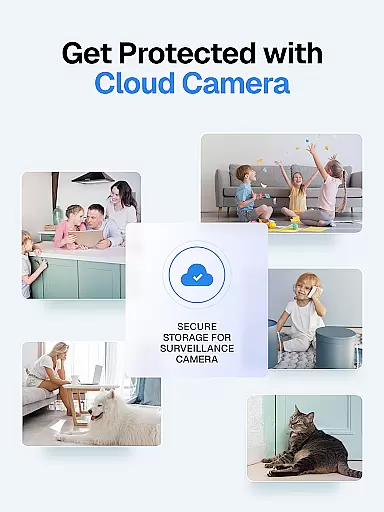
Security and privacy features have been thoughtfully implemented throughout the application. All video streams and recordings are protected through secure connections, while cloud storage ensures data safety and accessibility. The one-time payment model adds significant value, allowing users to add unlimited devices without recurring charges. Additionally, the quick setup process via QR code scanning streamulates device pairing, making it easy for users to establish their monitoring system efficiently and securely.
In the context of home security and monitoring, ensuring the authenticity of property listings is crucial for effective surveillance. The Visory app provides a reliable solution by transforming your mobile devices into a high-definition wireless IP camera system.
This innovative approach guarantees that the video feed you monitor is genuine and directly sourced from your property. By linking at least two devices, one acting as the camera and the other as the monitoring station, users can be confident in the authenticity of their surveillance setup.
The app's QR code setup ensures secure and easy device pairing, while its cross-platform compatibility allows seamless integration between Android and iOS devices. This creates a trustworthy environment where users can be certain they are viewing real-time footage from their actual property.
With features like sound and motion detection, automatic night vision, and cloud recording, Visory not only verifies the authenticity of the property being monitored but also provides comprehensive security coverage. These capabilities ensure users receive accurate alerts and recordings, making it an invaluable tool for home protection.
Effective home management extends beyond basic monitoring to include smart features that enhance security and convenience. Visory offers a robust set of tools that transform your mobile devices into a sophisticated home management system.
The app supports multiple live streams simultaneously, allowing users to manage various areas of their home from a single interface. Whether monitoring different rooms or keeping an eye on pets in separate locations, this feature streamlines home management through centralized control.
Advanced functionalities such as baby cry and dog bark detection demonstrate Visory's commitment to intelligent home management. These features automatically notify users of specific events, enabling proactive responses to household needs.
Furthermore, the app's cloud storage solution and one-time payment model make it an economical choice for long-term home management. With all recordings securely stored and accessible anytime, users can maintain complete oversight of their property while enjoying peace of mind about their data security.
User-friendly interface
Excellent night vision
Instant motion alerts
Cross-platform support
Cloud storage included
Requires multiple devices
Internet connection needed
Premium features costly
Limited free storage
Occasional connectivity issues

Unlock AI-based barcode scanning and support the development of Grocy Android
 4.0
4.0
Design house plans in 2D & 3D, style furniture, and preview renovation layouts
3.70
Find paints using a Color Muse & ColorSnap® Match
3.60
Download today to join the community to help bring lost pets home faster.
4.70
AI-powered home design, interior design, home decor, and room design solutions
4.50
Your guide to apartments & rental homes. Find your next place to rent with AG.
4.60
Plan your remodel AI home renovation easily using planner 5D and home decor AI.
4.40
Samsung remote app helps control all Samsung Smartthings TVs. Fast and Stable!
4.10
Find homes for sale and apartments for rent in the best neighborhood.
4.70
Search for Homes, Rentals, Agents & Schools
4.70
Rent on-the-go with TurboTenant’s app made just for renters
4.50
Control your Daikin, Amana & Goodman heating & cooling systems from anywhere
4.40
WiZ smart light system
4.40
For all of your Airthings devices
4.30
The official app for Home Assistant. Control your home anywhere in the world.
4.30
Control your Vivint Smart Home with the next generation Vivint App.
4.30
An easier way to make payments and maintenance requests from anywhere.
3.50
Calculate baluster spacing with ease and precision.
4.1
Universal TV Remote for TV, control all Smart TVs with your mobile phone.
4.5


User Reviews