
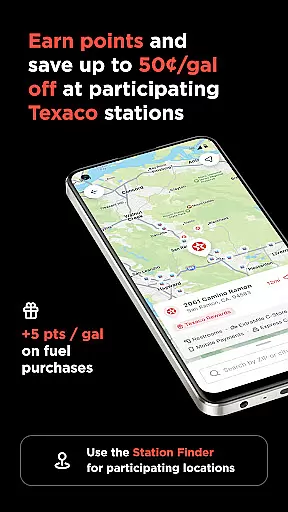
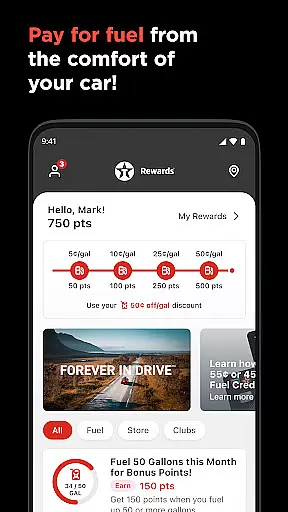
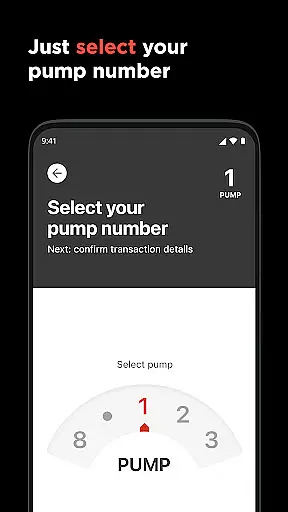
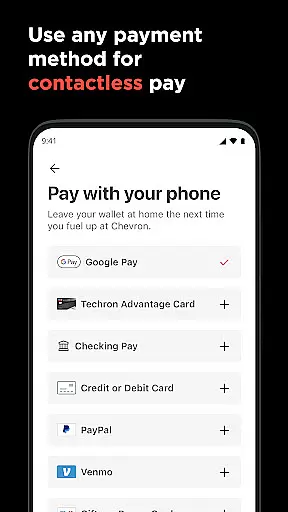
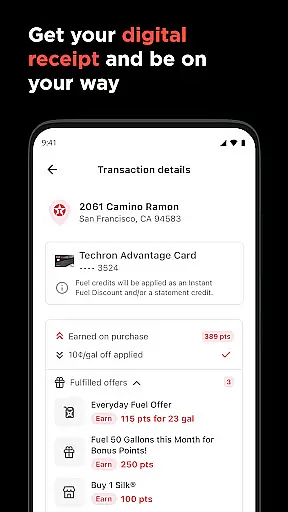
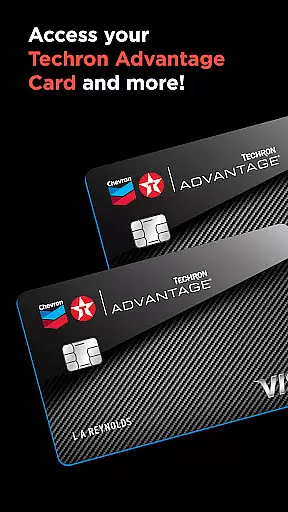

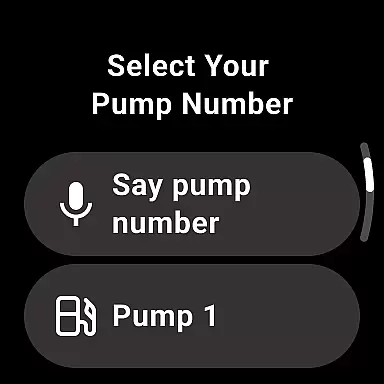
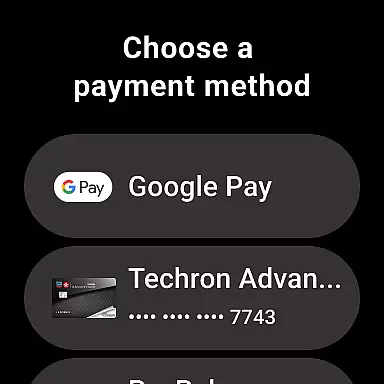
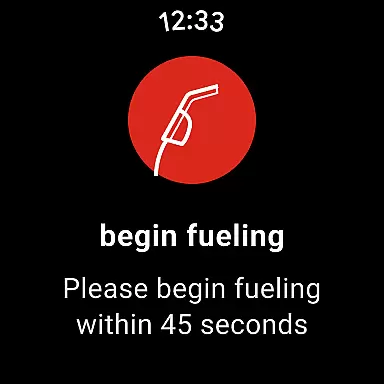
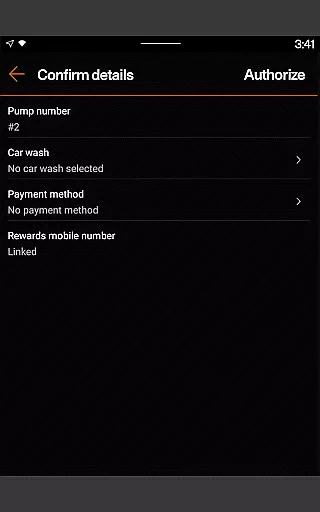
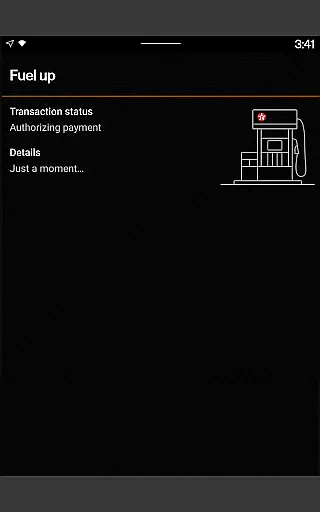
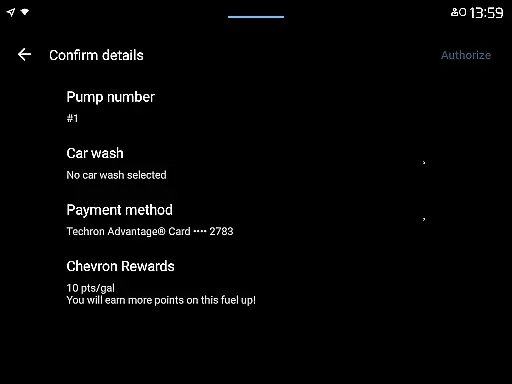
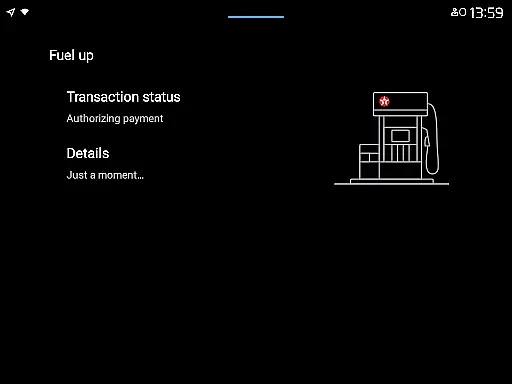
The Texaco app offers a seamless and convenient way to pay for gas or diesel directly from your driver's seat. Designed for drivers who value efficiency, the app allows users to reserve pumps, select payment methods, and earn rewards through the Chevron Texaco Rewards program. By linking an accepted payment method, users can complete transactions effortlessly while earning points redeemable for fuel discounts at participating stations.
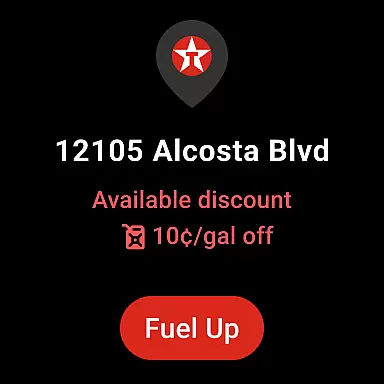
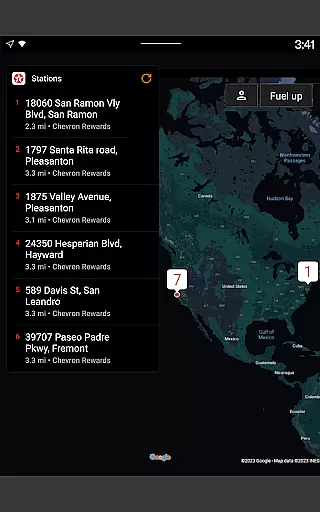
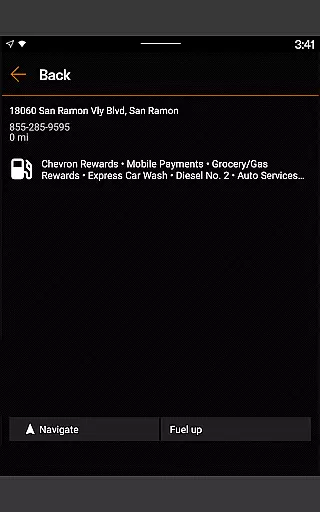
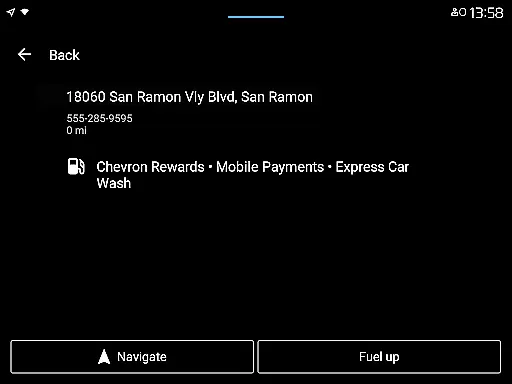
One of the standout features is its integration with Android Auto and Wear OS devices, enabling users to access key functionalities like location finding, reward redemption, and mobile payments without needing to handle their phones. The app also provides additional tools such as filtering for lower-carbon-intensity fuels, viewing available rewards, and accessing detailed station amenities like EV charging and car wash services. This makes it particularly useful for frequent travelers or commuters looking to save time and money while staying connected on the road.
The Texaco app stands out with its robust set of features tailored for modern drivers. First, it simplifies the fueling process by allowing users to reserve pumps and pay directly through the app, eliminating the need to insert cards or handle cash. This feature is complemented by the ability to link multiple payment methods securely within the user account, ensuring flexibility and ease of use.
Another notable aspect is its rewards system. Users can enroll in the Chevron Texaco Rewards program to earn points on every fuel purchase, which can later be redeemed for discounts of up to 50 cents per gallon at participating locations. Additionally, the ExtraMile Rewards® program enhances this experience by offering new benefits and greater convenience. The app also supports advanced connectivity options like Android Auto and Wear OS, making it easier than ever to manage payments and redeem rewards hands-free. These innovations not only streamline daily commutes but also encourage eco-friendly choices by highlighting lower-carbon-intensity products.
When it comes to managing your vehicle's fueling needs, having access to detailed information is crucial. The Texaco app provides comprehensive details about various fuel types, including gas and diesel, ensuring that drivers can make informed decisions at the pump. This level of detail extends to informing users about lower-carbon-intensity products such as renewable diesel blends and compressed natural gas, aligning with environmentally conscious driving habits.
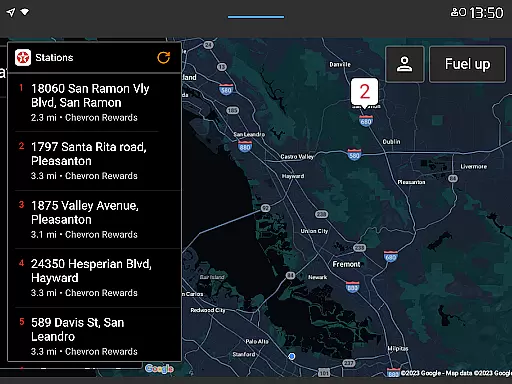
The app also integrates seamlessly with the vehicle's environment, allowing Android Auto users to connect their mobile phones to the caru2019s dashboard. This feature not only facilitates easy access to the app while driving but also enhances the overall user experience by providing relevant information right when it's needed most. Drivers can easily locate nearby participating stations using filters for specific amenities like convenience stores, restrooms, full-service car washes, and EV charging points.
Moreover, the app supports Chevron Texaco Rewards program members by giving them detailed insights into their rewards balance and transaction history. Users can track their Club Program card punches and view available rewards under My Rewards section. With this detailed vehicle-related information at their fingertips, drivers are empowered to maintain their vehicles more effectively while enjoying greater convenience on the road.
Price transparency is a critical factor for consumers when choosing where to refuel their vehicles. The Texaco app addresses this need by offering clear information regarding fuel pricing and associated discounts through its Rewards program. Members can earn points on fuel purchases and redeem these points for significant savingsu2014up to 50u00a2 off per gallonu2014at participating locations, making every fill-up more economical.
In addition to direct savings on fuel costs, the app provides visibility into other potential expenses such as car wash services or in-store purchases that qualify for reward points accumulation. By presenting all possible charges upfront, the Texaco app ensures there are no hidden fees or surprises during transactions. This openness builds trust among users who appreciate knowing exactly what they will pay before confirming any payment method within the app.
Furthermore, the integration of accepted payment methods directly within the user account adds another layer of financial clarity. Before heading out, drivers can link their preferred payment options securely, ensuring smooth transactions without worrying about unexpected costs. Overall, the Texaco app's commitment to price transparency helps create a seamless and trustworthy fueling experience for all its users.
User-friendly interface
Secure payment options
Reward point accumulation
Integration with Android Auto
Wide range of amenities
Limited to participating stations
Requires stable internet
Age restriction for rewards
No iOS CarPlay support
Occasional bugs reported

On the CarShield app, you can view contracts, make payments, & request roadside.
 4.40
4.40
OBD2 car scanner and diagnostics: read Check Engine, DTC, economy....
4.30
Attention! This is the theme for the Car Launcher app
4.4
Theme for Car Launcher
4.4
Club Car Wash Mobile App—the fast lane to managing your wash membership.
3.30
Digital Car Key/Launcher, Screen Mirror, Android Dashboard, Remote Wireless Link
4.40
View your car’s service records and find out when maintenance is due.
4.70
Find, search, and browse 40,000+ used cars, SUVs, and trucks.
4.50
A smarter way to park and reserve your spot ahead of time.
4.40
Marathon ARCO Rewards members earn rewards & apply the rewards for fuel savings!
4.80
Shop, finance, or sell today.
4.80
The ExtraMile App allows you to pay for fuel from the comfort of your car!
4.70
DMV Test Pro offers all the updated FREE DMV tests online.
4.60
Instant diesel savings. No credit checks or fees. Nationwide growing network.
4.40
Autotrader is your online solution for buying and selling new and used cars.
4.40
myAudi offers users services and Audi connect services for Audi drivers
4.10
Read and delete OBD codes with any ELM327 OBD scanner. Coding functions included
3.40
Earn and save with Fuel Rewards®
3.20
Easily notify car owners in urgent situations, safe, fast, multilingual.
4.0


User Reviews