
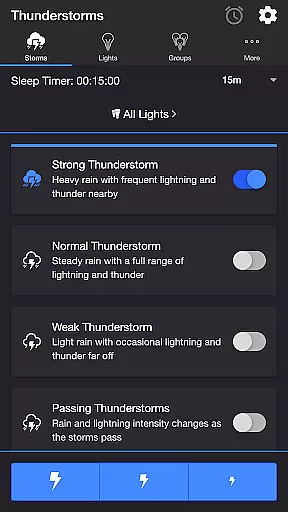
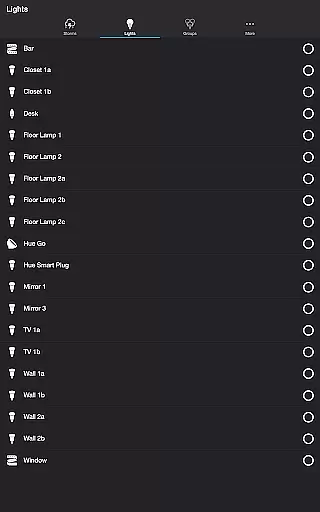
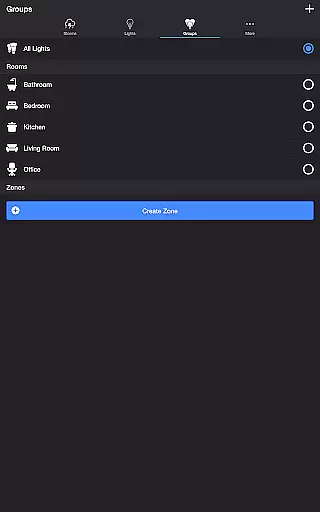
Thunderstorm for Hue is an innovative entertainment app that transforms your Philips Hue lights into a captivating thunderstorm light show. The app allows users to simulate various types of thunderstorms, from weak to strong, with synchronized audio and visual effects. By leveraging the capabilities of Philips Hue smart lighting system, it creates an immersive atmosphere where lights pulse and flash in sync with realistic storm sounds.
The application offers extensive customization options, letting you adjust rain intensity, lightning patterns, thunder volume, and background sounds. Whether you want to create a relaxing ambiance or experience the raw power of a storm, this app caters to all preferences. It requires a Hue Bridge and supports additional features like Bluetooth speaker connectivity and Chromecast support, making it versatile for different home entertainment setups.
Ideal for relaxation, sleep aid, or enhancing gaming experiences, Thunderstorm for Hue brings nature's drama into your living space. Its detailed settings allow precise control over every aspect of the storm simulation, providing both entertainment value and potential therapeutic benefits.
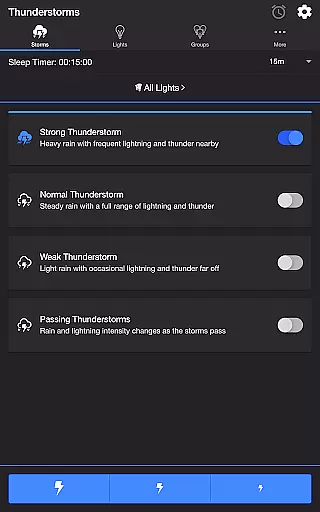
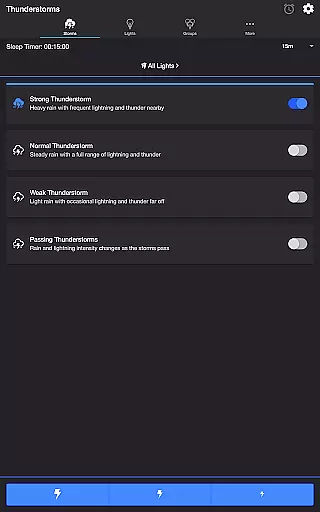
Thunderstorm for Hue stands out with its comprehensive feature set designed to deliver an authentic storm experience. The app includes multiple thunderstorm presets ranging from Weak to Strong storms, each with distinct light pulsing patterns and corresponding sound effects. Users can choose from various rain audio tracks such as Heavy, Steady, and Light rain, while adjusting the pulse rate and transition effects to match their preferred storm intensity.
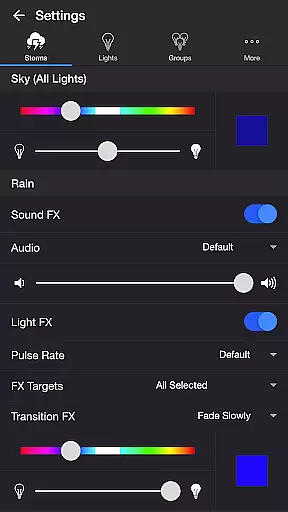
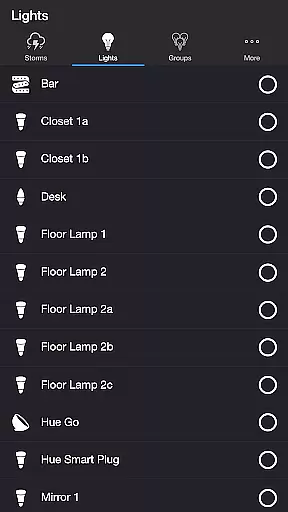
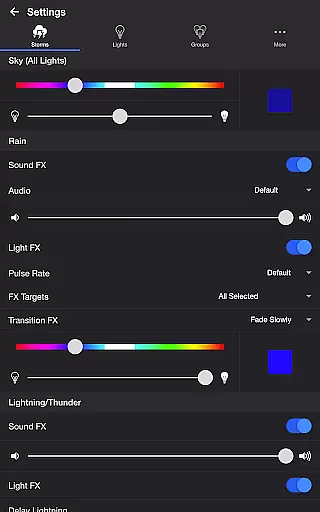
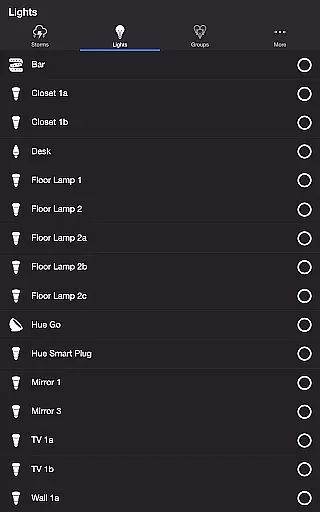
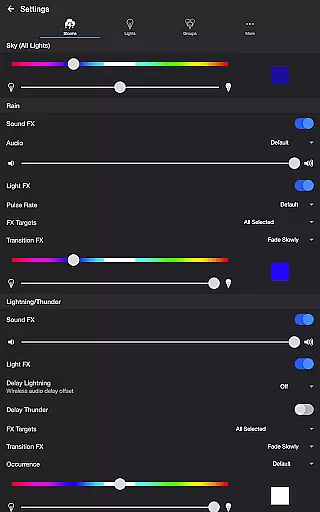
Advanced customization options are available through dedicated settings panels. The Sky settings let you modify base color and brightness, while Rain and Lightning/Thunder sections provide granular control over audio-visual effects. You can target specific lights for different effects, adjust transition styles between Pulse, Fade Quickly, or Flash, and even set up wireless audio delay compensation for perfect synchronization with external speakers.
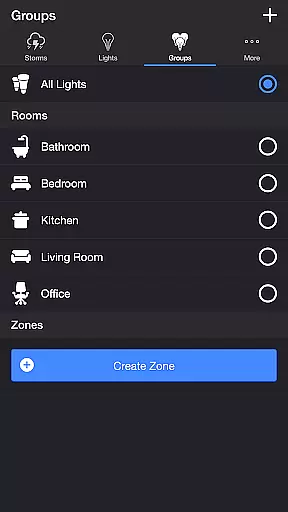
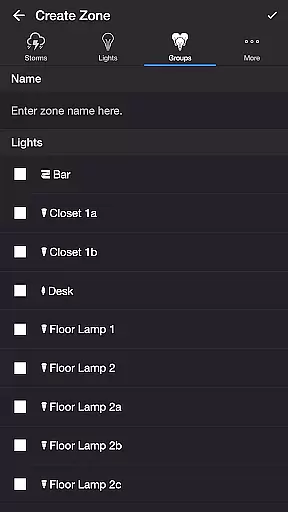
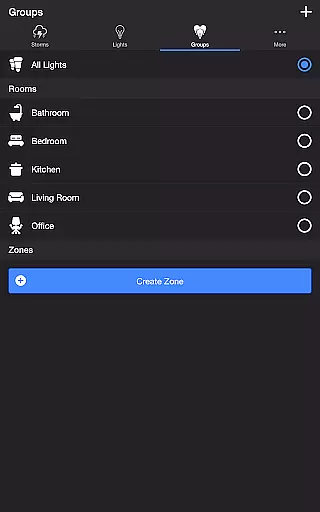
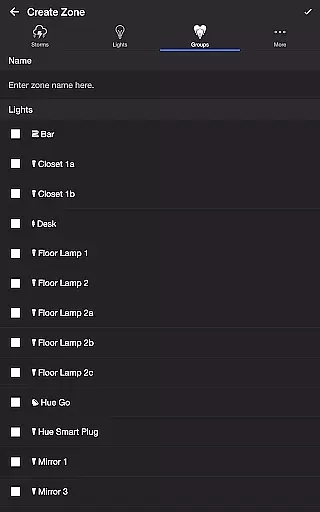
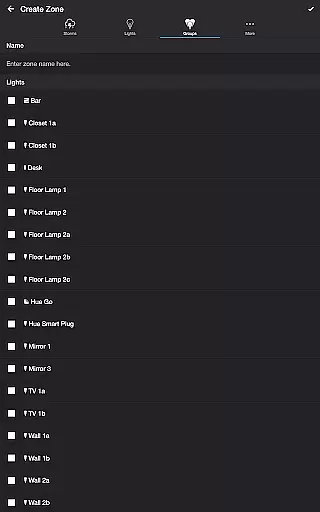
Additional features include Lightning on Demand for manual storm control, Sleep Timer with fade-out functionality, and support for creating custom zones. The app also enables recurring cycles and automatic mode switching, ensuring continuous operation according to your schedule. These sophisticated features make Thunderstorm for Hue a powerful tool for creating personalized atmospheric experiences.
Thunderstorm for Hue offers a diverse range of content that caters to various preferences and moods. With four distinct thunderstorm intensities, from Weak to Strong, users can customize their experience to match the atmosphere they desire. Each setting not only varies in sound but also in the corresponding light effects, ensuring an immersive environment.
The app goes beyond static scenes by providing dynamic options such as Passing Thunderstorms, which simulate the natural progression of a storm. This feature allows for changes in rain and lightning intensity over time, offering a fresh experience with every use. Users can set cycle times ranging from 15 minutes to an hour, enhancing replayability and engagement.
In addition to core storm features, Thunderstorm for Hue includes background sounds like birds, cicadas, crickets, and frogs. These ambient noises enrich the overall experience, making it suitable for relaxation or sleep aid. The ability to toggle these sounds adds another layer of customization, keeping the content feeling new and adaptable.
One of Thunderstorm for Hue's standout features is its ability to maintain user engagement through thoughtful design elements. The Sleep Timer function allows users to set a timer that fades out audio gradually, encouraging longer sessions without abrupt interruptions. By choosing the state of lights after the timer ends, users can seamlessly transition into their next activity or rest period.
The app promotes retention by enabling recurring cycles through automatic restarts when the sleep timer ends. This ensures continuous enjoyment without manual intervention, fostering habitual use. Additionally, settings like Default End State and Sleep End State provide control over how experiences conclude, giving users peace of mind about their lighting setup.
With comprehensive customization options including rain pulse rates, lightning transitions, and color adjustments, users have countless ways to tailor their experience. Such depth keeps users engaged over extended periods as they explore different combinations. Furthermore, features like Lightning on Demand offer manual control, adding interactive elements that enhance session lengths and encourage regular returns.
Highly customizable
Realistic storm effects
Wide range of presets
User-friendly interface
Supports smart home integration
Requires Hue Bridge
Premium version needed
Complex for beginners
Occasional sync issues
Limited free features

* Multiple Matches * Intuitive UI * Scoring Made Easy!
 4.40
4.40
Binge-worthy short dramas on DramaRush—engaging stories that fit your day.
3.90
Practice and master your ESP and intuition with five mode trainer.
4.20
Earn gift cards for playing games. Become a real game tester!
4.40
Premium version to enjoy your favorite anime
4.60
Companion app for Elden Ring to track quests, bosses, progress and more.
4.70
Watch New Episodes & Live TV
3.80
Bold original series & hit movies that don't hold back.
4.40
Scary prank camera & on face app: Shoot videos, selfies with spiders & scorpions
4.60
Catalog & tracker of your DVD, Blu-ray & Digital Movie and TV Collection Library
4.80
Stream Live TV, News & Documentaries. Watch Full Seasons with PBS Passport.
4.80
Watch Reels, Drama Shorts & TV Series Anytime. Download DramaWave Now!
4.70
Stream Movies & TV Series: Original Shows, Family Movies & New Releases Weekly
4.60
Unleash Your AI Imagination
4.60
Best of icon for christmas
4.30
Fool your friends & Family with Fake ultrasound test report
3.60
Create your Songs. Cover Maker with any Voice, Song Generator
3.30
Watch everything you want.
2.90
Neon Christmas Tree Animated: Festive Wear OS watch face with fitness info
4.2


User Reviews