
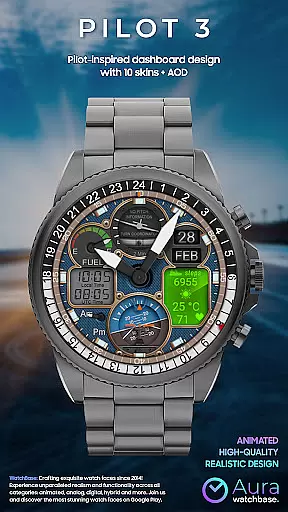
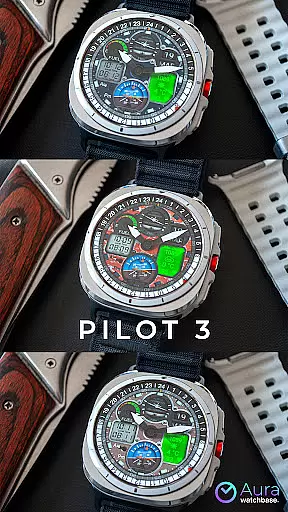
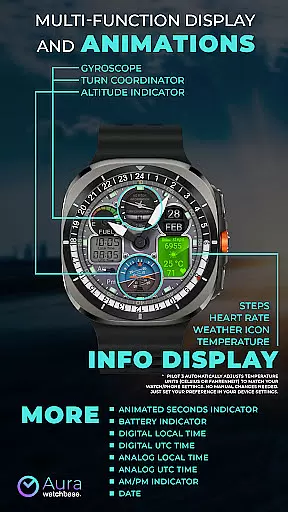
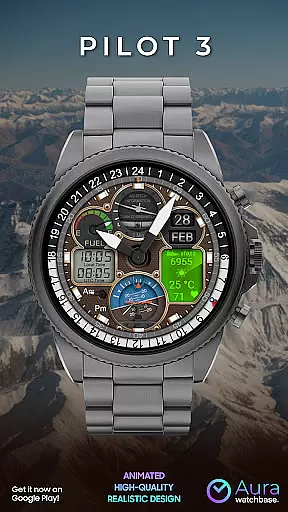
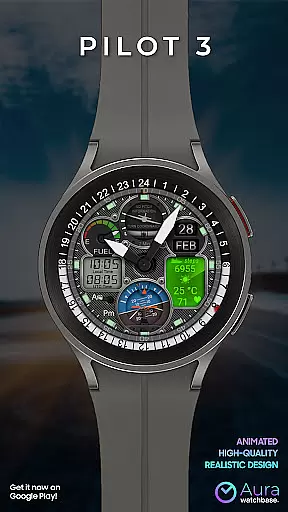
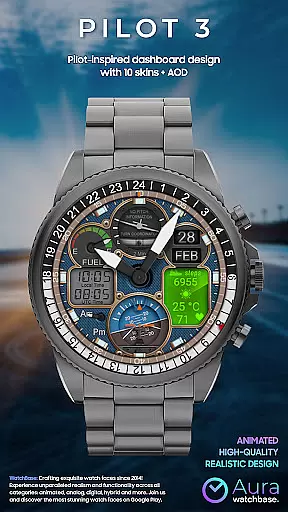
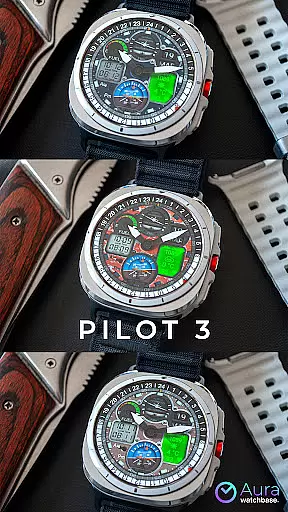
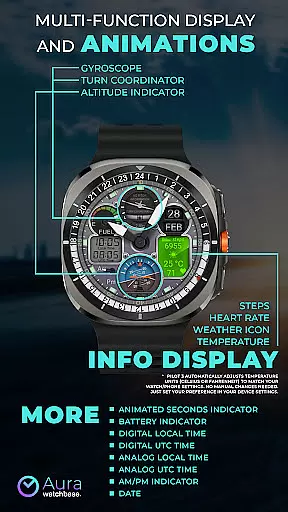
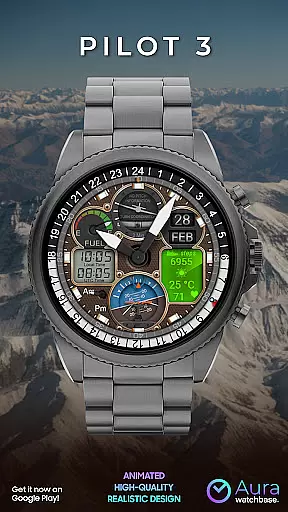
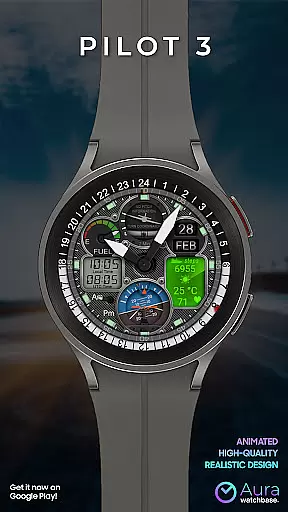
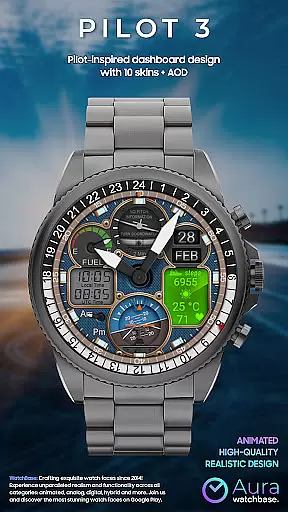
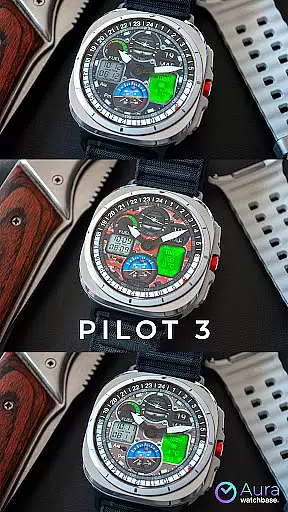
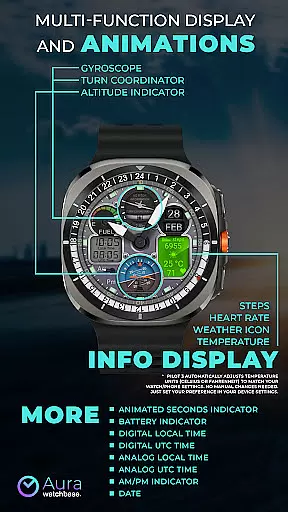
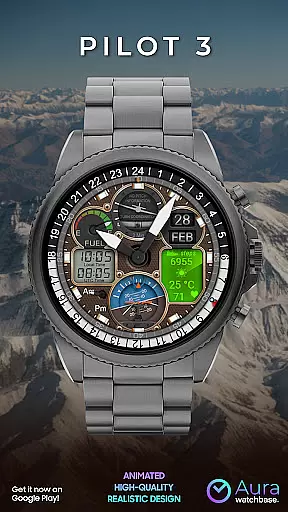
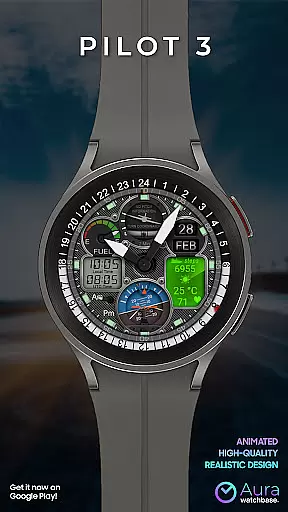
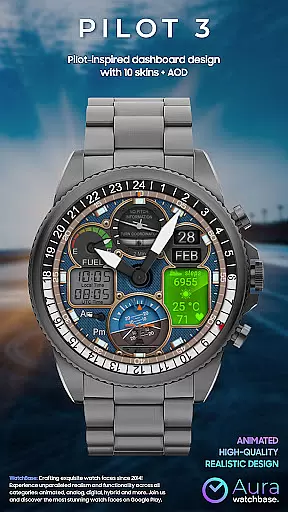
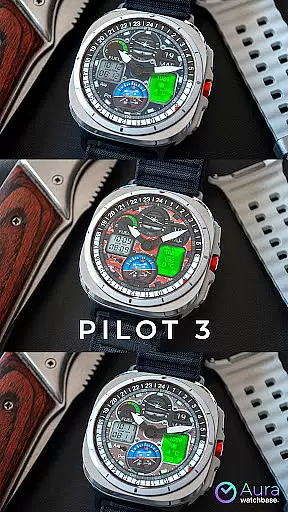
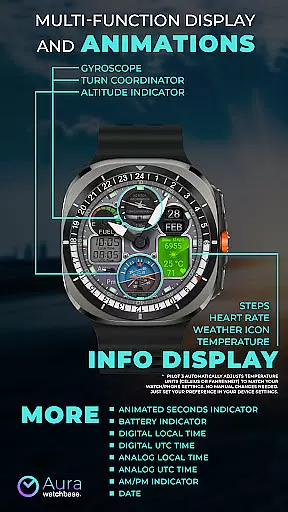
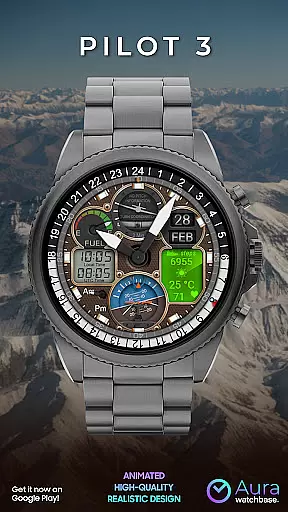
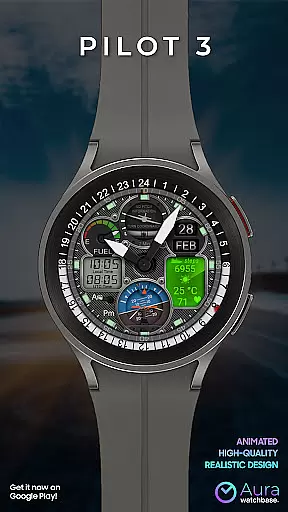
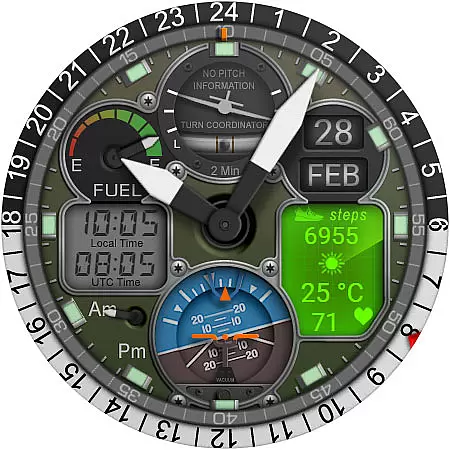
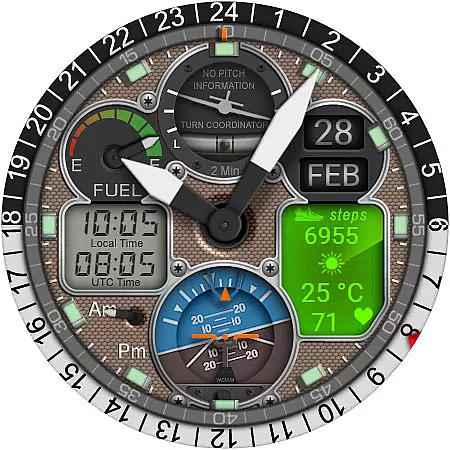
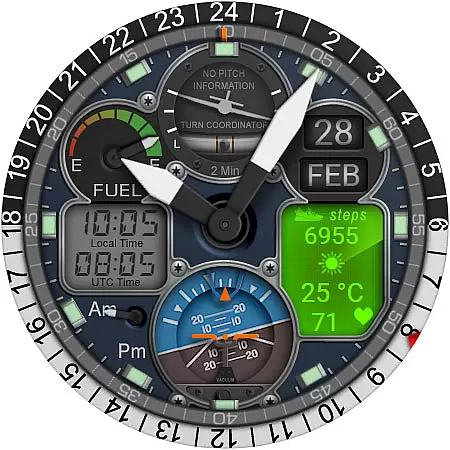
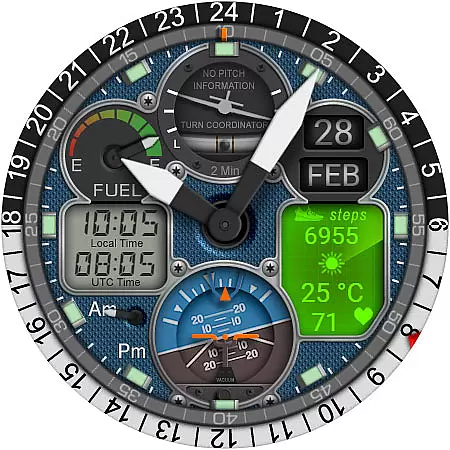
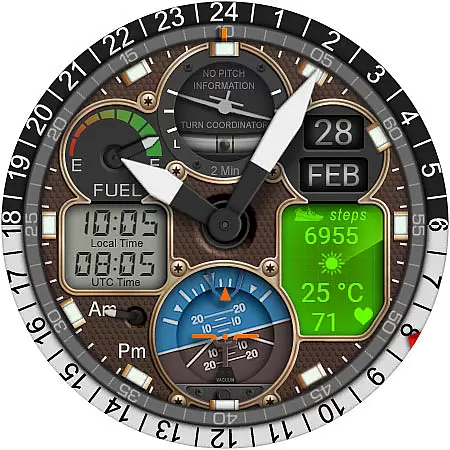
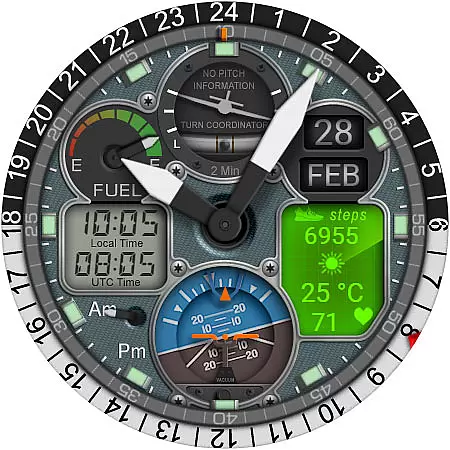
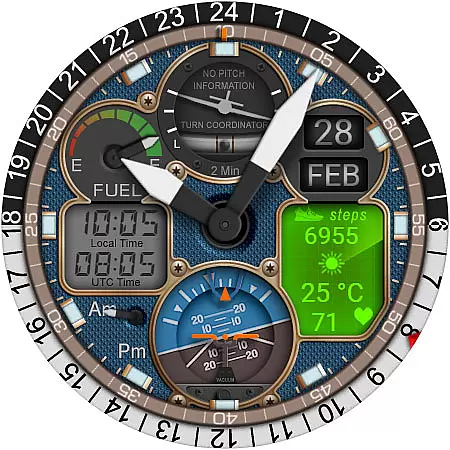
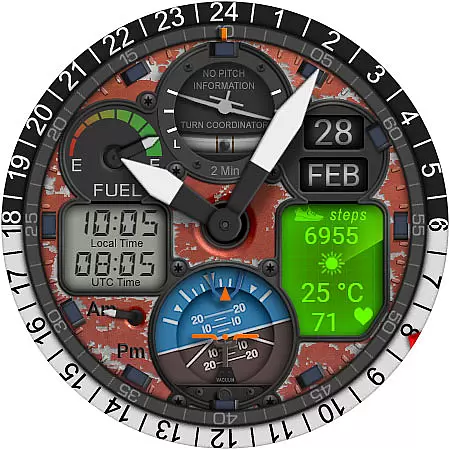
WB PILOT 3 Animated Watch Face brings the thrill of aviation to your Wear OS smartwatch. Designed for devices running Wear OS 5 and higher, this hybrid watch face combines stunning graphics with functional features. The animated cockpit-inspired elements include a Turn Coordinator, Altitude Indicator, and Gyroscope, creating an immersive pilot experience.
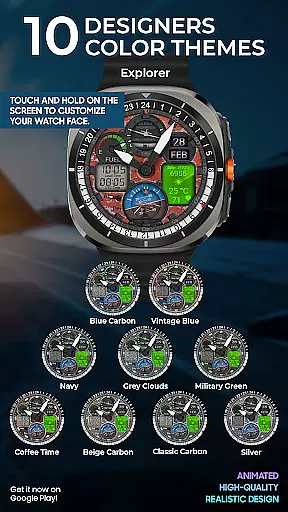
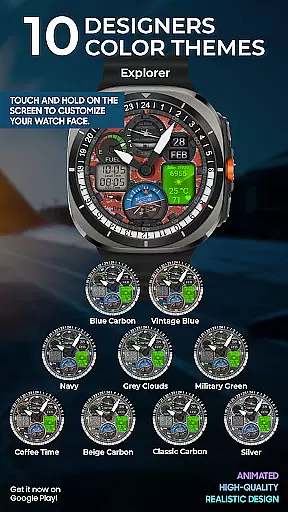
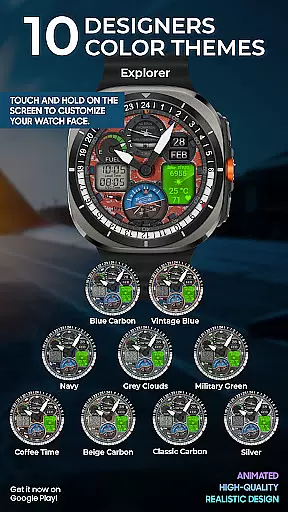
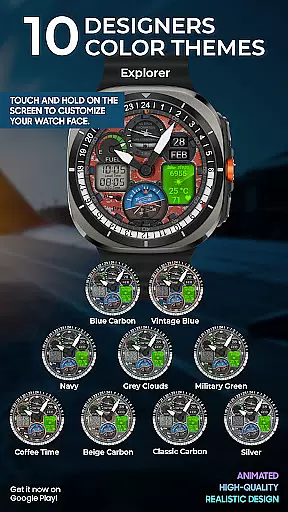
This watch face offers both digital and analog time displays, along with AM/PM indicators, battery status, date, and various info displays such as steps, heart rate, weather icon, and temperature. With 10 customizable skins and automatic temperature unit adjustment based on device settings, users can personalize their experience while enjoying practical functionality.
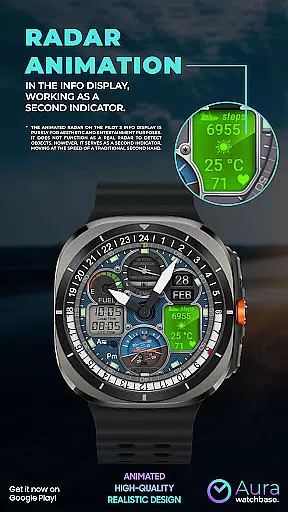
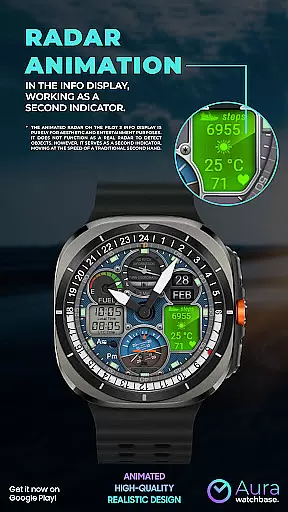
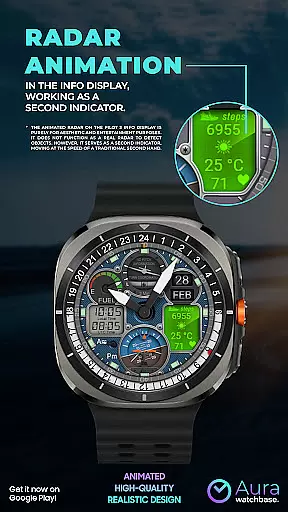
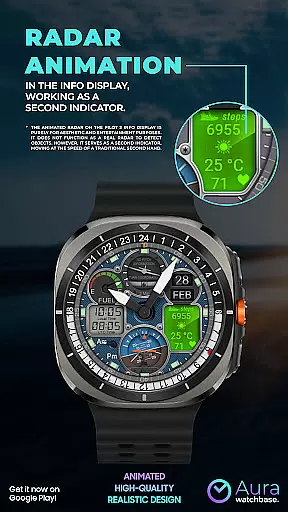
The WB PILOT 3 stands out with its collection of 10 unique skins and advanced animated elements that simulate real cockpit instruments. These include a functional second indicator that doubles as an animated radar, moving at traditional second-hand speed. The hybrid display system shows both digital and analog time formats, including local and UTC time zones.
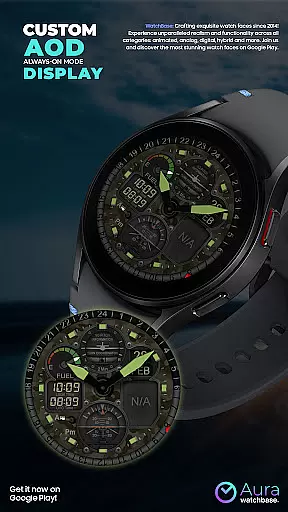
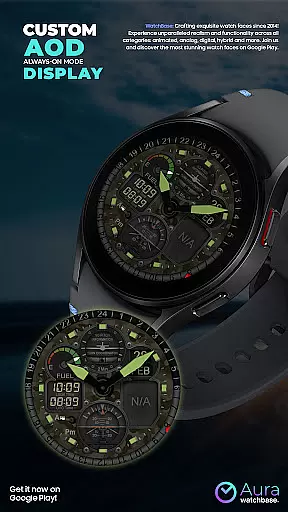
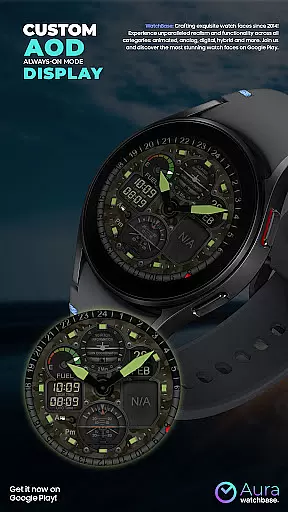
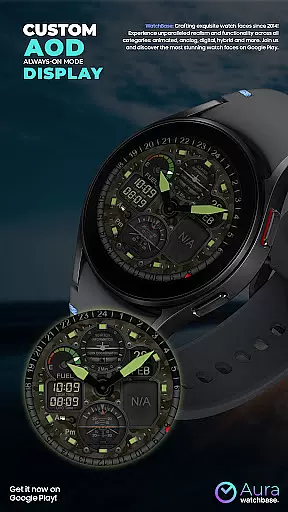
Practical features include comprehensive health tracking through step counter and heart rate display, alongside environmental information like weather conditions and temperature. The Always-On Display (AOD) function ensures vital information remains visible at a glance. Users can customize their preferred skin and layout through simple touch controls, making it easy to create a personalized watch face that suits individual preferences.
For the WB PILOT 3 Animated Watch Face, seamless companion app integration is a key feature that enhances user experience. This smartwatch application leverages a dedicated phone app to simplify the installation process and ensure smooth functionality.
When users purchase the watch face, they can utilize the install button within the companion app on their phone. This triggers an installation process on their Wear OS device, where they must confirm the installation to proceed. This system ensures that the watch face is correctly synced across devices.
The companion app also addresses common synchronization issues. If users encounter prompts to repurchase the watch face on their smartwatch, they are assured that no double charges will occur. These instances typically resolve themselves with a little patience or by restarting the smartwatch.
This integration provides a reliable bridge between mobile devices and Wear OS watches, making the management of digital assets like the PILOT 3 watch face more accessible and efficient for users.
The WB PILOT 3 Animated Watch Face boasts meticulous attention to Wear OS/device compatibility, ensuring it operates flawlessly on supported devices. It's specifically designed to be compatible with devices running Wear OS 5 and higher, which guarantees optimal performance on appropriate hardware.
Users benefit from the assurance that all features, including animated elements like the Turn Coordinator and Altitude Indicator, function as intended without compromising the smartwatch's performance. The hybrid display of digital and analog time, alongside other indicators such as battery and date, are tailored for Wear OS, providing precise and visually stunning representations.
Compatibility extends to automatic adjustments based on user preferences set in their device settings. For instance, temperature units toggle between Celsius and Fahrenheit to match the user's predefined choices on their paired phone or watch settings.
By focusing on robust compatibility, this watch face not only elevates aesthetic appeal but also maintains functional integrity across a range of Wear OS-enabled devices, offering users a versatile and engaging experience.
Stunning aviation-themed design
Wide customization options
Accurate dual-time zone display
Comprehensive health tracking
Automatic temperature adjustment
Wear OS 5+ required
Non-functional radar element
Complex installation process
Limited device compatibility
Potential sync issues

Wear Os Watch Face - Animated Snow - Sesonal for Christmas & Winter
 4.3
4.3
Beautiful artistic animated digital watch face, with a customizable layout!
4.40
Wear Os Watch Face - Animated Snow Effect & Magic Spark - 6 Scenes
4.10
Simple Analog-Digital Watchface For Wear OS 3.0 and Up Smartwatches
4.0
Digital, flexibly customizable watch face. For Wear OS 5.0, API 34+ and later.
5.00
Stylish digital watch face for Wear OS devices with customizable features
4.0
Find EV charging stations
4.30
To-Do List: daily schedule planner, task organizer, to do reminder app, calendar
4.60
A realistic hybrid watch face with many customization options.
4.60
Gym Log & Workout Tracker | Fitness Journal, Training & Weight Lifting Planner
4.90
WTW M17 is a premium and luxurious hybrid watch face
4.70
Ideal for surviving in the wasteland left after nuclear fallout
4.50
Locate your family members by GPS phone location tracker everywhere and anytime
4.30
"PER27 Galaxy Digital" is a digital Wear OS watch face designed by PERSONA
4.10
Authentic military-tactical design with ZULU time! Realistic and functional!
3.80
A full-featured Amazon Alexa voice assistant that can show you things.
3.70
Christmas and New Year - Themed Watchface
4.3
Christmas is near, let's count together the days left until Santa comes
4.4
Stunning modern digital watch face with 7 complications and strong contrast
4.1


User Reviews