
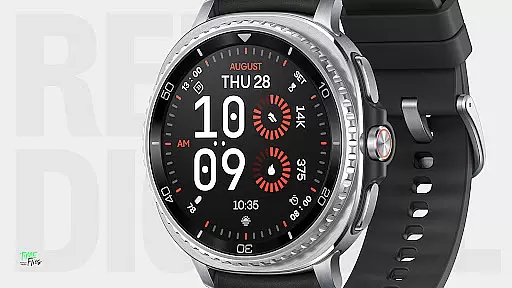
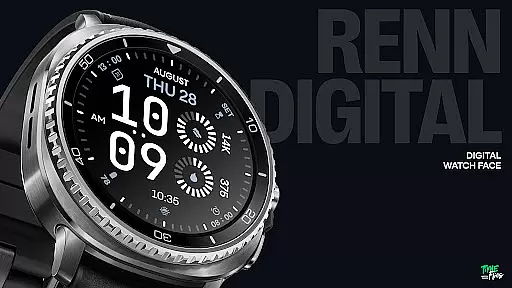
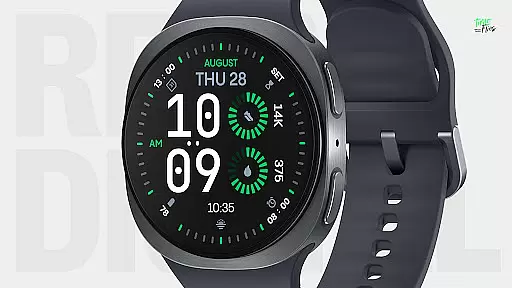
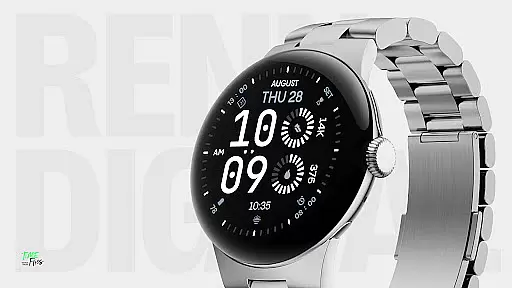
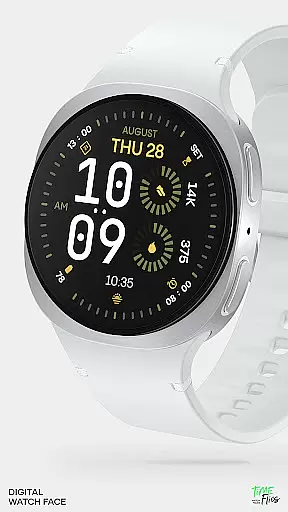
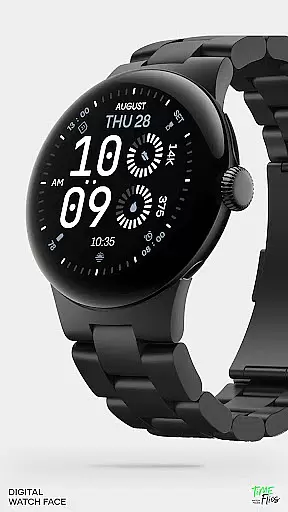
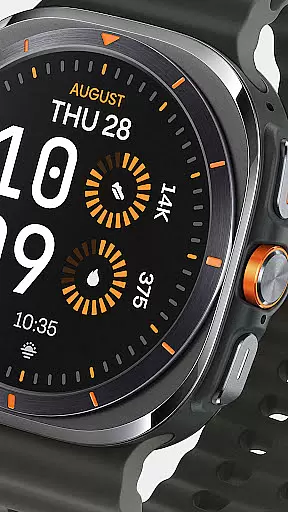
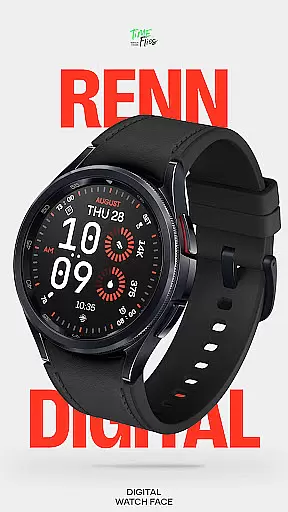
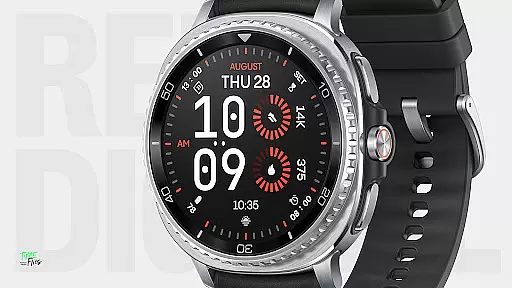
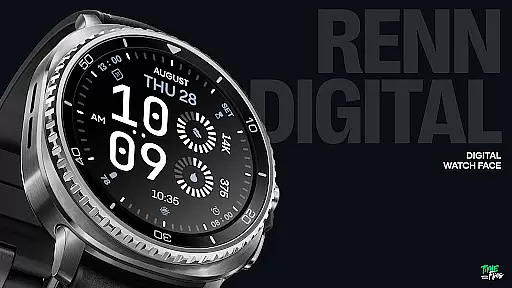
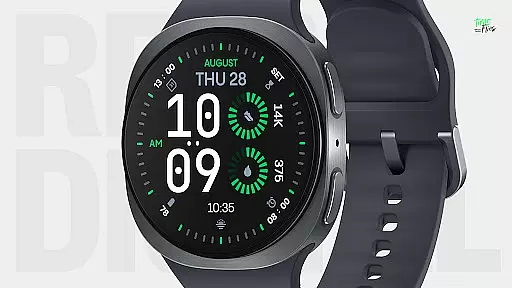
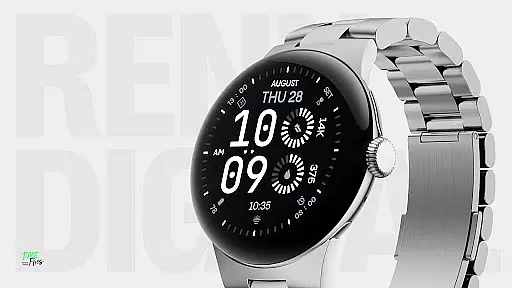
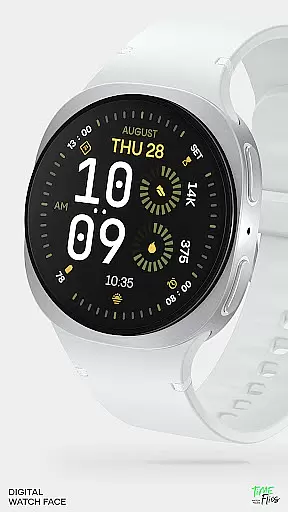
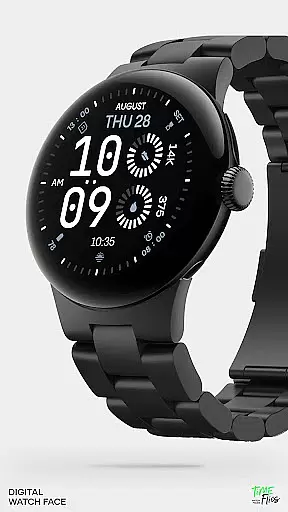
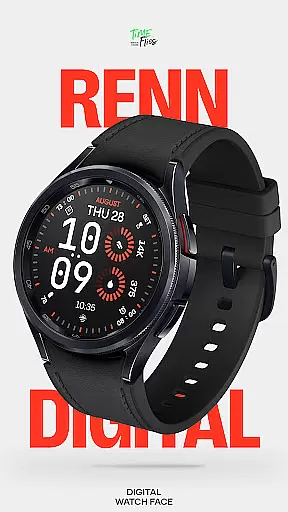
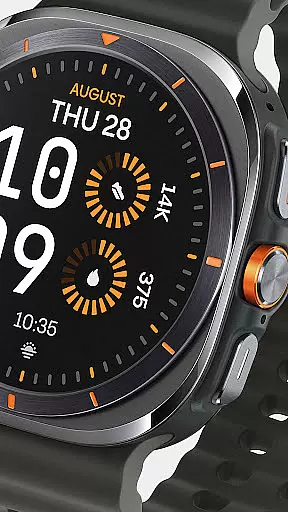
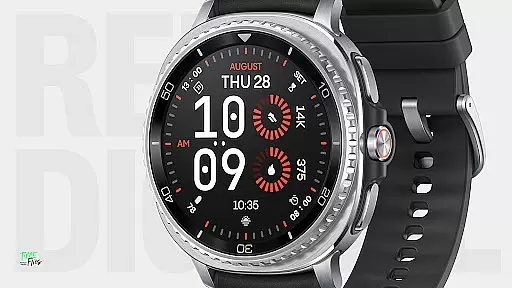
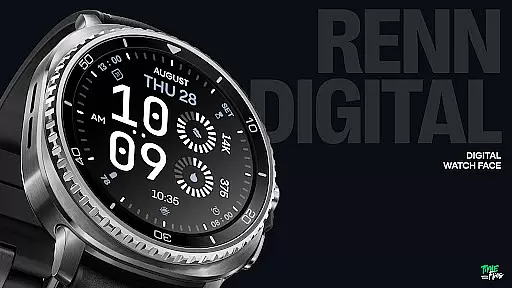
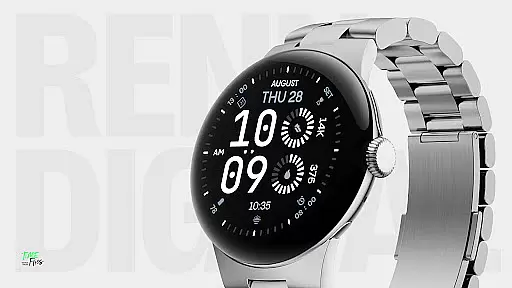
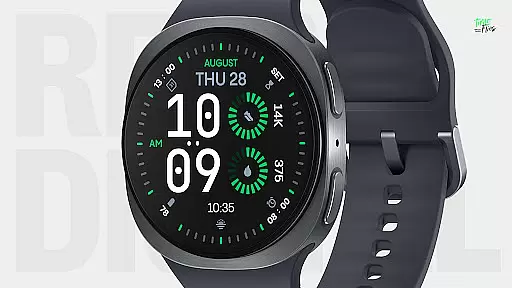
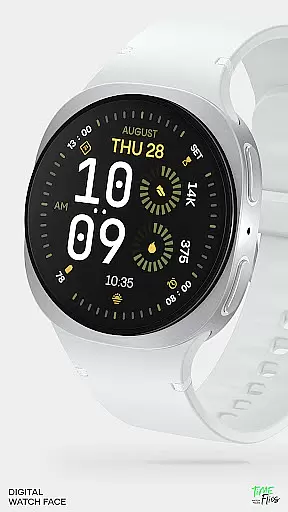
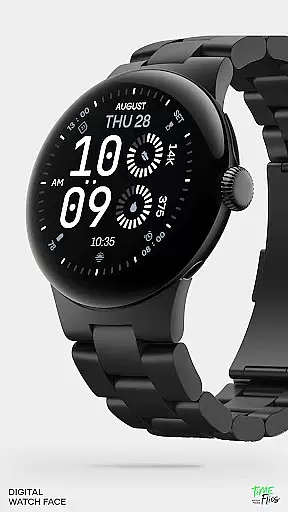
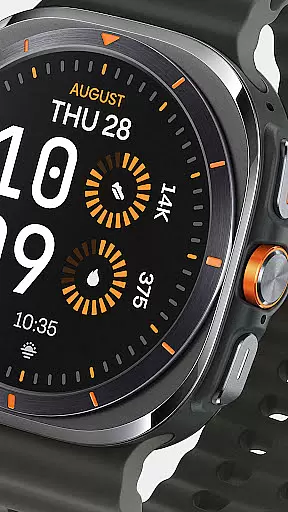
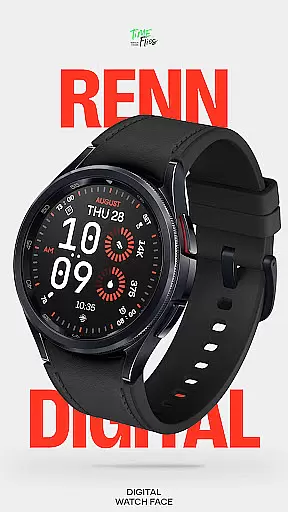
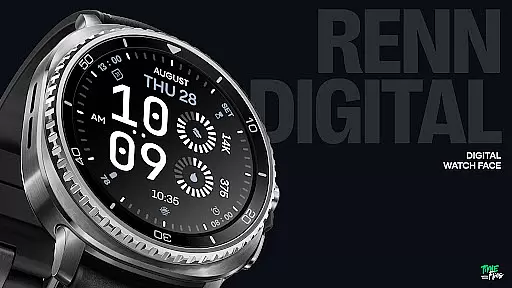
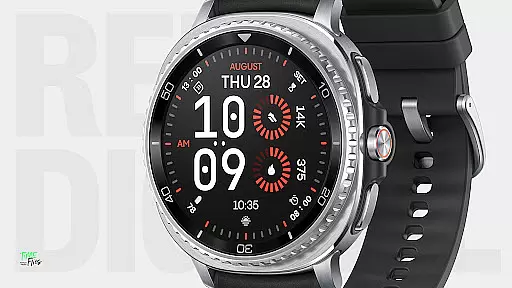
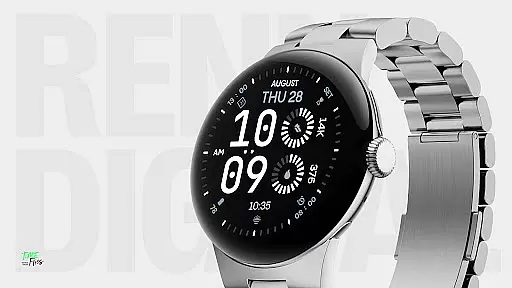
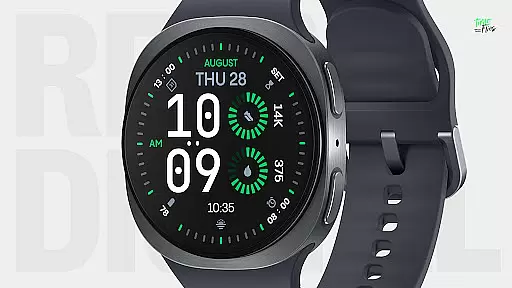
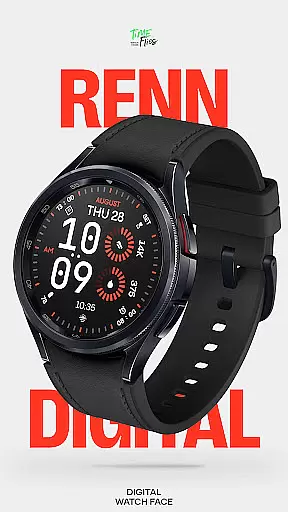
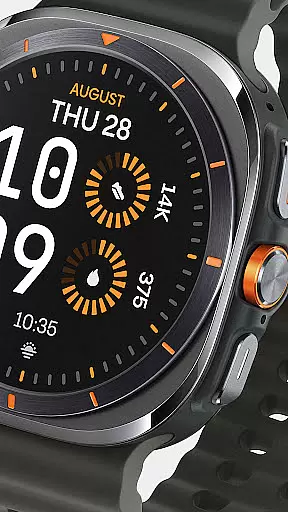
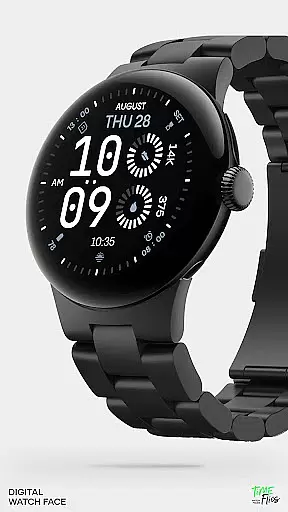
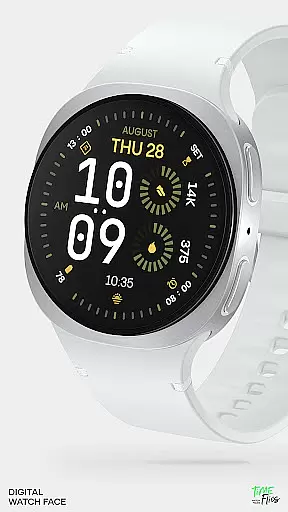
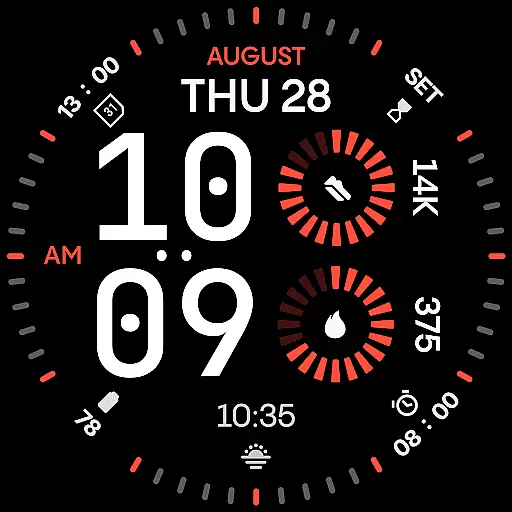
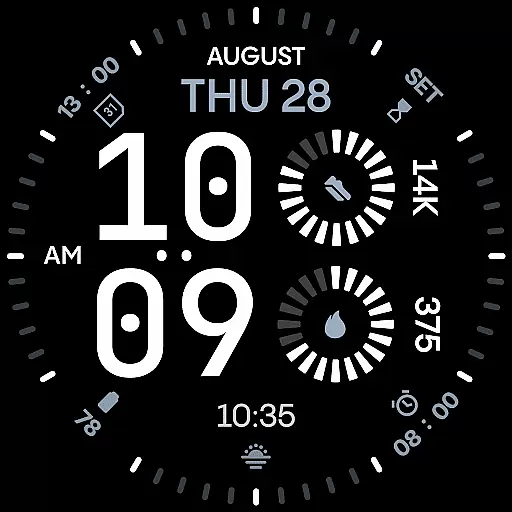
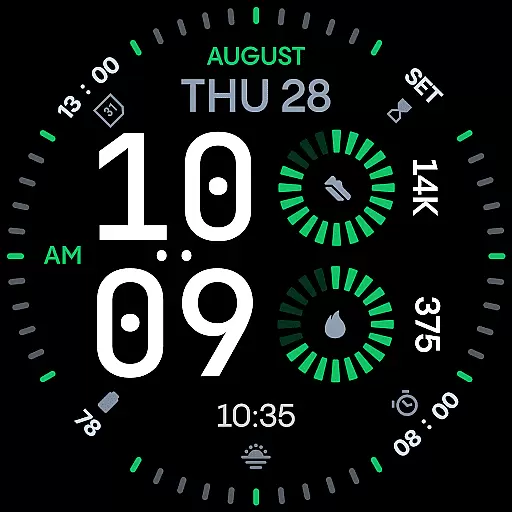
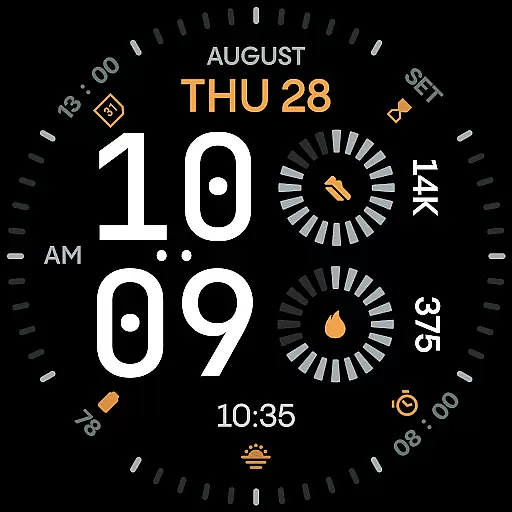
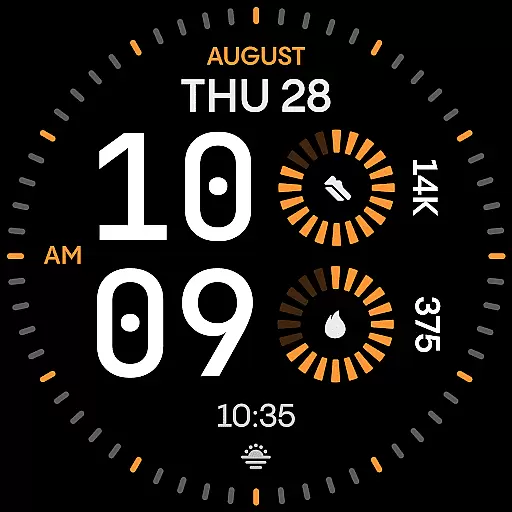
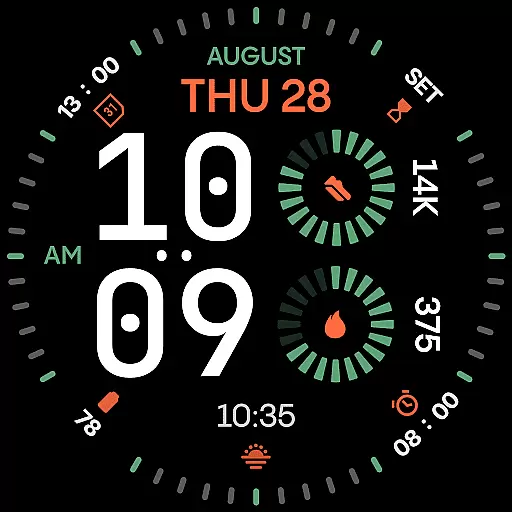
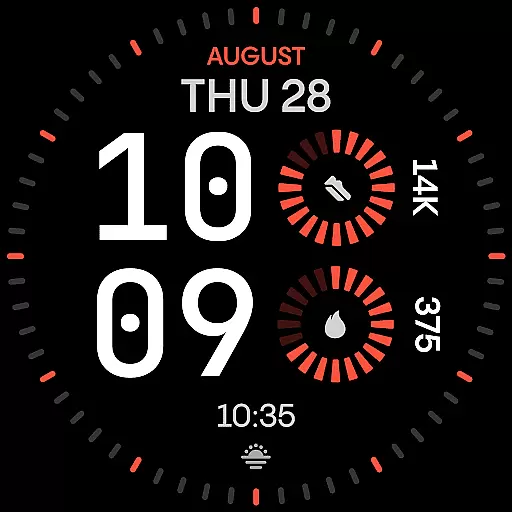
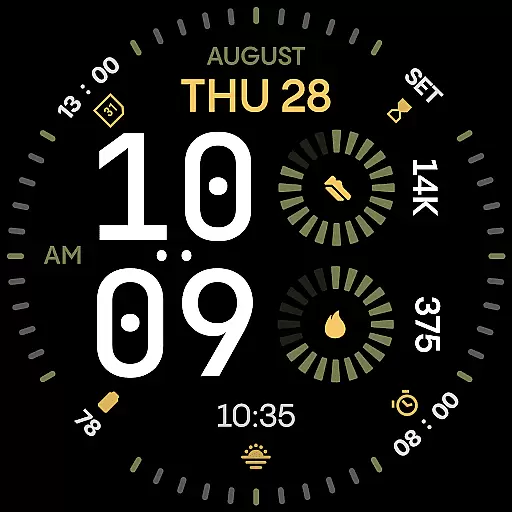
Renn Digital Watch Face is a modern digital watch face designed for Wear OS smartwatches, offering bold and clear visuals. It features large geometric numerals for optimal legibility, complemented by radial progress complications and customizable color accents. The design emphasizes clarity and personalization, making it ideal for users who value both style and functionality on their smartwatch.
With 7 customizable complications, users can display key stats such as steps, heart rate, or weather information. The watch face also supports AM/PM indicators, optional tic marks, and 5 Always-On Display (AoD) modes, ensuring adaptability to various preferences and scenarios. Its battery-efficient performance ensures smooth interaction without compromising aesthetics.
Renn Digital Watch Face stands out with its strong digital typography, featuring oversized time digits that provide a confident visual statement while maintaining clarity. The inclusion of 30 bold color themes allows users to personalize their watch face with high-contrast schemes that enhance readability and visual appeal.
The app offers advanced customization options, including an optional AM/PM indicator, blinking colon toggle, and outer dial tic marks. With support for Android Companion App integration, users can easily manage installations and receive update notifications. Built using the latest Watch Face File format, Renn Digital ensures energy-efficient performance, balancing beauty and function seamlessly.
Companion app integration is crucial for enhancing the functionality of wearable devices. Renn Digital Watch Face offers seamless interaction with its optional Time Flies companion app, which serves as a bridge between your smartphone and smartwatch.
The Time Flies app allows users to easily discover new watch faces, receive timely update notifications, and manage installations efficiently. This ensures that your wearable device remains up-to-date with the latest features and improvements without any hassle.
By leveraging the capabilities of the companion app, users can enjoy an enriched experience with their Renn Digital Watch Face. The app provides additional customization options and management tools that complement the watch face's core functionalities.
This integration not only simplifies the process of maintaining your smartwatch but also enhances its overall utility by providing a centralized platform for updates and personalization.
Ensuring compatibility across various Wear OS devices is essential for a versatile smartwatch application. Renn Digital Watch Face has been meticulously designed using the modern Watch Face File format, guaranteeing optimal performance on all supported Wear OS smartwatches.
The digital watch face supports a wide range of devices, delivering consistent visual appeal and functionality regardless of the specific model you own. Its design adapts seamlessly to different screen sizes and resolutions, ensuring clarity and impact on every display.
Built with efficiency in mind, Renn Digital offers smooth interaction and intelligent refresh behavior. These features contribute to reduced power consumption, allowing users to enjoy extended battery life without compromising on aesthetics or performance.
Whether you're using a newer model or an older version of Wear OS, Renn Digital Watch Face provides reliable compatibility and performance, making it a dependable choice for enhancing your smartwatch experience.
Ultra-clear legibility
Customizable complications
Bold color themes
Energy-efficient design
Always-On Display modes
Limited analog appeal
Complex for beginners
Fewer minimalist options
No iOS compatibility
Premium feature lock

Highly customizable hybrid watch face for Wear OS, perfect for everyday use.
 4.60
4.60
Precision analog watch face with 7 complications and style options
4.4
Snowflake Rose Gold Watch Face - Digital, modern, & sleek with GYRO effect.
4.10
Current temperature, weather hourly, weather radar by the weather forecast app
4.40
Beautiful, colorful and practical watch face. For Wear OS devices.
5.00
Watch face designed for Thanksgiving Day. 7 Background Styles included.
3.20
Stay in touch with your friends and family using LINE!
3.40
Stylish, Energizing and Modern Watch Face crafted by Dominus Mathias.
4.50
Spam call blocker and caller ID for automatic call protection!
4.40
Easy Voice Recorder is your everyday companion to record important moments.
4.70
Walking app for weight loss: walk & step tracker, pedometer, indoor treadmill
4.60
Nutrition, Macro tracker: Food, fitness & healthy diet tracking for weight loss
4.60
Gym & home workout plans with strength training, exercise tracking, HIIT & more.
4.60
Beautiful artistic animated digital watch face, with a customizable layout!
4.40
sleep, alarm, snoring, stress, healing, focus, sound therapy, circadian rhythm
4.10
Professional weather radar and more
3.90
an Analog Watch Face for winter season with freeze winter background for Wear OS
4.5
Christmas is near, let's count together the days left until Santa comes
4.5
Simple Analog-Digital Watchface For Wear OS 3.0 and Up Smartwatches
4.0


User Reviews