
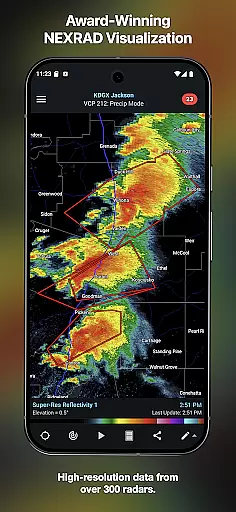
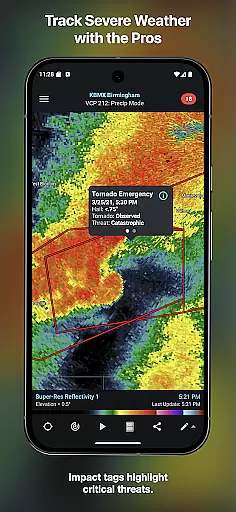
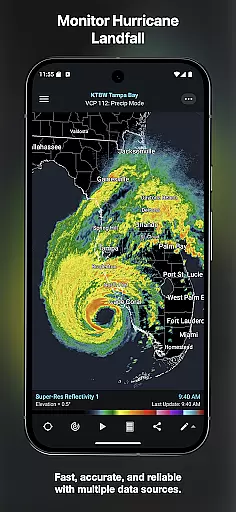
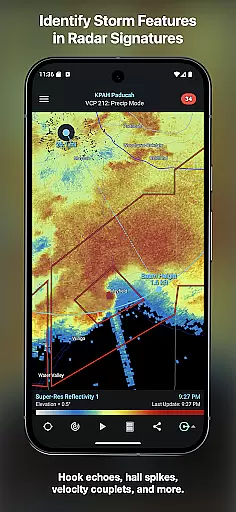
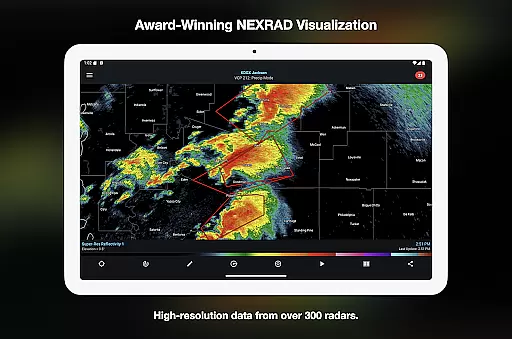
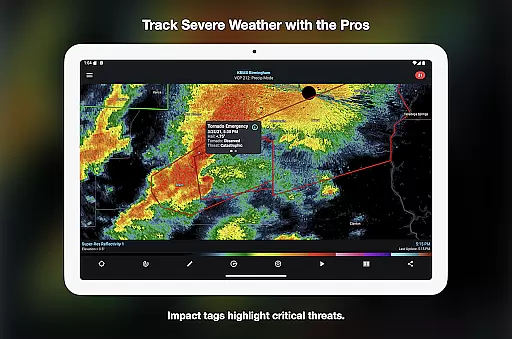
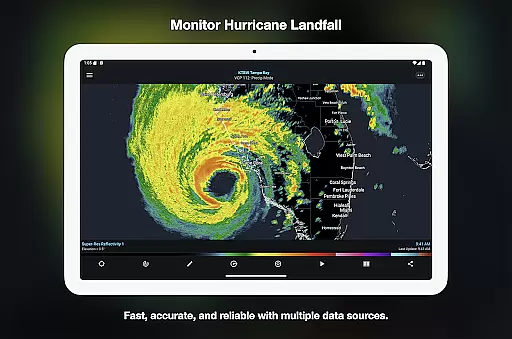
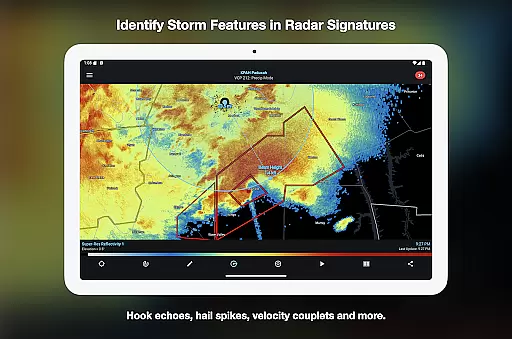
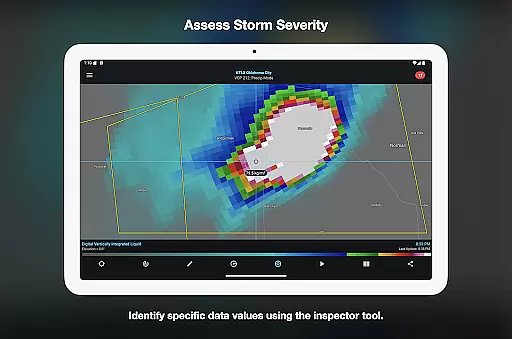

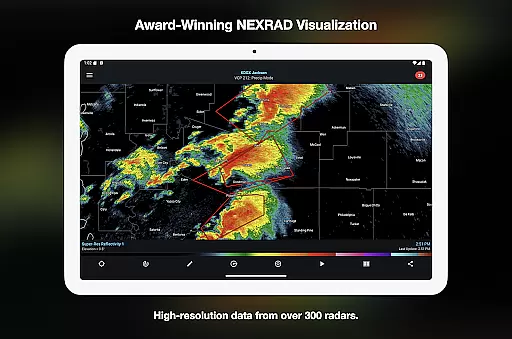
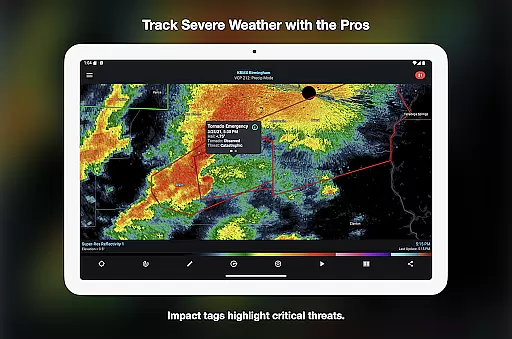
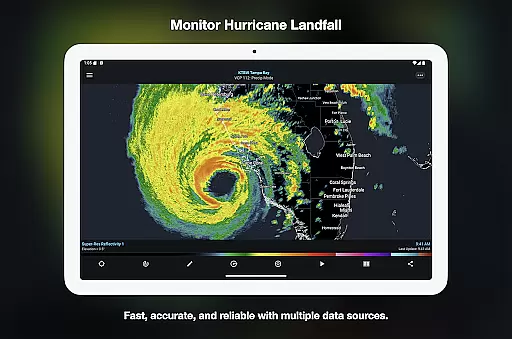
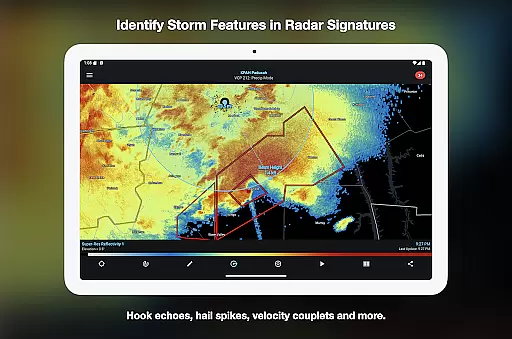
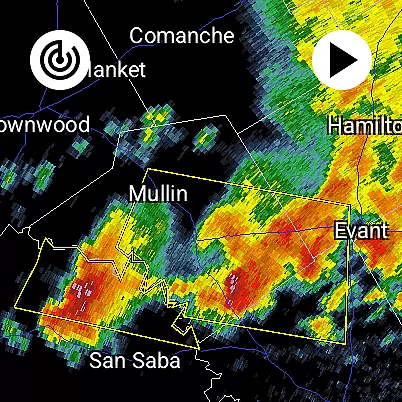
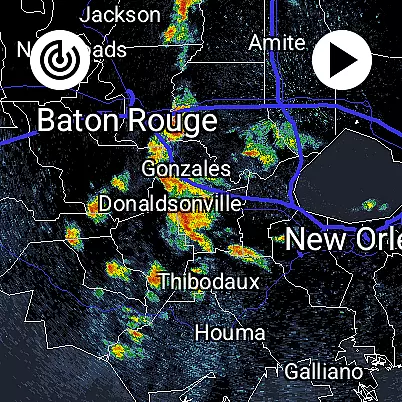
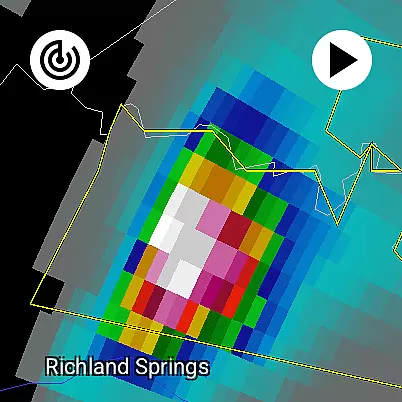
RadarScope is a premier weather visualization tool designed for meteorologists, public safety officials, storm spotters, and weather enthusiasts. The app provides professional radar visualization in its original radial format, offering real-time updates every two to ten minutes. With support for multiple countries and comprehensive weather data, it enables users to track severe weather patterns with precision.
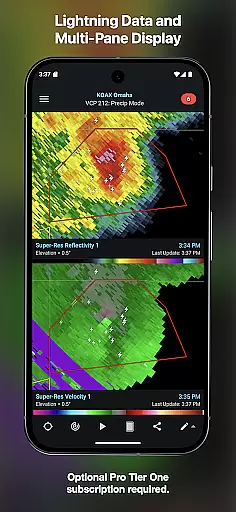
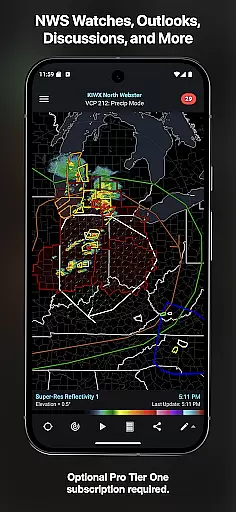
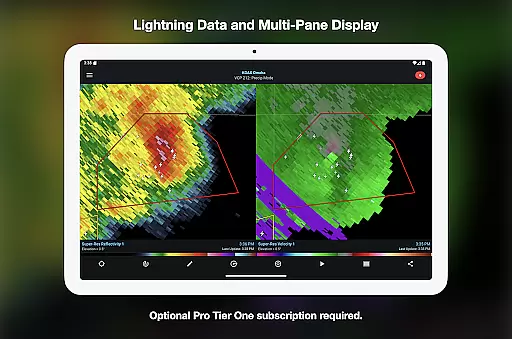
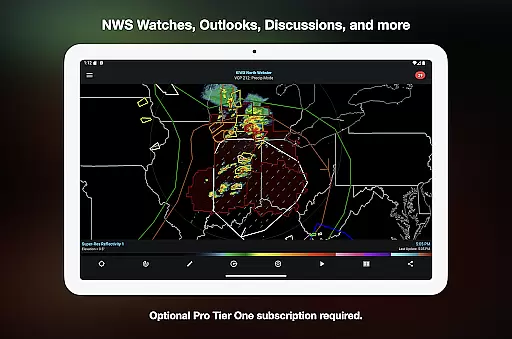
The app includes advanced features like tornado warnings, storm tracks, and integration with weather reporting services. Its optional Pro subscriptions unlock additional capabilities such as historical radar data, lightning strike tracking, and multi-pane displays. Available on Android and Wear OS, RadarScope combines powerful functionality with user-friendly design, making it an essential tool for weather monitoring.
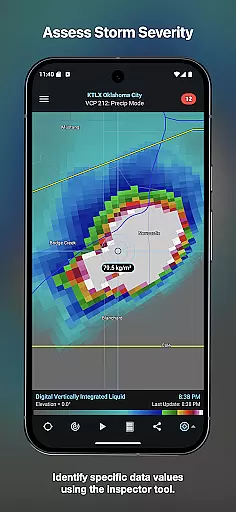
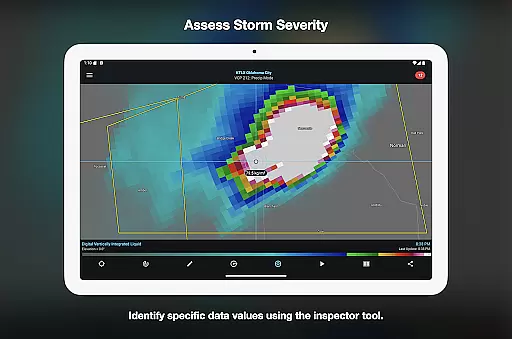
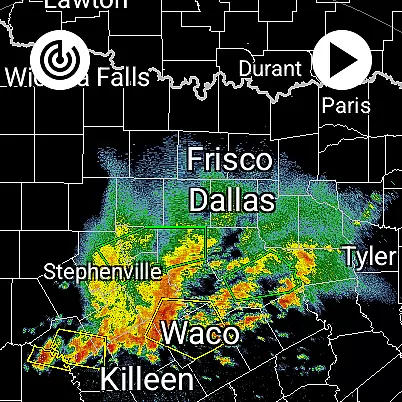
RadarScope stands out with its extensive suite of single-site radar products covering the US, Canada, and other regions. It offers 6-frame radar loops, built-in data providers, and critical weather warnings including tornadoes and thunderstorms. Tools like Inspector and distance measurement enhance analysis, while customizable color palettes allow tailored visualizations.
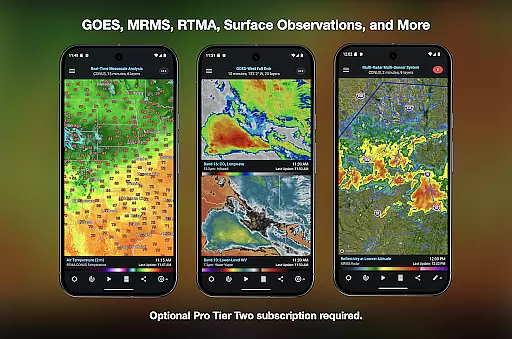
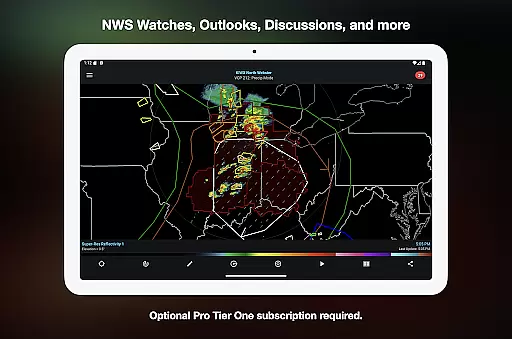
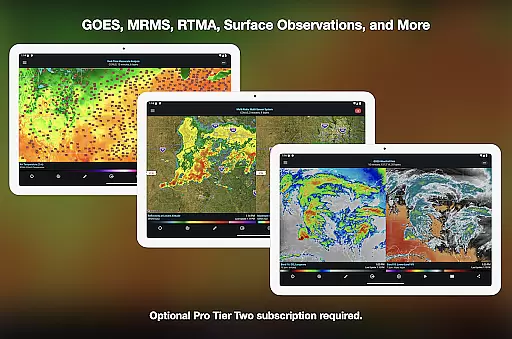
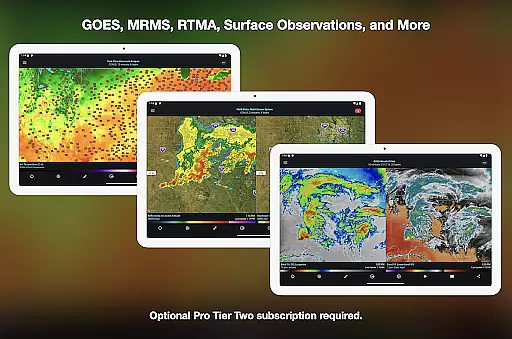
For advanced users, RadarScope Pro tiers provide expanded features. Tier One adds 30-frame radar loops and cloud-to-ground lightning strikes, while Tier Two unlocks NEXRAD Level II data, GOES satellite imagery, and MRMS products. These subscription options transform the app into a robust platform for detailed weather study, supporting both casual observers and professionals alike.
Companion app integration is crucial for Android Wear applications as it ensures seamless data synchronization between the wearable and its paired mobile device. RadarScope excels in this area by offering a unified experience across both platforms.
The app provides real-time weather updates on Wear OS devices, maintaining all the core functionalities available on smartphones. Users can access radar loops, severe weather warnings, and other critical meteorological data directly from their wrist.
This integration allows meteorologists, storm spotters, and weather enthusiasts to stay informed while on the move. The ability to quickly check weather conditions without needing to pull out a phone enhances situational awareness and decision-making.
Furthermore, RadarScope's support for widgets and bundled maps optimized for low-bandwidth use makes it an ideal choice for users who need reliable weather information in a portable format.
Device compatibility is a fundamental aspect of any Android Wear application, determining how well the software performs across different Wear OS devices. RadarScope demonstrates excellent compatibility with various smartwatches running Wear OS.
The universal app design ensures that RadarScope operates smoothly on both Android phones and Wear OS devices. This cross-platform functionality allows users to enjoy consistent performance regardless of their chosen device.
With support for Family Library and server-sent events for radar updates, the app maximizes its reach and usability. These features enable families to share subscriptions while receiving timely weather alerts on multiple devices.
Additionally, RadarScope Pro Tier Two offers cross-platform subscription sharing on up to five devices, making it a versatile tool for professionals and hobbyists alike who rely on accurate weather data across different gadgets.
Real-time radar updates
Comprehensive weather data
Customizable color palettes
Pro tier enhancements
Cross-platform support
Paid Pro subscriptions
Complex for beginners
Limited free features
High data usage
Regional limitations

Gym Log & Workout Tracker | Fitness Journal, Training & Weight Lifting Planner
 4.90
4.90
Simple Analog-Digital Watchface For Wear OS 3.0 and Up Smartwatches
4.1
Digital watch face with big numbers and many customization for Wear OS devices
4.40
Gym & home workout plans with strength training, exercise tracking, HIIT & more.
4.60
Funny animated watch face for Thanksgiving
4.5
Real-time weather radar with temperatures, warnings, hurricanes, and widgets
4.80
A modern hybrid informative watch face for Wear OS designed by BALLOZI
4.80
Hybrid Vibrant Health Watch Face for Wear OS
4.5
Fast and smart typing with Emojis, GIFs, and more
4.50
The Chevron App allows you to pay for fuel from the comfort of your car!
4.80
Hyperlocal rain alerts by MyRadar using patent-pending technology, radar & more
4.80
Locate your family members by GPS phone location tracker everywhere and anytime
4.30
Watch face for Wear OS.
4.20
Let's celebrate Thanksgiving - Wear Os watch face
4.20
Embrace the festive spirit with our Christmas Countdown watchface for Wear OS
4.10
Wear Os Watch Face - Animated Snow - Sesonal for Christmas & Winter
4.2
Christmas is near, let's count together the days left until Santa comes
4.0
Artistic Digital Watchface
4.5
Minimalistic design modern digital watch face.
4.3


User Reviews