
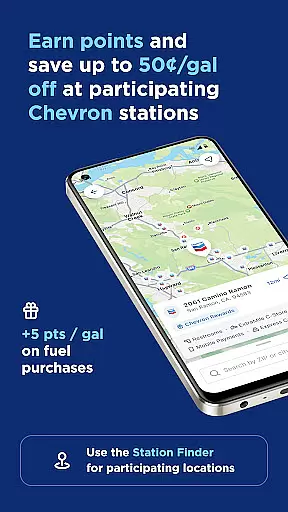
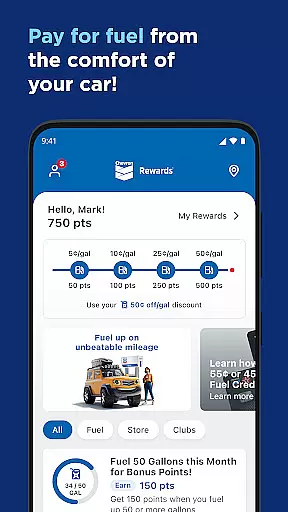
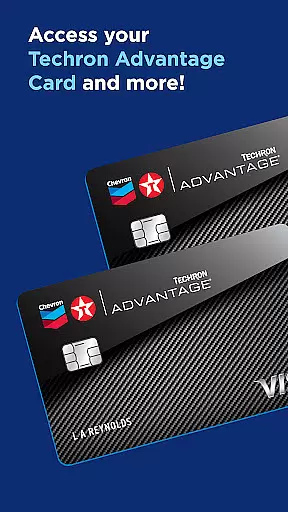

Chevron is a mobile payment and rewards application designed for seamless fueling experiences. Users can pay for gas or diesel directly from their mobile devices, eliminating the need to insert a card at the pump. The app also integrates with the Chevron Texaco Rewards program, allowing users to earn points on fuel and in-store purchases that translate into discounts.
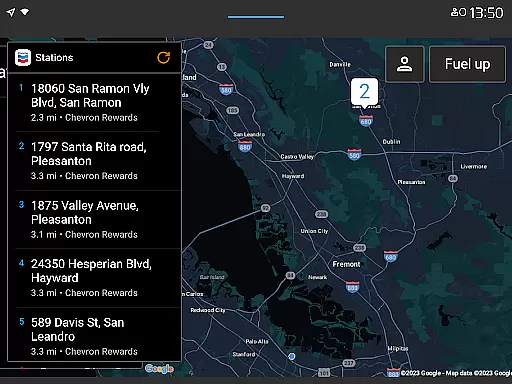
Available features include station finder functionality, mobile payment options, and integration with Android Auto and Wear OS devices. These capabilities ensure drivers can easily locate participating stations, redeem rewards, and complete transactions from their vehicle's dashboard or smartwatch. The app targets frequent travelers and commuters who value convenience and savings.
This app is particularly beneficial for those who frequently visit Chevron and Texaco stations, as it streamlines the entire fueling process while offering tangible financial benefits through its rewards system.
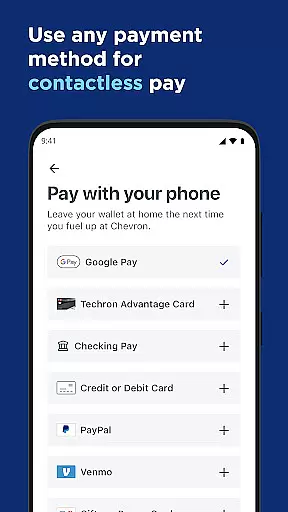
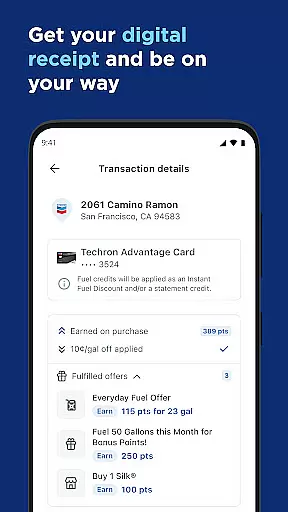
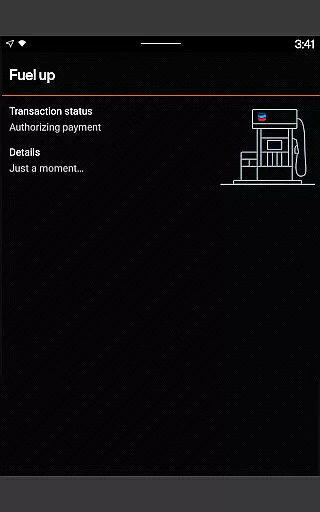
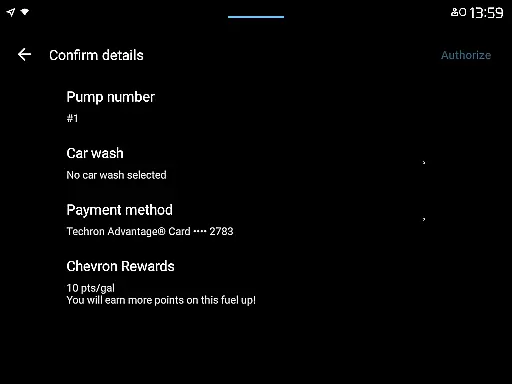
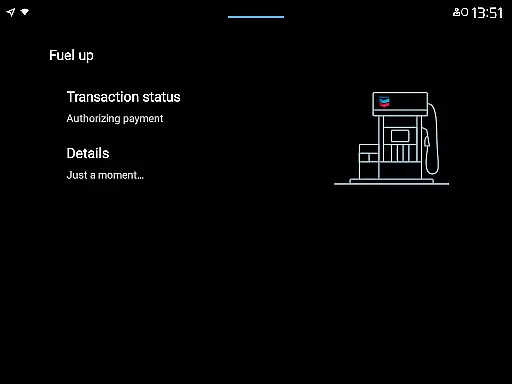
The Chevron app offers an array of innovative features tailored for modern drivers. One standout capability is the ability to reserve and pay for fuel directly from the driver's seat, which significantly enhances the refueling experience. This feature supports various accepted payment methods and provides users with digital receipts immediately after purchase.
Beyond payments, the app incorporates a robust rewards system. Users can earn points on both fuel and select in-store purchases, which can be redeemed for discounts of up to 50 cents per gallon at participating locations. Additionally, the ExtraMile Rewards program extends these benefits further by introducing new perks and conveniences.
For added convenience, the app includes advanced functionalities such as filtering station amenities, viewing lower-carbon-intensity products, and accessing Club Program card punches. Integration with Android Auto and Wear OS ensures that users can interact with the app hands-free, making it safer and more efficient to manage fueling needs while driving.
Companion app integration is essential for users who want a seamless experience across multiple devices. The Chevron app excels in this area by ensuring that all features and functions are consistent whether you're using the Chevron, Texaco, or ExtraMile apps. This means your points and rewards balances are accessible from any of these platforms, providing flexibility and convenience.
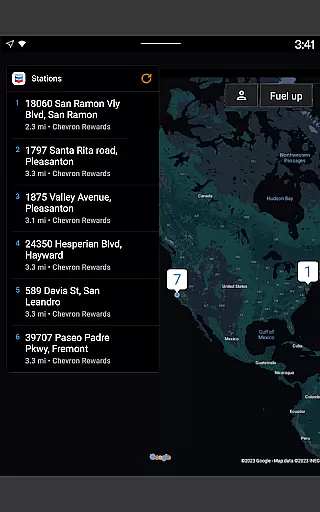
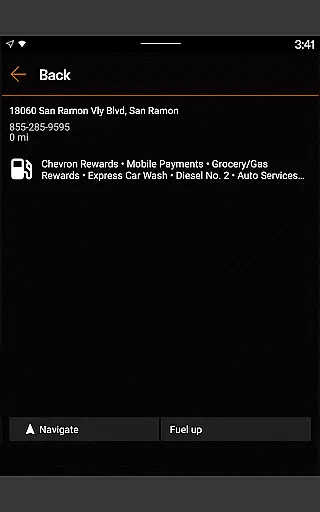
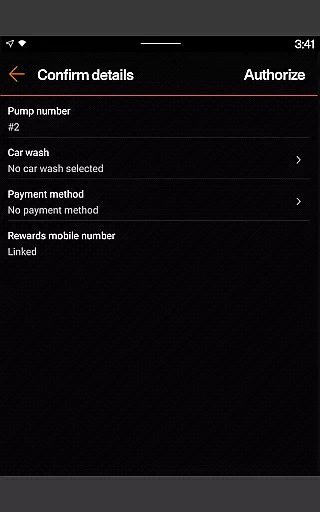
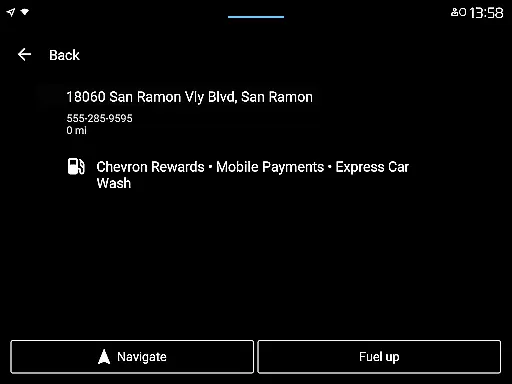
The app allows you to connect your mobile phone to your car's dashboard, making it easy to find locations, redeem rewards, add a car wash, and pay for fuel directly from your vehicle. Android Auto users can particularly benefit from this feature, as it enhances safety and ease of use while driving. By integrating with Android Auto, the Chevron app ensures that you can perform necessary tasks without taking your eyes off the road.
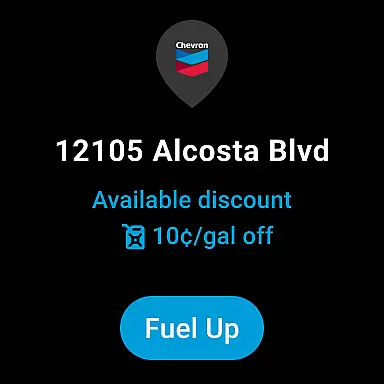
Additionally, the Chevron app supports Wear OS devices, allowing you to fuel up and redeem rewards right from your wrist. This level of companion app integration ensures that no matter where you are or what device you're using, you have access to the same robust set of features and benefits. Whether you're at the pump or on the go, the Chevron app keeps you connected and in control.
Wear OS/device compatibility is a crucial feature for modern apps, especially those designed for convenience and mobility. The Chevron app offers excellent support for Wear OS devices, enabling users to fuel up and redeem rewards directly from their smartwatches. This compatibility ensures that even when you don't have your phone handy, you can still enjoy the full range of functionalities offered by the app.
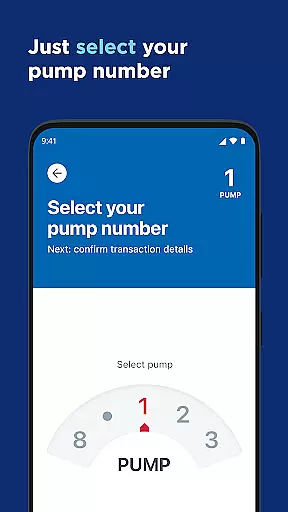
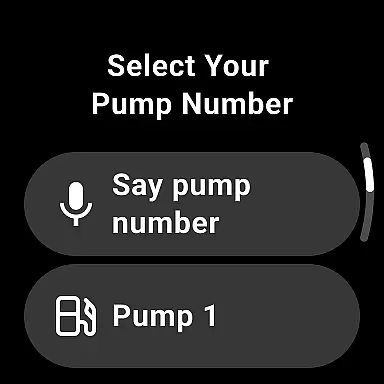
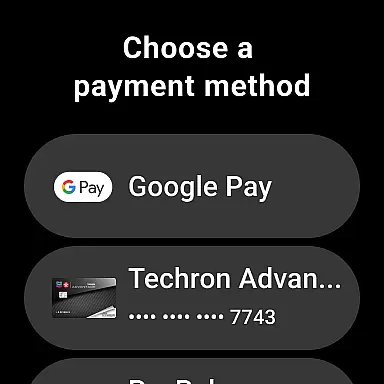
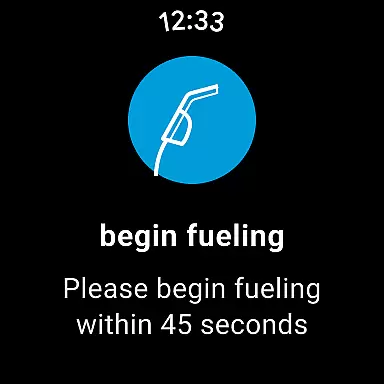
By supporting Wear OS, the Chevron app provides an additional layer of convenience. Users can reserve a pump, select a payment method, and complete their transaction right from their wrists. This not only speeds up the refueling process but also enhances the overall user experience by reducing the need to handle multiple devices.
Moreover, the app's compatibility with Wear OS devices extends to viewing available rewards and other important information under the My Rewards section. This ensures that users are always informed about their rewards status and can make the most of their points and discounts. With such comprehensive Wear OS/device compatibility, the Chevron app stands out as a top choice for drivers looking for a high-tech, convenient solution for managing their fuel purchases.
User-friendly interface
Seamless payment process
Robust rewards program
Wide station network
Integrated navigation tools
Limited to participating stations
Requires stable internet
Age restriction for signup
Occasional technical issues
Payment method limitations

WTW M17 is a premium and luxurious hybrid watch face
 4.70
4.70
Christmas is near, let's count together the days left until Santa comes
4.5
MyNISSAN® lets you remotely control your car from your phone.*
4.50
Analog watch face with 8 complications and expedition styling
4.4
Beautiful, colorful and practical watch face. For Wear OS devices.
5.00
Watch face designed for Thanksgiving Day. 7 Background Styles included.
3.20
Kia Access makes getting your vehicle information easier than ever
4.60
Hyper-Realistic Airplane Dashboard Watch Face With 10 Skins and Custom AOD
4.00
Download full tracks, listen to music offline, make unlimited playlists.
4.80
Gym Log & Workout Tracker | Fitness Journal, Training & Weight Lifting Planner
4.90
Hyperlocal rain alerts by MyRadar using patent-pending technology, radar & more
4.80
The most customizable hybrid watch face. For Wear OS 5.0, API 34+ and later
4.70
Monitor health with the stress test and pulse checker in the heart rate app.
4.60
Bold weather Digital watchface with forecast & optional animated background
4.40
Daily Weather forecast with 15 weather images for Day & Night plus Big Bold time
4.10
Structured watch face with seven complications and modular UI elements
3.90
Get helpful reminders, take progress photos and find answers to your questions.
3.90
Contemporary digital watch face with five complications
4.2
Minimalistic design modern digital watch face.
4.0


User Reviews