
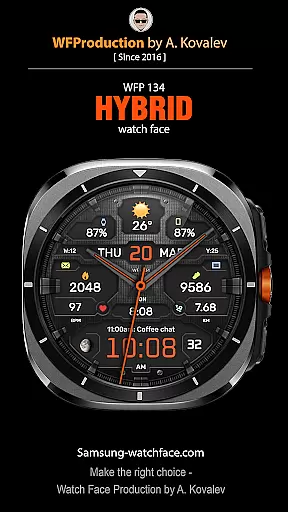
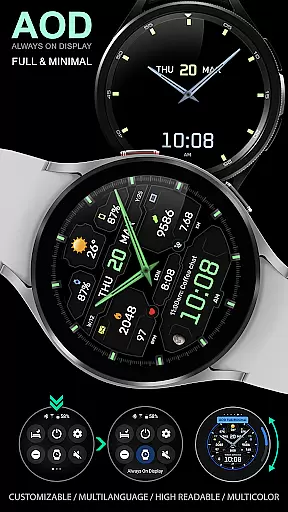
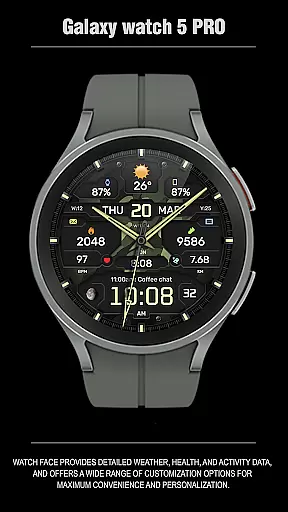
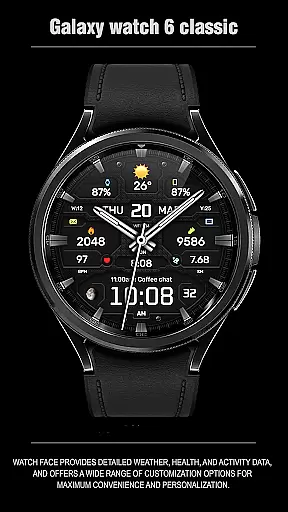
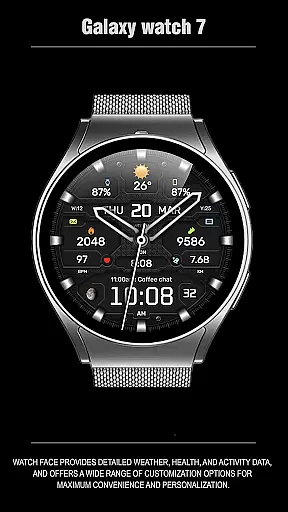
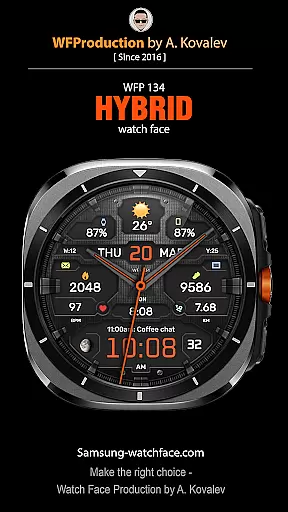
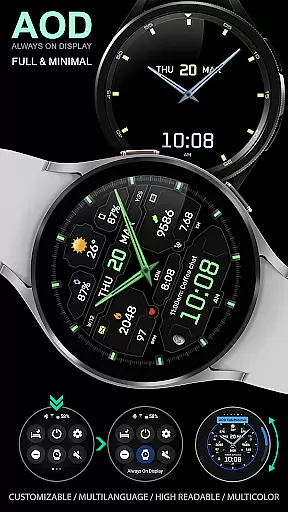
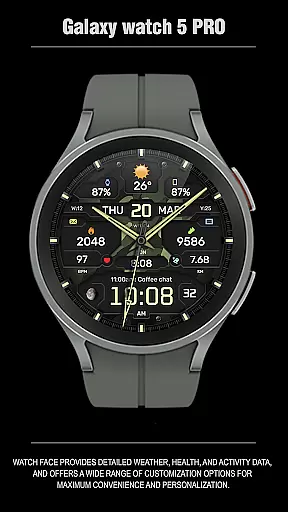
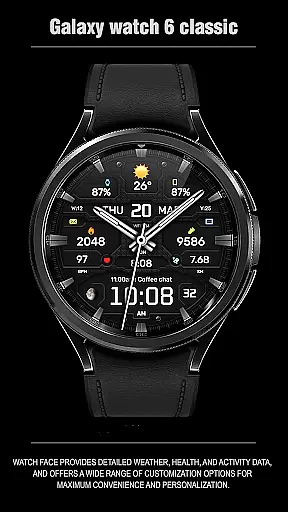
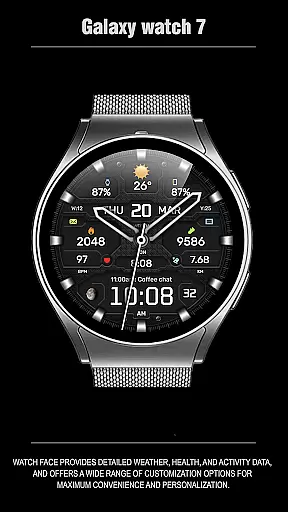
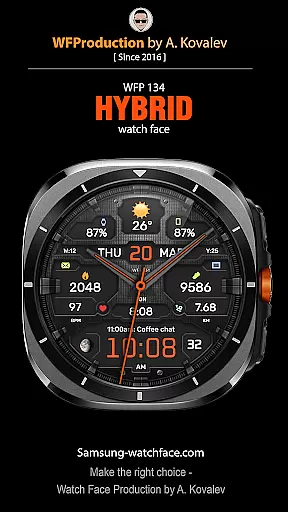
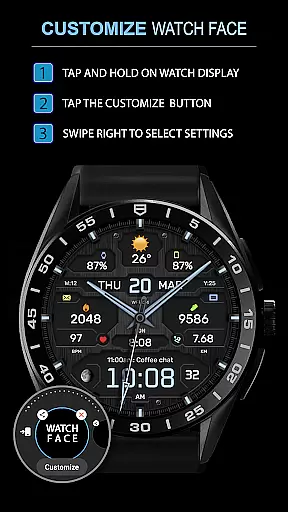
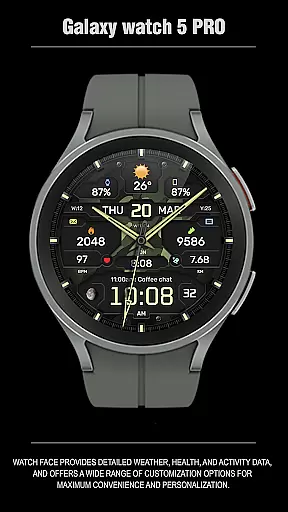
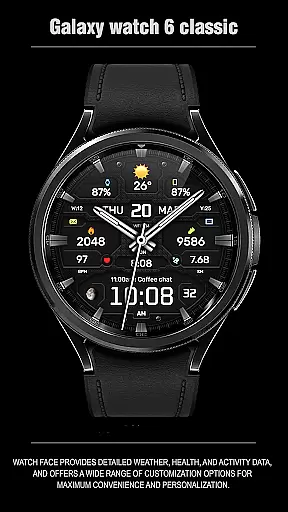
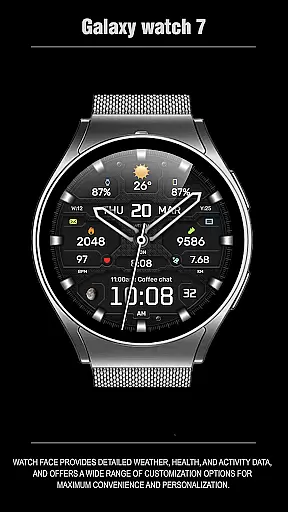
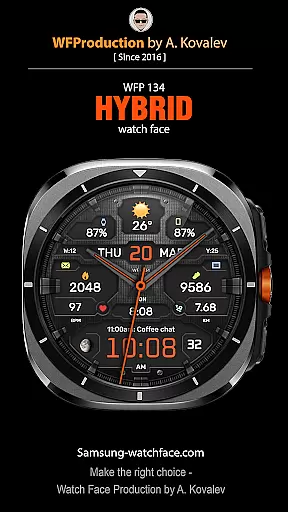
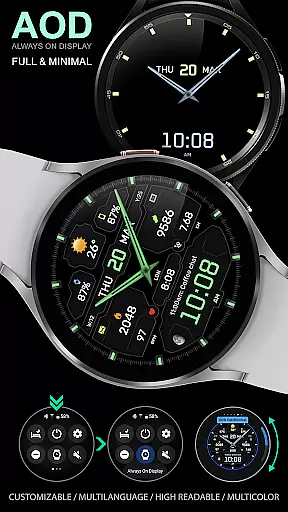
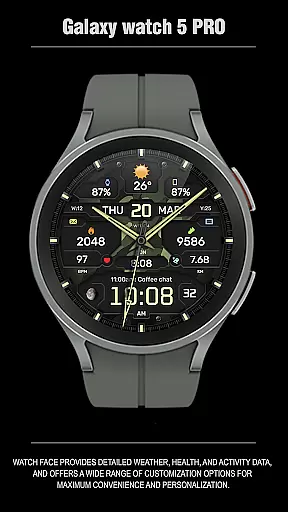
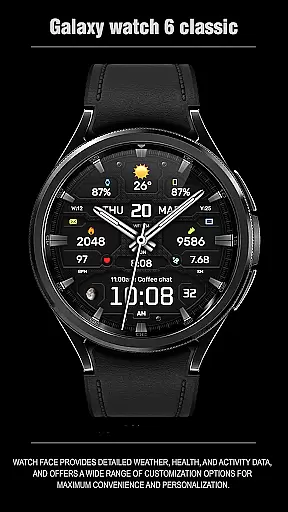
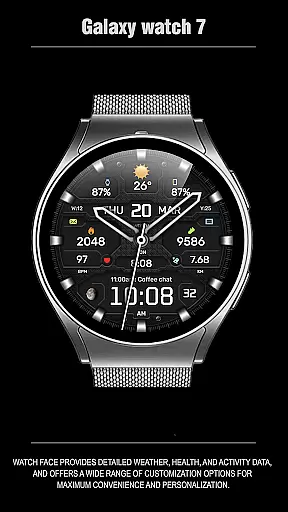
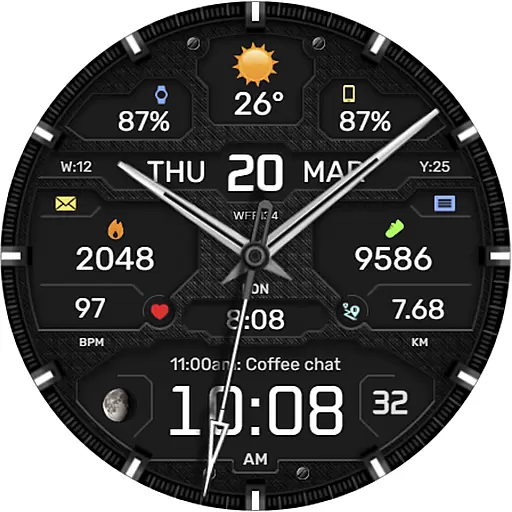
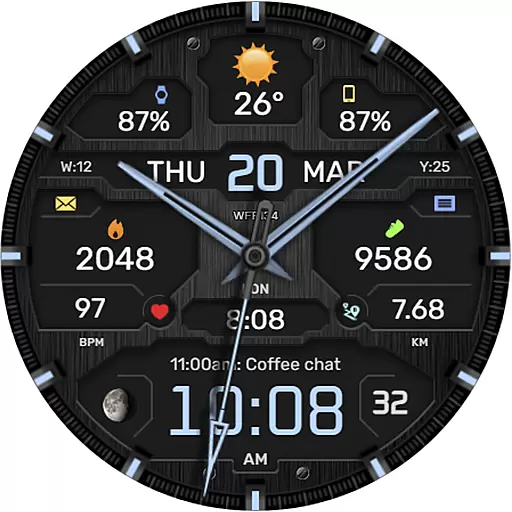
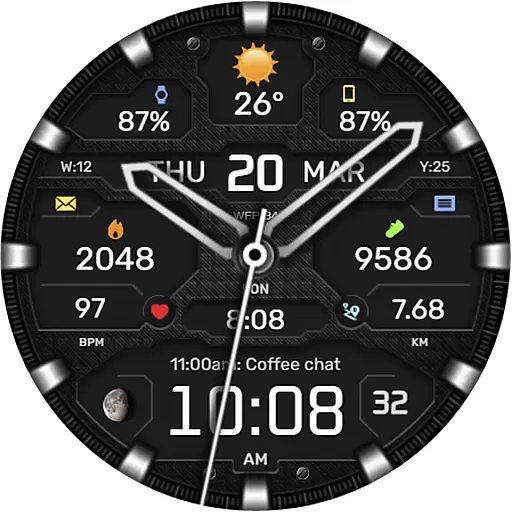
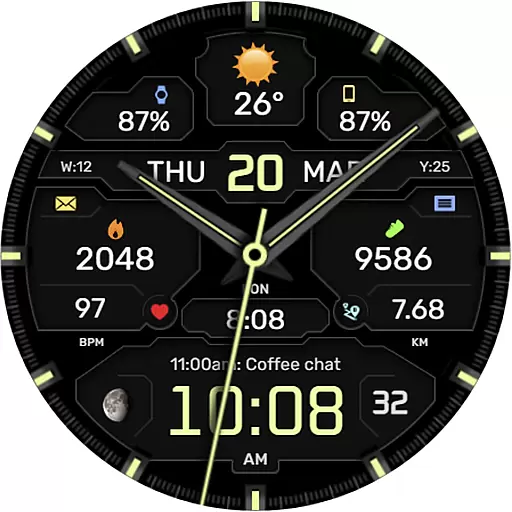
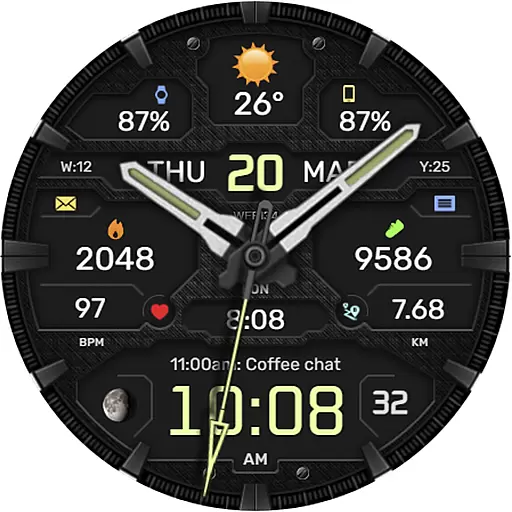
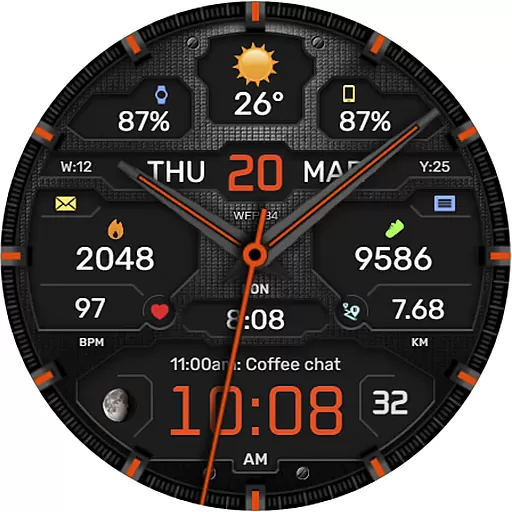
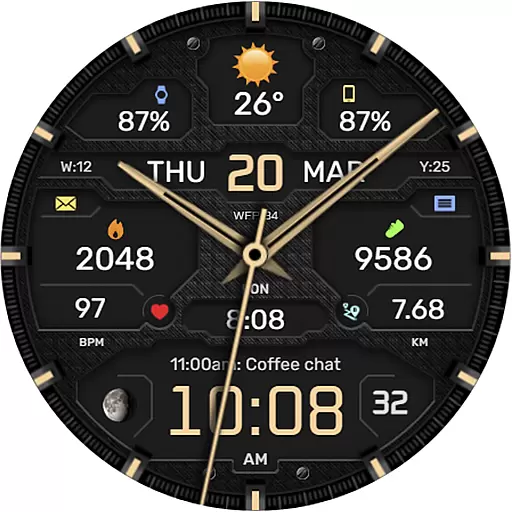
The WFP 134 Hybrid watch face is a versatile and stylish wearable application designed for smartwatch users who value both aesthetics and functionality. This watch face not only enhances the visual appeal of your device but also provides essential features such as detailed weather forecasts, health monitoring, and activity tracking.
With extensive customization options, users can personalize their watch faces to suit their preferences. The app supports various complications, color schemes, backgrounds, and fonts, ensuring a unique and tailored experience. Compatible with devices running API 34+ and later, this application offers high resolution, optimization, and low battery consumption, making it an ideal choice for those seeking a balance between style and utility.
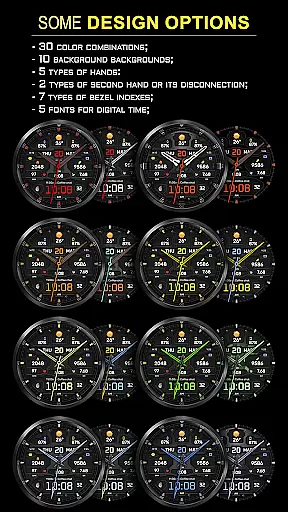
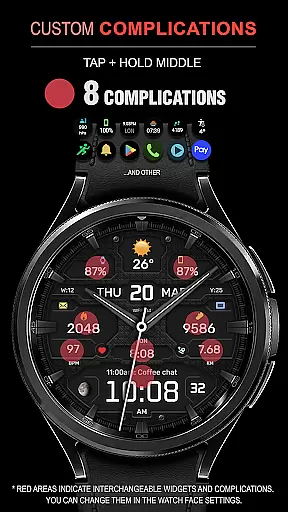
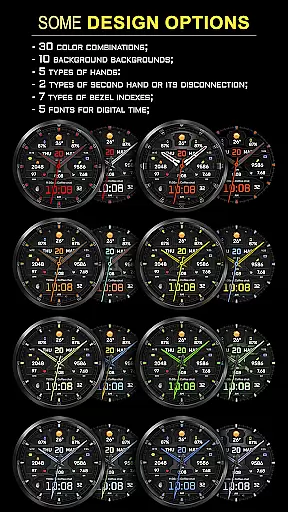
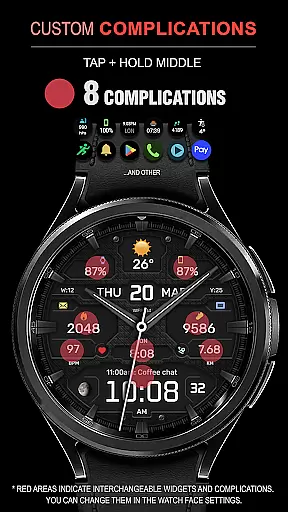
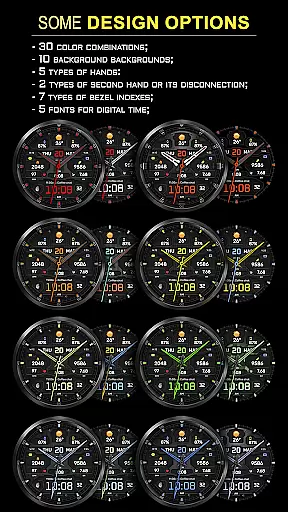
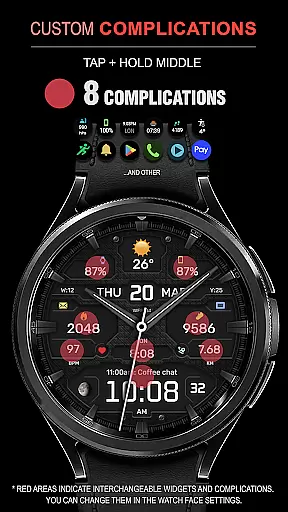
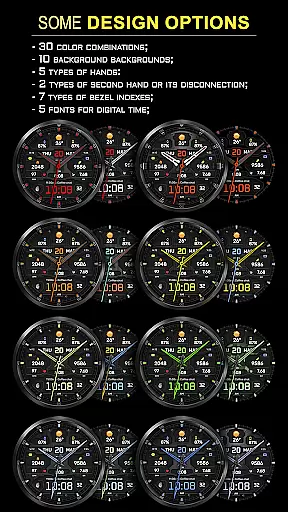
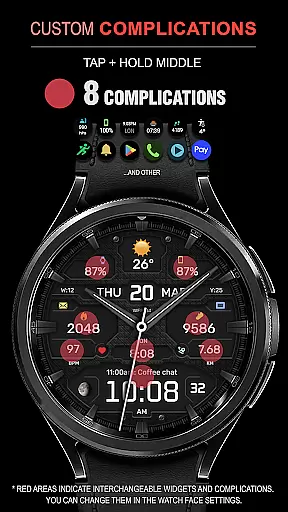
The WFP 134 Hybrid watch face stands out with its comprehensive feature set that caters to diverse user needs. It includes eight different complications, thirty color combinations, ten background options, and five types of hands, allowing for a highly personalized appearance. Users can choose between two types of second hands or disable them entirely, depending on their preference.
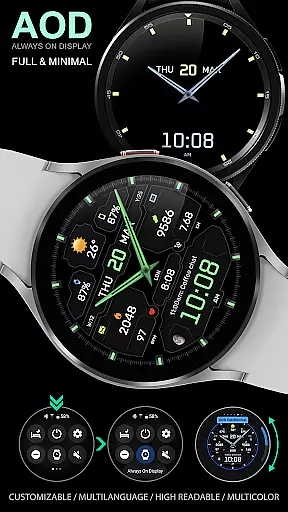
Additional functionalities include seven types of bezel indexes, five fonts for digital time display, and a black edition mode for a sleek look. The app also provides practical features like weather forecasts, moon phases, and multilingual support. With customizable Always-On Display (AOD) modes and weather displayed in Fahrenheit or Celsius, this watch face ensures both convenience and accessibility while maintaining optimal performance and battery efficiency.
Companion app integration is essential for a seamless experience between a smartphone and a wearable device. The WFP 134 Hybrid watch face excels in this area by offering users the ability to customize their watch face directly from their phone.
This application provides detailed weather, health, and activity data, which can be easily synced with a smartphone. Users can access various widgets for phone charge, calorie tracking, floors climbed, and more, enhancing the overall utility of the smartwatch.
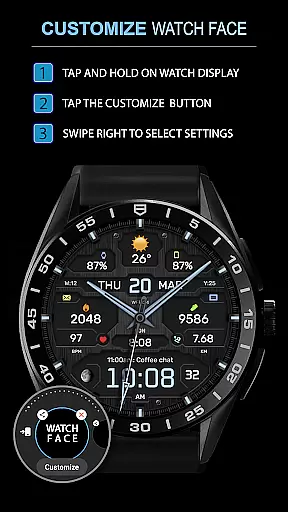
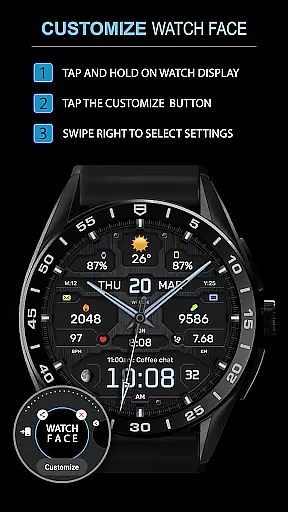
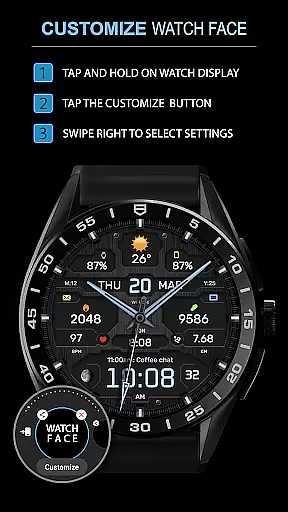
By following simple instructions available on the developer's website, users can set up these features effortlessly. This ensures that all the necessary information is presented on the watch face, making it not only stylish but also highly functional.
The synchronization between the companion app and the watch face allows for real-time updates and personalization, ensuring that users have a tailored experience that fits their lifestyle and preferences.
Ensuring compatibility across various devices and operating systems is crucial for any wearable technology. The WFP 134 Hybrid watch face is designed to work seamlessly with devices running Wear OS, particularly those using API 34+ and later versions.
This compatibility extends to a wide range of smartwatches, allowing users to enjoy the same level of functionality regardless of their specific device model. Detailed installation instructions are provided on the developer's website, ensuring a smooth setup process.
With support for multiple languages and customizable features such as weather display in Fahrenheit or Celsius, the watch face caters to a diverse user base. Additionally, its high optimization ensures low battery consumption while maintaining high resolution and performance.
Overall, the WFP 134 Hybrid watch face offers a versatile solution for users seeking a stylish yet functional addition to their Wear OS devices, providing both aesthetic appeal and practical utility.
Highly customizable
Low battery usage
Stylish design
Comprehensive weather data
Multilingual support
Complex setup process
Limited free features
Requires newer devices
No built-in fitness tracker
Premium cost for full access

"PER27 Galaxy Digital" is a digital Wear OS watch face designed by PERSONA
 4.10
4.10
Calming & relaxing sounds for sleeping and stress relief. Stay focused all day!
4.20
an Analog Watch Face for winter season with freeze winter background for Wear OS
4.3
Deck out your Wear OS Watch face with a beautifully decorated pine wreath!
4.50
Authentic military-tactical design with ZULU time! Realistic and functional!
3.80
Funny animated watch face for Thanksgiving
4.0
Stylish, Energizing and Modern Watch Face crafted by Dominus Mathias.
4.50
Your music, your playlists, and more—offline and unlimited.
4.20
Start and succeed with PAP
4.10
Monitor health with the stress test and pulse checker in the heart rate app.
4.60
Walking app for weight loss: walk & step tracker, pedometer, indoor treadmill
4.60
Retro digital watch face with customizable colors and a unique lighting effect
4.60
Connect to your Bluelink equipped Hyundai vehicle from your smartphone.
4.50
Wear Os Watch Face - Animated Snow Effect & Magic Spark - 6 Scenes
4.10
Connect, create, and collaborate with Gmail, part of Google Workspace.
4.10
Watch the sharpness of the sky on your wrist..
3.70
Christmas is near, let's count together the days left until Santa comes
4.0
A heartwarming Christmas scene featuring a cute image of Santa and Rudolf
4.1
3 Complications. All shadow on/off. 30 Themes color palette...
4.3


User Reviews