
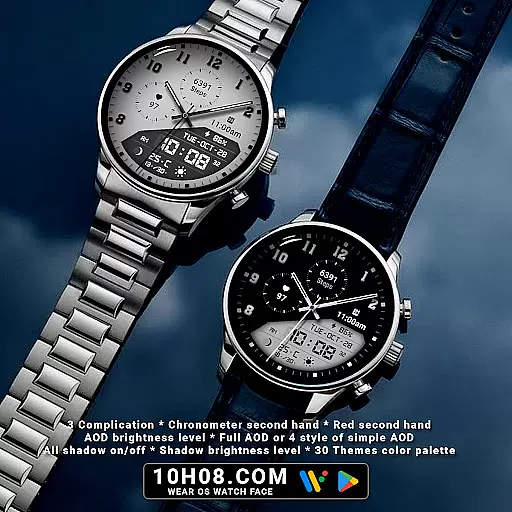
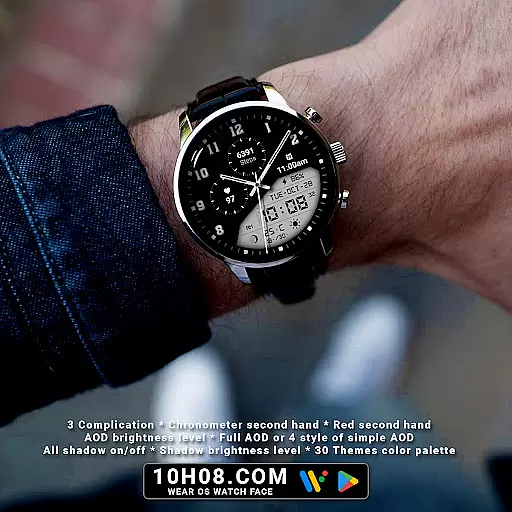
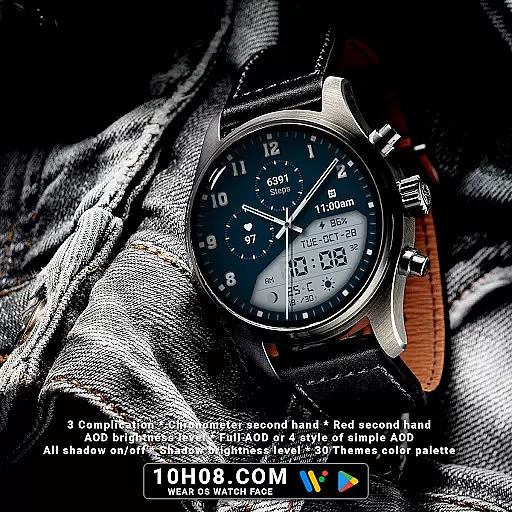
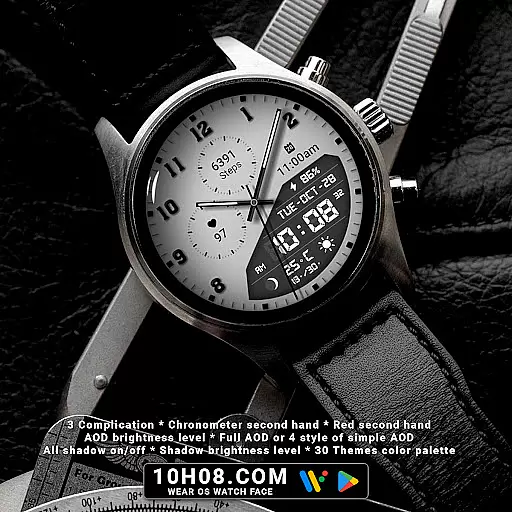
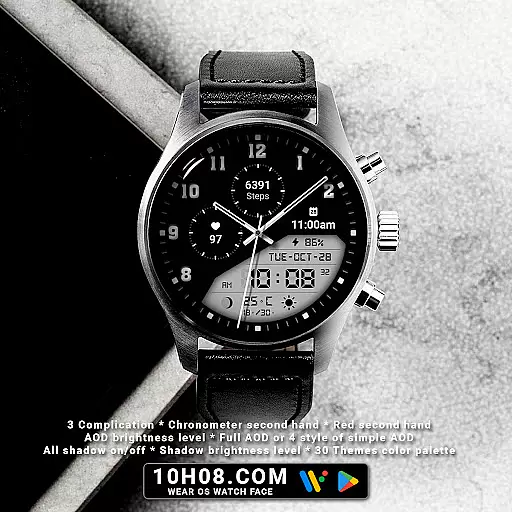
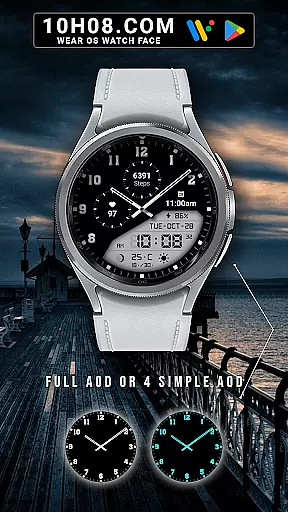
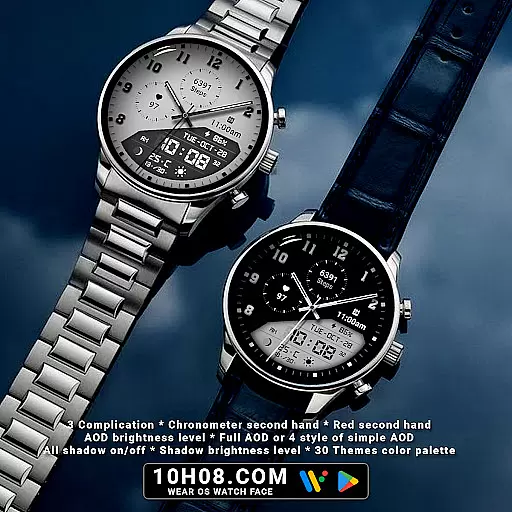
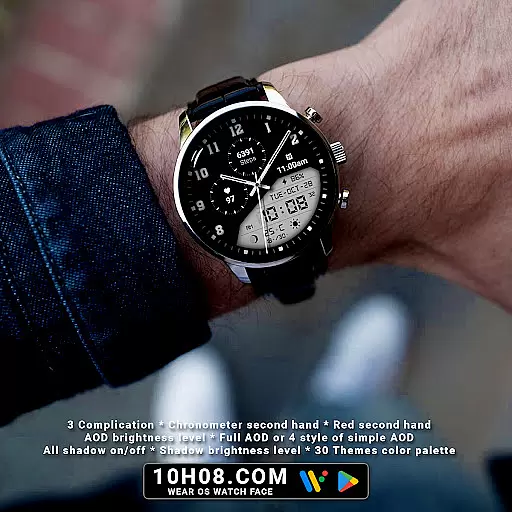
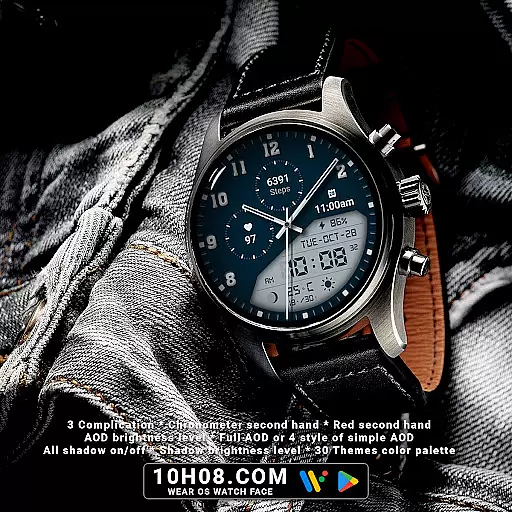
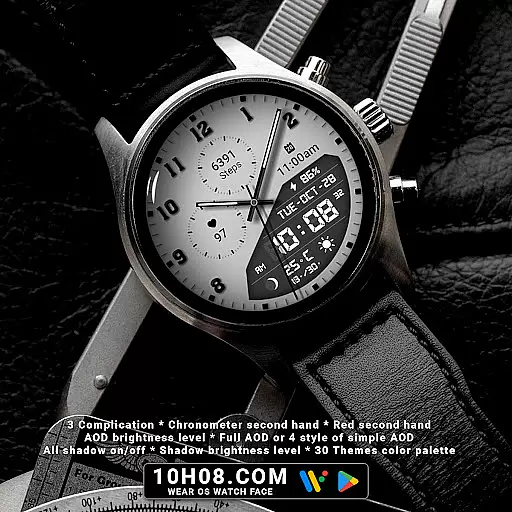
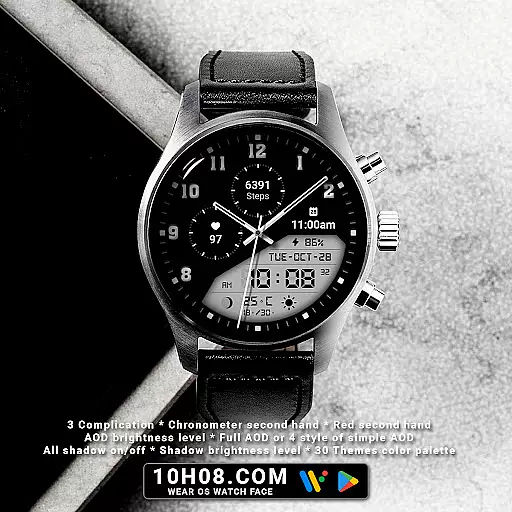
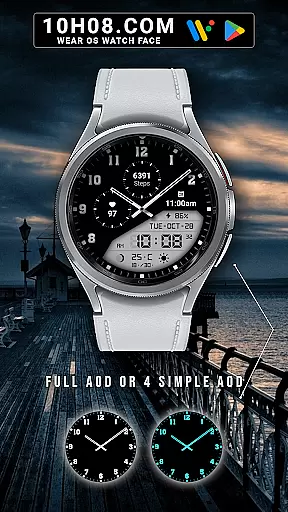
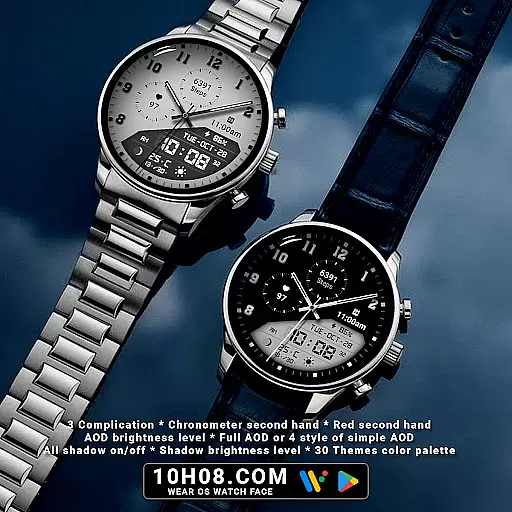
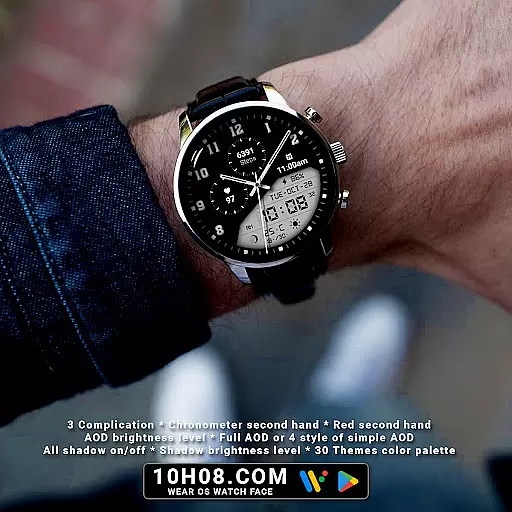
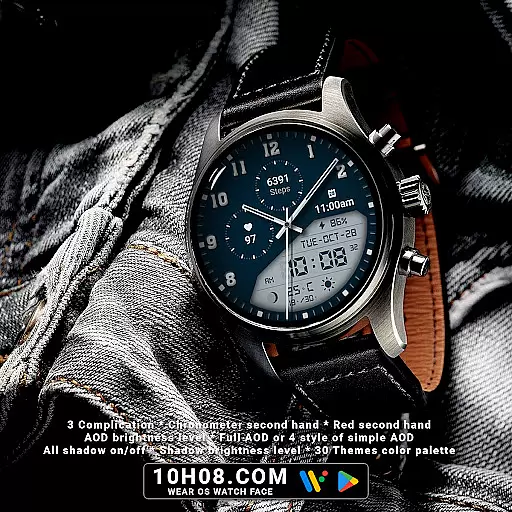
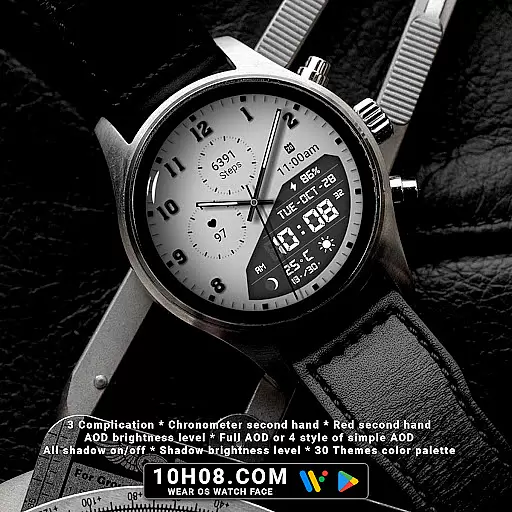
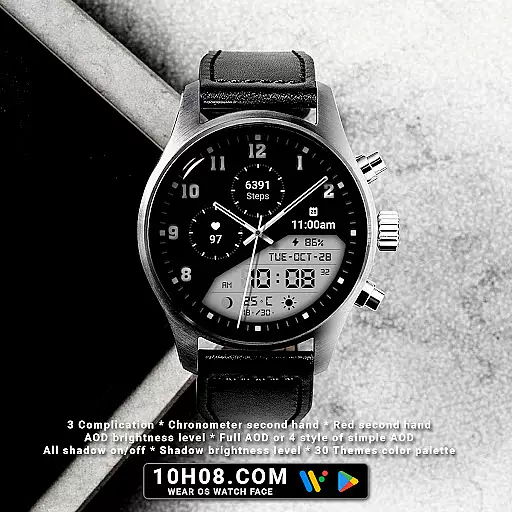
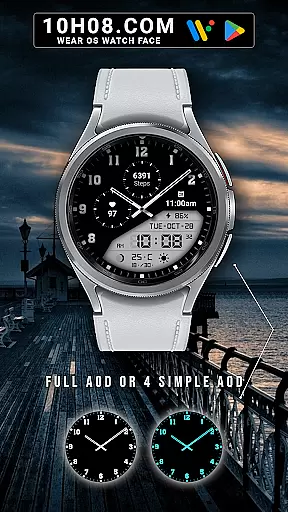
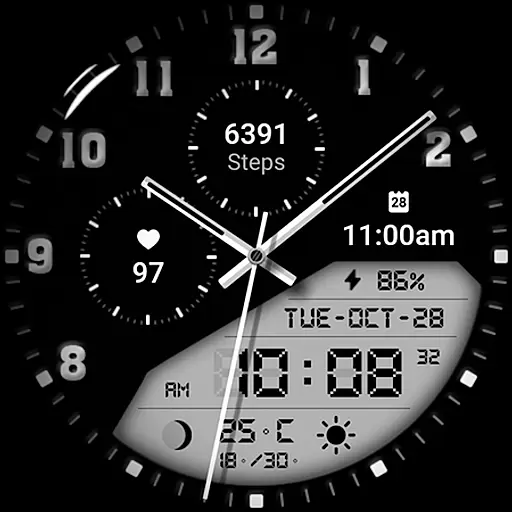
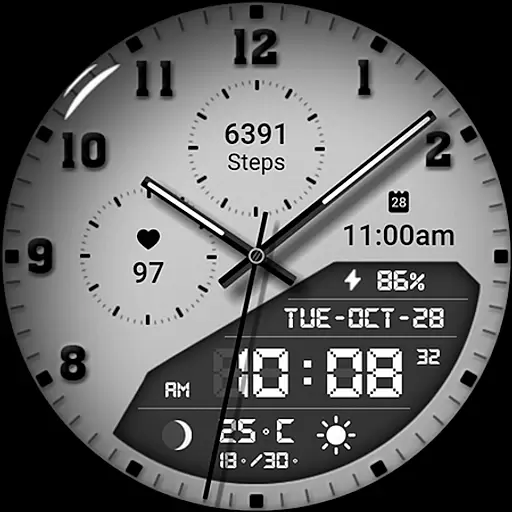
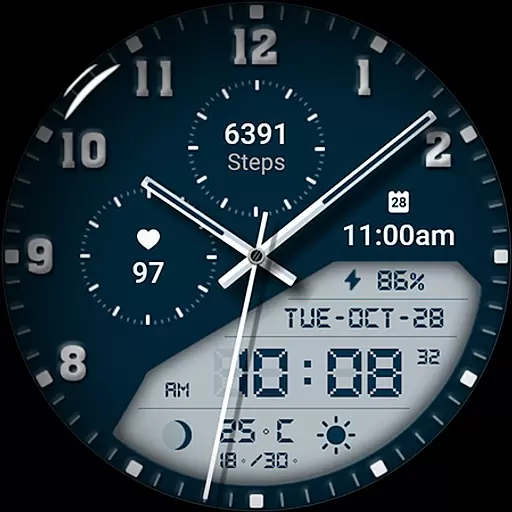
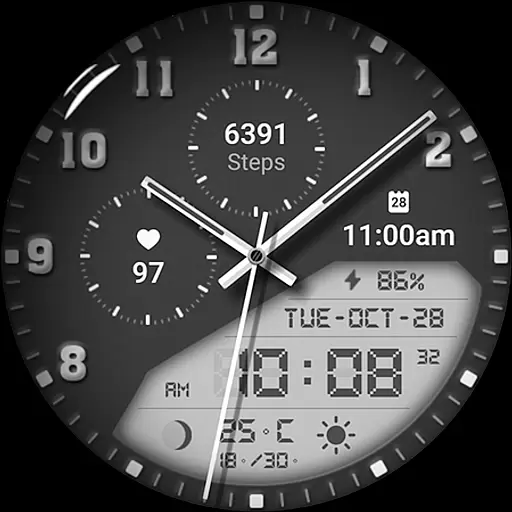
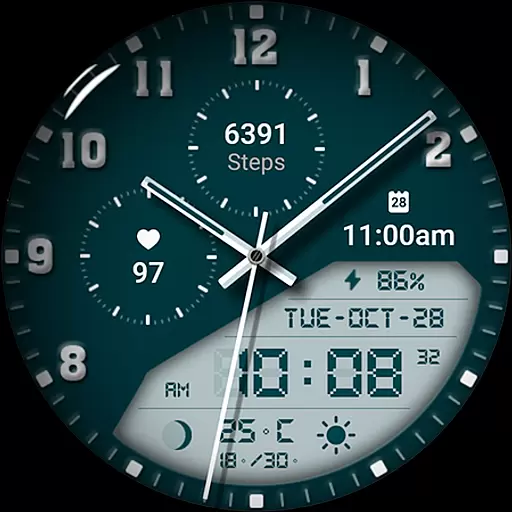
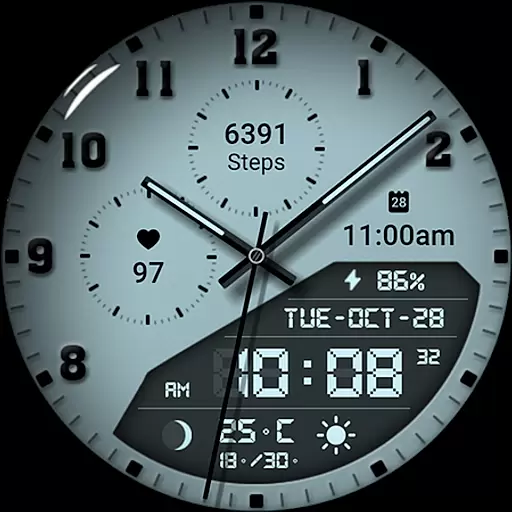
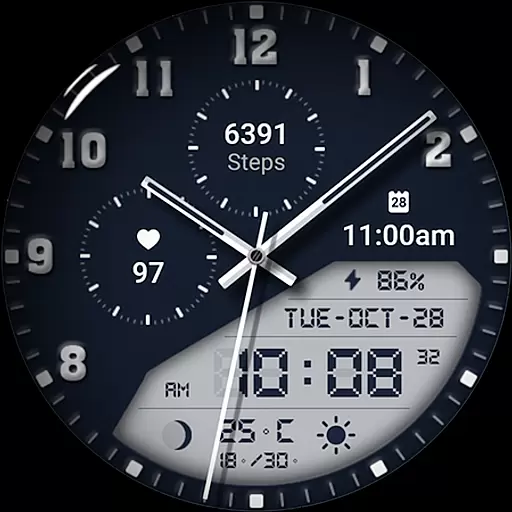
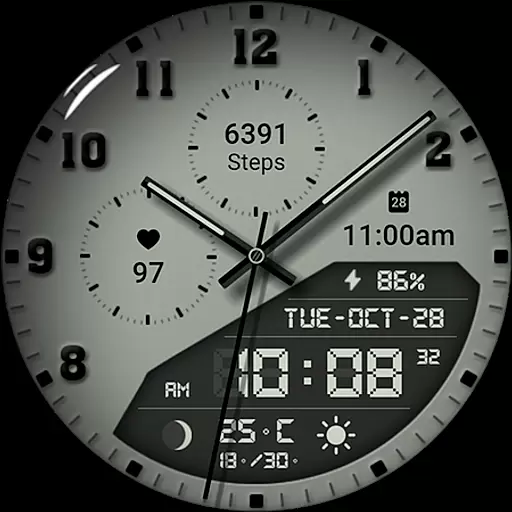
Watch face 10h08.com #85 is a feature-rich customizable watch face designed for Wear OS smartwatches. This premium quality watch face offers high-resolution display with sharp image quality, making it perfect for users who value both aesthetics and functionality.
The watch face combines classic analog design with modern digital features. It displays not only time but also includes day, date, weather information, fitness tracking (steps and heart rate), next event notification, moon phase, and battery level. With 3 complications, chronometer second hand, and red second hand options, users can personalize their watch face experience according to their preferences.
This versatile watch face is compatible with various smartwatch models running Wear OS 5+ SDK 34+, including Galaxy Watch series, Ticwatch Pro 5, and Pixel Watch 2. The inclusion of 30 color themes and adjustable shadow/brightness settings makes it suitable for both professional and casual settings.
Watch face 10h08.com #85 stands out with its comprehensive customization options. Users can adjust all elements including shadows, brightness levels, and choose from full AOD or four simple AOD styles. The watch face supports both analog and digital time display formats.
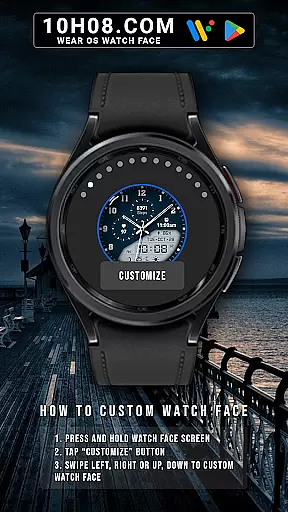
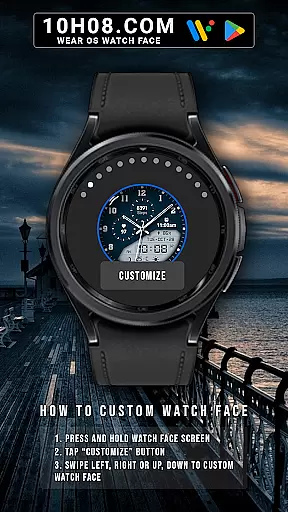
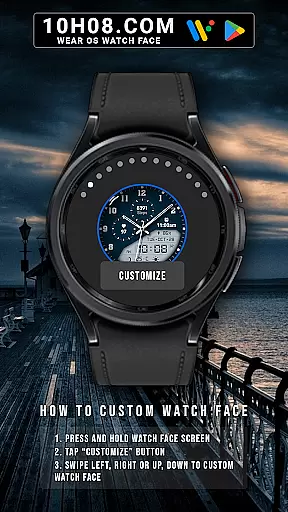
One of the key features is its user-friendly customization process. By simply pressing and holding the watch face screen, users can access the "Customize" menu. From there, they can swipe in any direction to modify various aspects of the watch face appearance. The inclusion of 30 color themes and multiple display options allows for personalization that suits individual style and mood.
The application's compatibility with multiple Wear OS devices and its support for advanced features like weather updates, fitness tracking, and event notifications make it a complete solution for smartwatch users. Additionally, the developer provides regular updates and maintains active social media presence for user support and feature announcements.
Companion app integration is essential for a seamless smartwatch experience. Watch face 10h08.com #85 excels in this area by offering users the ability to customize their watch face directly from their smartphone. This ensures that personal preferences such as weather updates, next event notifications, and health metrics like steps count and heart rate are easily accessible.
The customization process is straightforward. Users can press and hold the watch face screen, tap the 'Customize' button, and swipe in any direction to adjust settings. This intuitive interaction between the companion app and the watch face allows for real-time adjustments without hassle. With options ranging from classic analog displays to modern digital interfaces, users have complete control over their timepiece's appearance and functionality.
Furthermore, the companion app supports advanced features such as All shadow on/off, Shadow brightness level, and AOD (Always-On Display) brightness level. These settings ensure optimal visibility under various lighting conditions while conserving battery life. By integrating these sophisticated controls within the companion app, Watch face 10h08.com #85 empowers users to tailor their smartwatch experience precisely to their liking.
Ensuring broad device compatibility is crucial for any Wear OS application. Watch face 10h08.com #85 is designed to work seamlessly with smartwatches running Wear OS 5+ SDK 34+, making it compatible with popular models such as Galaxy Watch 6, Galaxy Watch 7 Ultra, Ticwatch Pro 5, Pixel Watch 2, and Watch 2 Pro. This wide-ranging support guarantees that users across different devices can enjoy a consistent and high-quality experience.
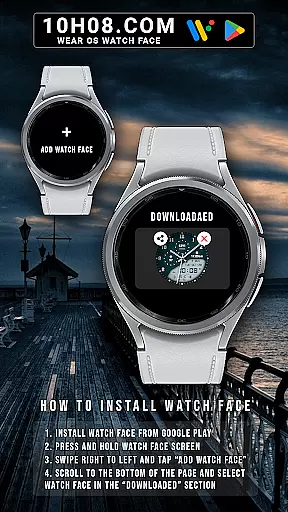
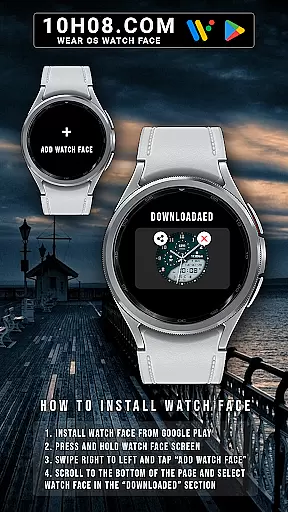
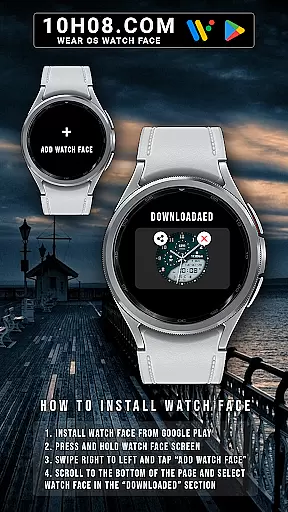
To install the watch face, users simply need to download it from the Google Play Store. After installation, they can press and hold the watch face screen, swipe right to left, and tap 'Add watch face.' Scrolling to the bottom of the page reveals the newly downloaded watch face in the 'downloaded' section. This streamlined installation process ensures that users can quickly and easily start using their preferred watch face.
In addition to its compatibility with various devices, Watch face 10h08.com #85 offers an extensive range of customization options. With 30 Themes color palettes, multiple complications, and detailed display settings, users can create a personalized watch face that suits their style and needs. This combination of broad device support and rich customization capabilities makes Watch face 10h08.com #85 a versatile choice for smartwatch enthusiasts.
High-resolution display
Extensive customization options
Comprehensive fitness tracking
Multiple AOD styles
Wide device compatibility
Premium version required
Complex setup process
Limited free features
Battery consumption
Occasional glitches

an Analog Watch Face for winter season with freeze winter background for Wear OS
 4.3
4.3
Wear Os Watch Face - Animated Snow - Sesonal for Christmas & Winter
4.2
Deck out your Wear OS Watch face with a beautifully decorated pine wreath!
4.50
Easy Voice Recorder is your everyday companion to record important moments.
4.70
Watch face designed for Thanksgiving Day. 7 Background Styles included.
3.20
Ideal for surviving in the wasteland left after nuclear fallout
4.50
The most customizable hybrid watch face. For Wear OS 5.0, API 34+ and later
4.70
Animated video-game inspired “secret agent” simulation, right on your wrist!
4.20
Your music, your playlists, and more—offline and unlimited.
4.20
Gym Log & Workout Tracker | Fitness Journal, Training & Weight Lifting Planner
4.90
Hyperlocal rain alerts by MyRadar using patent-pending technology, radar & more
4.80
Digital watch face. For Wear OS devices.
4.40
Bold weather Digital watchface with forecast & optional animated background
4.40
Locate your family members by GPS phone location tracker everywhere and anytime
4.30
Watch face for Wear OS.
4.20
Snowflake Rose Gold Watch Face - Digital, modern, & sleek with GYRO effect.
4.10
Structured watch face with seven complications and modular UI elements
3.90
Watch the sharpness of the sky on your wrist..
3.70
Your local weather forecast, storm tracker, radar maps & live weather news
3.40


User Reviews