
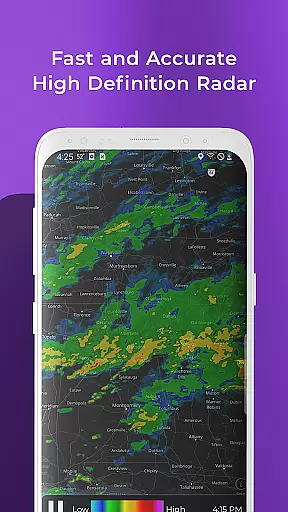
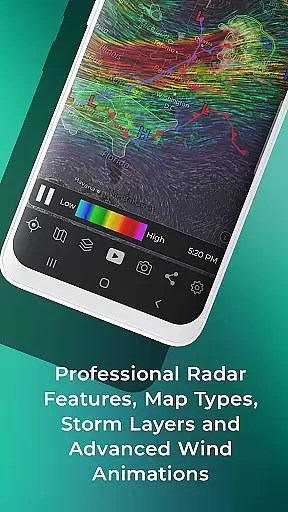
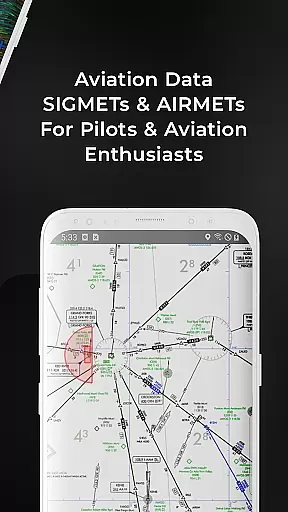
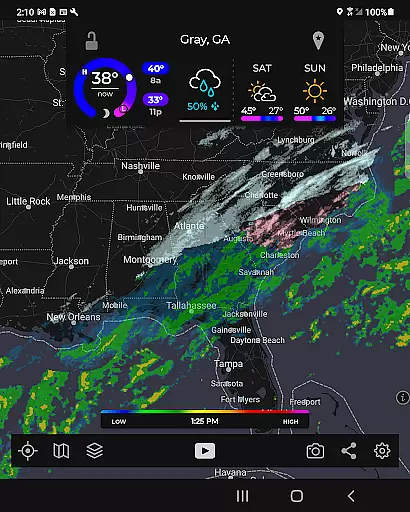
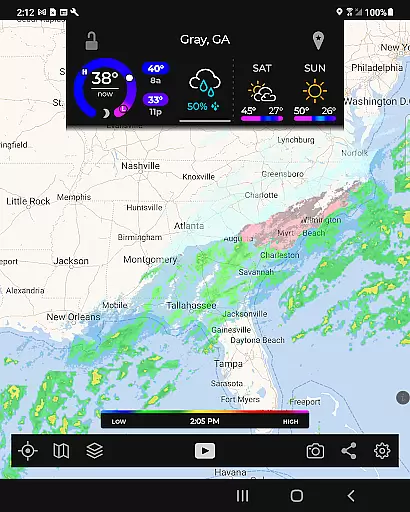
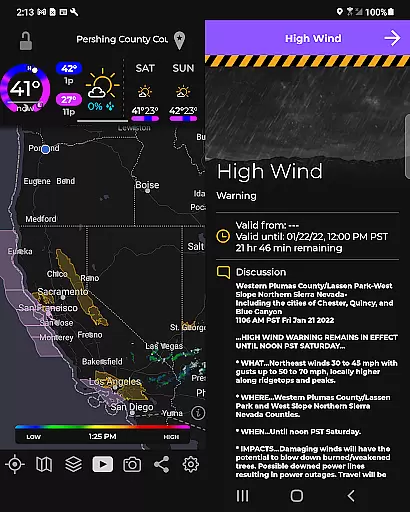
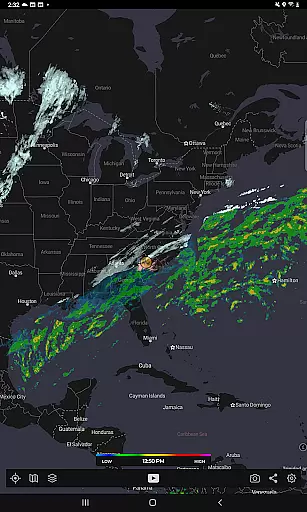
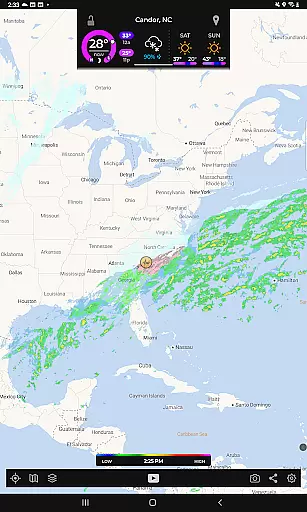
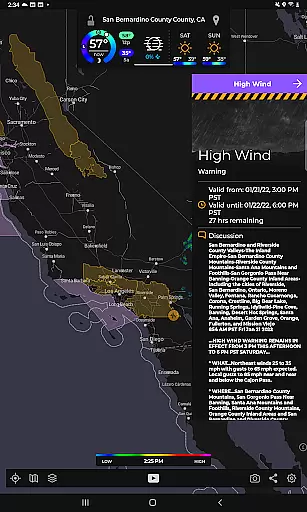
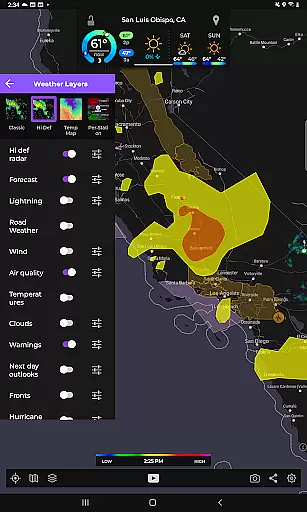
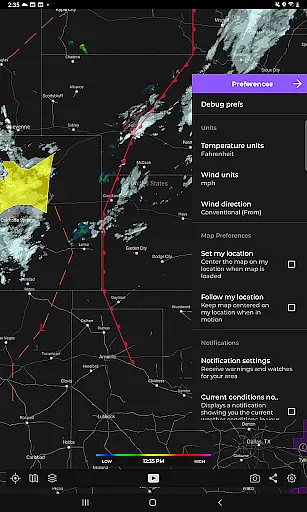
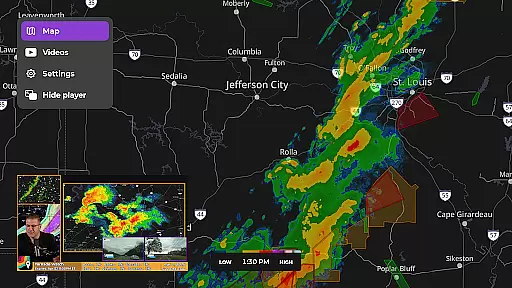
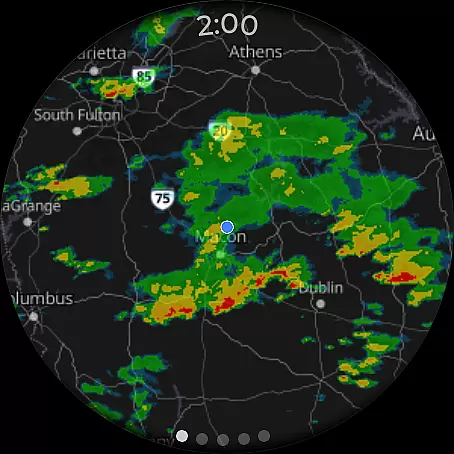
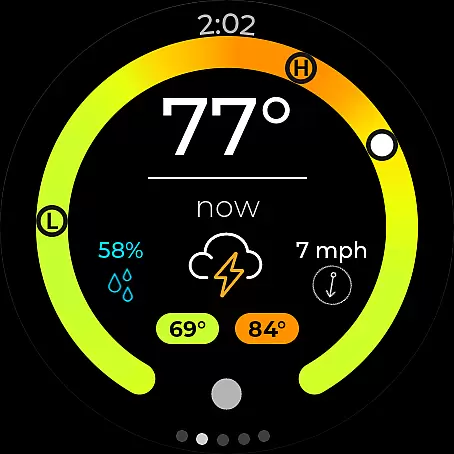
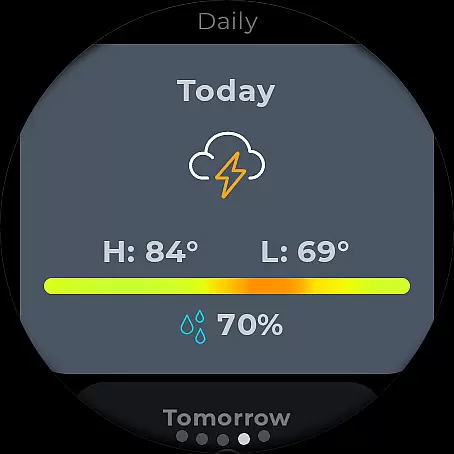
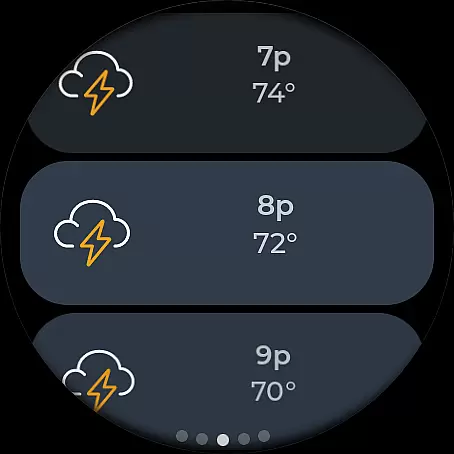
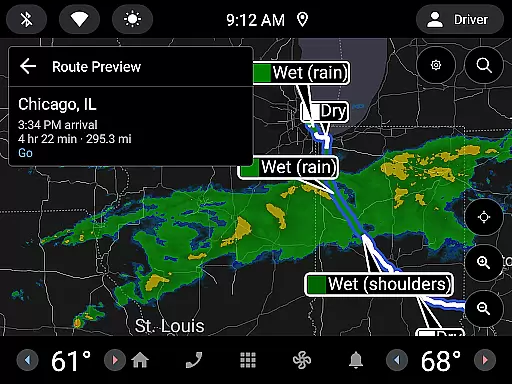
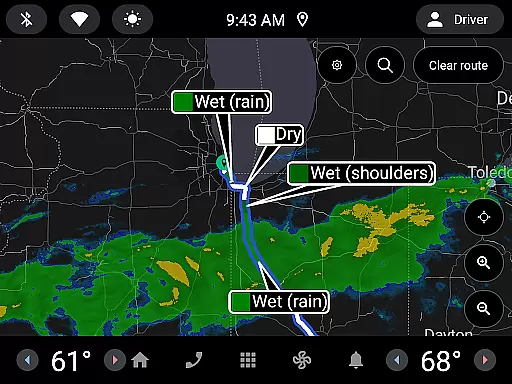
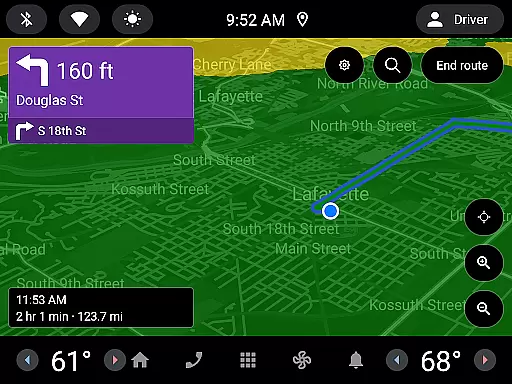
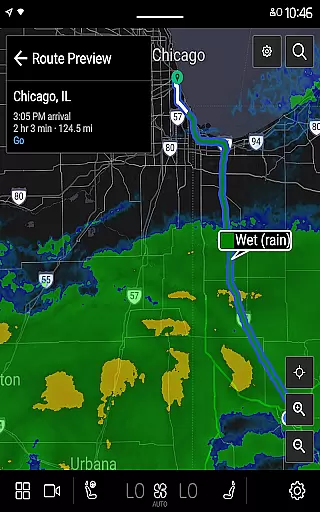
MyRadar Weather Radar is a premier weather application designed specifically for Android Wear devices, providing users with crucial weather information at a glance. The app's core functionality revolves around its animated live radar feature, which displays real-time weather patterns around the user's location. This allows for quick assessment of approaching weather conditions, making it an essential tool for daily planning. Additionally, MyRadar offers an array of advanced data layers including wind animations, earthquake tracking, and hurricane monitoring, catering to both casual users and weather enthusiasts.
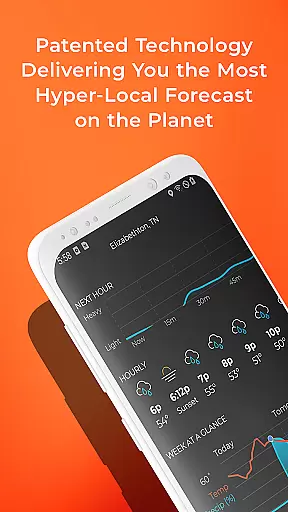
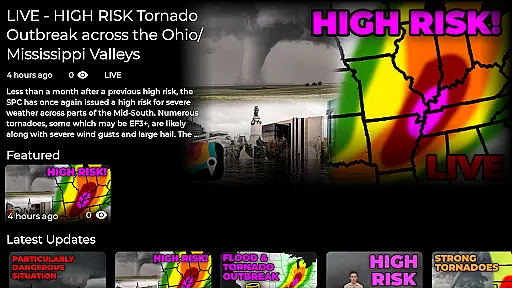
Beyond basic radar, the app provides specialized alerts for severe weather conditions such as tornadoes and tropical storms. Its patent-pending rain prediction system delivers hyper-local forecasts, giving users unprecedented accuracy in anticipating rainfall down to the minute. The integration with Android Wear enhances accessibility, ensuring that vital weather updates are always conveniently available on your wrist. Whether you're a commuter, traveler, or outdoor enthusiast, MyRadar keeps you prepared and informed regardless of where you are.
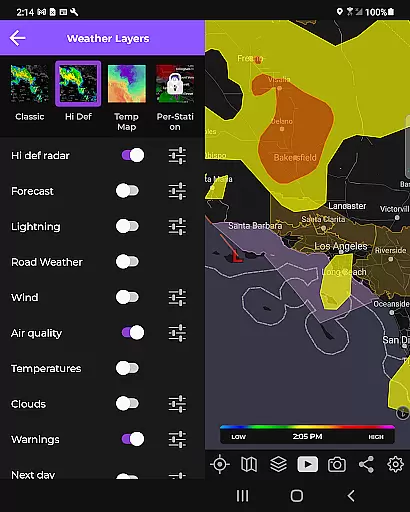
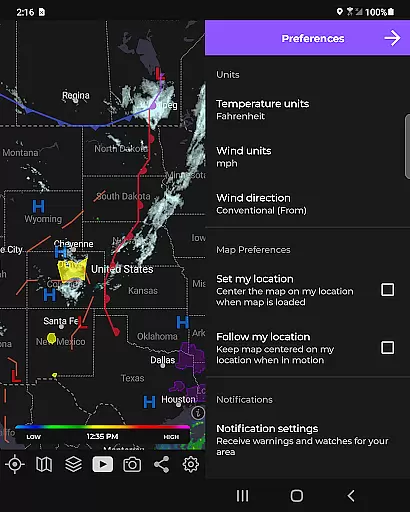
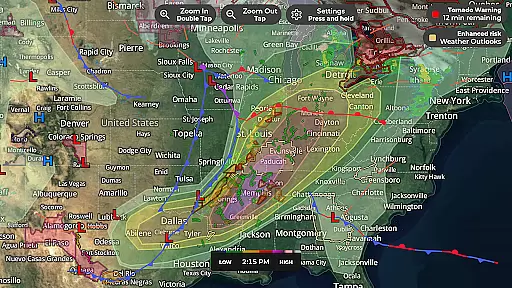
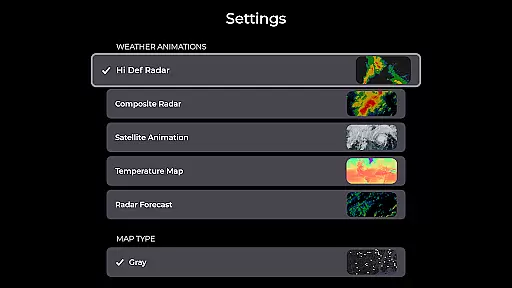
MyRadar stands out through its comprehensive set of features tailored for weather monitoring on-the-go. The app's signature feature is its dynamic radar animation that covers up to two hours of weather activity, providing instant insights into developing weather patterns. Users can overlay various environmental data layers onto their maps, such as surface winds, jetstream visuals, and earthquake activity, each offering unique perspectives on global weather phenomena.
Advanced alert systems form another cornerstone of MyRadar's capabilities. These include National Weather Center notifications for extreme conditions and customizable alerts for tropical storm developments. The app's exclusive rainfall prediction technology uses sophisticated algorithms to deliver precise local forecasts, notifying users well in advance of impending rain. Furthermore, the premium version unlocks enhanced functionalities like detailed hurricane tracking and professional-grade radar options, allowing users to delve deeper into meteorological analysis while enjoying seamless performance across all Android Wear devices.
MyRadar Weather Radar offers seamless companion app integration, ensuring that users can access weather information across multiple devices. The app is designed to sync data with its Wear OS counterpart, providing a unified experience whether you're on your phone or smartwatch.
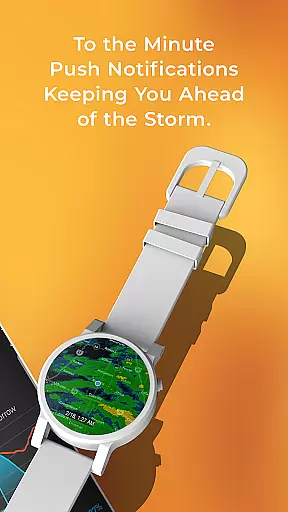
This synchronization allows for real-time updates and alerts to be delivered directly to your wearable device. Users can receive notifications about incoming weather conditions without needing to have their phone nearby, making it perfect for outdoor activities or when you simply don't want to carry your phone around.
The companion app feature extends the utility of MyRadar by enabling quick access to radar images and current weather conditions right from your wrist. With just a glance at their smartwatch, users can stay informed about the weather and make timely decisions regarding their plans.
By integrating with Wear OS, MyRadar ensures that its powerful weather tracking capabilities are always within reach, offering convenience and peace of mind no matter where you are or what you're doing.
MyRadar Weather Radar boasts extensive compatibility with Wear OS devices, allowing users to take advantage of its advanced weather monitoring features on their smartwatches. This compatibility enhances the accessibility of critical weather data, ensuring that it's available whenever and wherever needed.
The app supports a wide range of Wear OS devices, providing an optimized interface that takes full advantage of the smaller screen size. Users can easily navigate through radar images, current conditions, and weather alerts, all tailored for optimal viewing and interaction on a wearable device.
With this level of device compatibility, MyRadar becomes more than just a smartphone application; it transforms into a comprehensive weather solution that fits seamlessly into the connected lifestyle. Whether you're jogging, hiking, or attending an outdoor event, having instant access to accurate weather information on your smartwatch can be invaluable.
Moreover, the ability to customize tiles for both radar and current conditions means that users can personalize their experience to suit their specific needs and preferences. This flexibility in how weather data is presented on Wear OS devices underscores MyRadar's commitment to delivering a user-centric weather service.
Real-time weather updates
Hyper-local rain alerts
Comprehensive data layers
Advanced radar options
Android Wear optimization
Premium features costly
Occasional data delays
Limited free content
Complex for beginners
Battery consumption high

A customizable Christmas watch face for Wear OS with a countdown.
 4.20
4.20
Christmas - Festive - Christmas Village - Winter - Christmas lights
5.00
A heartwarming Christmas scene featuring a cute image of Santa and Rudolf
4.1
Digital watch face with big numbers and many customization for Wear OS devices
4.40
Ideal for surviving in the wasteland left after nuclear fallout
4.50
sleep, alarm, snoring, stress, healing, focus, sound therapy, circadian rhythm
4.10
Nutrition, Macro tracker: Food, fitness & healthy diet tracking for weight loss
4.60
Premium hybrid watch face with many customizations for Wear OS devices.
4.40
Toyota app currently supports 2010 or newer vehicles (2018 or newer for Hawaii).
4.50
Gym Log & Workout Tracker | Fitness Journal, Training & Weight Lifting Planner
4.90
Your second brain for organizing your life: to-do, calendar, reminder.
4.70
Rose gold watch face with festive lights & customizable features.
4.60
Gym & home workout plans with strength training, exercise tracking, HIIT & more.
4.60
Calming & relaxing sounds for sleeping and stress relief. Stay focused all day!
4.20
Let's celebrate Thanksgiving - Wear Os watch face
4.20
Embrace the festive spirit with our Christmas Countdown watchface for Wear OS
4.10
A digital watch face that celebrates Christmas.
4.00
Your local weather forecast, storm tracker, radar maps & live weather news
3.40
A watch face that fuses motorsport precision with contemporary smartwatch design
4.5


User Reviews