
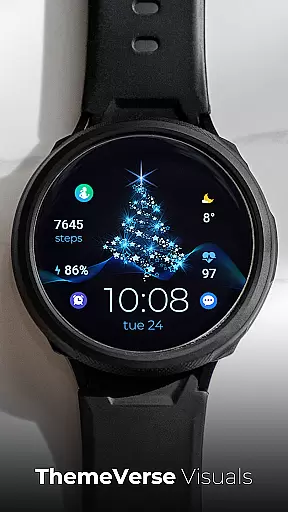
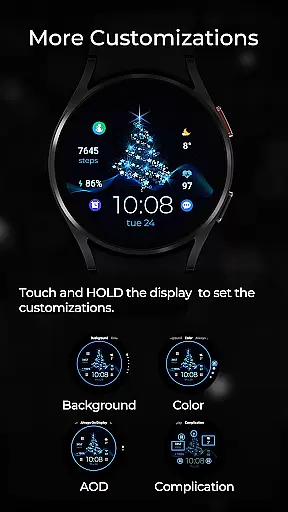
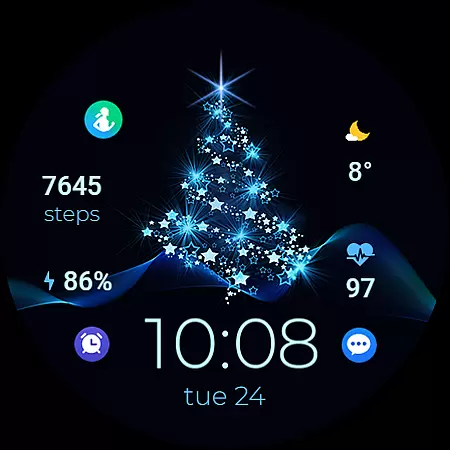
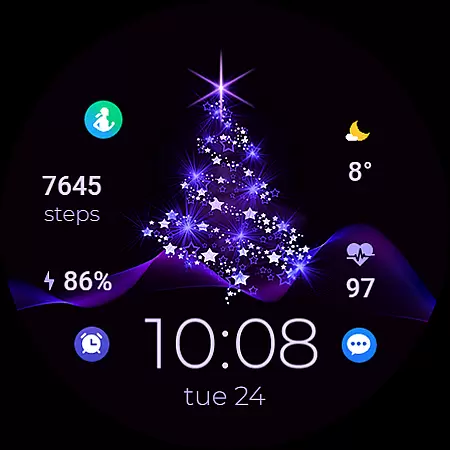
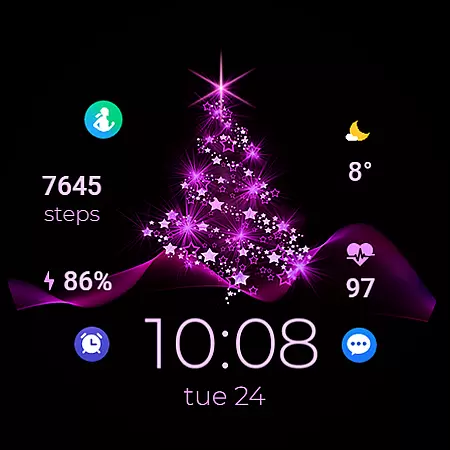
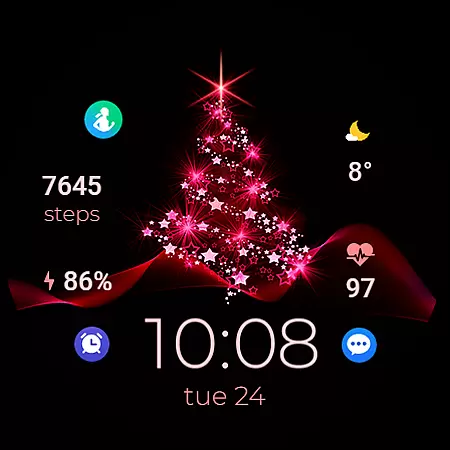
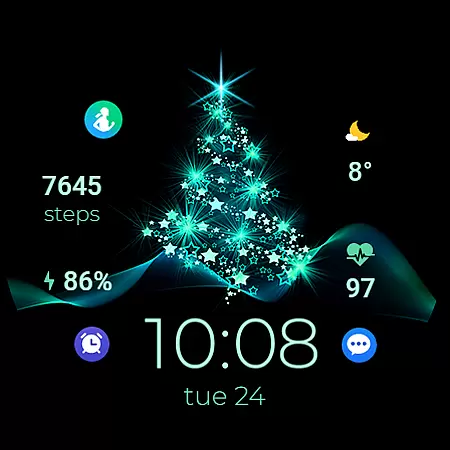
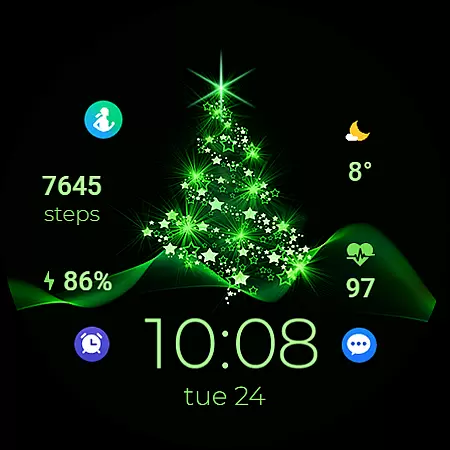
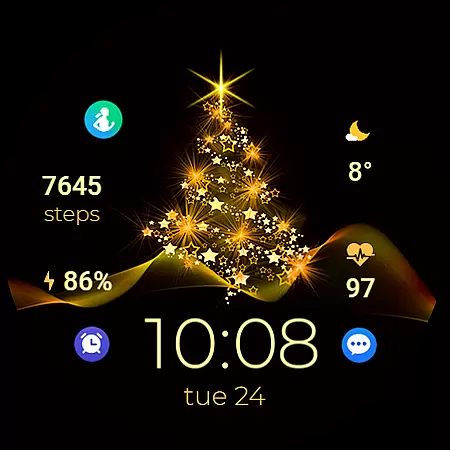
TVV Christmas 2 Watch Face is a festive-themed digital watch face designed specifically for WEAR OS devices running API LEVEL 33 and above. This application brings the joy of Christmas to your smartwatch with its vibrant design and customizable features.
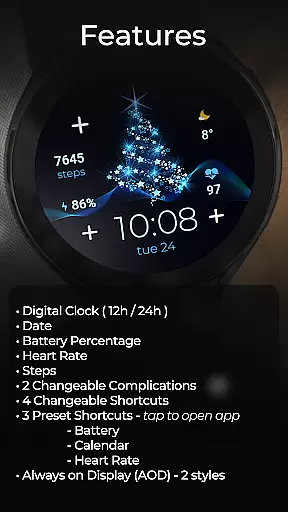
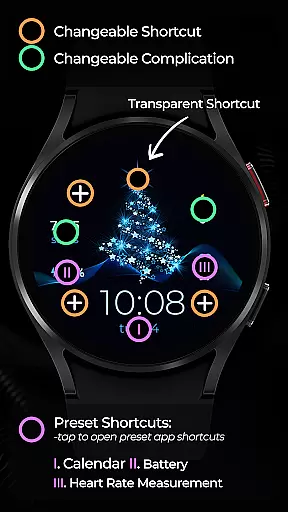
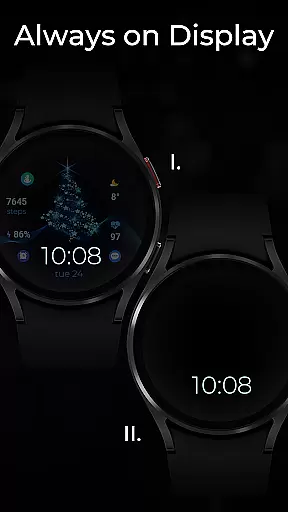
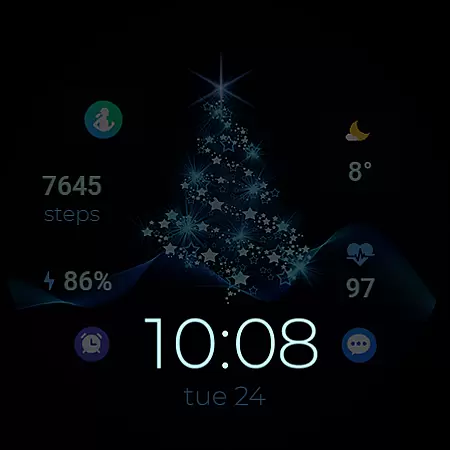
The watch face offers essential functionalities such as a digital clock that supports both 12-hour and 24-hour formats based on phone settings, date display, battery percentage indicator, heart rate monitor, step counter, two changeable complications, and four changeable shortcuts. Additionally, it includes three preset shortcuts for quick access to Battery, Calendar, and Heart Rate apps. The Always on Display (AOD) feature provides two stylish display options, ensuring time and other important details are always visible.
Perfect for users who wish to add a touch of festivity to their smartwatches while enjoying practical utilities like health tracking and app shortcuts. TVV Christmas 2 enhances both the aesthetic appeal and functionality of your wearable device during the holiday season.
TVV Christmas 2 Watch Face stands out with its rich set of features tailored for WEAR OS users. One of the key highlights is its compatibility with devices running API LEVEL 33+, ensuring that you can enjoy the latest advancements in wearable technology.
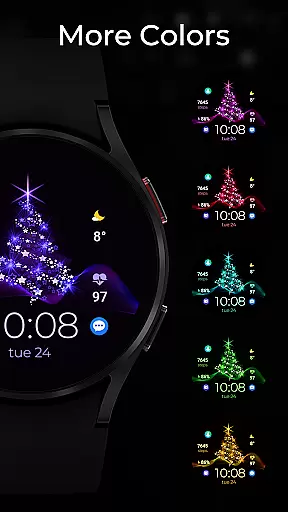
This watch face allows extensive customization. Users can personalize colors and complications by simply touching and holding the display, then tapping on the customize option. It includes a digital clock that adjusts to 12h/24h format based on phone settings, along with displays for date, battery percentage, heart rate, and steps. Two changeable complications and four changeable shortcuts provide flexibility in how information is presented. Three preset shortcuts offer instant access to Battery, Calendar, and Heart Rate apps, enhancing user convenience.
Another innovative feature is the Always on Display (AOD) with two distinct styles. Although AOD styles aren't previewed like backgrounds and colors, they can be modified using the same customization steps. These features collectively ensure that TVV Christmas 2 Watch Face not only looks great but also serves practical purposes, making it an ideal choice for tech-savvy individuals seeking both style and utility.
Companion app integration is crucial for wearable devices as it ensures seamless synchronization between the watch and paired smartphone. TVV Christmas 2 Watch Face demonstrates excellent companion app integration by offering users a customizable experience that directly reflects their phone settings.
This digital watch face automatically adjusts its time display to match the 12h/24h format set on the connected phone, ensuring consistency across devices. The inclusion of features like heart rate monitoring and step tracking further enhances this integration by leveraging the phone's health data.
Users benefit from real-time updates and accurate information display, including battery percentage and date. With two changeable complications and four customizable shortcuts, wearers can personalize their experience while maintaining functional access to frequently used apps.
The implementation of Always on Display (AOD) with two style options showcases how companion app integration can enhance both aesthetics and usability, providing users with quick access to essential information without needing to wake the device.
Device compatibility is a fundamental aspect of any Wear OS application, determining which smartwatches can utilize the features effectively. TVV Christmas 2 Watch Face requires WEAR OS devices with API LEVEL 33+, ensuring optimal performance on modern hardware while maintaining stability.
This compatibility specification guarantees that users will experience smooth functionality across supported devices. The watch face incorporates essential features like digital clock, date display, and battery percentage monitoring, all optimized for compatible Wear OS devices.
Advanced features such as heart rate monitoring and step tracking are implemented with consideration for device capabilities. While certain functions like 'Open App' actions may not be available on all devices, the core functionality remains consistent across supported hardware.
The inclusion of multiple customization options, including background colors and complications, demonstrates how the application maximizes the potential of compatible devices while maintaining a user-friendly interface for various screen sizes and resolutions.
Customizable design
Festive theme
Health tracking
App shortcuts
Always on Display
Limited device support
No advanced features
Basic complications
Dependent on phone settings
Some features require compatible devices

Christmas and New Year - Themed Watchface
 4.1
4.1
Animated Watch Face and Customizable with 24 Backgrounds. Perfect for Christmas!
3.90
Current temperature, weather hourly, weather radar by the weather forecast app
4.40
A full-featured Amazon Alexa voice assistant that can show you things.
3.70
A heartwarming Christmas scene featuring a cute image of Santa and Rudolf
4.5
The most customizable minimal watch face. For Wear OS 5.0, API 34+ and later
4.70
The ultimate destination for kids ages 3-8 to explore the Marvel Universe!
4.30
Gym & home workout plans with strength training, exercise tracking, HIIT & more.
4.60
Connect, create, and collaborate with Gmail, part of Google Workspace.
4.10
The Chevron App allows you to pay for fuel from the comfort of your car!
4.80
Easy Voice Recorder is your everyday companion to record important moments.
4.70
To-Do List: daily schedule planner, task organizer, to do reminder app, calendar
4.60
Connect to your Bluelink equipped Hyundai vehicle from your smartphone.
4.50
Embrace the holiday spirit with this magical animated watch face!
4.40
Digital watch face. For Wear OS devices.
4.40
Find EV charging stations
4.30
Want to take charge of your health? Let Google Fit help you reach your goals.
3.50
Simple Analog-Digital Watchface For Wear OS 3.0 and Up Smartwatches
4.0
Stylish digital watch face for Wear OS devices with customizable features
4.3


User Reviews