
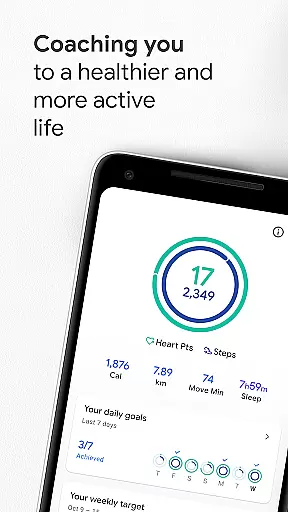
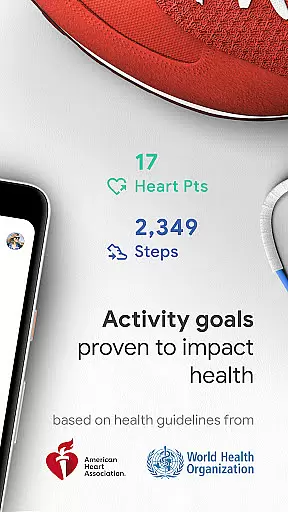
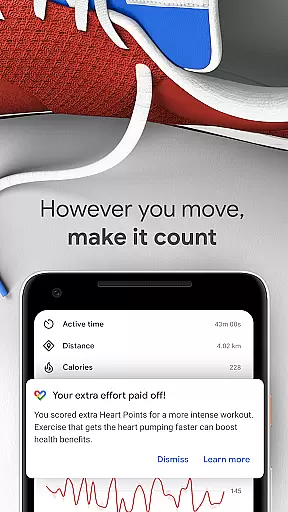
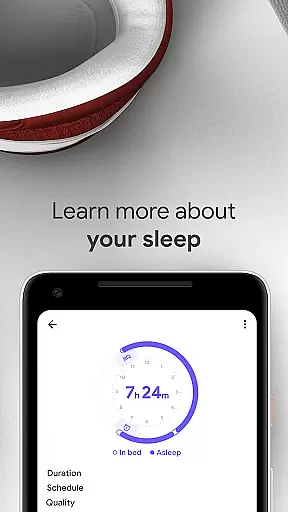
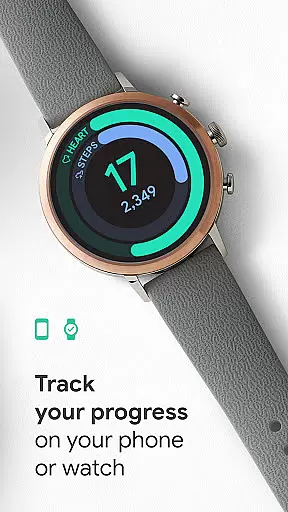
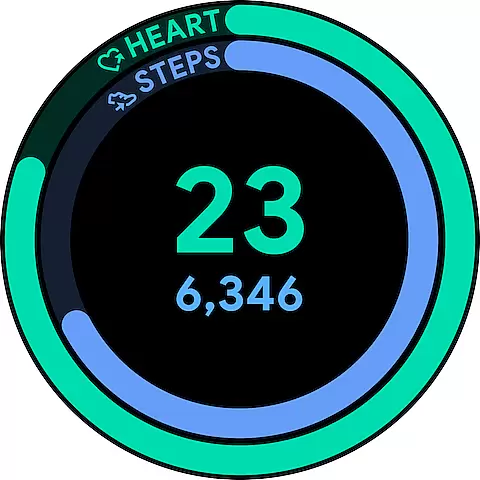
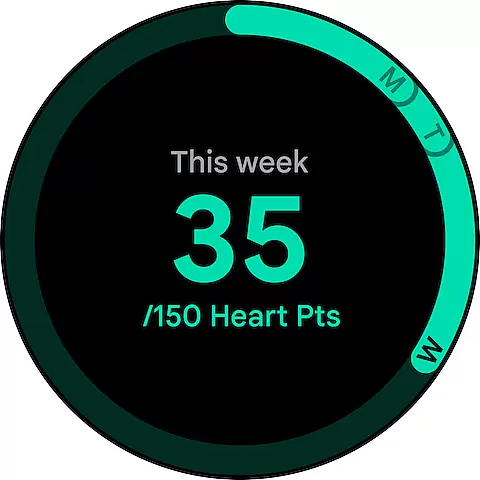
Google Fit is a comprehensive health and fitness application designed to help users lead a healthier, more active lifestyle. Developed in collaboration with the World Health Organization (WHO) and the American Heart Association (AHA), it introduces Heart Points - an innovative activity goal system that promotes better heart and mental health. By earning points for every minute of moderate to intense physical activity, users can conveniently track their progress towards the recommended weekly physical activity levels.
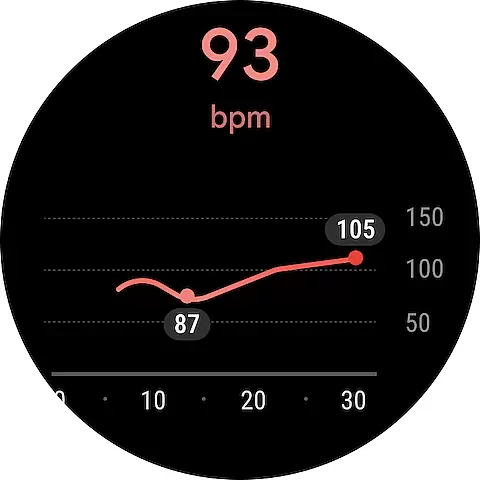
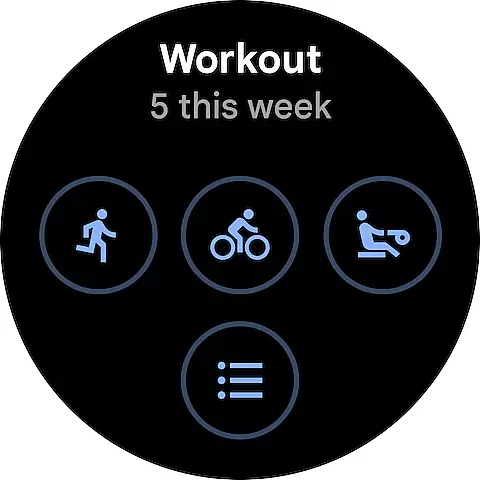
The app goes beyond basic step counting by tracking various workouts through your phone or Wear OS smartwatch. It provides real-time stats for runs, walks, and bike rides while automatically detecting daily activities. Google Fit creates a unified health dashboard by integrating data from multiple apps and devices, giving users a holistic view of their wellness journey. With additional features like respiratory rate monitoring and heart rate measurement using just the phone camera, this Android Wear app provides a complete health tracking solution.
Google Fit stands out with its unique Heart Points system that gamifies physical activity by assigning point values based on exercise intensity. The app leverages your device's sensors to provide detailed workout metrics including speed, pace, and route information. Its automatic activity detection feature ensures all your movements throughout the day are captured and credited appropriately.
One of the key strengths of Google Fit is its extensive integration capabilities. The app seamlessly connects with popular fitness platforms like Lifesum, Nike+, Runkeeper, and MyFitnessPal, as well as various wearable devices from brands like Withings and Xiaomi. This interoperability allows users to maintain a centralized health record. Additionally, the app offers convenient monitoring tools such as home screen widgets for Android devices and dedicated watch faces for Wear OS, enabling users to quickly access their daily stats and maintain consistent motivation toward their health goals.
Companion app integration is essential for a seamless wearable experience. Google Fit excels in this area by establishing a robust connection between your Android phone and Wear OS devices. This ensures that all fitness data collected on your smartwatch is automatically synced with the mobile app.
The application employs advanced syncing algorithms that work in real-time. Whether you're tracking a morning run or monitoring daily step counts, the data appears instantly across all linked devices. This unified ecosystem allows users to start a workout on their watch and review detailed analytics on their phone effortlessly.
Users benefit from this integration through enhanced convenience and comprehensive health insights. The ability to access complete fitness information regardless of device provides flexibility in managing personal wellness goals. Additionally, the consistent data flow enables more accurate progress tracking and personalized recommendations.
This synchronization feature demonstrates Google's commitment to creating a cohesive digital health environment. By bridging mobile and wearable platforms, Google Fit delivers a unified solution for health-conscious individuals seeking to optimize their fitness journey.
Device compatibility is crucial for wearable applications, and Google Fit showcases exceptional support for Wear OS devices. The application is optimized to function seamlessly across various smartwatches running Wear OS, ensuring broad accessibility for users with different hardware preferences.
Google Fit leverages the full potential of Wear OS capabilities while maintaining efficient performance. The application integrates smoothly with built-in sensors, including heart rate monitors and accelerometers, delivering precise fitness tracking without compromising battery life. This optimization extends to both premium and entry-level smartwatches, providing consistent quality across devices.
For users, this comprehensive compatibility means freedom in device selection without sacrificing functionality. Whether you own a latest-generation smartwatch or an older model, Google Fit adapts its interface and features to maximize available hardware resources. The application also receives regular updates to maintain compatibility with new devices and operating system versions.
This approach to device compatibility reflects Google's dedication to inclusive health tracking solutions. By supporting a wide range of Wear OS devices, Google Fit empowers more individuals to participate in their health journey without being limited by hardware constraints.
User-friendly interface
Comprehensive health tracking
Wide device compatibility
Real-time workout stats
Automatic activity detection
Limited iOS features
Advanced metrics require premium
Occasional sync issues
Battery consumption concerns
Some integrations are paid

Snowflake Rose Gold Watch Face - Digital, modern, & sleek with GYRO effect.
 4.10
4.10
Beautiful artistic animated digital watch face, with a customizable layout!
4.40
Deck out your Wear OS Watch face with a beautifully decorated pine wreath!
4.50
Stay in touch with your friends and family using LINE!
3.40
Hyper-Realistic Airplane Dashboard Watch Face With 10 Skins and Custom AOD
4.00
Hybrid Vibrant Health Watch Face for Wear OS
4.3
Daily Weather forecast with 15 weather images for Day & Night plus Big Bold time
4.10
Your music, your playlists, and more—offline and unlimited.
4.20
Download full tracks, listen to music offline, make unlimited playlists.
4.80
The Chevron App allows you to pay for fuel from the comfort of your car!
4.80
WTW M17 is a premium and luxurious hybrid watch face
4.70
Retro digital watch face with customizable colors and a unique lighting effect
4.60
A realistic hybrid watch face with many customization options.
4.60
Bold, Modern Hybrid Watch Face for Wear OS. 10 Colors, Rich Info Display.
4.30
Locate your family members by GPS phone location tracker everywhere and anytime
4.30
Calming & relaxing sounds for sleeping and stress relief. Stay focused all day!
4.20
Animated Watch Face and Customizable with 24 Backgrounds. Perfect for Christmas!
3.90
Christmas and New Year - Themed Watchface
4.2
Funny animated watch face for Thanksgiving
4.5


User Reviews