
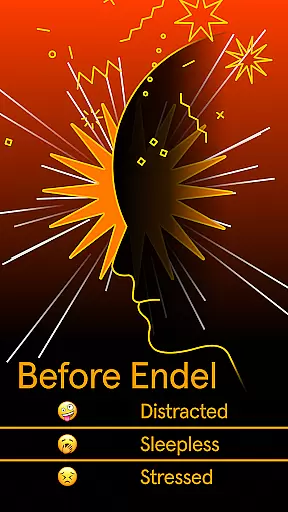
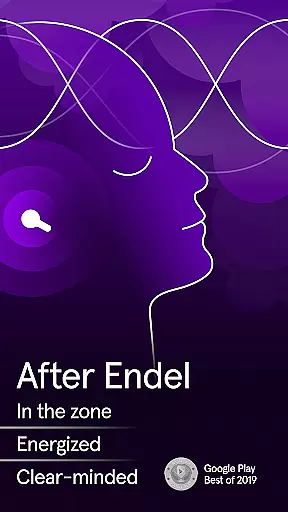
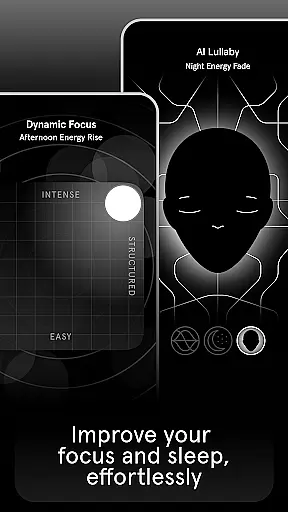
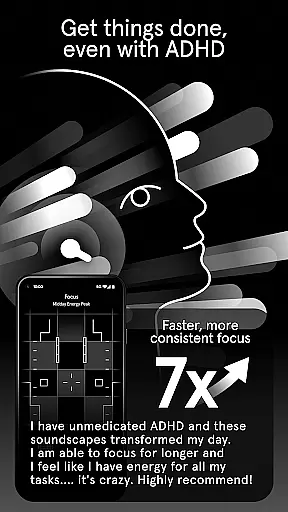
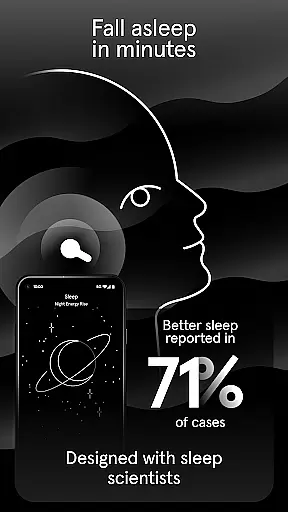
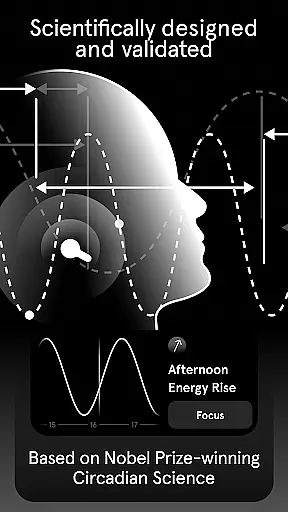
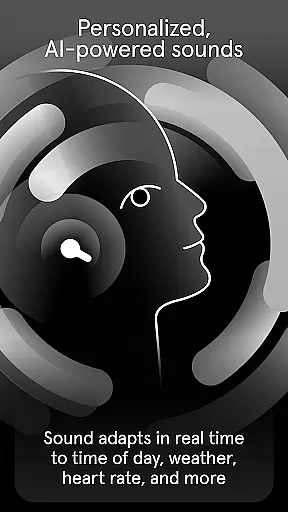
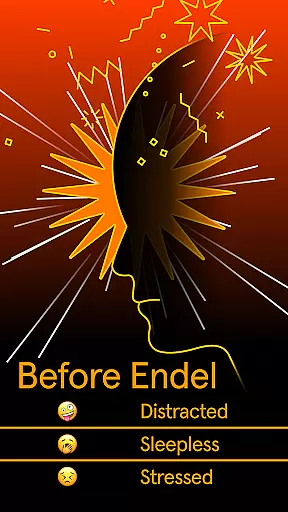
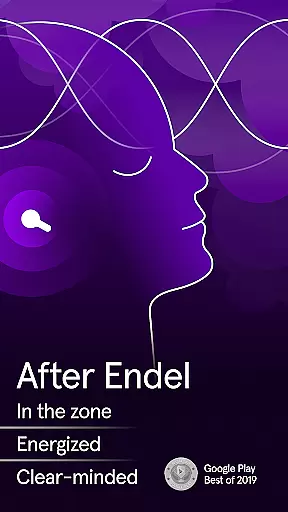
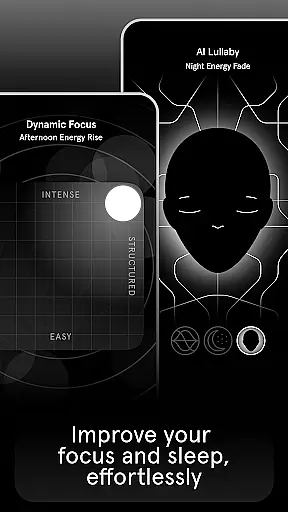
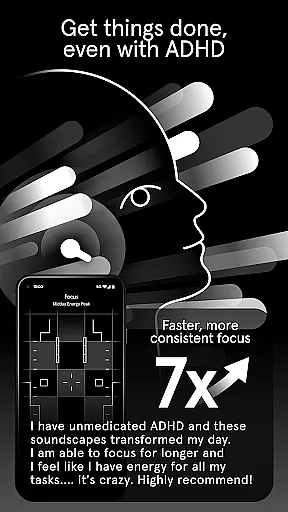
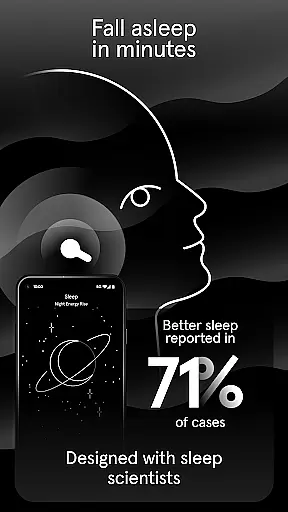
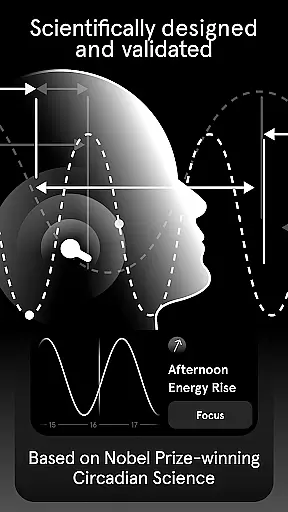
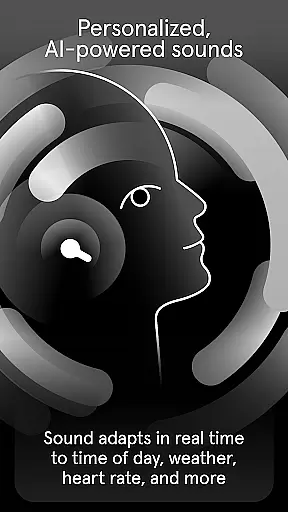
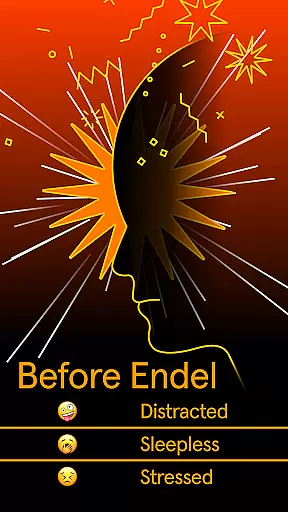
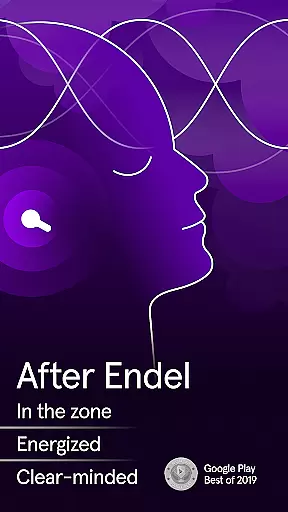
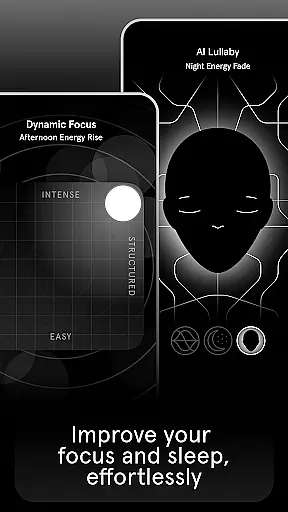
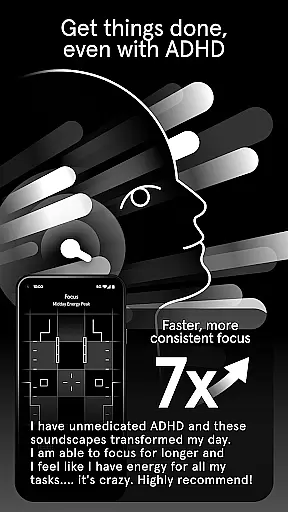
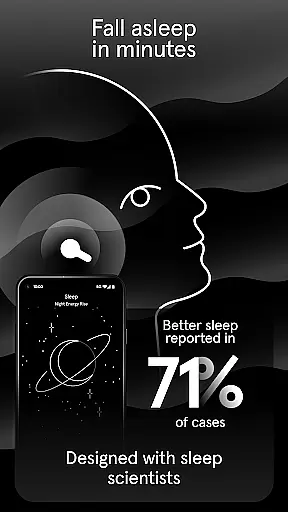
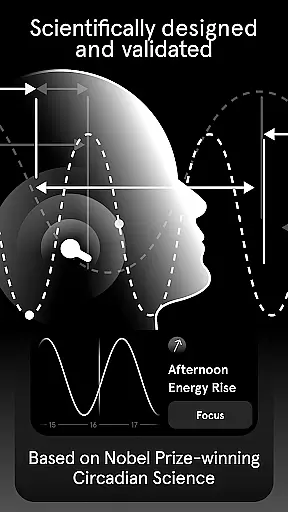
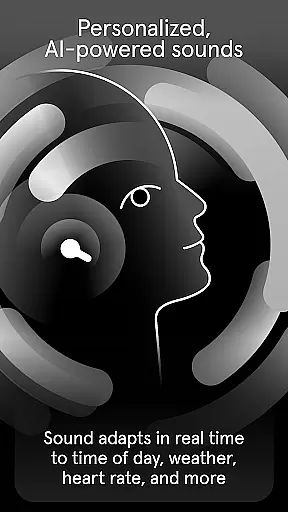
Endel is an innovative sound application designed to enhance your daily life through personalized AI-powered soundscapes. This app uniquely combines science-backed audio engineering with real-time inputs such as location, environment, and heart rate to create optimal sound environments tailored to individual needs.
The app offers specialized modes including Relax, Focus, Sleep, Recovery, Study, and Move, each engineered to support specific activities and mental states. Whether you need to concentrate at work, unwind after a long day, or improve your sleep quality, Endel provides scientifically-designed sounds that adapt to your circadian rhythm. The app also features exclusive collaborations with renowned artists like Grimes and Richie Hawtin, offering unique soundscapes that blend art and technology seamlessly.
Available for use at home, in the office, or on the go, Endel helps minimize distractions, reduce brain fatigue, and promote overall well-being. Its offline functionality ensures uninterrupted access to all modes, making it a versatile companion for modern lifestyles.
Endel stands out with its patented core AI technology that dynamically generates soundscapes based on real-time inputs. Unlike traditional audio apps, Endel's adaptive system considers factors like time of day, weather, and personal health metrics to deliver a truly customized listening experience. This scientific approach ensures that every soundscape aligns perfectly with the user's current state and needs.
The app includes six distinct modes - Relax, Focus, Sleep, Recovery, Study, and Move - each carefully crafted to support different aspects of daily life. For instance, the Focus mode uses specific frequencies to enhance concentration, while the Sleep mode employs gentle, soothing sounds to facilitate deep rest. Additionally, Endel's collaboration with world-class artists results in exclusive soundscapes that combine original music with adaptive technology.
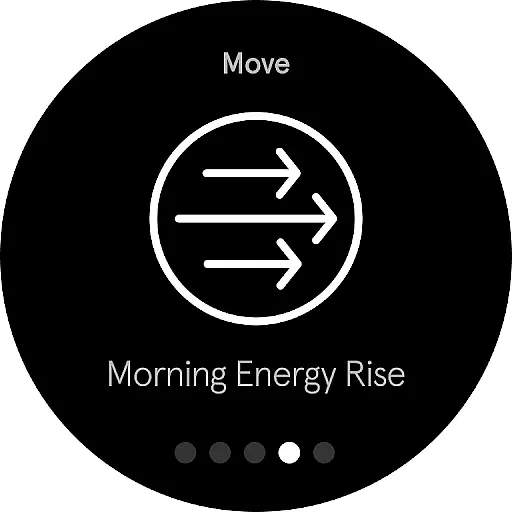
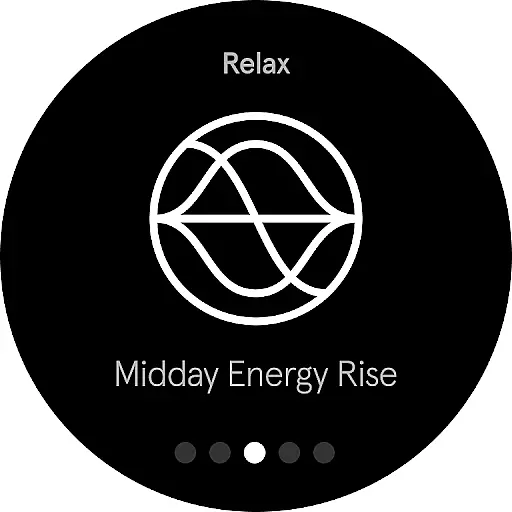
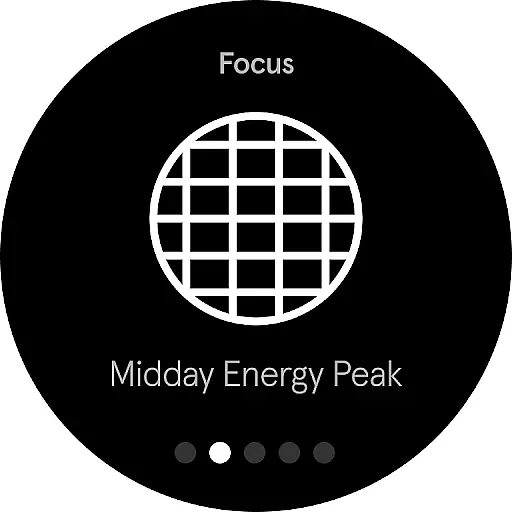
Endel's integration with Wear OS allows users to view their biological rhythm phases directly on their smartwatch, serving as an energy compass throughout the day. This feature, combined with the app's comprehensive offline capabilities, makes Endel a powerful tool for managing both productivity and well-being in various settings.
Endel's Android Wear application offers seamless companion app integration, ensuring that your personalized soundscapes are consistently available across all your devices. This synchronization allows users to access their AI-powered sounds without interruption, whether they are at home, work, or on the move.
The app takes inputs such as location, environment, and heart rate from your primary device to maintain continuity in the soundscape experience. This means you can enjoy a smooth transition of your audio environment from your phone to your Wear OS device, providing an uninterrupted focus, relaxation, or sleep session right on your wrist.
Furthermore, Endel's patented core AI technology works in tandem with its companion apps, creating an energy compass for users to navigate their day. With biological rhythm phases displayed directly on the watch face, users have immediate insight into their body's natural patterns, enhancing the overall effectiveness of the sounds provided.
This level of integration not only simplifies access but also enriches the user experience by delivering timely and relevant soundscapes tailored to each moment of the day. The result is a cohesive ecosystem where every interaction with Endel is intuitive and enhances well-being.
Compatibility with Wear OS and various devices is a cornerstone of Endel's design philosophy. By ensuring broad device compatibility, Endel maximizes its reach and utility for users who rely on different gadgets throughout their day. Whether using a smartphone, tablet, or smartwatch, Endel provides a uniform experience adapted to each form factor.
Endel's Wear OS app exemplifies this commitment by offering features specifically optimized for wearable technology. Users can view current and upcoming biological rhythm phases directly on their watch face, serving as an instant guide for managing energy levels efficiently without needing to open the app.
In addition to visual cues on the wearable interface, Endel maintains high performance standards across devices. Its adaptive soundscapes respond dynamically to real-time inputs regardless of the source device, guaranteeing that every soundscape remains perfectly attuned to the user's context and needs.
By focusing on cross-device functionality, Endel ensures that its scientifically-backed benefits are accessible anytime, anywhere. This strategic approach to compatibility underscores Endel's dedication to enhancing daily life through innovative use of technology.
Personalized soundscapes
Scientifically-backed audio
Offline functionality
Exclusive artist collaborations
Adaptive AI technology
Subscription required
Limited free trial
Premium pricing
No Android TV support
Complex interface

Embrace the holiday spirit with this magical animated watch face!
 4.40
4.40
Current temperature, weather hourly, weather radar by the weather forecast app
4.40
Deck out your Wear OS Watch face with a beautifully decorated pine wreath!
4.50
Contemporary digital watch face with five complications
4.1
Authentic military-tactical design with ZULU time! Realistic and functional!
3.80
Find EV charging stations
4.30
Minimalistic design modern digital watch face.
4.3
Hybrid Vibrant Health Watch Face for Wear OS
4.4
From periods to pregnancy & perimenopause, Flo helps you track it all. Try now.
4.70
Period, ovulation & pregnancy tracker. Fertility insights & menstrual calendar.
4.90
The most customizable hybrid watch face. For Wear OS 5.0, API 34+ and later
4.70
Nutrition, Macro tracker: Food, fitness & healthy diet tracking for weight loss
4.60
Fast and smart typing with Emojis, GIFs, and more
4.50
A white realistic classic analog watch face with many customization options.
4.40
sleep, alarm, snoring, stress, healing, focus, sound therapy, circadian rhythm
4.10
Hyper-Realistic Airplane Dashboard Watch Face With 10 Skins and Custom AOD
4.00
Wear Os Watch Face - Animated Snow - Sesonal for Christmas & Winter
4.1
A watch face that fuses motorsport precision with contemporary smartwatch design
4.1
Artistic Digital Watchface
4.0


User Reviews