
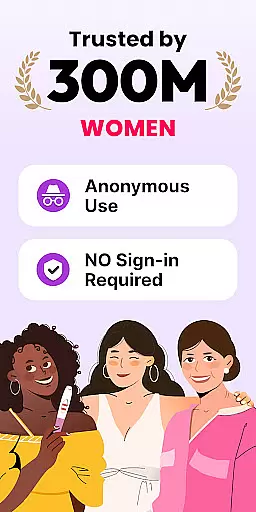
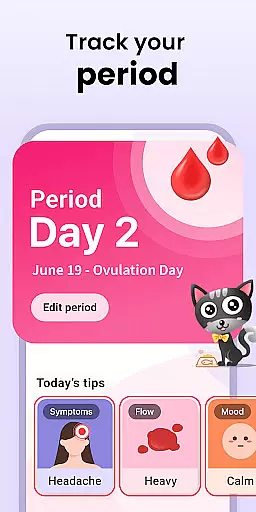
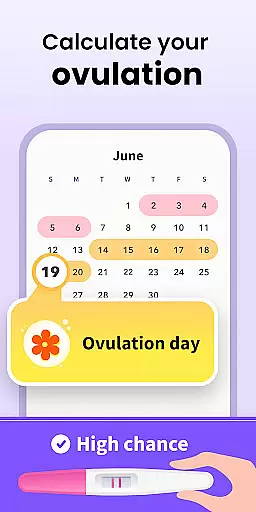
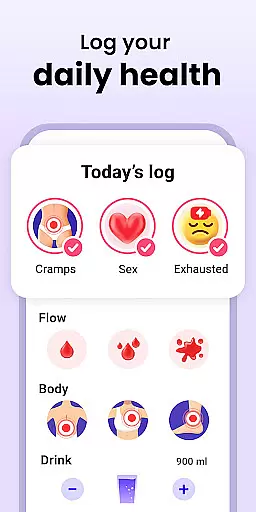
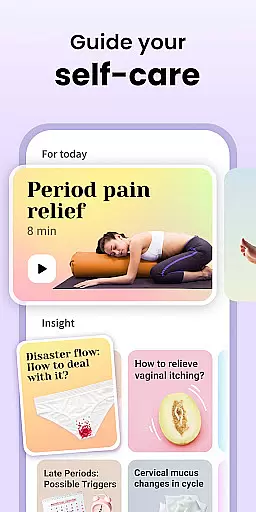
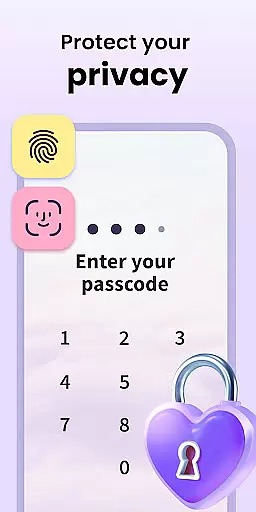
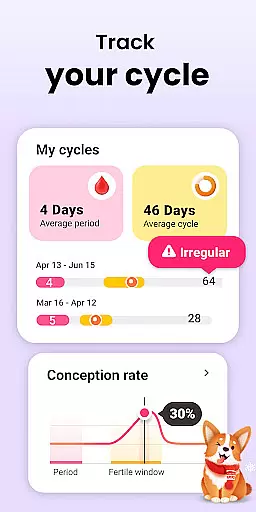
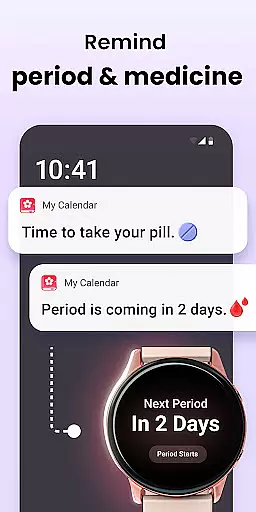
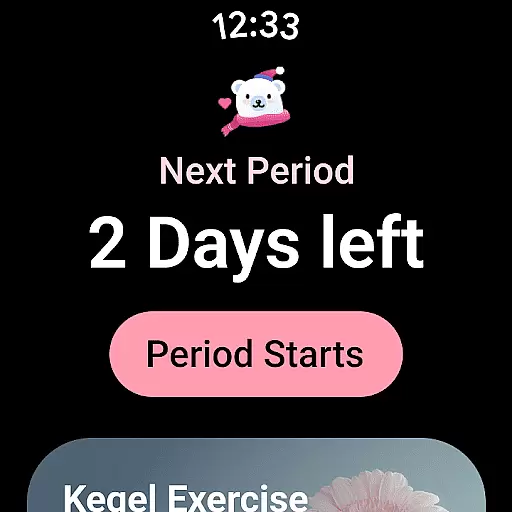
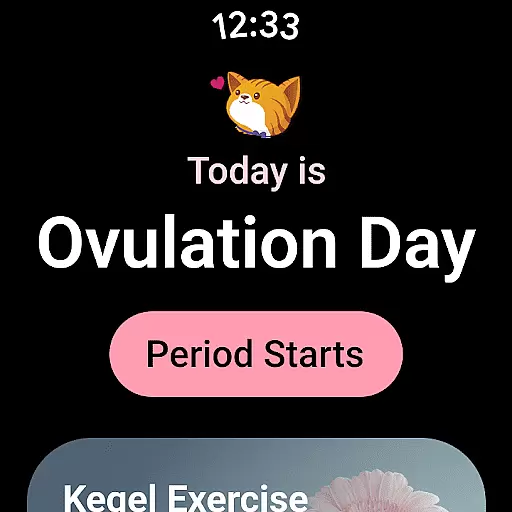
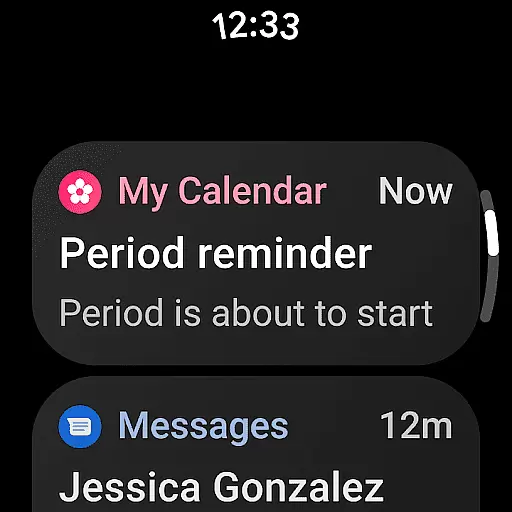
Period Calendar is a comprehensive menstrual cycle tracking application designed for Android Wear devices. This app allows users to monitor their periods, blood flow, cycles, ovulation, and conception chances with remarkable accuracy. Trusted by over 300 million users globally and popular in 63 countries, it caters to both women planning to conceive and those practicing birth control. The app's features include discreet pill and period reminders, fertility and ovulation tracking, and detailed symptom logging.
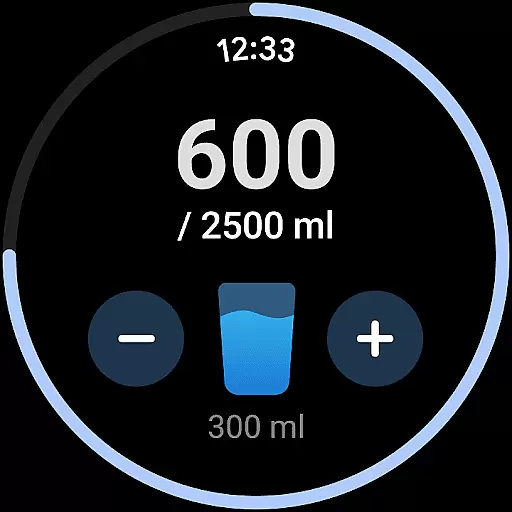
In addition to its core functionality, Period Calendar offers advanced tools such as an ovulation calculator, fertility tracker, and intimate symptom monitoring like cervical mucus and firmness. It ensures data security through Google account backup and restoration, multi-account support, and encrypted anonymous syncing. Users can also benefit from Wear OS complications and tiles that provide quick access to period predictions, water drinking reminders, and pill alerts. Whether you have regular or irregular periods, this app provides personalized tracking and predictions tailored to individual needs.
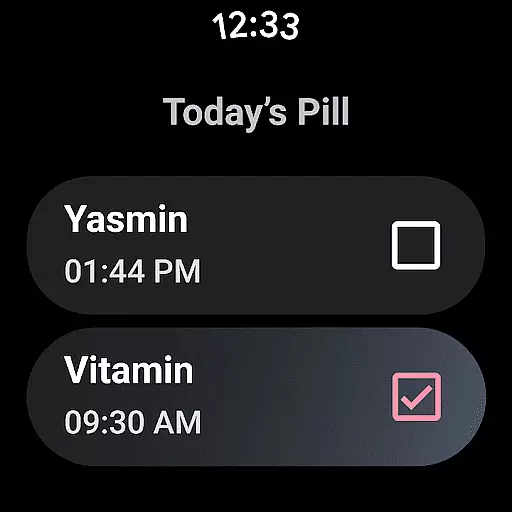
Period Calendar stands out with its extensive feature set tailored for menstrual and fertility tracking. One of its key functionalities is the customizable notification system which allows users to discreetly receive alerts about their period, fertility, and ovulation without public embarrassment. The app includes reminders for contraceptive pills, rings, patches, and injections, ensuring users never miss an important health-related task.
Another significant feature is the detailed tracking of symptoms and moods, including intimacy trackers and body temperature charts that help determine ovulation dates accurately. The app supports Wear OS complications and tiles, providing easy access to essential information directly from smartwatches. With robust security measures, users can sync, back up, and restore their data anonymously and encrypted, maintaining complete control over personal information. These features collectively enhance user experience by offering precise tracking, privacy protection, and seamless integration with wearable technology.
Period Calendar offers seamless companion app integration, ensuring that your data is always in sync across devices. This feature allows users to effortlessly manage their menstrual cycles, ovulation, and fertility tracking from both their mobile devices and Wear OS smartwatches.
The synchronization between the main app and its Wear OS counterpart ensures real-time updates. Whether you're at home or on the go, you can receive timely notifications and reminders about your period, fertility window, and contraceptive pill schedules directly on your smartwatch.
This integration enhances user convenience by providing quick access to essential features without needing to reach for a phone. Users can discreetly check their cycle predictions, log symptoms, and even track water intake or intimacy through customizable watch faces and complications.
By leveraging Google account data backup and restoration, Period Calendar guarantees that no information is lost during device transitions. This robust companion app support makes it an indispensable tool for comprehensive health tracking within the Android ecosystem.
Designed with broad Wear OS and device compatibility in mind, Period Calendar ensures that users can access its powerful tracking features across various Android devices. The application supports a wide range of smartwatches running Wear OS, allowing women to stay informed about their menstrual health regardless of their chosen wearable device.
The app's compatibility extends beyond just smartwatches, offering full functionality on smartphones and tablets as well. This cross-device support enables users to maintain consistent tracking habits whether they're using their phone at home or glancing at their wrist while out and about.
Period Calendar takes advantage of Wear OS-specific features like complications and tiles, which display crucial information such as period predictions and pill reminders directly on the watch face. These visual indicators provide at-a-glance insights into one's menstrual cycle without requiring users to open the app itself.
Furthermore, the application maintains high standards of security while being compatible with multiple devices. All data remains encrypted during transmission between devices, ensuring that sensitive health information stays protected across different platforms and connections.
User-friendly interface
Comprehensive tracking options
Discreet notifications
Advanced fertility tools
Strong data security
Limited third-party integrations
No web-based version
Premium features require subscription
Occasional syncing issues
Complexity for new users

WTW M17 is a premium and luxurious hybrid watch face
 4.70
4.70
Animated Watch Face and Customizable with 24 Backgrounds. Perfect for Christmas!
3.90
Wear Os Watch Face - Animated Snow - Sesonal for Christmas & Winter
4.2
Current temperature, weather hourly, weather radar by the weather forecast app
4.40
Digital, flexibly customizable watch face. For Wear OS 5.0, API 34+ and later.
5.00
sleep, alarm, snoring, stress, healing, focus, sound therapy, circadian rhythm
4.10
Reliable phone calls with spam protection, caller ID and more helpful features
4.40
Retro digital watch face with customizable colors and a unique lighting effect
4.60
A modern hybrid informative watch face for Wear OS designed by BALLOZI
4.80
Beautiful, colorful and practical watch face. For Wear OS devices.
5.00
Highly customizable hybrid watch face for Wear OS, perfect for everyday use.
4.60
Simple, helpful messaging by Google
4.60
MyNISSAN® lets you remotely control your car from your phone.*
4.50
Fast and smart typing with Emojis, GIFs, and more
4.50
Viewer for Wyze/Yi/Eufy/Arlo/ONVIF/RTSP/P2P IP cams w/ adv. features & DIY DVR
4.00
A full-featured Amazon Alexa voice assistant that can show you things.
3.70
Stay in touch with your friends and family using LINE!
3.40
an Analog Watch Face for winter season with freeze winter background for Wear OS
4.5
Stylish digital watch face for Wear OS devices with customizable features
4.3


User Reviews