
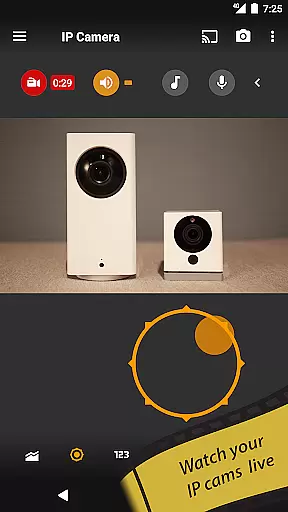
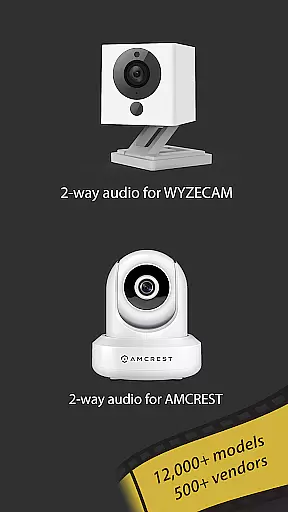
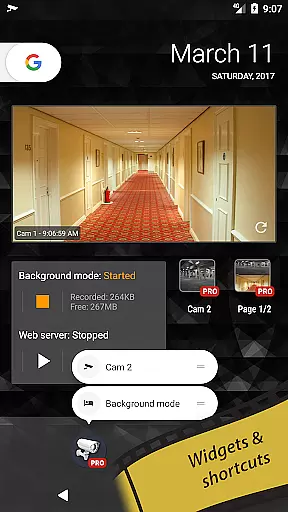
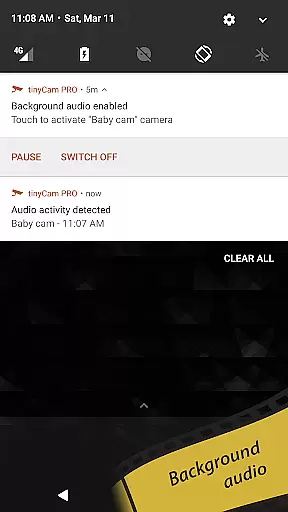
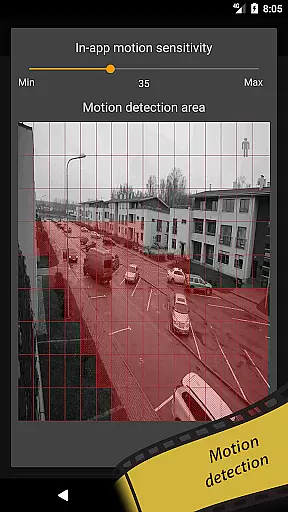
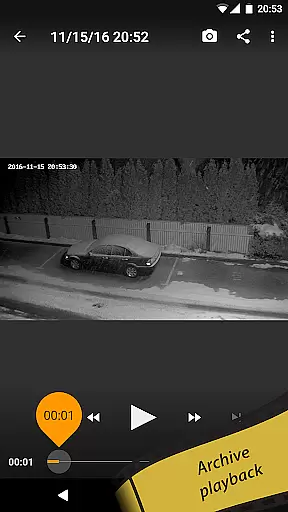
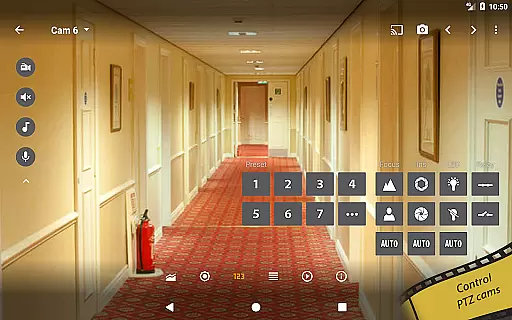
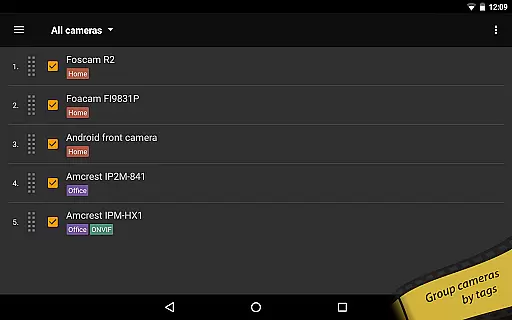
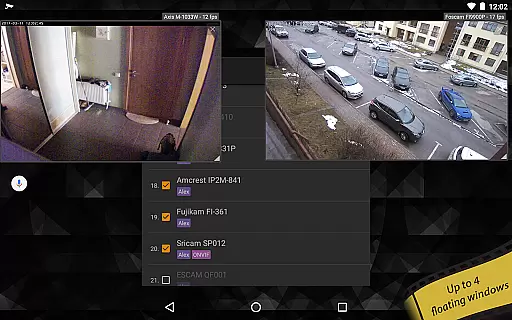
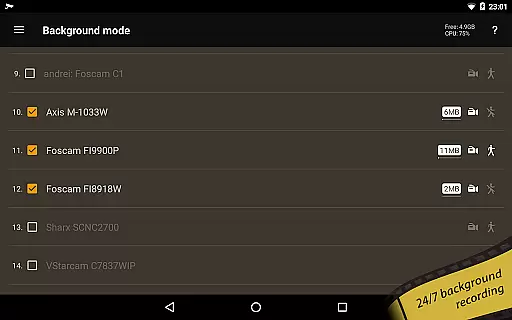
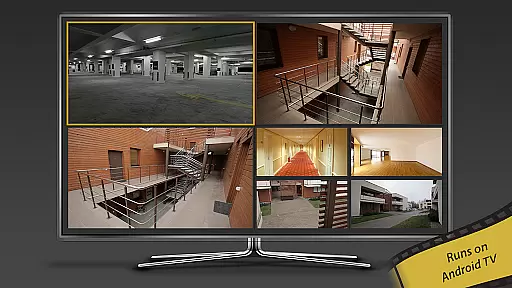
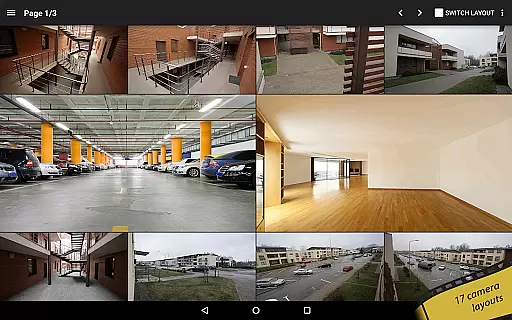
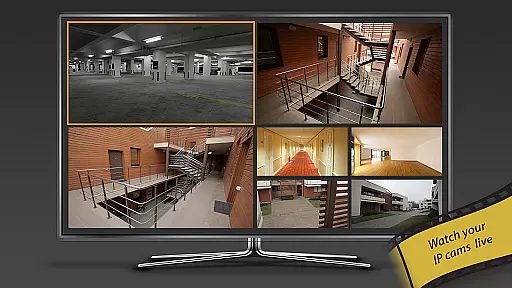
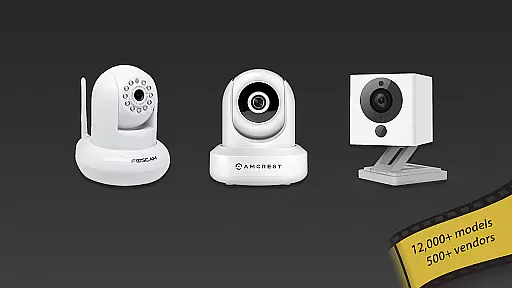
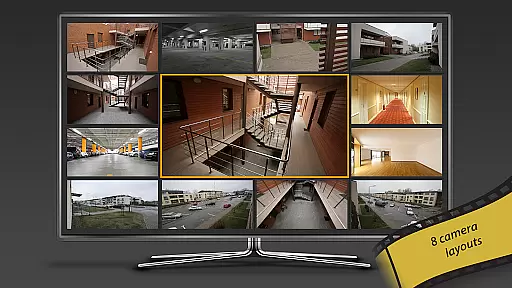
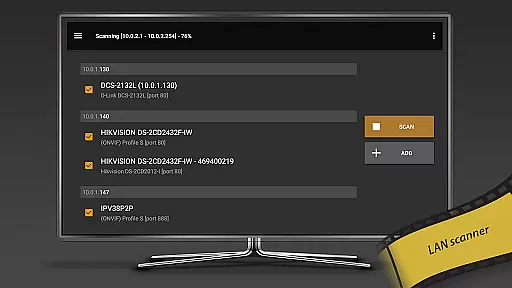
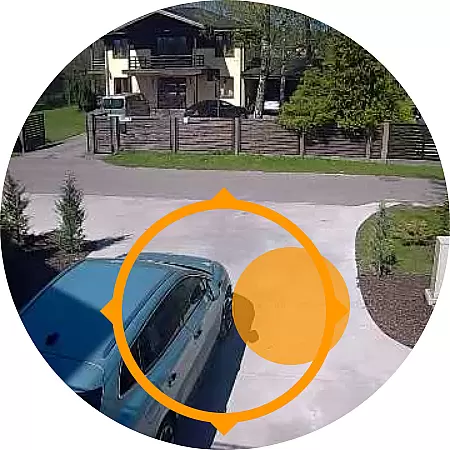
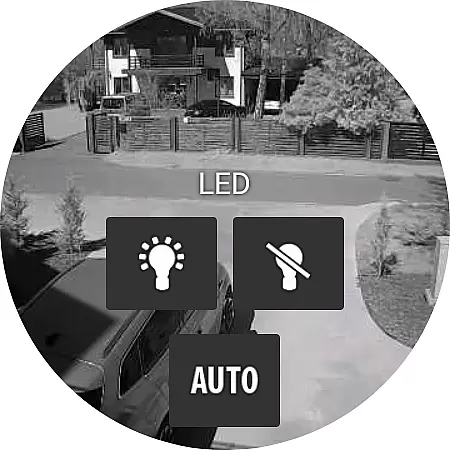
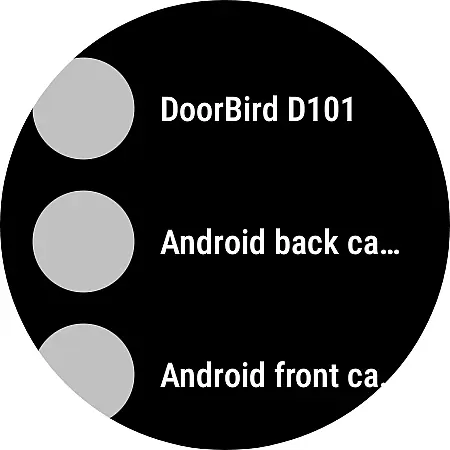
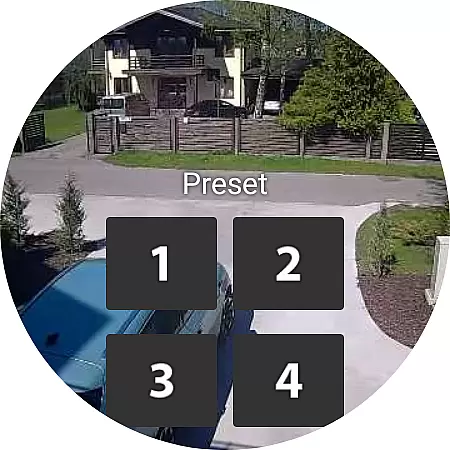
tinyCam Monitor PRO is the ultimate Android application for remote surveillance and video recording, designed specifically for IP cameras, DVRs, and video encoders. With support for over 12,000 camera models including popular brands like Foscam and Amcrest, it offers an intuitive interface with advanced features such as ONVIF Profile S, MJPEG/H264/H265/RTSP protocols, and smart camera compatibility.
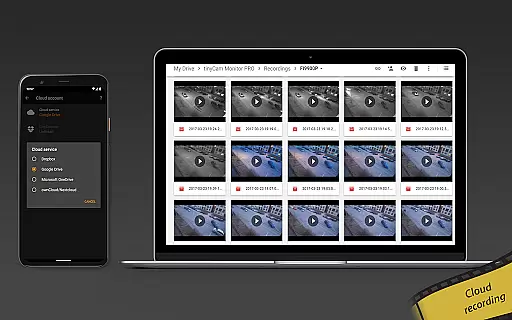
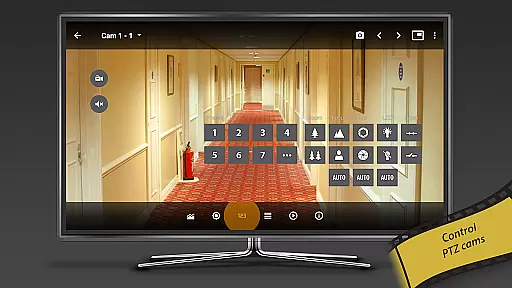
The app provides robust security measures through SSL monitoring and includes powerful functionalities like PTZ control, two-way audio, and 24/7 MP4 recording to local or cloud storage. Its unique features include background recording, AI object detection, face detection, and integration with platforms like Google Cast and Telegram. tinyCam Monitor PRO is ideal for users seeking comprehensive remote monitoring solutions for homes, businesses, or public spaces.
tinyCam Monitor PRO stands out with its extensive feature set tailored for both casual and professional surveillance needs. The app supports multiple video protocols including MJPEG, H264, and H265, ensuring broad compatibility with various IP cameras. Advanced functionalities such as ONVIF Profile S and P2P support enable seamless integration with a wide range of devices, while smart camera support extends its utility to brands like Wyze, Eufy, and Arlo.
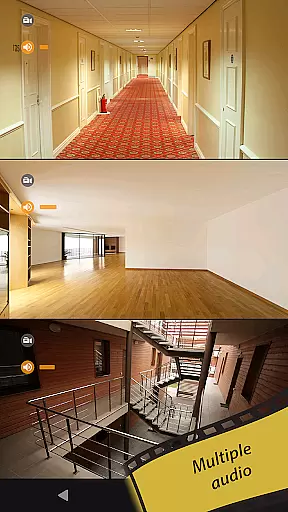
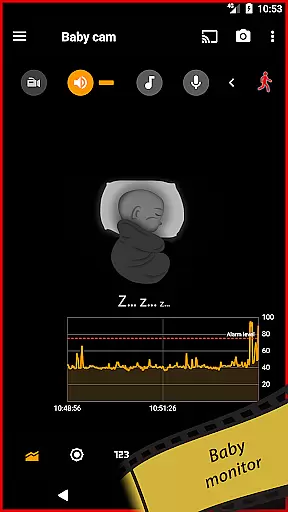
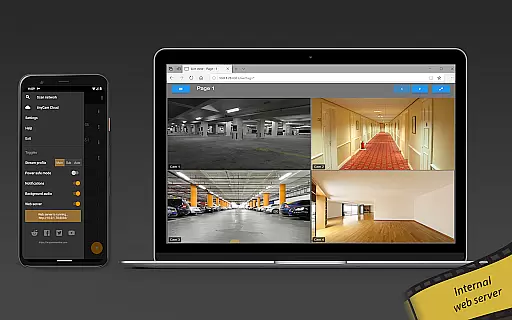
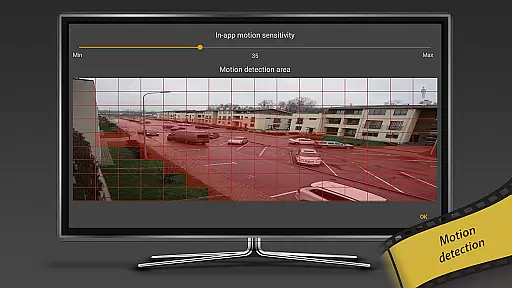
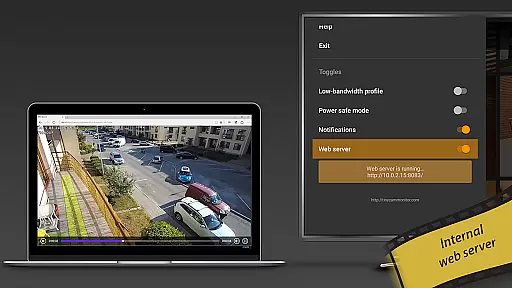
Unique capabilities like background recording, time-lapse functionality, and AI-driven object detection provide users with versatile monitoring options. The inclusion of an internal web server allows for remote access and live viewing, enhancing accessibility. Additionally, features like motion detection, webhook triggers, and audio monitoring make tinyCam Monitor PRO a comprehensive tool for creating a customized and efficient surveillance system.
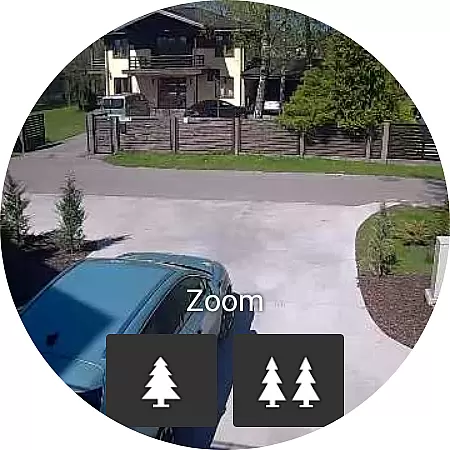
Companion app integration is essential for users who want seamless connectivity between their mobile devices and wearable technology. tinyCam Monitor PRO ensures that your Android Wear device works in harmony with your smartphone, providing real-time updates and notifications.
This application allows you to receive instant alerts on your wearable device whenever motion is detected by your IP cameras. You can also use your smartwatch to trigger recordings or capture snapshots remotely, which is perfect for monitoring your property while you're on the move.
The integration extends to control features as well, enabling users to manage camera settings directly from their wrist. This includes pan-tilt-zoom operations for compatible cameras, offering convenience and immediacy that enhances the overall surveillance experience.
By ensuring robust companion app integration, tinyCam Monitor PRO delivers a unified ecosystem where all devices communicate effectively, thus maximizing the potential of your home or business security setup.
Ensuring broad compatibility with various Wear OS devices is crucial for an inclusive user experience. tinyCam Monitor PRO supports a wide range of smartwatches running on Wear OS, allowing more users to benefit from its advanced monitoring capabilities.
The app's optimization for different screen sizes and resolutions guarantees that whether you own a Fossil, TicWatch, or any other popular brand, you will enjoy crisp visuals and responsive controls tailored to your device's specifications.
Beyond just visual adjustments, tinyCam Monitor PRO leverages the hardware capabilities of each supported device. This means utilizing sensors like accelerometers and gyroscopes to enhance interaction methods, such as navigating through camera feeds with simple wrist movements.
With this level of Wear OS/device compatibility, users can be confident that their investment in wearable tech will be complemented by powerful software designed to keep them connected and informed no matter where they are.
User-friendly interface
Extensive camera support
Advanced security features
Versatile recording options
Unique AI functionalities
Paid PRO version required
Complex setup for beginners
High resource consumption
Limited free features
Occasional connectivity issues

Current temperature, weather hourly, weather radar by the weather forecast app
 4.40
4.40
Deck out your Wear OS Watch face with a beautifully decorated pine wreath!
4.50
Digital watch face with big numbers and many customization for Wear OS devices
4.40
Period, ovulation & pregnancy tracker. Fertility insights & menstrual calendar.
4.90
Real-time results, stats, schedules and player profiles for all leagues
4.60
Hyper-Realistic Airplane Dashboard Watch Face With 10 Skins and Custom AOD
4.00
A realistic hybrid watch face with many customization options.
4.60
A white realistic classic analog watch face with many customization options.
4.40
Control your Samsung Smart TVs, appliances, and SmartThings-compatible devices
4.60
Digital, flexibly customizable watch face. For Wear OS 5.0, API 34+ and later.
5.00
Be an elegant and classy secret agent, with this carefully detailed watch face
4.70
Diet tracker for weight loss - track calories, food and macros. Simple and easy!
4.70
Highly customizable hybrid watch face for Wear OS, perfect for everyday use.
4.60
Rose gold watch face with festive lights & customizable features.
4.60
Beautiful artistic animated digital watch face, with a customizable layout!
4.40
Calming & relaxing sounds for sleeping and stress relief. Stay focused all day!
4.20
A customizable Christmas watch face for Wear OS with a countdown.
4.20
Want to take charge of your health? Let Google Fit help you reach your goals.
3.50
Minimalistic design modern digital watch face.
4.0


User Reviews