
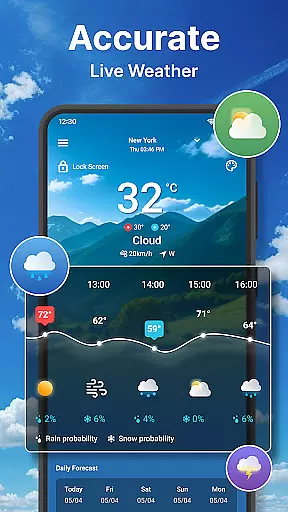
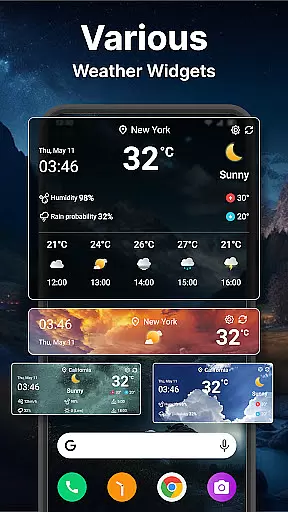
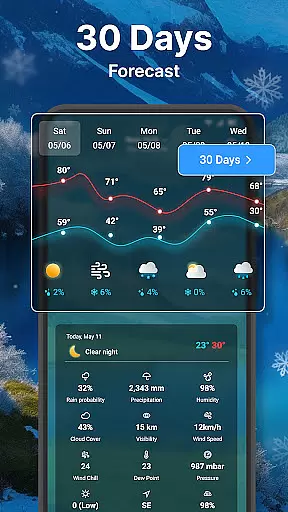
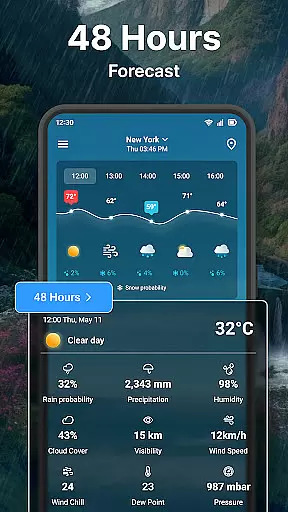
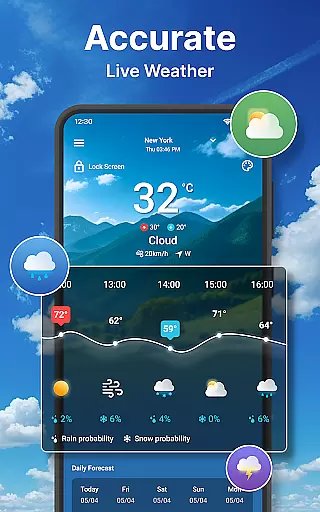
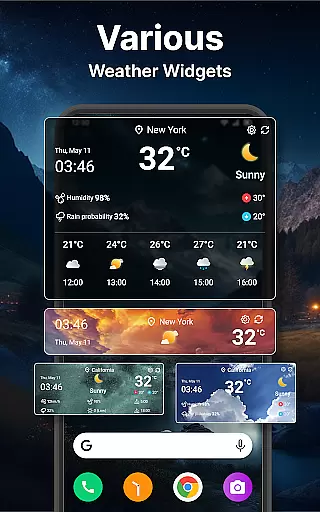
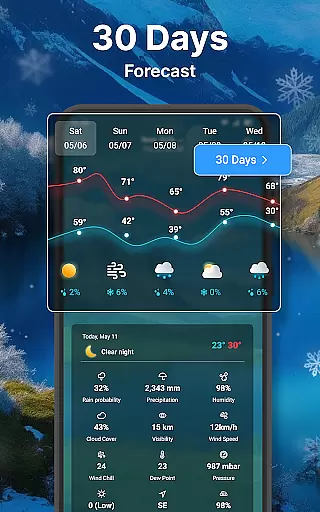
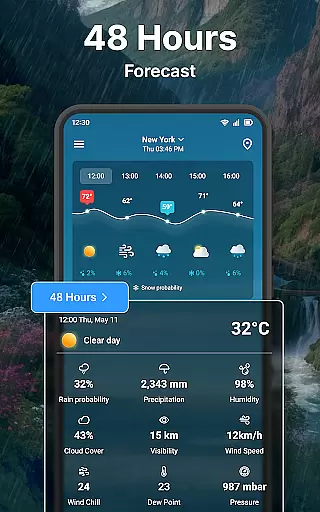
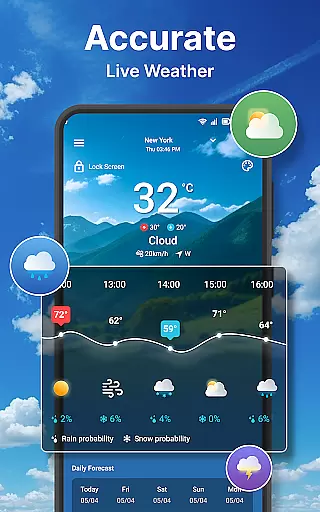
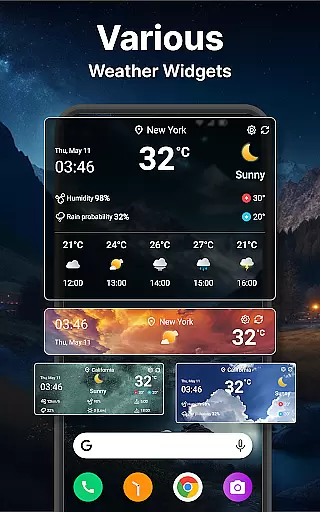
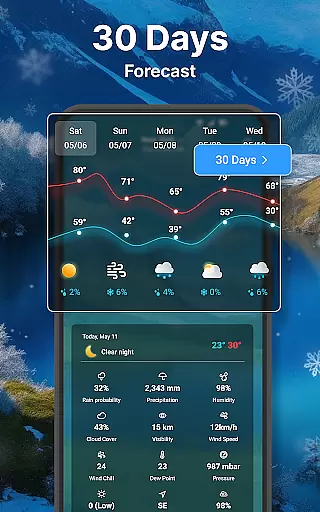
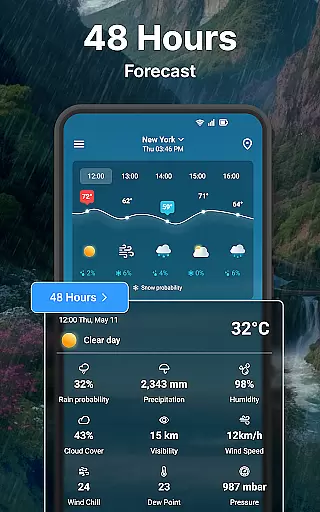
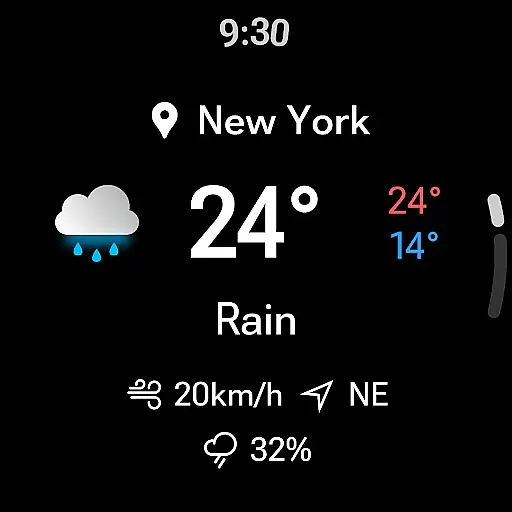
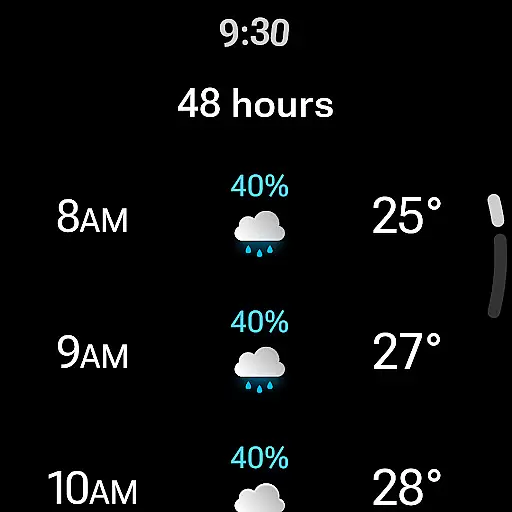
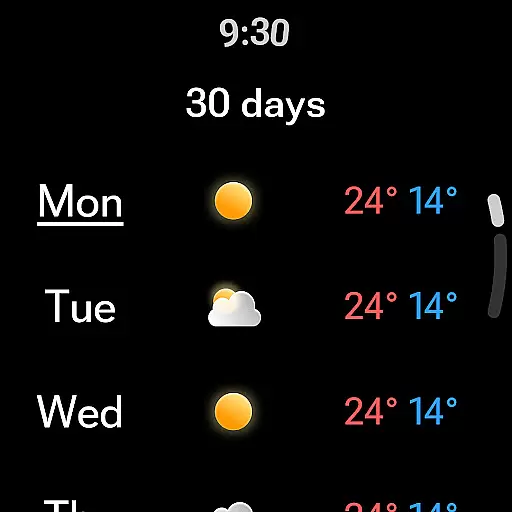
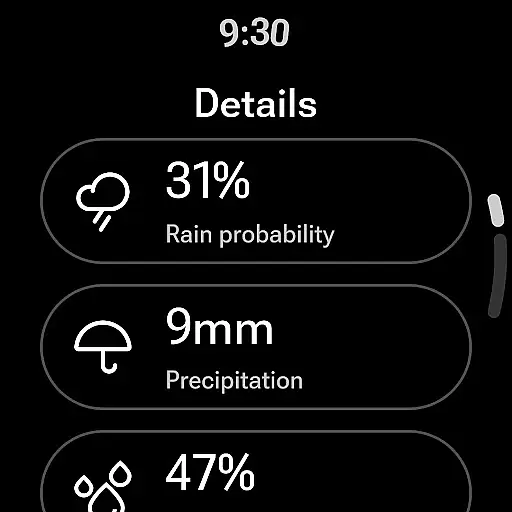
Weather forecast is a comprehensive weather application designed specifically for Android Wear devices, providing users with real-time, hourly, and daily weather updates up to 7 days in advance. The app features an intuitive weather radar and customizable weather widgets that deliver critical weather information at a glance. With its robust set of features, this app is perfect for individuals who need accurate weather data to plan their day or week effectively.
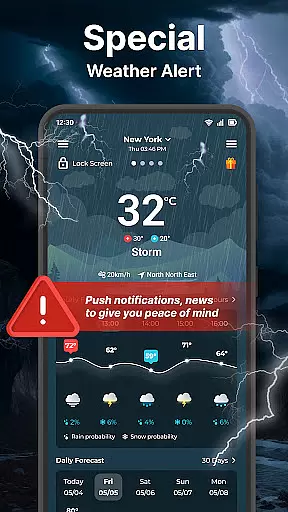
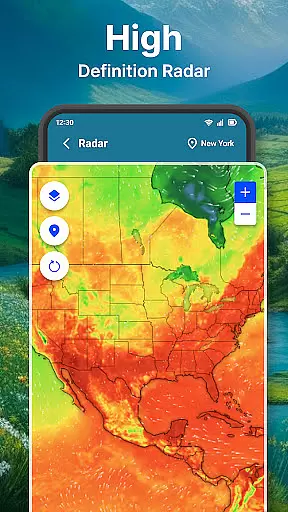
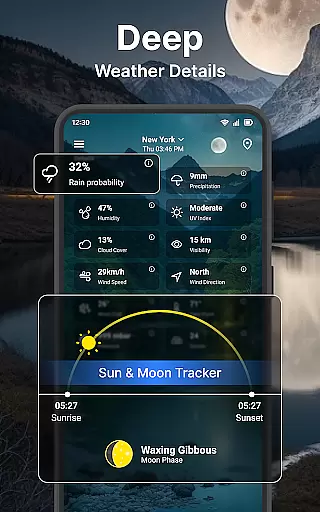
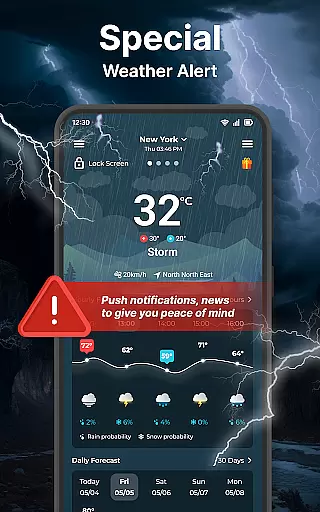
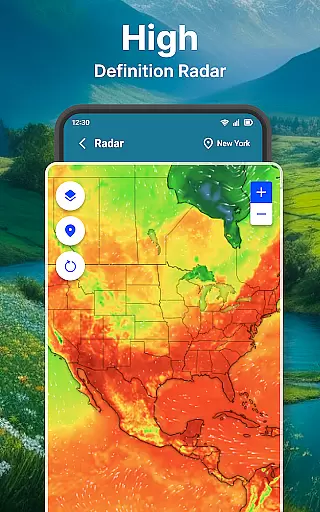
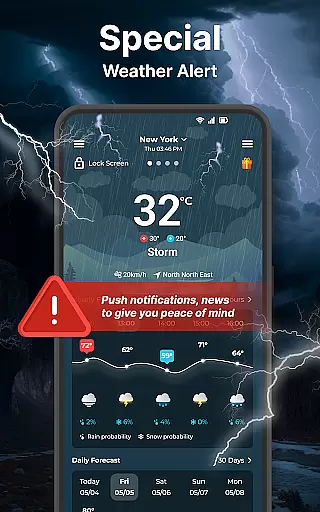
The app stands out with its detailed weather summaries, including wind direction, temperature ranges, and probability of precipitation. Users can quickly access animated radar maps, live weather conditions, and forecasts directly from their smartwatch or smartphone. Whether you're monitoring an incoming storm or planning your outfit for the day, Weather forecast ensures you stay informed and prepared under any weather condition.
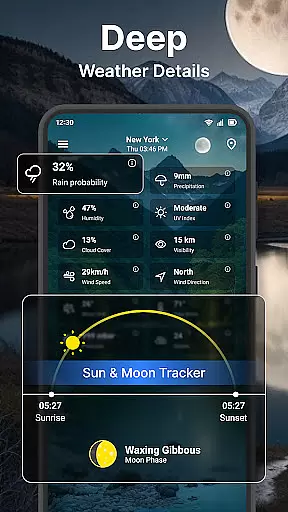
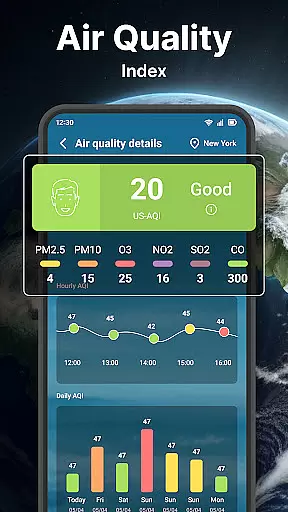
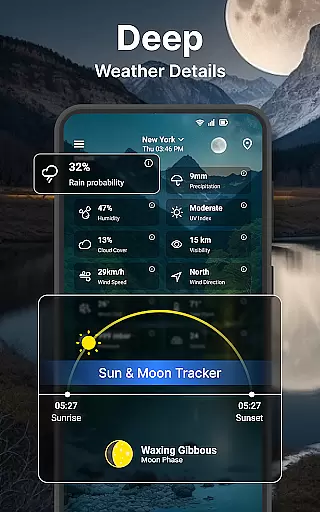
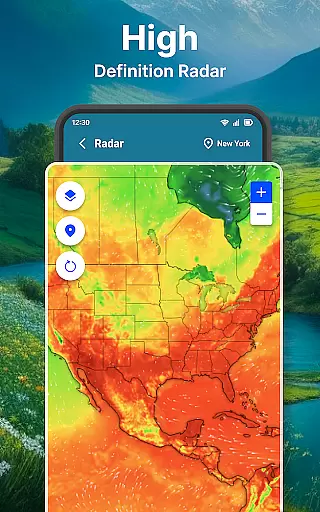
Weather forecast offers an extensive suite of features tailored to meet the needs of weather enthusiasts. It provides precise 24-hour and 7-day forecasts, complete with humidity levels, wind speed, UV index, and more. The app's advanced weather radar allows users to visualize temperature, wind, and rain patterns, offering valuable insights for outdoor activities or severe weather preparedness.
Customization is at the heart of Weather forecast, allowing users to manage multiple locations, adjust unit settings for temperature and wind speed, and personalize widget appearances. With support for Wear OS, users can access weather details right from their wrist, ensuring they have vital weather information wherever they go. These features collectively create a powerful tool that enhances user experience through personalization and accessibility.
Companion app integration is essential for users who want a seamless experience between their mobile devices and wearable technology. The Weather forecast app excels in this area by ensuring that all weather data viewed on your smartphone is accurately mirrored on your Wear OS device.
This synchronization allows you to receive real-time weather updates, including current conditions, hourly forecasts, and daily outlooks without needing to check your phone. With just a glance at your wrist, you can stay informed about the weather throughout your day.
The app also maintains consistent settings across devices, so whether you choose Celsius or Fahrenheit, 12-hour or 24-hour time format, these preferences are reflected on both platforms. This unified setup simplifies the user experience and ensures that all your devices serve as reliable sources of weather information.
Ensuring compatibility with Wear OS and other devices is crucial for maximizing the utility of a weather application. The Weather forecast app offers extensive support for various devices running on Wear OS, providing users with the flexibility to access detailed weather information directly from their smartwatches.
By supporting a wide range of devices, the app guarantees that no matter which Wear OS gadget you own, you will have access to vital weather details such as temperature, wind speed, and precipitation levels. This broad compatibility enhances the accessibility of critical weather updates when you're on the go.
Additionally, the app's optimization for different screen sizes and resolutions ensures that graphical elements like weather maps and charts remain clear and functional. Users benefit from having an intuitive interface tailored to smaller screens, making it easy to interact with the app even during busy schedules.
User-friendly interface
Accurate forecasting
Customizable widgets
Live radar maps
Wear OS compatible
Limited free features
Ads in free version
Occasional bugs
Heavy battery use
Large app size

Christmas Theme Watch Face for Wear Os
 5.00
5.00
A heartwarming Christmas scene featuring a cute image of Santa and Rudolf
4.2
Beautiful artistic animated digital watch face, with a customizable layout!
4.40
A modern premium sporty hybrid watch face for Wear OS by Ballozi
4.70
Digital watch face with big numbers and many customization for Wear OS devices
4.40
Kia Access makes getting your vehicle information easier than ever
4.60
Connect to your Bluelink equipped Hyundai vehicle from your smartphone.
4.50
Stay in touch with your friends and family using LINE!
3.40
Animated video-game inspired “secret agent” simulation, right on your wrist!
4.20
Christmas - Festive - Christmas Village - Winter - Christmas lights
5.00
Gym Log & Workout Tracker | Fitness Journal, Training & Weight Lifting Planner
4.90
To-Do List: daily schedule planner, task organizer, to do reminder app, calendar
4.60
MyNISSAN® lets you remotely control your car from your phone.*
4.50
Bold, Modern Hybrid Watch Face for Wear OS. 10 Colors, Rich Info Display.
4.30
Structured watch face with seven complications and modular UI elements
3.90
Watch the sharpness of the sky on your wrist..
3.70
Stunning modern digital watch face with 7 complications and strong contrast
4.5
Sleek, highly customizable watch face inspired by Galaxy Watch Circle Dashboard.
4.5
Fitness interactive virtual pet super fighter boy watch face
4.4


User Reviews