
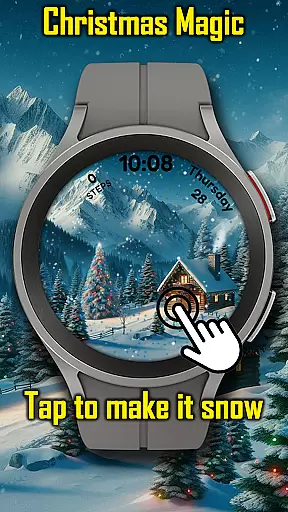
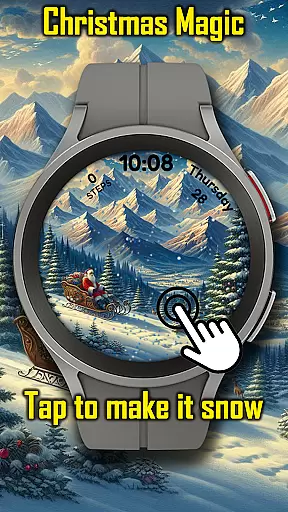
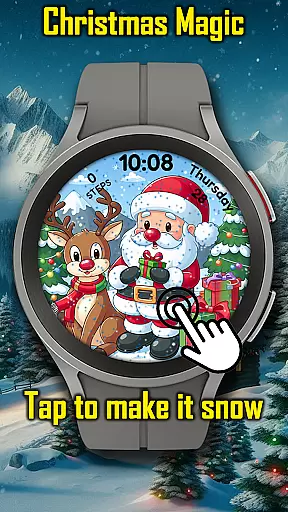
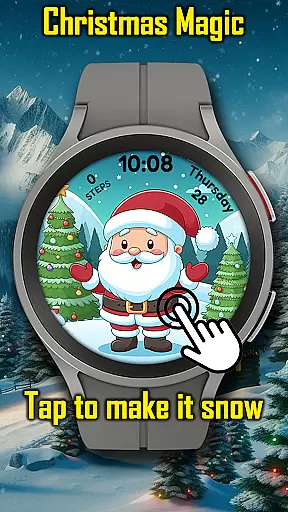
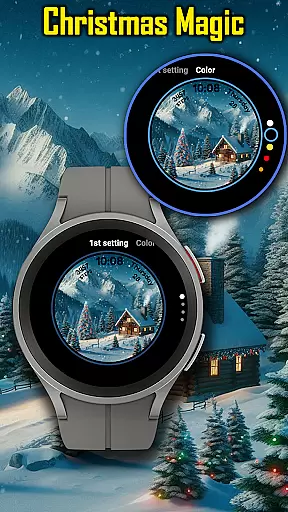
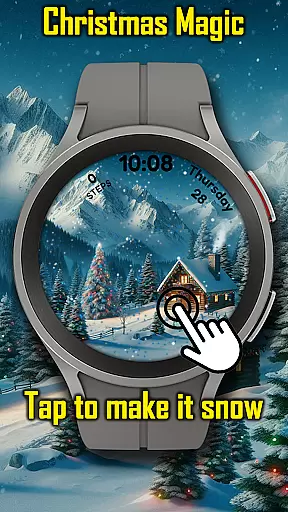
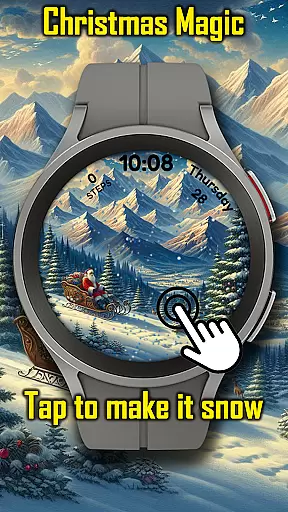
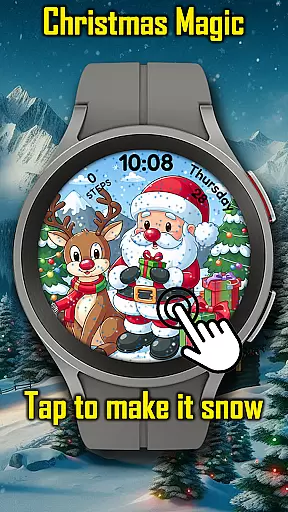
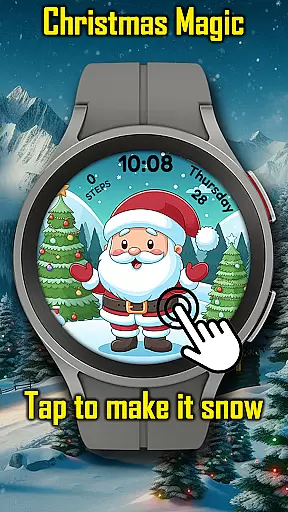
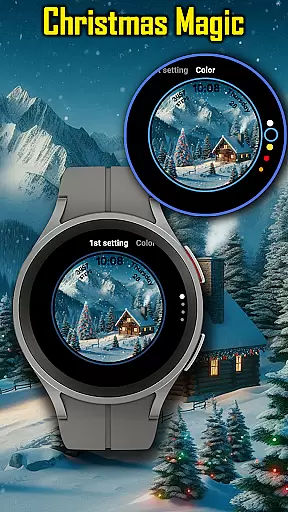
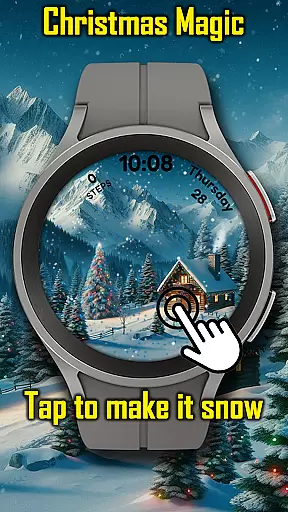
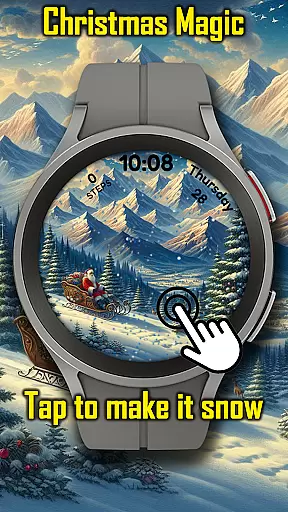
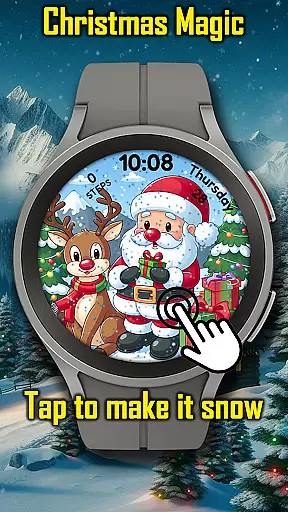
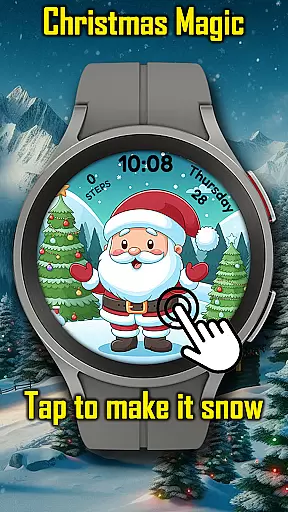
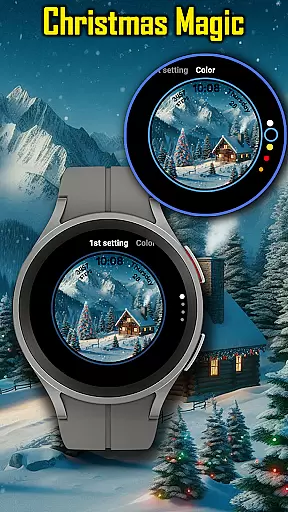

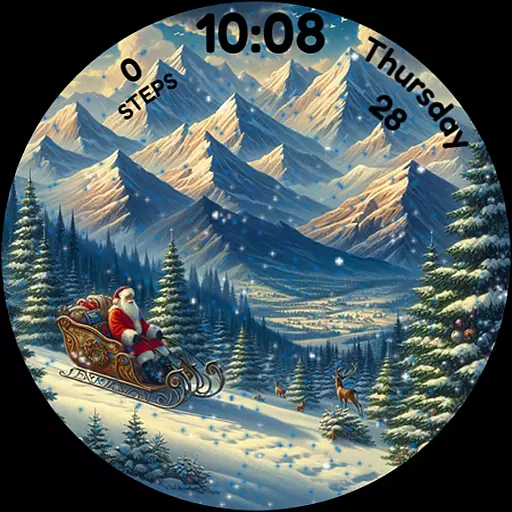
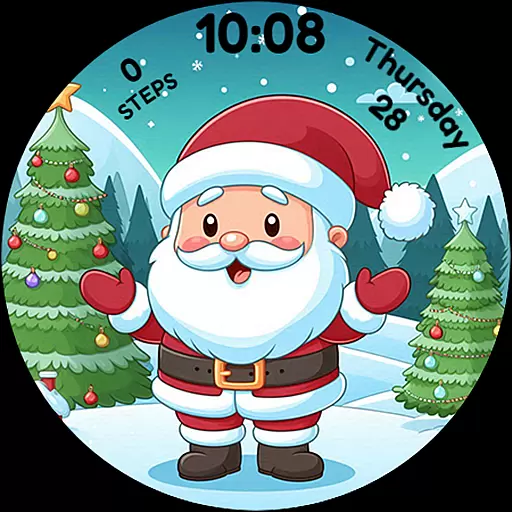
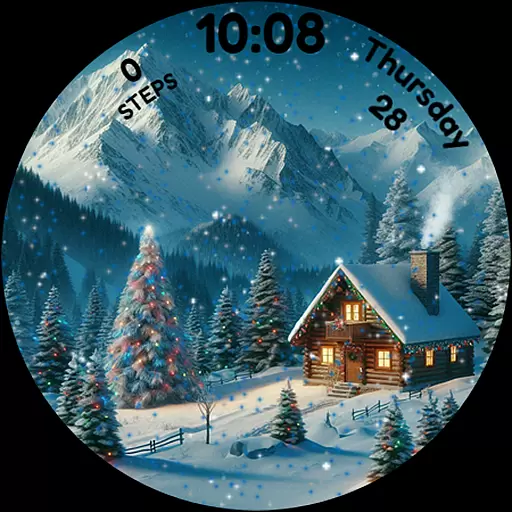
Christmas Magic is a festive watch face designed specifically for Wear OS devices. This holiday-themed application transforms your smartwatch into a joyful celebration, featuring animated Christmas scenes complete with Santa Claus, Christmas trees, and a snowy mountain backdrop.
The watch face offers interactive elements like tap-to-snowfall and customizable colors, allowing users to personalize their experience. With support for Always-On Display (AOD) mode, it ensures that the Christmas spirit remains alive on your wrist throughout the holiday season. Perfect for enthusiasts who want to carry the festive cheer wherever they go.
Christmas Magic stands out with its delightful holiday features tailored for Wear OS. The app showcases beautiful animations including falling snowflakes that respond to touch interactions, creating an immersive winter wonderland experience right on your smartwatch.
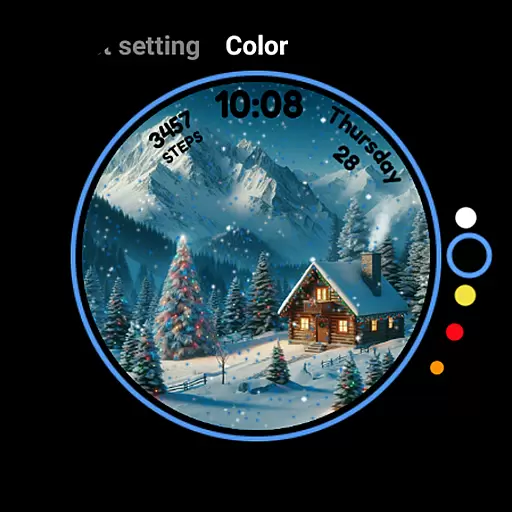
Users can customize the color scheme of the watch face to match their personal holiday style. The inclusion of AOD mode means that even when the watch is in low-power mode, the festive design remains visible. These thoughtful features combine functionality with seasonal aesthetics, making it an ideal choice for those looking to embrace the Christmas spirit through their wearable technology.
For Android Wear applications like Christmas Magic, seamless companion app integration is essential for an enriched user experience. This watch face connects with its corresponding mobile app to provide users with a synchronized festive experience across devices.
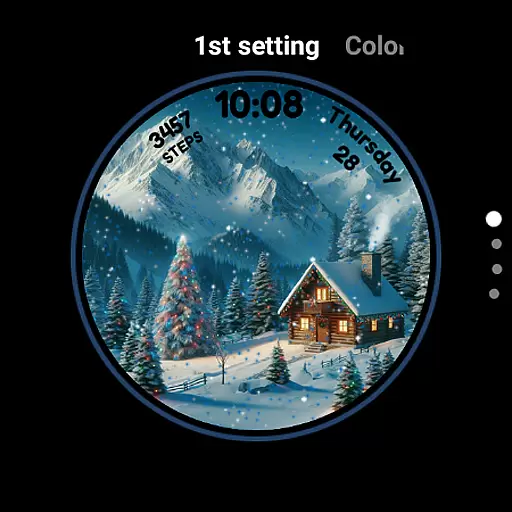
The integration allows users to customize their watch face directly from the mobile app, enabling them to adjust settings such as animated scenes and color schemes that match their holiday style. This ensures that personal preferences are easily maintained and updated.
Furthermore, the connection between the wearable and smartphone guarantees that all features, including the delightful snowfall animation activated by a tap, function smoothly. Users can enjoy a cohesive experience whether they're interacting with their smartwatch or managing settings through the app.
Ensuring broad compatibility with various Wear OS devices, Christmas Magic Watch Face is designed to bring holiday cheer to a wide range of smartwatches. This compatibility allows more users to partake in the festive transformation of their device's interface.
The application supports different screen sizes and resolutions, ensuring that the animated Christmas scenes, featuring Santa Claus and snowy mountains, look crisp and vibrant on every supported device. Such attention to detail enhances the visual enjoyment for users.
In addition to visual compatibility, the watch face also works seamlessly with the deviceu2019s features, such as AOD mode. This means users can enjoy both functionality and festivity, making sure that the magic of the holidays is accessible no matter which Wear OS device they own.
Festive Animations
Customizable Colors
AOD Mode Support
Interactive Snowfall
Holiday Themed Design
Limited to Wear OS
Seasonal Only Usage
Battery Consumption
No Year-Round Appeal
Premium Features Locked

Analog watch face with 8 complications and expedition styling
 4.5
4.5
Simple Analog-Digital Watchface For Wear OS 3.0 and Up Smartwatches
4.4
Authentic military-tactical design with ZULU time! Realistic and functional!
3.80
Structured watch face with seven complications and modular UI elements
3.90
Monitor health with the stress test and pulse checker in the heart rate app.
4.60
The most customizable hybrid watch face. For Wear OS 5.0, API 34+ and later
4.70
Viewer for Wyze/Yi/Eufy/Arlo/ONVIF/RTSP/P2P IP cams w/ adv. features & DIY DVR
4.00
Hybrid Vibrant Health Watch Face for Wear OS
4.4
Want to take charge of your health? Let Google Fit help you reach your goals.
3.50
Christmas - Festive - Christmas Village - Winter - Christmas lights
5.00
Period, ovulation & pregnancy tracker. Fertility insights & menstrual calendar.
4.90
Real-time weather radar with temperatures, warnings, hurricanes, and widgets
4.80
WTW M17 is a premium and luxurious hybrid watch face
4.70
Simple, helpful messaging by Google
4.60
Digital watch face with big numbers and many customization for Wear OS devices
4.40
Christmas watch face. For Wear OS devices.
4.30
A customizable Christmas watch face for Wear OS with a countdown.
4.20
A Wintery Snow Globe on Your Wrist; now celebrating Christmas!
4.4
A heartwarming Christmas scene featuring a cute image of Santa and Rudolf
4.2


User Reviews