
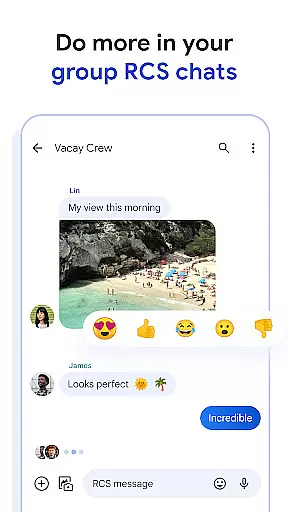
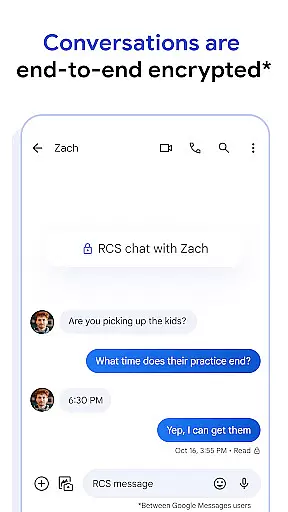
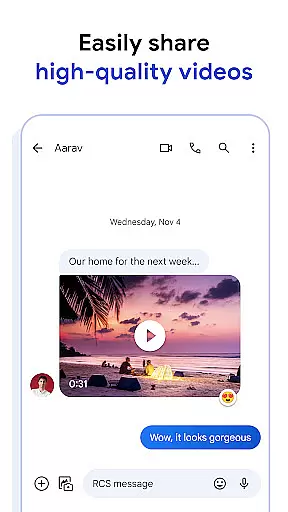
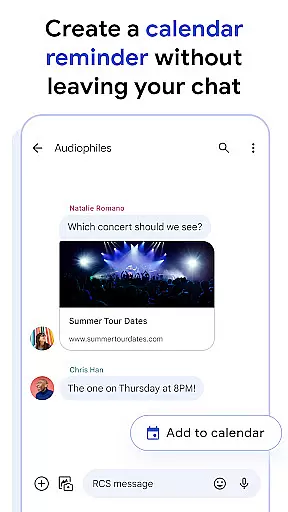
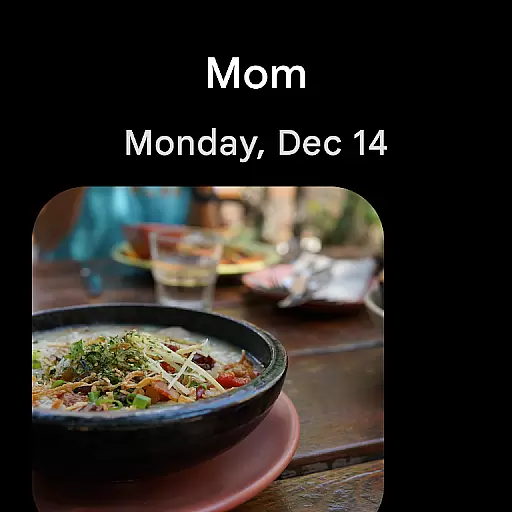
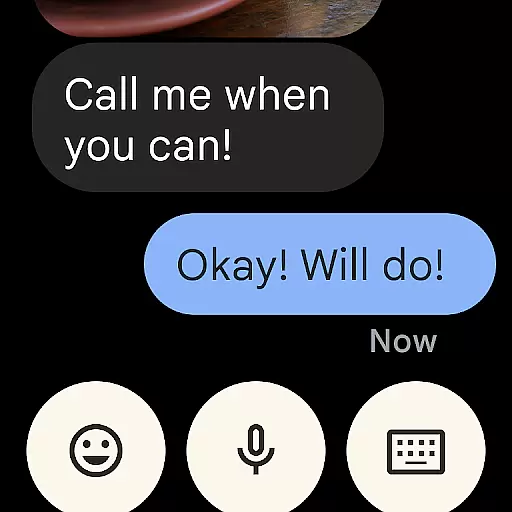
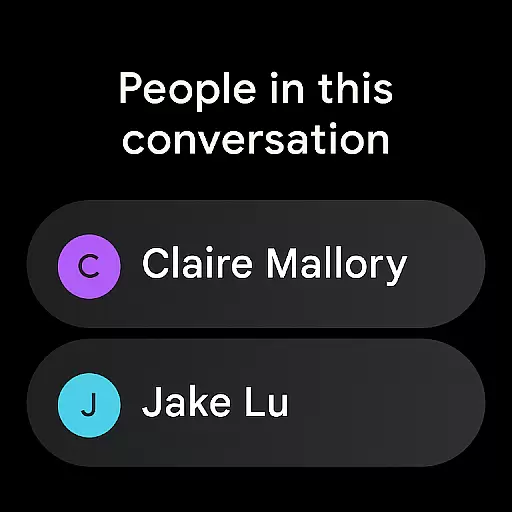
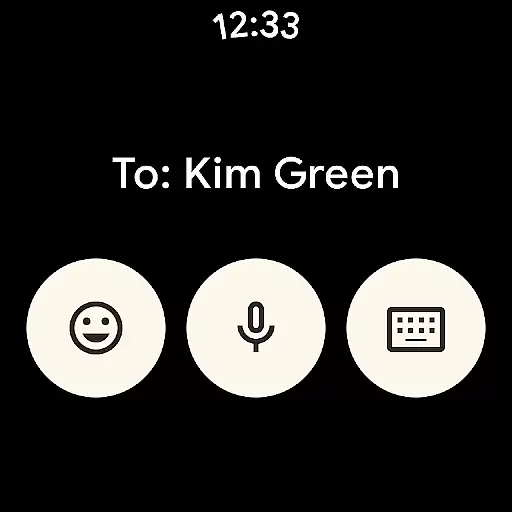
Google Messages is the official messaging app from Google, designed to enhance communication for Android users through Rich Communication Services (RCS). RCS replaces traditional SMS and MMS, allowing users to share high-resolution photos and videos, engage in dynamic group chats, and seamlessly connect with iPhone users. The app offers a richer, safer, and more expressive messaging experience by integrating features like end-to-end encryption, AI-powered suggestions, and cross-device compatibility.
With its user-friendly interface and advanced functionalities, Google Messages ensures that personal chats remain private while providing tools like custom chat bubble colors and fun selfie GIFs to make conversations uniquely yours. Available on Wear OS, this app extends messaging capabilities to smartwatches, offering convenience and accessibility across multiple devices.
Google Messages stands out with its robust feature set tailored to modern communication needs. The app leverages RCS technology to enable high-quality photo and video sharing, real-time typing indicators, and enhanced group chat experiences that now include iPhone users. This ensures a seamless connection regardless of the platform.
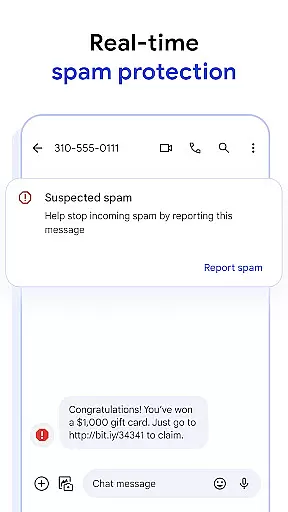
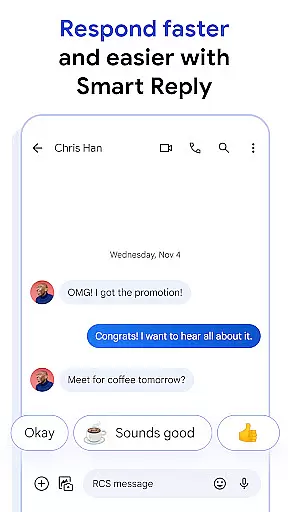
Privacy is a top priority, with end-to-end encryption safeguarding messages and attachments between Google Messages users. Advanced spam protection further enhances security. Additionally, AI-powered features like Magic Compose assist users in crafting perfect messages effortlessly. Cross-device functionality allows users to start conversations on their phones and continue them on tablets or computers, making it versatile for various lifestyles.
Companion app integration is a crucial feature for Android Wear applications as it ensures seamless functionality between the smartphone and wearable devices. Google Messages excels in this area by providing users with a unified messaging experience across multiple devices.
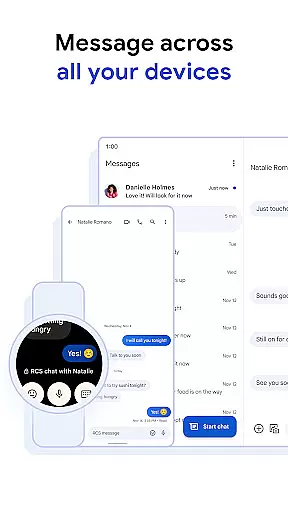
The app allows you to start a conversation on your mobile device and continue it effortlessly on your Wear OS smartwatch or other compatible devices. This cross-device capability ensures that users are not tethered to their phones and can respond to messages conveniently from their wrist.
This integration offers significant benefits, including real-time synchronization of messages, typing indicators, and read receipts across devices. Whether you're at home, in a meeting, or on the go, you can stay connected without needing to reach for your phone.
By leveraging the power of RCS (Rich Communication Services), Google Messages ensures that all interactions, including high-resolution photos and videos, are synced accurately and promptly. This creates a cohesive ecosystem where users can enjoy a richer, safer, and more expressive way to connect, regardless of the device they are using.
Device compatibility is essential for any application designed for wearable technology. Google Messages has been optimized to work seamlessly with Wear OS, ensuring that users can enjoy a full range of features directly from their smartwatches.
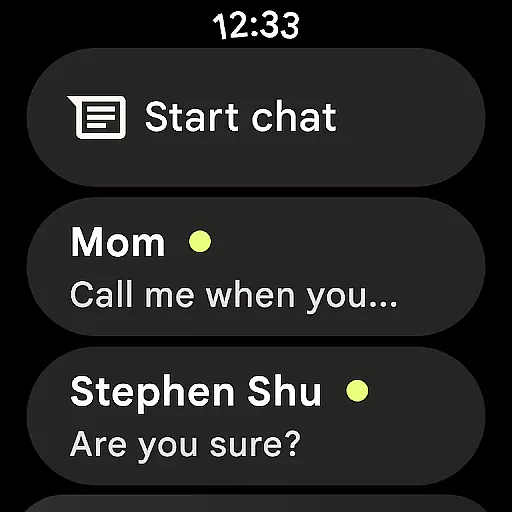
The app supports a variety of Wear OS devices, allowing users to send and receive messages, view images, and even participate in group chats without needing their phones nearby. This broad compatibility enhances user convenience and accessibility.
Google Messages takes advantage of the latest advancements in Wear OS to deliver an intuitive and responsive user interface. The app's design considers the smaller screen size and touch-based navigation typical of smartwatches, making interactions smooth and efficient.
Moreover, the availability of RCS features like typing indicators and high-quality media sharing on Wear OS devices underscores Google's commitment to providing a consistent and enriched messaging experience. With Google Messages, staying connected on the go has never been easier or more reliable, ensuring users remain engaged and informed across all their devices.
End-to-end encryption
Rich Communication Services
Cross-device compatibility
AI-powered suggestions
Dynamic group chats
Limited RCS availability
Feature disparity by region
Requires data plan
Beta testing needed
Device-specific limitations

an Analog Watch Face for winter season with freeze winter background for Wear OS
 4.1
4.1
Let's celebrate Thanksgiving - Wear Os watch face
4.20
sleep, alarm, snoring, stress, healing, focus, sound therapy, circadian rhythm
4.10
Nutrition, Macro tracker: Food, fitness & healthy diet tracking for weight loss
4.60
Find EV charging stations
4.30
Professional weather radar and more
3.90
Animated video-game inspired “secret agent” simulation, right on your wrist!
4.20
Premium hybrid watch face with many customizations for Wear OS devices.
4.40
Control your Samsung Smart TVs, appliances, and SmartThings-compatible devices
4.60
Christmas - Festive - Christmas Village - Winter - Christmas lights
5.00
Real-time weather radar with temperatures, warnings, hurricanes, and widgets
4.80
WTW M17 is a premium and luxurious hybrid watch face
4.70
Easy Voice Recorder is your everyday companion to record important moments.
4.70
Be an elegant and classy secret agent, with this carefully detailed watch face
4.70
The most customizable minimal watch face. For Wear OS 5.0, API 34+ and later
4.70
Your second brain for organizing your life: to-do, calendar, reminder.
4.70
Calming & relaxing sounds for sleeping and stress relief. Stay focused all day!
4.20
Elegant animated Christmas tree with multiple customization options
4.20
Christmas and New Year - Themed Watchface
4.0


User Reviews