
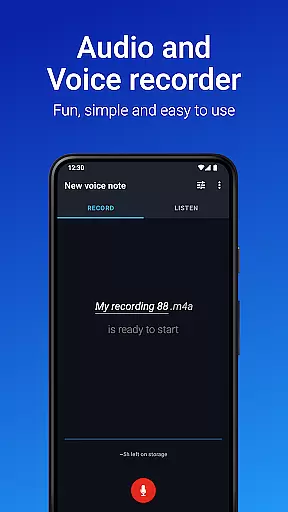
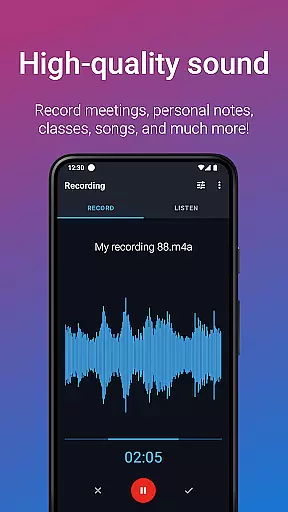
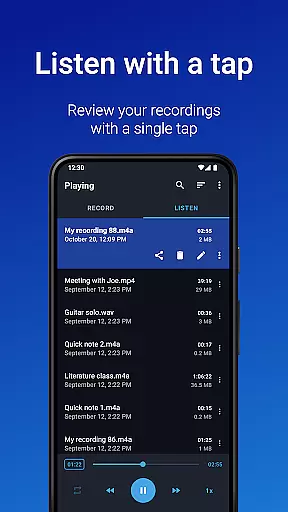
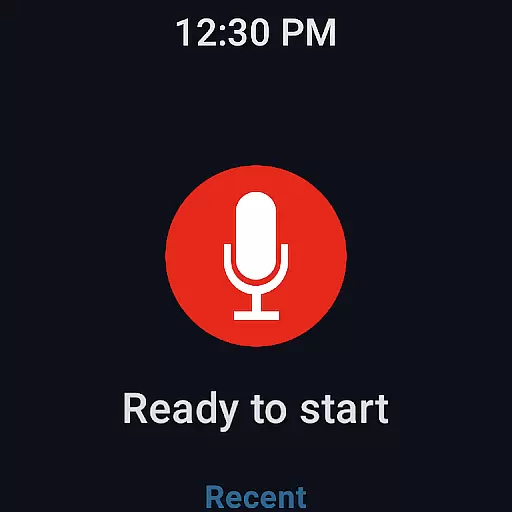
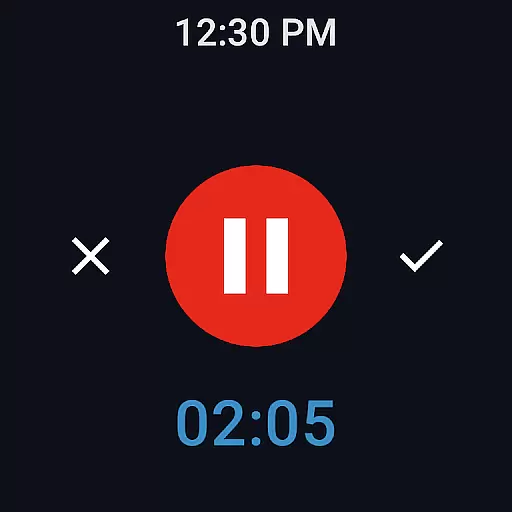
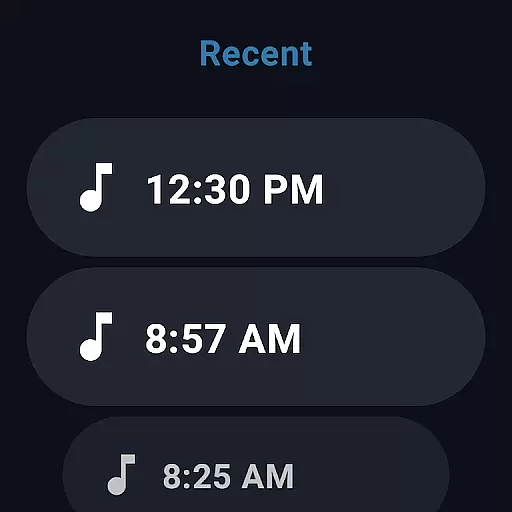
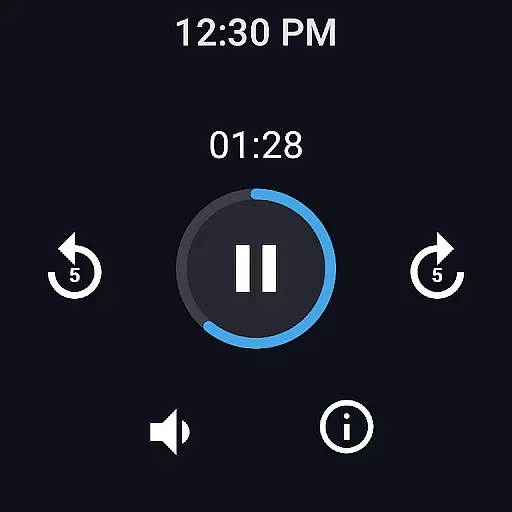
Easy Voice Recorder is a versatile audio recording application designed for Android Wear and mobile devices. It allows users to capture high-quality recordings of meetings, lectures, music, and more without any time restrictions. The app offers multiple formats including PCM, MP4, and AMR, ensuring flexibility in storage and quality.
Designed with practicality in mind, Easy Voice Recorder provides intuitive features such as playback speed adjustment, making it ideal for students who need to review lecture content at their own pace. Business professionals can benefit from its seamless integration with email and messaging apps, enabling quick sharing of important discussions.
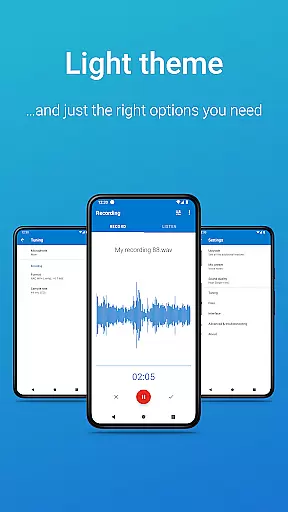
For musicians, the app includes fine-tuning options and presets for different recording scenarios. With Wear OS support, users can start recordings directly from their smartwatches, adding convenience to everyday use. Whether for personal or professional purposes, Easy Voice Recorder delivers reliable performance tailored to various user needs.
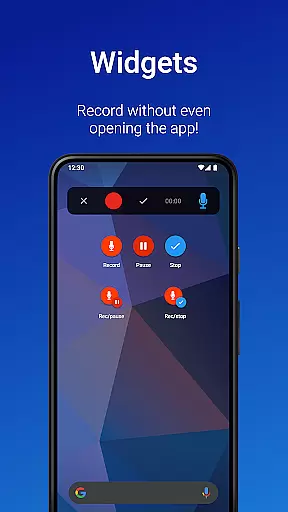
Easy Voice Recorder stands out with its comprehensive feature set tailored for diverse recording needs. The app supports high-quality PCM and MP4 formats, alongside space-saving AMR options. Users can initiate recordings quickly using widgets and shortcuts, even allowing background recording for uninterrupted use.
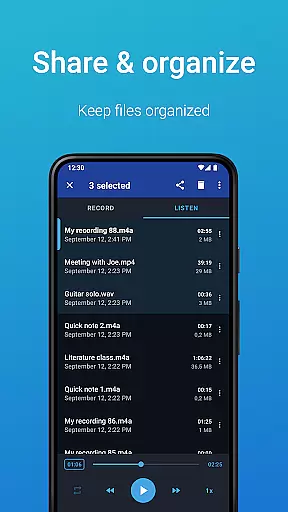
Sharing recordings is effortless, thanks to built-in support for email and popular messaging apps. Additionally, the Pro version unlocks advanced capabilities like automatic uploads to Google Drive or Dropbox, MP3/FLAC/AAC format support, and Bluetooth microphone compatibility. These features make it an indispensable tool for professionals requiring efficient data management.
Other notable features include trimming unwanted sections in Edit mode, organizing files into folders, and controlling the recorder via the notifications bar. Bonus functionalities such as stereo recording, custom bitrates, and volume boost further enhance the user experience, catering to audiophiles and casual users alike.
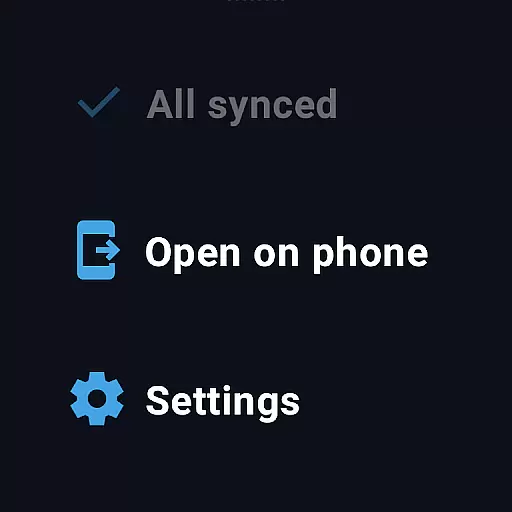
Companion app integration is essential for a seamless experience across multiple devices. Easy Voice Recorder excels in this area by offering robust synchronization between your smartphone, tablet, and Wear OS smartwatch. This ensures that recordings started on one device can be managed or accessed from another without any hiccups.
The app provides intuitive widgets and shortcuts, allowing users to initiate recordings directly from their home screen or wearable device. This feature enhances accessibility and convenience, making it easier than ever to capture important moments without delay.
Sharing capabilities are also a key aspect of companion app integration. With Easy Voice Recorder, users can effortlessly share their recordings via email or messaging apps. This functionality bridges the gap between devices, ensuring that content is easily accessible regardless of the platform being used.
Overall, the app's thoughtful design prioritizes user experience by creating a cohesive ecosystem where all devices work in harmony. This interconnected approach not only saves time but also enhances productivity, making Easy Voice Recorder an invaluable tool for both personal and professional use.
Wear OS and device compatibility are crucial for users who rely on smartwatches for their recording needs. Easy Voice Recorder stands out by providing dedicated support for Wear OS, enabling users to record directly from their smartwatches. This feature is particularly beneficial for capturing voice notes or quick memos on the go without needing to reach for a phone.
In addition to basic recording functions, the app includes a watch tile for quick access. This allows users to start or stop recordings with minimal effort, streamlining the entire process. Such thoughtful integration showcases the app's commitment to enhancing user convenience through smart technology.
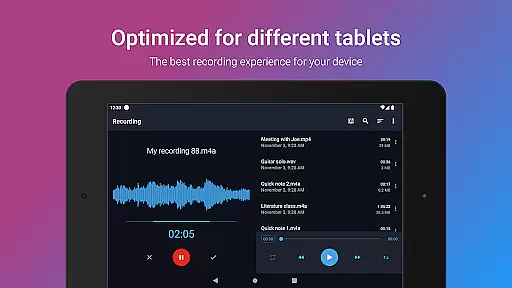
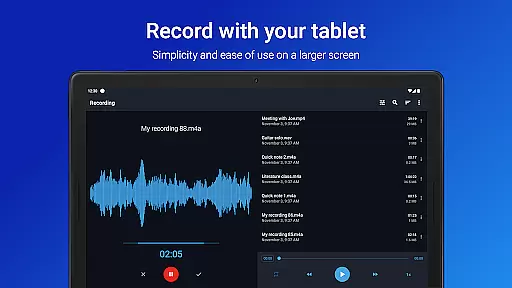
Compatibility extends beyond just smartwatches; Easy Voice Recorder works seamlessly across various Android devices. Whether you're using a phone or tablet, the app maintains consistent performance and quality. This versatility ensures that no matter which device you choose, you'll receive the same reliable experience.
By focusing on broad device compatibility and specialized Wear OS features, Easy Voice Recorder caters to a wide audience looking for flexibility and ease of use. These attributes make it an ideal choice for anyone seeking a comprehensive recording solution that adapts to different technological environments.
User-friendly interface
High-quality recording formats
Background recording capability
Seamless sharing options
Wear OS compatibility
Limited free version features
No automatic backup in free version
Pro version requires purchase
Occasional bugs reported
Not a call recorder

Gym Log & Workout Tracker | Fitness Journal, Training & Weight Lifting Planner
 4.90
4.90
Snowflake Rose Gold Watch Face - Digital, modern, & sleek with GYRO effect.
4.10
Be an elegant and classy secret agent, with this carefully detailed watch face
4.70
Fitness interactive virtual pet super fighter boy watch face
4.3
Nutrition, Macro tracker: Food, fitness & healthy diet tracking for weight loss
4.60
Reliable phone calls with spam protection, caller ID and more helpful features
4.40
Professional weather radar and more
3.90
Hybrid Vibrant Health Watch Face for Wear OS
4.1
Simple, helpful messaging by Google
4.60
Period, ovulation & pregnancy tracker. Fertility insights & menstrual calendar.
4.90
Real-time weather radar with temperatures, warnings, hurricanes, and widgets
4.80
Hybrid watch face for Wear OS with customizable complications by Matteo Dini MD
4.70
Walking app for weight loss: walk & step tracker, pedometer, indoor treadmill
4.60
Kia Access makes getting your vehicle information easier than ever
4.60
Retro digital watch face with customizable colors and a unique lighting effect
4.60
Digital watch face with big numbers and many customization for Wear OS devices
4.40
Let's celebrate Thanksgiving - Wear Os watch face
4.20
Animated Watch Face and Customizable with 24 Backgrounds. Perfect for Christmas!
3.90
3 Complications. All shadow on/off. 30 Themes color palette...
4.4


User Reviews