
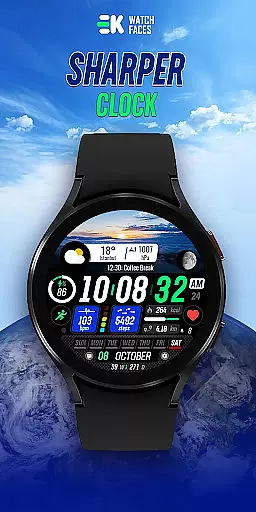
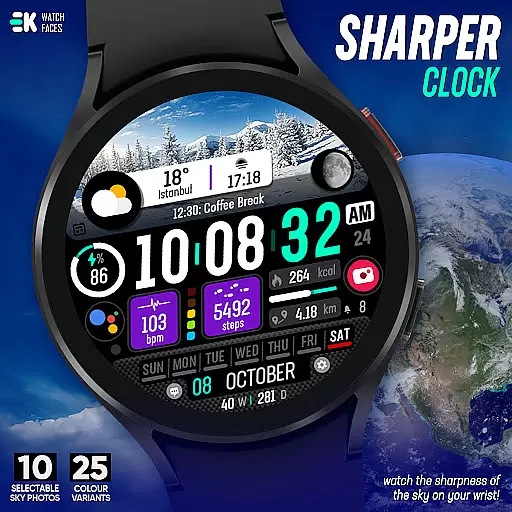
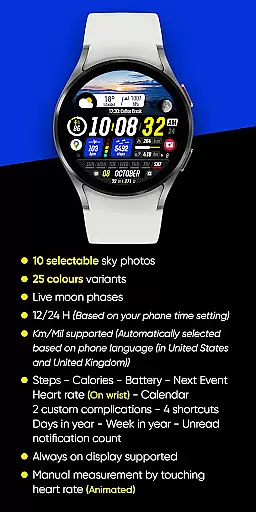
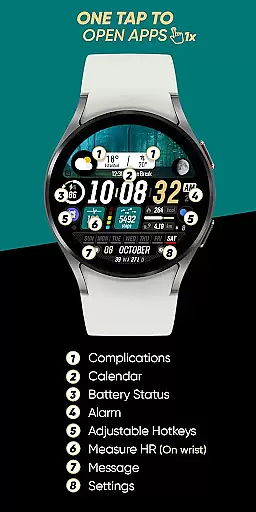
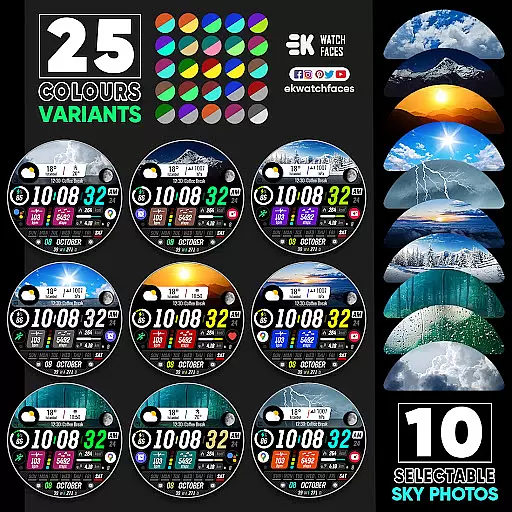
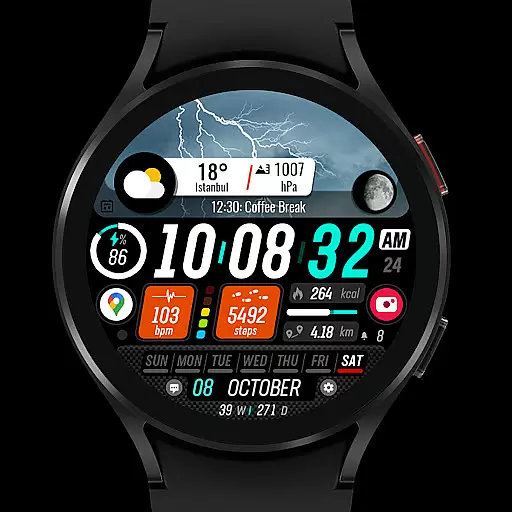
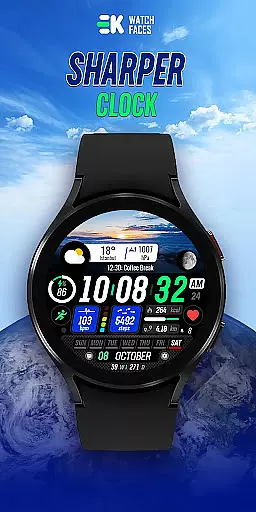
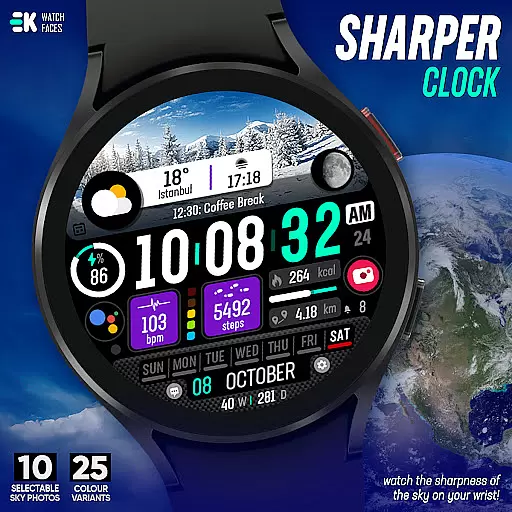
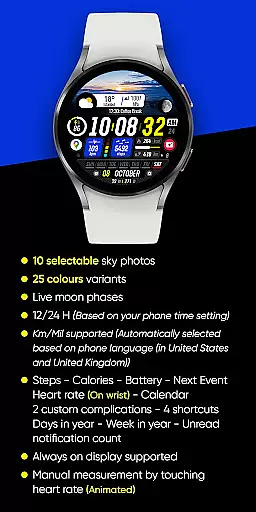
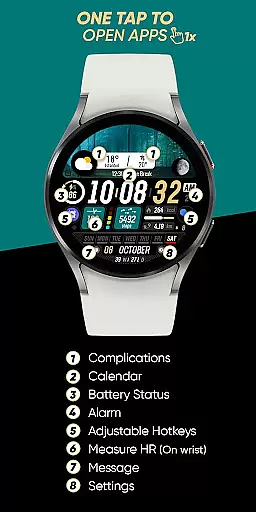
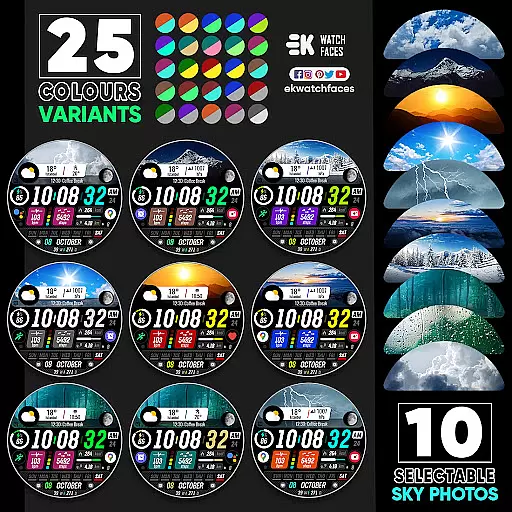
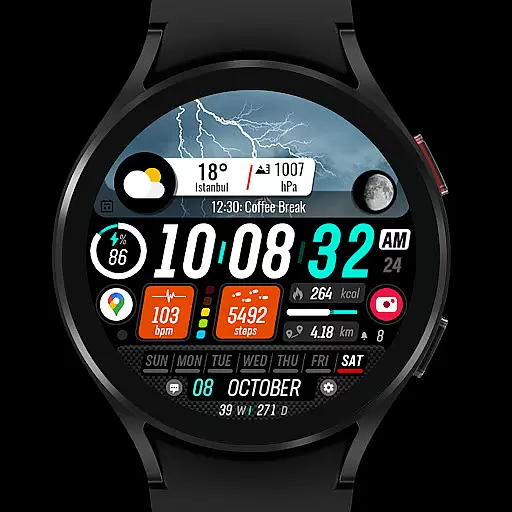
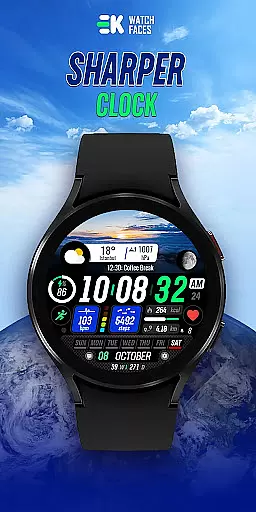
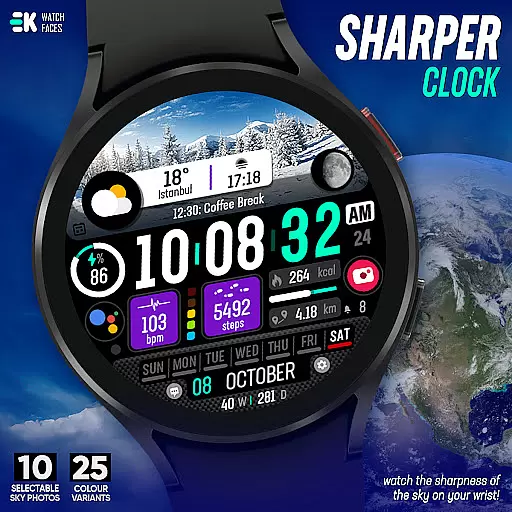
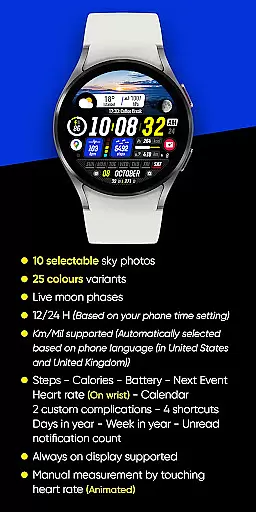
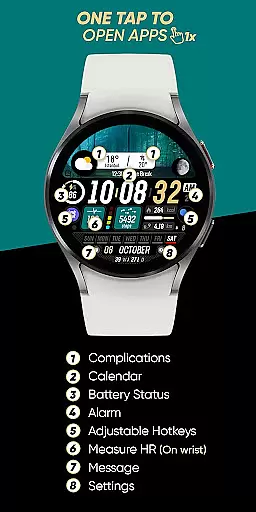
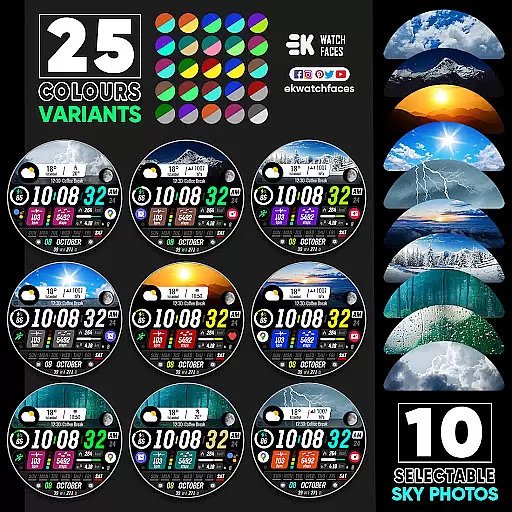
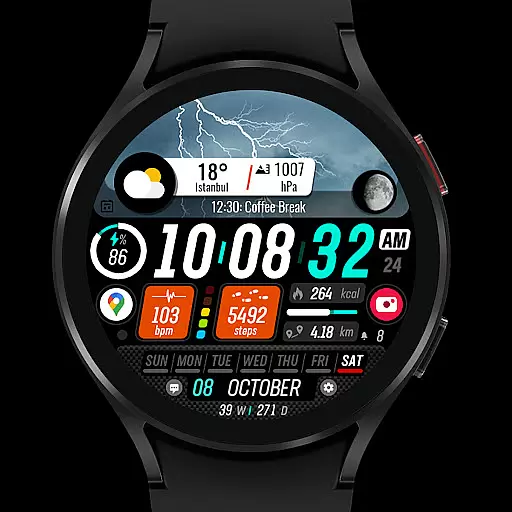
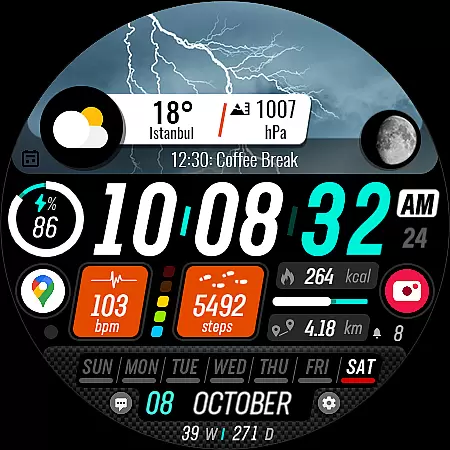
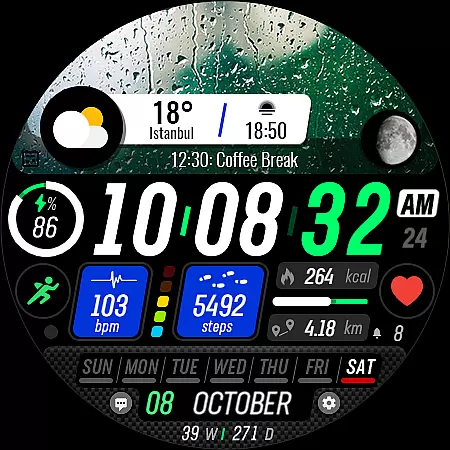
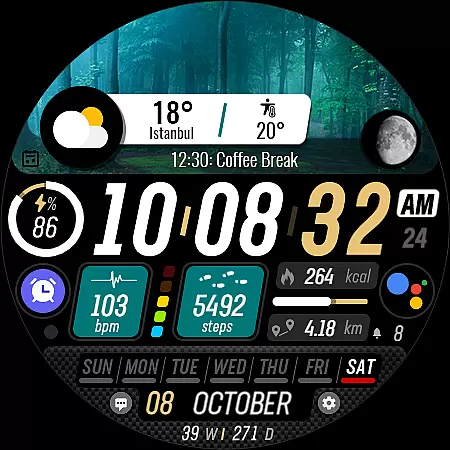
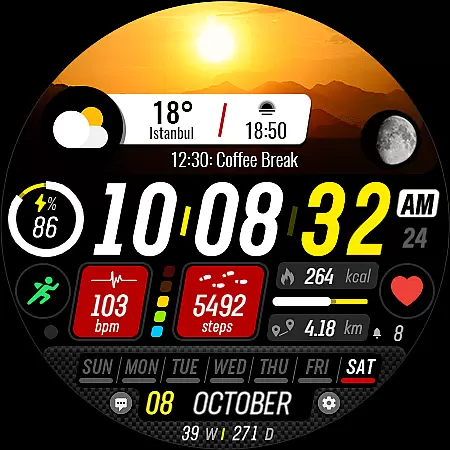
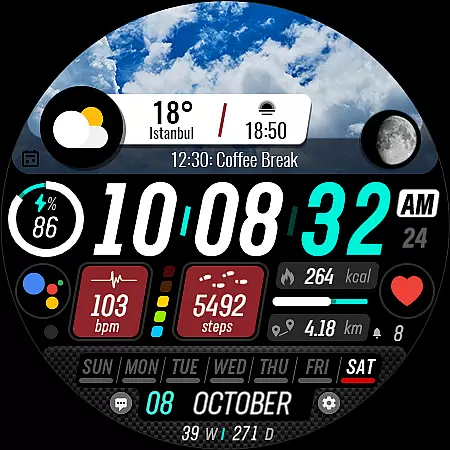
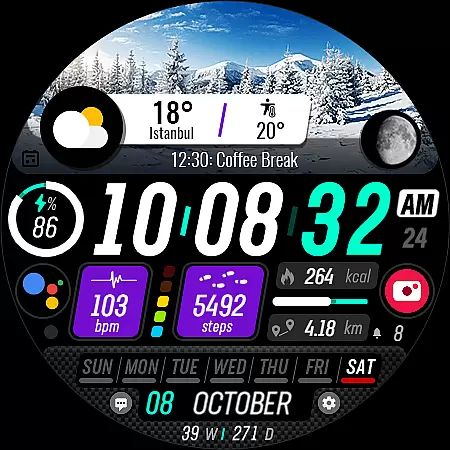
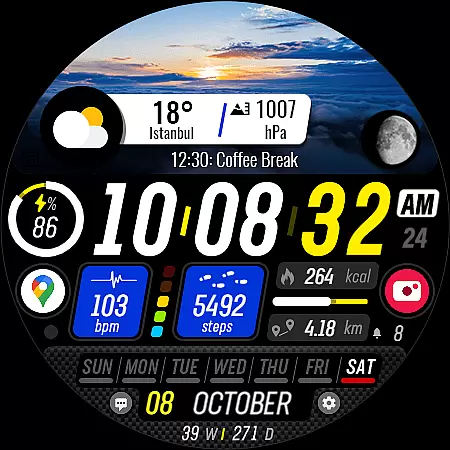
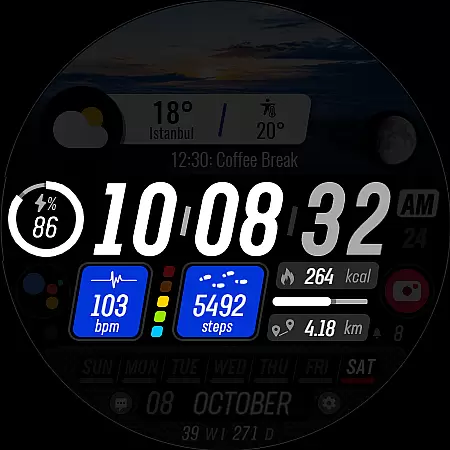
Sharper Clock is a premium watch face app designed exclusively for Wear OS devices, offering users a sophisticated and customizable timekeeping experience. The app features 10 selectable sky photos with 25 color variants, live moon phases, and essential metrics like steps, calories, battery status, and heart rate monitoring.
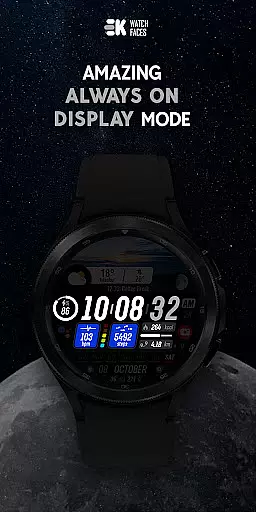
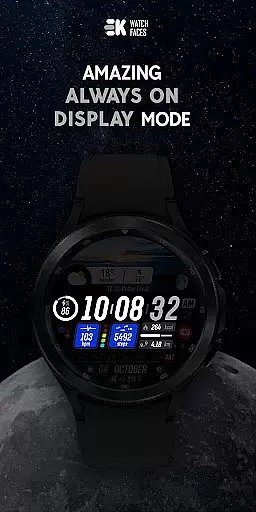
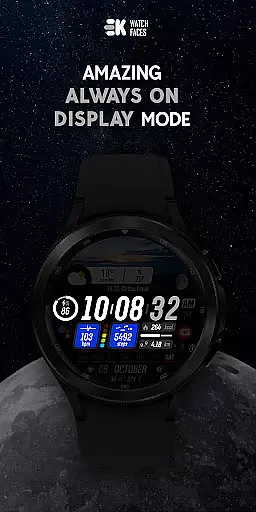
This dynamic watch face supports both 12/24-hour formats and automatically adjusts units based on phone language settings. With always-on display functionality and support for complications, it provides users with quick access to important information while maintaining an elegant appearance on their smartwatch.
Sharper Clock stands out with its rich feature set tailored for Wear OS enthusiasts. The app offers 10 stunning sky photo backgrounds with 25 color variations, allowing users to personalize their watch face according to their mood or style preference.
The integration of live moon phases adds an astronomical touch, while the comprehensive health and activity tracking features - including steps, calories, and heart rate monitoring - make it a practical tool for fitness-conscious users. The inclusion of calendar events, unread notifications, and various shortcuts enhances productivity, all while maintaining seamless compatibility with Wear OS devices.
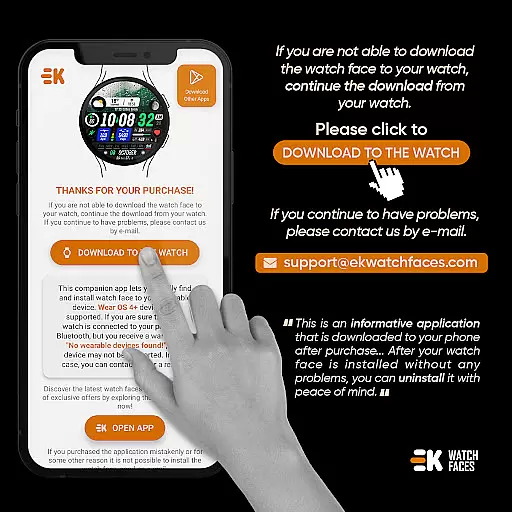
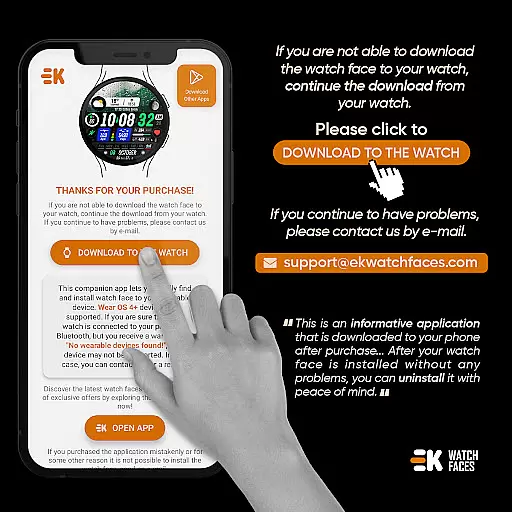
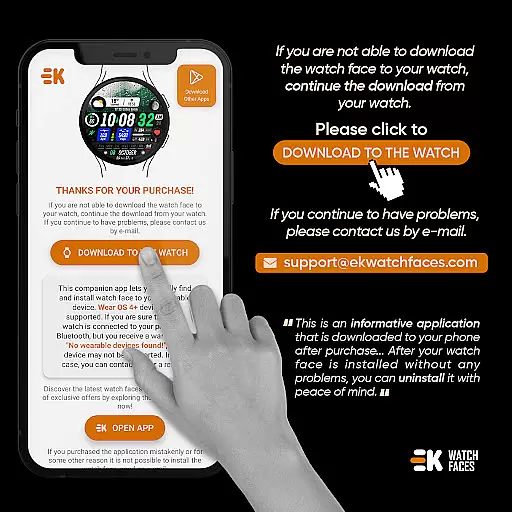
Sharper Clock - Watch Face offers seamless companion app integration, ensuring that your watch and phone work together harmoniously. The phone app acts as a placeholder, simplifying the installation process and making it easier to locate the watch face on your Wear OS device.
The installation process is straightforward. Users need to ensure their watch is properly connected to their phone. By opening the phone app and tapping on 'DOWNLOAD TO THE WATCH,' they can follow the instructions displayed on the watch. This streamlined approach ensures that within a few minutes, users can have their new watch face installed and ready to use.
In addition to simplifying installation, the companion app enhances functionality by enabling features such as live moon phases, step tracking, calorie counting, battery status, next event notifications, heart rate monitoring, and more. For full functionality, users are encouraged to manually enable sensors and grant permissions for receiving complication data.
Designed exclusively for Wear OS devices running API 33 and above, Sharper Clock - Watch Face guarantees optimal performance and compatibility. This ensures that users experience the full range of features without any hiccups or compatibility issues.
The watch face supports both 12/24-hour time formats based on the phone's settings and automatically selects between kilometers and miles depending on the phone's language settings. This intelligent adaptation makes it versatile for users in different regions, including the United States and the United Kingdom.
Despite its advanced features, users might encounter occasional synchronization issues, such as being stuck in a payment loop. However, these issues are typically resolved by waiting a few minutes or restarting the watch. It's important to note that such problems are not developer-dependent but rather related to the interaction between the device and Google servers.
User-friendly interface
Extensive customization options
Live moon phase display
Comprehensive health tracking
Always-on display support
Limited to Wear OS devices
Requires API 33+
Potential installation complexity
Occasional sync issues
Additional permissions needed

Gym Log & Workout Tracker | Fitness Journal, Training & Weight Lifting Planner
 4.90
4.90
Embrace the holiday spirit with this magical animated watch face!
4.40
MyNISSAN® lets you remotely control your car from your phone.*
4.50
Stunning modern digital watch face with 7 complications and strong contrast
4.0
Artistic Digital Watchface
4.5
Simple Analog-Digital Watchface For Wear OS 3.0 and Up Smartwatches
4.4
Gym & home workout plans with strength training, exercise tracking, HIIT & more.
4.60
Animated video-game inspired “secret agent” simulation, right on your wrist!
4.20
Premium hybrid watch face with many customizations for Wear OS devices.
4.40
Diet tracker for weight loss - track calories, food and macros. Simple and easy!
4.70
WTW M17 is a premium and luxurious hybrid watch face
4.70
Ideal for surviving in the wasteland left after nuclear fallout
4.50
Current temperature, weather hourly, weather radar by the weather forecast app
4.40
Christmas watch face. For Wear OS devices.
4.30
Bold, Modern Hybrid Watch Face for Wear OS. 10 Colors, Rich Info Display.
4.30
Professional weather radar and more
3.90
Your local weather forecast, storm tracker, radar maps & live weather news
3.40
A heartwarming Christmas scene featuring a cute image of Santa and Rudolf
4.1
3 Complications. All shadow on/off. 30 Themes color palette...
4.5


User Reviews