
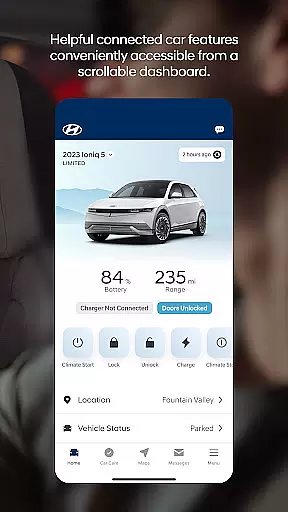
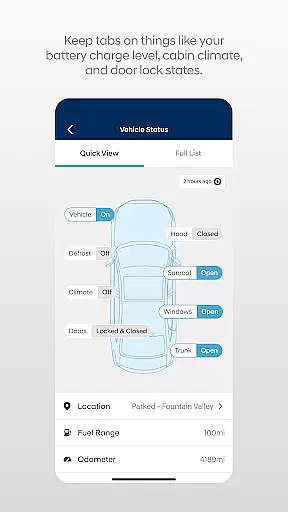

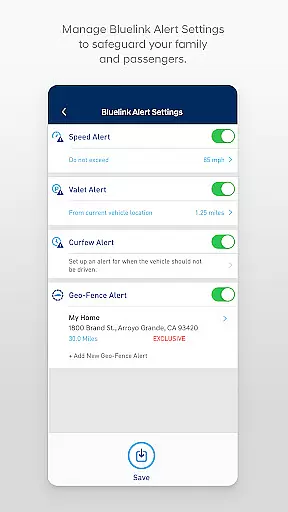
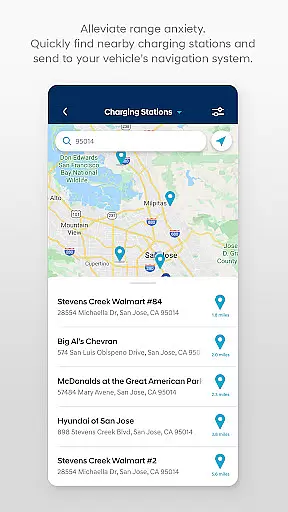
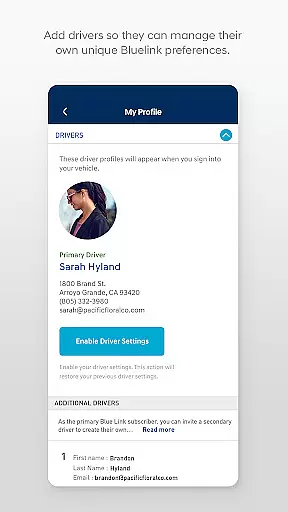
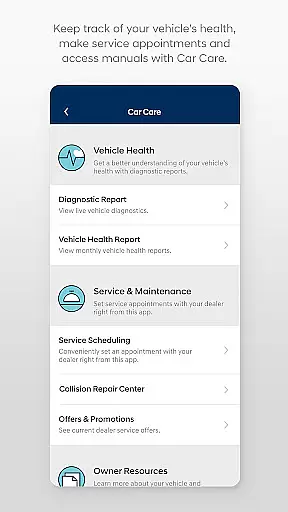
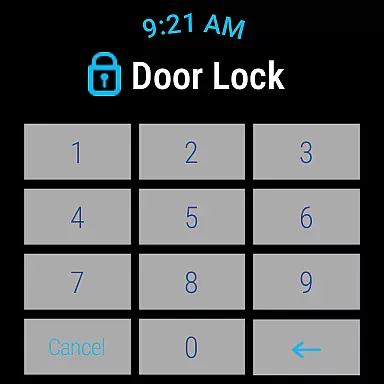
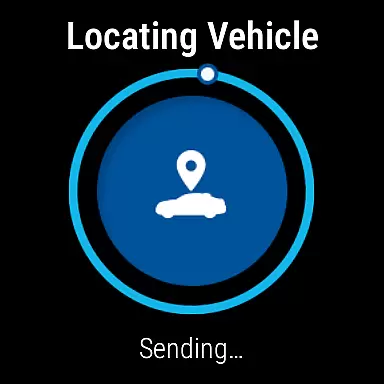
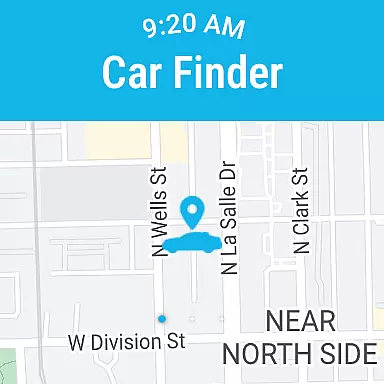
The MyHyundai app with Bluelink is a comprehensive vehicle management solution designed specifically for Hyundai car owners. This innovative application allows users to remotely interact with their Bluelink-enabled vehicles directly from their mobile devices. The core functionality includes remote start, door lock/unlock, horn and light activation, and vehicle location services.
What sets this app apart is its seamless integration with both smartphones and Wear OS smartwatches, providing unprecedented convenience. Users can access key features through voice commands or smartwatch menus. The application also offers maintenance scheduling, charging management for electric vehicles, and Point of Interest (POI) search capabilities. These features are particularly valuable for busy professionals who need to manage their vehicles efficiently while on the move.
The MyHyundai app distinguishes itself through an impressive array of features designed to enhance vehicle interaction. The remote functionality package enables users to customize and save vehicle settings, including climate control presets and charging schedules for electric vehicles. The app's biometric authentication system provides secure access through fingerprint or facial recognition technology.
A notable innovation is the four phone widget system that provides quick access to essential features such as remote controls, parking meter management, POI search, and specialized functions for Ioniq EV vehicles. The integration with Wear OS extends these capabilities to smartwatches, allowing hands-free operation. Additionally, the app maintains detailed maintenance records and service history, helping users stay on top of their vehicle's upkeep requirements.
Companion app integration is crucial for users who want seamless connectivity between their smart devices and vehicles. The MyHyundai app excels in this area by offering comprehensive integration with Bluelink enabled vehicles, allowing users to access a wide range of features directly from their smartphones.
This application provides an intuitive interface where users can remotely start or unlock their vehicle, activate the horn and lights, and even manage charging schedules for electric vehicles. By logging in with biometric authentication such as fingerprint or face recognition, users enjoy both security and convenience when sending commands to their vehicle.
The value of companion app integration lies in its ability to centralize control. Whether at home, in the office, or on the go, users can easily interact with their vehicle's systems without needing to be physically present. This level of integration enhances user experience by providing timely access to essential vehicle functions, ensuring peace of mind and operational ease.
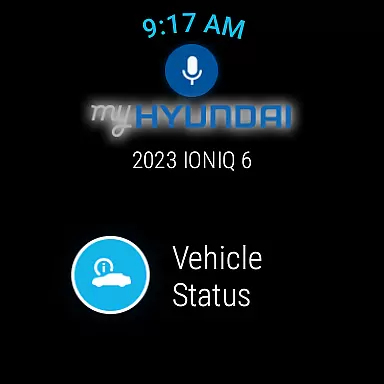
Wear OS/device compatibility ensures that users can enjoy the functionalities of their primary apps on wearable devices. The MyHyundai app extends its capabilities to Wear OS smartwatches, enabling users to perform key actions through voice commands or smartwatch menus.
With this compatibility, users can remotely start their vehicle, lock or unlock doors, activate the horn and lights, and locate their car directly from their wrist. This feature is particularly beneficial for those who prefer hands-free operation or need quick access to vehicle controls while multitasking.
The advantage of having Wear OS compatibility is the increased accessibility and convenience it offers. Users no longer need to take out their phones to execute commands; instead, they can simply speak or tap on their smartwatch. This not only saves time but also enhances safety by minimizing distractions when users are engaged in other activities.
User-friendly interface
Comprehensive remote features
Secure biometric login
Wear OS compatibility
Electric vehicle support
Subscription required
Limited vehicle models
Feature restrictions apply
Internet connection needed
Premium feature costs

Animated Watch Face and Customizable with 24 Backgrounds. Perfect for Christmas!
 3.90
3.90
A full-featured Amazon Alexa voice assistant that can show you things.
3.70
Elegant animated Christmas tree with multiple customization options
4.20
Easy Voice Recorder is your everyday companion to record important moments.
4.70
Stylish digital watch face for Wear OS devices with customizable features
4.3
Get helpful reminders, take progress photos and find answers to your questions.
3.90
Professional weather radar and more
3.90
Minimalistic design modern digital watch face.
4.0
Toyota app currently supports 2010 or newer vehicles (2018 or newer for Hawaii).
4.50
A modern premium sporty hybrid watch face for Wear OS by Ballozi
4.70
Current temperature, weather hourly, weather radar by the weather forecast app
4.40
Christmas watch face. For Wear OS devices.
4.30
The ultimate destination for kids ages 3-8 to explore the Marvel Universe!
4.30
Watch face for Wear OS.
4.20
"PER27 Galaxy Digital" is a digital Wear OS watch face designed by PERSONA
4.10
Stay in touch with your friends and family using LINE!
3.40
Precision analog watch face with 7 complications and style options
4.5
A Wintery Snow Globe on Your Wrist; now celebrating Christmas!
4.0
Funny animated watch face for Thanksgiving
4.5


User Reviews