
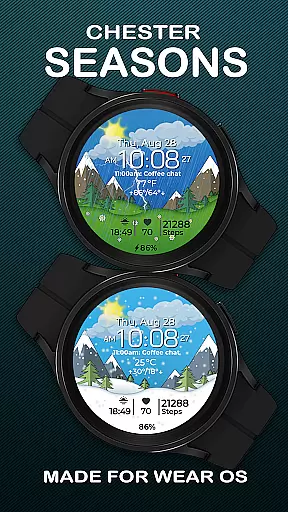
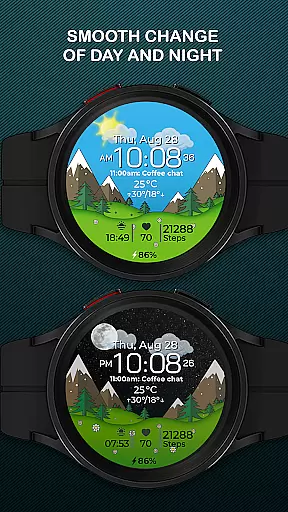
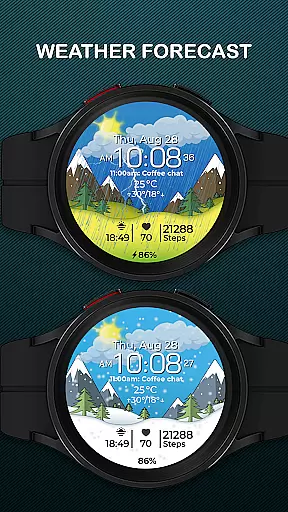
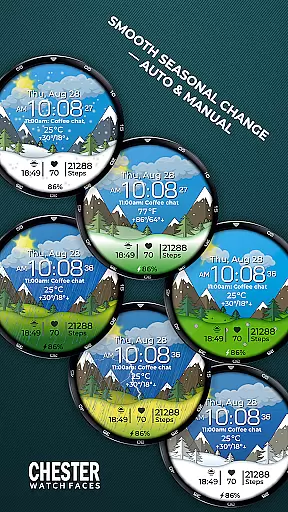
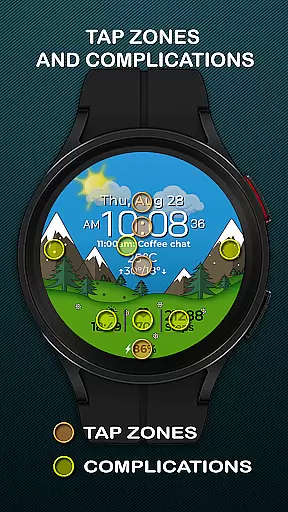
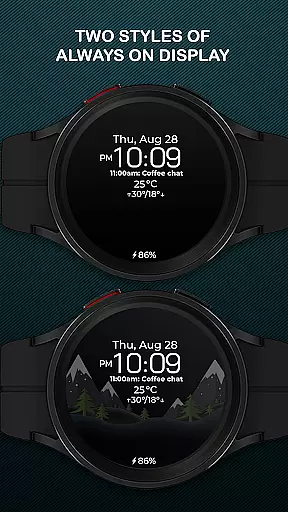
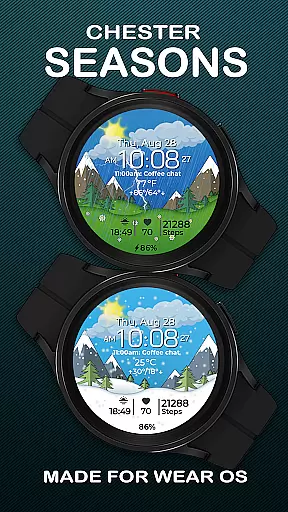
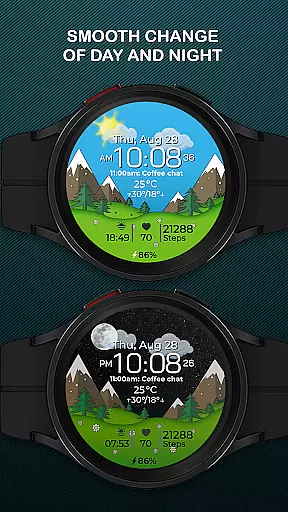
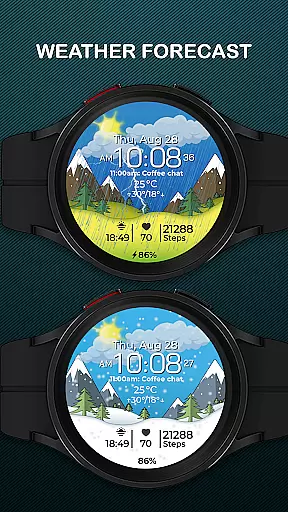
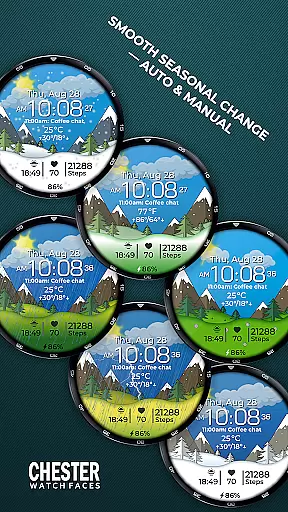
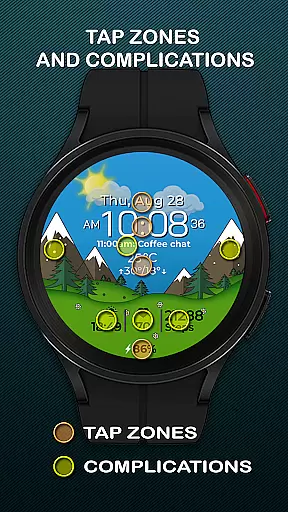
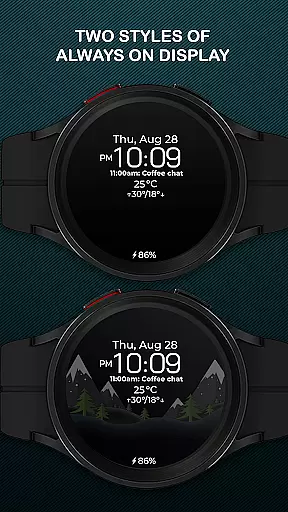
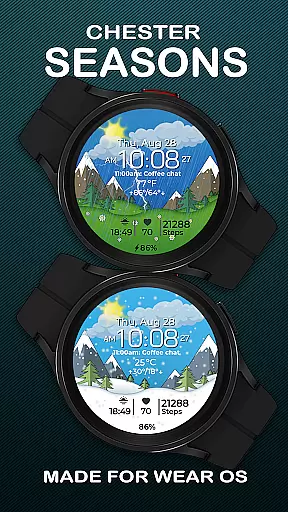
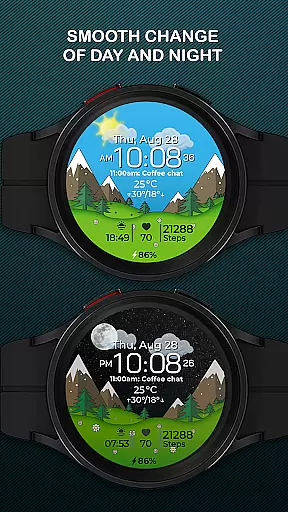
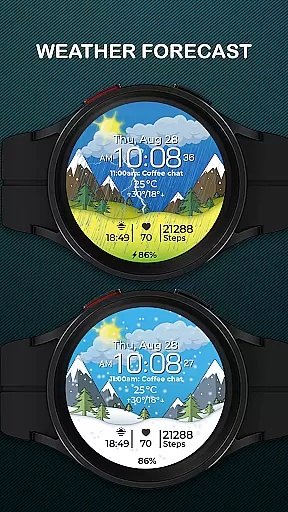
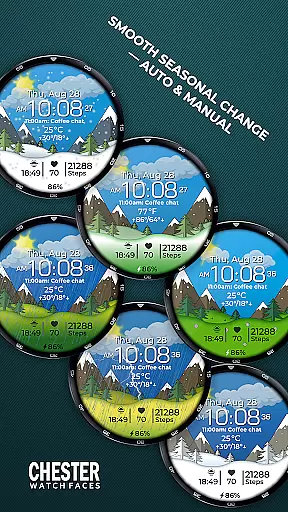
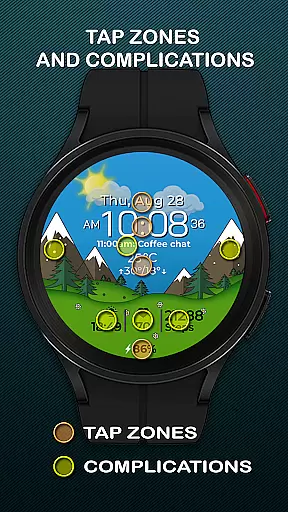
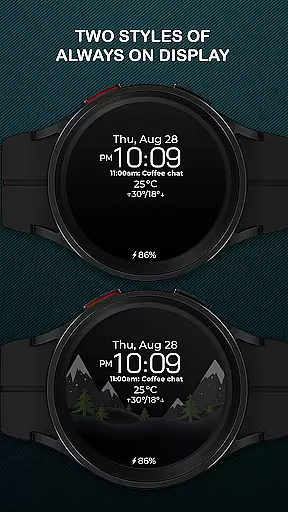
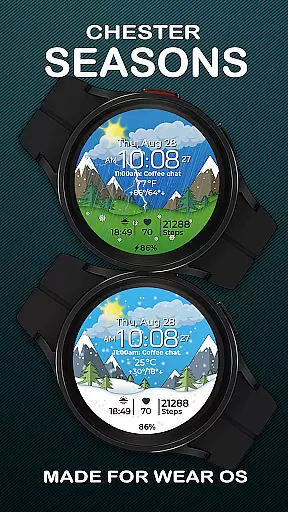
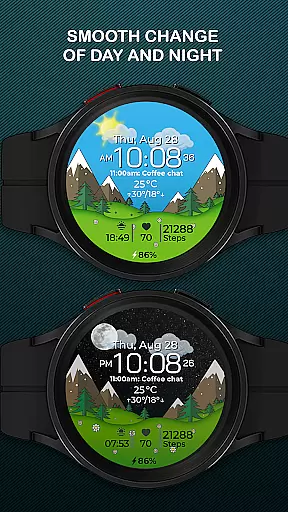
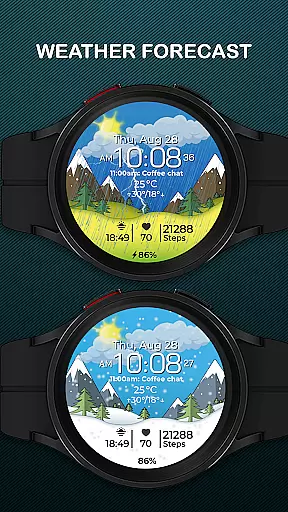
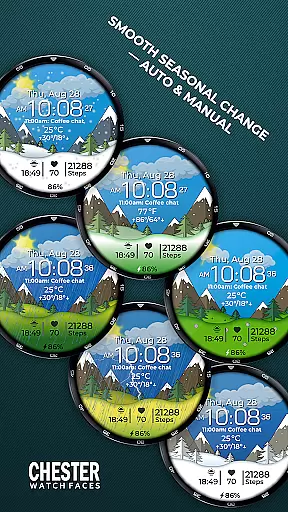
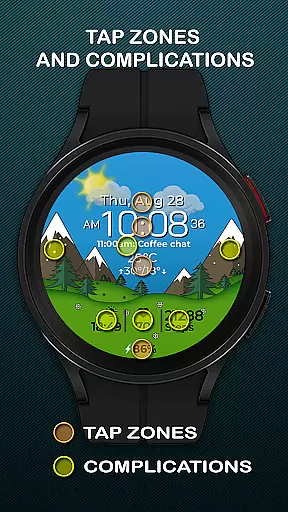
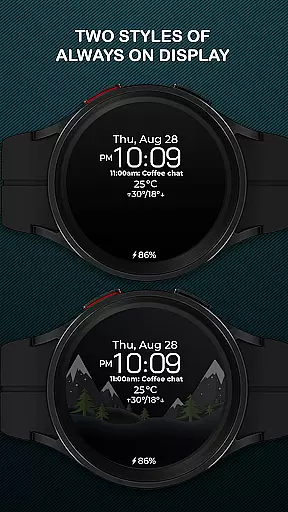
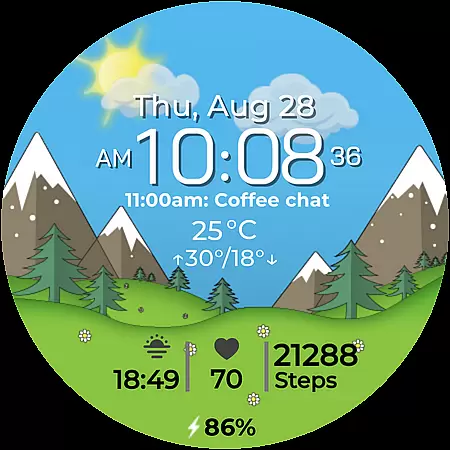
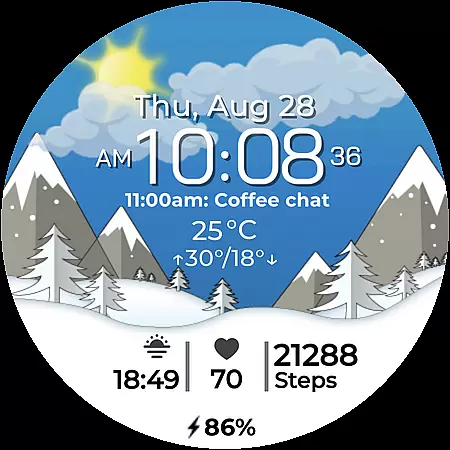
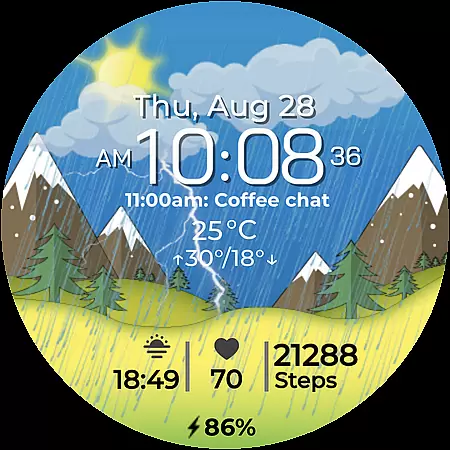
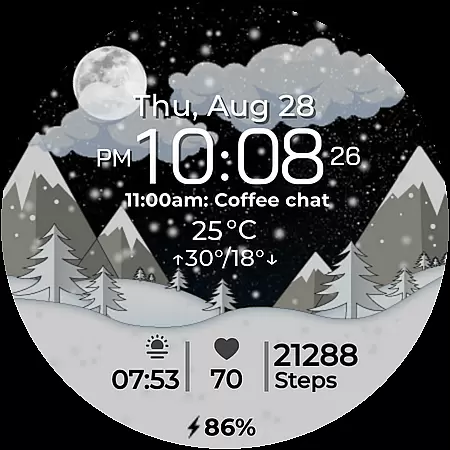
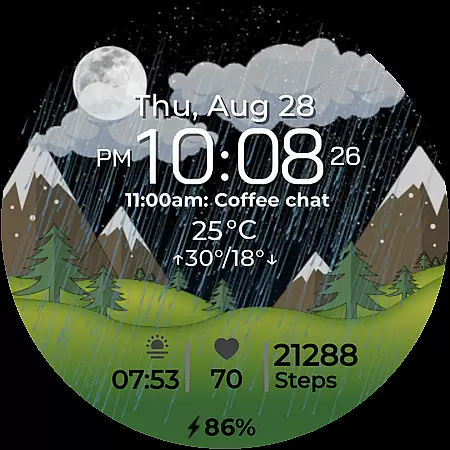
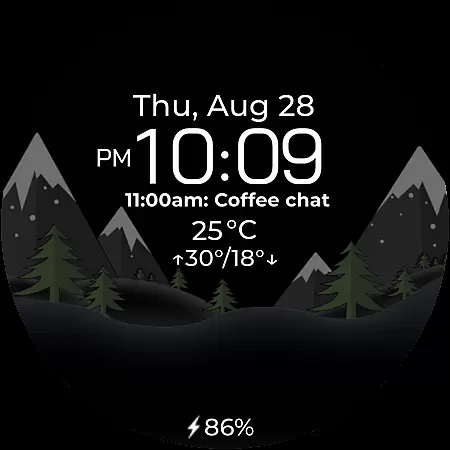
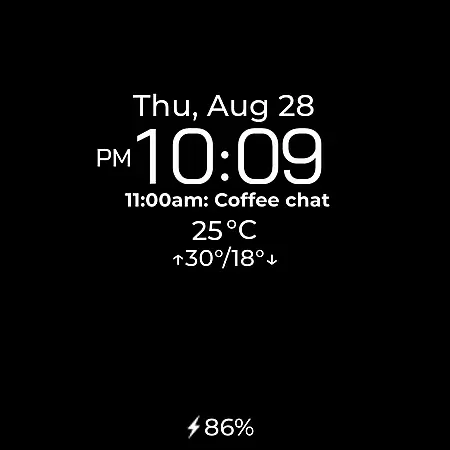
Chester Seasons is a dynamic and stylish watch face for Wear OS devices, designed to bring both functionality and aesthetics to your smartwatch. This application offers users more than just the time of day; it provides rich customization options, complications, and smooth seasonal animations that adapt to your lifestyle.
With features such as battery level indicators, weather display, and interactive tap zones, Chester Seasons enhances the user experience by delivering useful information at a glance. Compatible with all Wear OS API 30+ devices, this watch face transforms your smartwatch into a personalized accessory that evolves with the seasons and your daily needs.
Chester Seasons stands out with its comprehensive feature set tailored for smartwatch users. The application includes a dynamic time, date, and weather display, alongside a battery level indicator, ensuring you are always informed about both time and device status.
One of the key highlights is the ability to customize the watch face with four selectable complications and three quick access zones for apps and workouts. Smooth animations for day & night and seasonal changes provide an aesthetically pleasing experience. Users can also manually adjust seasonal settings, making it adaptable to personal preferences and enhancing overall usability.
Companion app integration is essential for a seamless wearable experience. Chester Seasons watch face ensures that all your vital information is synchronized between your smartphone and Wear OS device.
This watch face supports real-time data syncing, allowing users to receive updates on weather, battery status, and other complications directly on their wrist. The synchronization process is smooth and reliable, ensuring that the displayed information is always up-to-date.
By integrating with the companion app, users can customize their watch face settings from their phone, making personalization effortless. This feature enhances user convenience by reducing the need for constant manual adjustments on the watch itself.
Device compatibility is crucial for ensuring that a watch face functions optimally across various Wear OS devices. Chester Seasons is designed to work seamlessly with all Wear OS API 30+ devices, including popular models like Google Pixel Watch and Samsung Galaxy Watch series.
The watch face takes full advantage of the hardware capabilities of supported devices, delivering high-quality visuals and animations. However, it's important to note that this watch face is not suitable for rectangular watches, focusing instead on round and square designs.
For users with devices running below Wear OS API 34, some advanced features such as weather display and manual background changes for seasons are not available. Despite these limitations, the core functionality remains robust and reliable across compatible devices.
Stylish design
Rich customization
Interactive features
Dynamic animations
Comprehensive weather info
No rectangular support
Limited older OS
Manual season setup
Battery intensive
Complication limit

Calming & relaxing sounds for sleeping and stress relief. Stay focused all day!
 4.20
4.20
A customizable Christmas watch face for Wear OS with a countdown.
4.20
Analog watch face with 8 complications and expedition styling
4.0
Contemporary digital watch face with five complications
4.2
Watch face designed for Thanksgiving Day. 7 Background Styles included.
3.20
Authentic military-tactical design with ZULU time! Realistic and functional!
3.80
Start and succeed with PAP
4.10
Toyota app currently supports 2010 or newer vehicles (2018 or newer for Hawaii).
4.50
Download full tracks, listen to music offline, make unlimited playlists.
4.80
A modern hybrid informative watch face for Wear OS designed by BALLOZI
4.80
Diet tracker for weight loss - track calories, food and macros. Simple and easy!
4.70
Your second brain for organizing your life: to-do, calendar, reminder.
4.70
The most customizable hybrid watch face. For Wear OS 5.0, API 34+ and later
4.70
Highly customizable hybrid watch face for Wear OS, perfect for everyday use.
4.60
Nutrition, Macro tracker: Food, fitness & healthy diet tracking for weight loss
4.60
Deck out your Wear OS Watch face with a beautifully decorated pine wreath!
4.50
Embrace the holiday spirit with this magical animated watch face!
4.40
Get helpful reminders, take progress photos and find answers to your questions.
3.90
A watch face that fuses motorsport precision with contemporary smartwatch design
4.0


User Reviews