
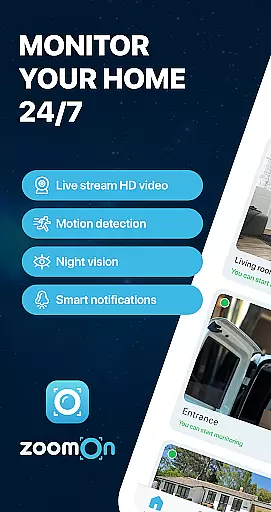
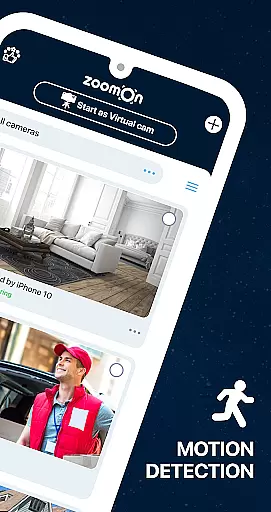
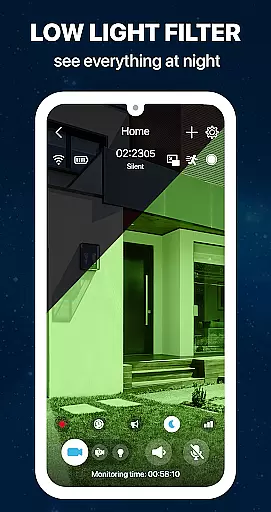
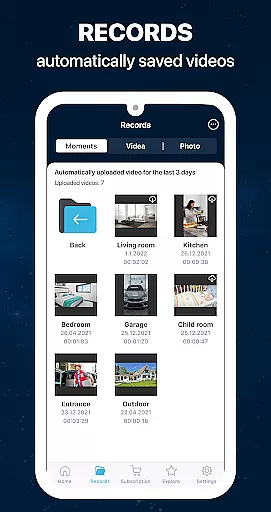
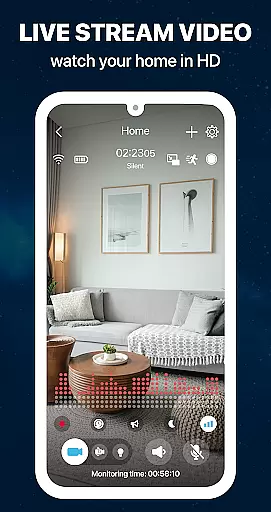
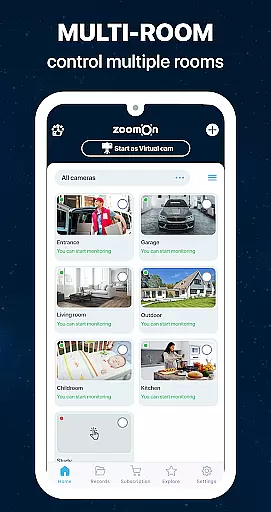
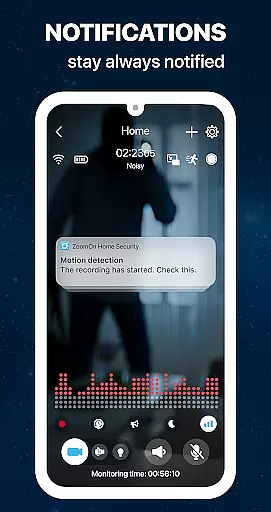
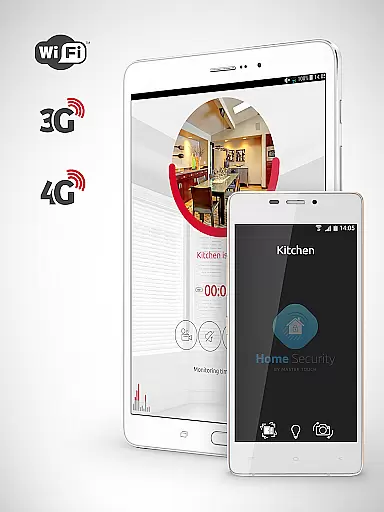
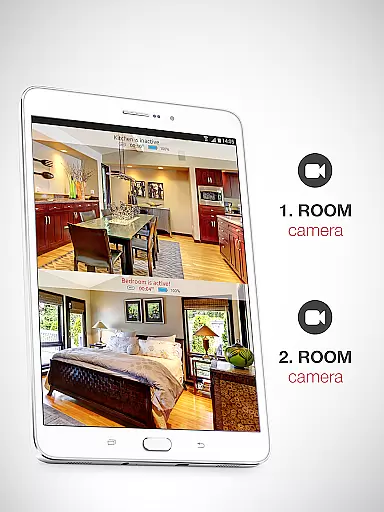
ZoomOn Home Security Camera is a smart home monitoring solution that transforms any two smartphones into a comprehensive security system. The app offers live HD video streaming, unlimited reach across various networks, and advanced features like night vision, motion detection, and two-way audio communication.
This innovative application allows users to repurpose old devices, turning them into dedicated security cameras. With support for multi-room monitoring, smart notifications, and secure encrypted connections, ZoomOn provides peace of mind whether you're at work or on vacation. The app's flexibility extends to compatibility with some ONVIF-compliant security cameras, making it a versatile choice for home security needs.
ZoomOn stands out with its robust feature set designed for comprehensive home security. The app delivers crystal-clear HD video streaming with options for both front and back camera usage. Its unlimited reach functionality ensures stable connections across WiFi, 3G, 4G, 5G, and LTE networks, automatically switching in case of network disruptions.
The application's advanced security features include motion and noise detection, smart notifications, and time-based monitoring schedules. Users can benefit from professional-grade tools such as night vision mode, continuous recording with playback, and zoom capabilities. The multiplatform support and ability to monitor multiple rooms simultaneously make it an ideal solution for complete home coverage.
Security is paramount, with all communications protected through industry-standard encryption via private cloud solutions. The app's innovative approach allows users to create a sophisticated security network using existing devices, while the support for ONVIF-compliant cameras adds extra flexibility for those who already own professional security equipment.
In the context of home security, ensuring the authenticity and reliability of your monitoring setup is crucial. ZoomOn Home Security Camera app provides a dependable solution by turning existing smartphones into dedicated security devices. This innovative approach guarantees that every camera feed is genuine and directly sourced from verified devices owned by the user.
The application employs advanced pairing mechanisms using numeric codes or QR codes to establish secure connections between devices. This ensures that each monitoring point within your property is an authentic source of real-time information. The system's compatibility with ONVIF-compliant cameras further enhances this authenticity, allowing users to integrate professional-grade equipment into their home security network.
Users benefit from regular updates and maintenance notifications, ensuring their monitoring devices remain operational and up-to-date. With features like low battery alerts and automatic reconnection after network disruptions, ZoomOn maintains the integrity of your property's security infrastructure at all times.
Effective home management in security applications involves comprehensive monitoring and control capabilities. ZoomOn excels in this area by offering multi-room monitoring functionality through a network of repurposed smartphones. This feature allows homeowners to maintain surveillance over various areas of their property simultaneously, creating an integrated security ecosystem.
The application's smart notification system and time-planning features contribute significantly to efficient home management. Users can customize alert settings based on motion detection, noise levels, and specific monitoring schedules. These capabilities enable homeowners to optimize their security coverage according to their daily routines and specific needs.
Additional management features include remote control of camera functions such as lighting, zooming, and two-way audio communication. The ability to manage multiple devices from a single interface, combined with only requiring one subscription for all devices, streamlines the entire home security management process while maintaining robust protection for your property.
User-friendly interface
Multi-device compatibility
Advanced security features
Flexible subscription plans
Repurposes old devices
Requires two devices
Internet connection needed
Premium features locked
Limited free trial
Device compatibility issues

For all of your Airthings devices
 4.30
4.30
Map-based search app for apartments and homes for rent.
4.60
Calculate baluster spacing with ease and precision.
4.3
Control your Daikin, Amana & Goodman heating & cooling systems from anywhere
4.40
Find paints using a Color Muse & ColorSnap® Match
3.60
This Fire TV Remote control's your Fire TV Device and Insignia Fire TV Remote
3.70
AI Home Designer & Room Planner: Decorate your interior space with AI
4.40
Turn old phones into security cameras, baby monitors, pet cams, and more.
4.70
Find homes for sale and apartments for rent in the best neighborhood.
4.70
Home Ideas | Renovation Advice | Local Pros. Go From Dream to Home with Houzz.
4.70
Real estate app to find homes for sale or rent in the right neighborhood for you
4.70
MLS-powered real estate app to find homes for sale & apartments for rent
4.70
A Smarter Home in Seconds
4.70
Fire & Power Safety
4.50
The Merkury Smart app makes it easy to control your smart devices.
4.50
Plan your remodel AI home renovation easily using planner 5D and home decor AI.
4.40
USHUD.com helps you find the best homes for sale in your area
4.00
Draw your floor plan smartly. Make house design blueprint with home planner app
3.60
Universal TV Remote for TV, control all Smart TVs with your mobile phone.
4.2


User Reviews