
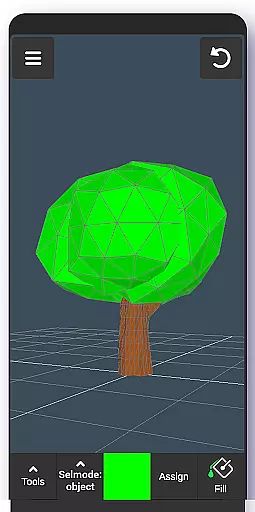
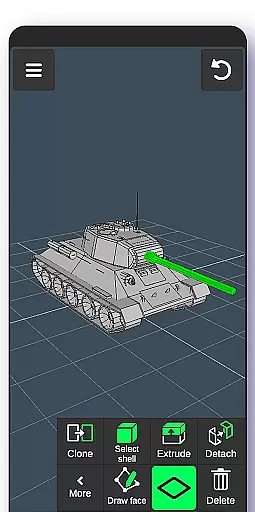
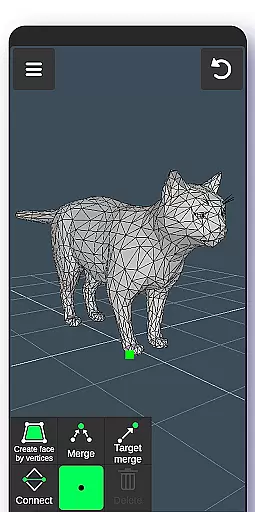
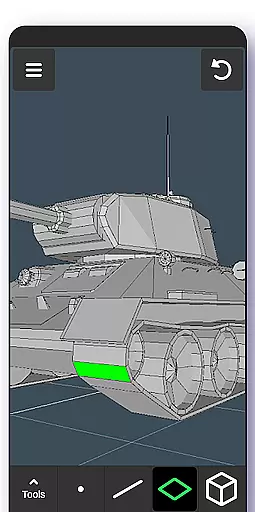
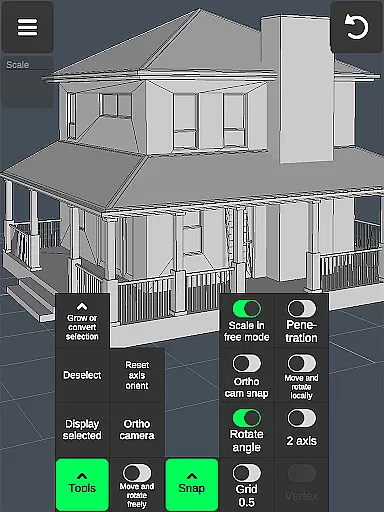

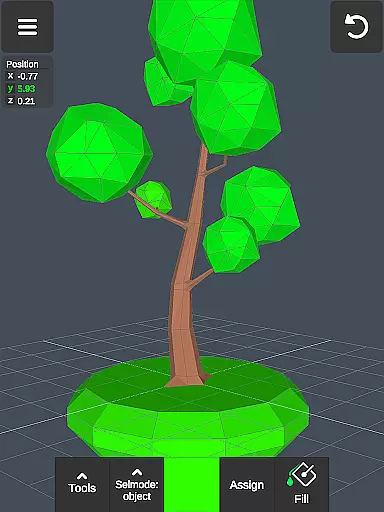
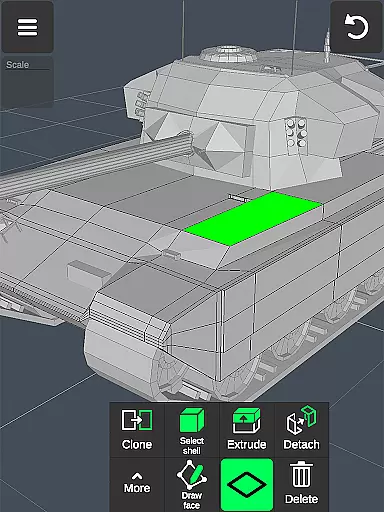
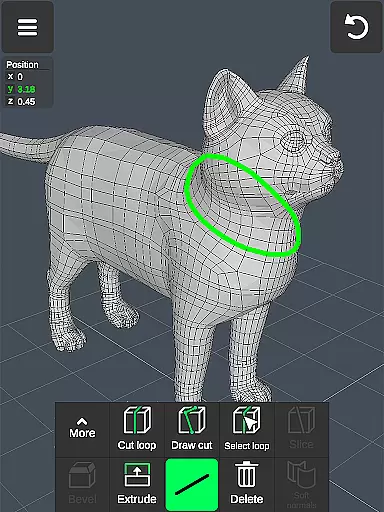
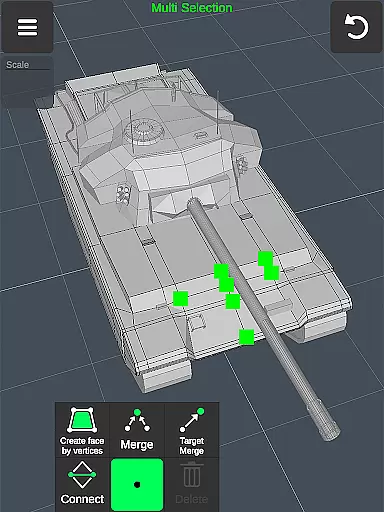
3D Modeling App is a powerful mobile solution for creating 3D models, objects, and art directly on your phone or tablet. Designed for professionals and hobbyists alike, this app enables users to generate detailed 3D designs using intuitive gestures. Whether you're crafting 3D characters, designing game assets, or working on industrial projects, the app provides an extensive set of tools to streamline your workflow.
The application supports a wide range of professional uses, including graphic design, engineering, furniture design, automotive modeling, and more. With features like vertex manipulation, edge cutting, face extrusion, and sculpting tools, it offers precision and flexibility. Additionally, its compatibility with various file formats makes it easy to integrate into existing pipelines, whether you're using CAD software or popular 3D modeling programs.
For artists and designers who need mobility without sacrificing functionality, 3D Modeling App serves as an ideal digital canvas. It allows for detailed painting, sketching, and sculpting, while supporting both touch and stylus input. This versatility ensures that users can create high-quality 3D content wherever inspiration strikes.
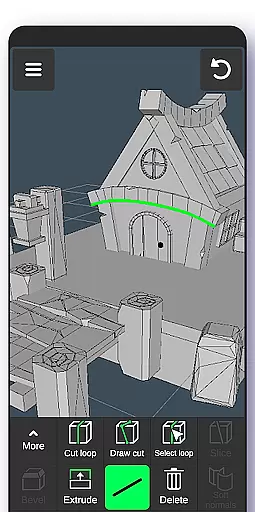
3D Modeling App stands out with its comprehensive suite of professional-grade tools designed for efficient 3D creation. The app's gesture-based interface lets users easily manipulate 3D images, rotate objects, and adjust the camera view, ensuring a smooth and intuitive workflow. Advanced selection options allow multi-selecting vertices, edges, faces, and entire objects through simple taps or frames, speeding up complex editing tasks.
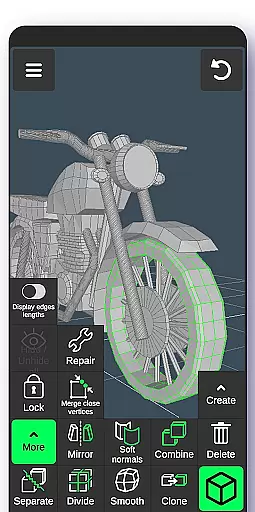
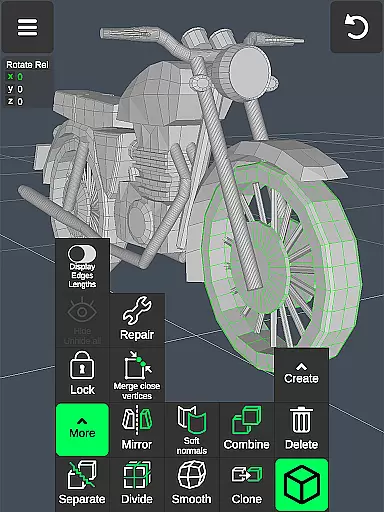
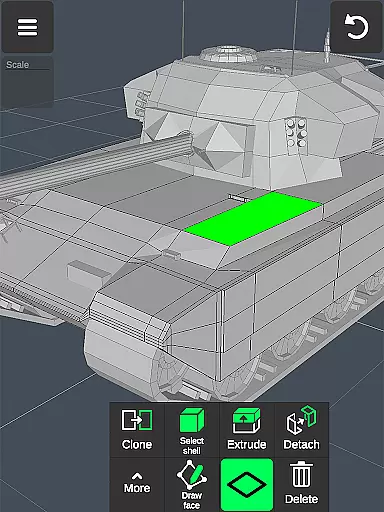
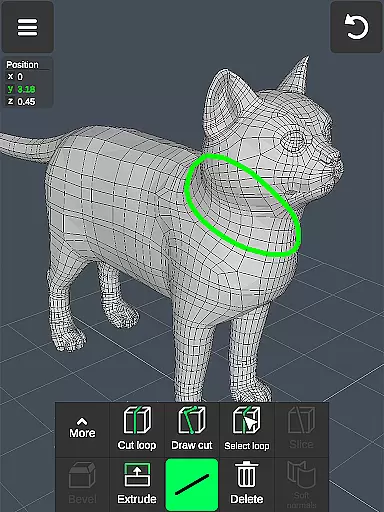
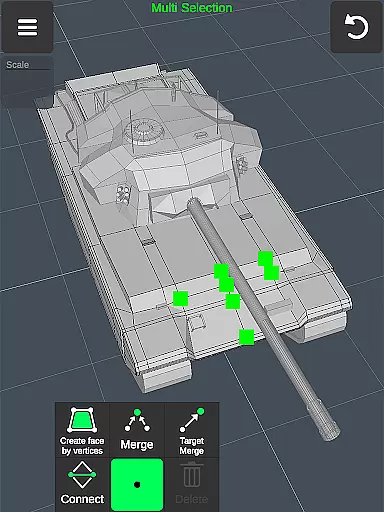
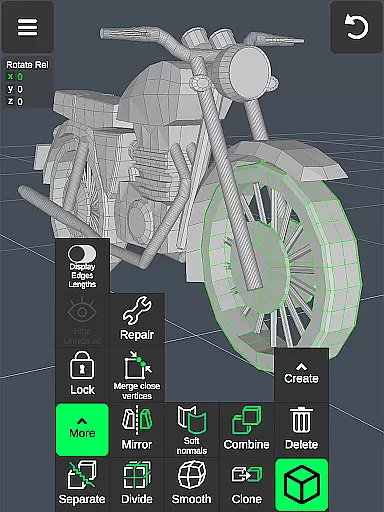
The app includes specialized toolsets for different aspects of 3D modeling. Vertex tools enable merging, connecting, and face creation, while edge tools support precise cuts and extrusions. Face tools provide options for detaching, cloning, and reversing surfaces. Object-level tools facilitate combining, mirroring, and smoothing, while sculpting tools offer adjustable brushes for detailed work. Display tools give users control over wireframes, shadows, and axis visibility, enhancing the modeling experience.
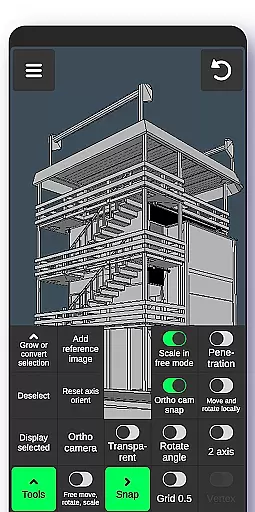
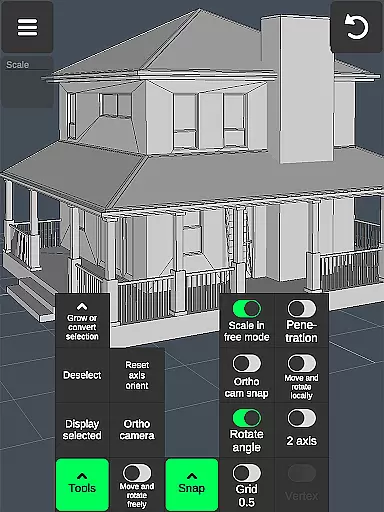
Additional features include orthographic camera views, precise value adjustments for transformations, and flexible snapping options. The app supports up to 20 materials per object and offers robust import/export capabilities with .obj files. These features ensure compatibility with industry-standard software like 3ds Max, Maya, Blender, AutoCAD, and SolidWorks, making it an indispensable tool for professional 3D artists and designers.
In the realm of 3D modeling and design, having a comprehensive suite of creative tools is essential for professionals and hobbyists alike. The 3D Modeling App excels in this area by offering an extensive array of features that cater to various aspects of 3D creation. From vertex, edge, and face tools to object manipulation and sculpting options, users are equipped with everything needed to bring their visions to life.
The app provides advanced functionalities such as merging vertices, creating loops, extruding faces, and even mirroring objects, which are crucial for detailed work in industrial design or game development. Sculpting enthusiasts will appreciate the move, smooth, push, and pull brushes that come with adjustable size and strength settings, allowing for intricate detailing on digital sculptures.
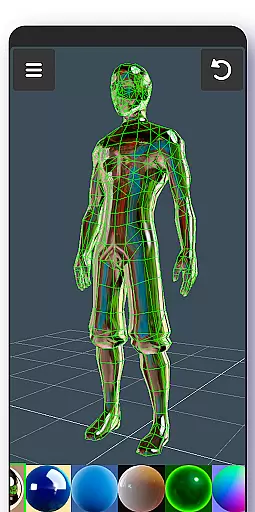
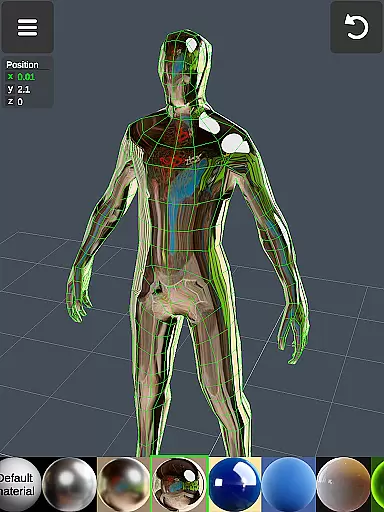
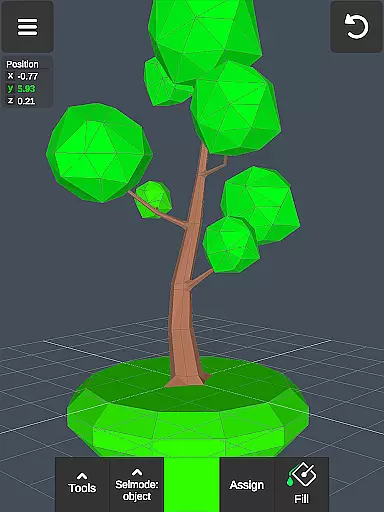
Moreover, display tools enhance the modeling experience by giving users control over wireframes, shadows, axis visibility, and grid snapping values. This level of customization ensures precision when crafting models or designing complex structures. With support for up to 20 materials per object and vertex color painting, artists can achieve realistic textures and finishes on their creations.
By integrating these powerful capabilities into a mobile platform, 3D Modeling App not only streamlines workflows but also empowers creators to produce high-quality 3D content anytime, anywhere. Whether you're an automotive engineer working on car designs or a game developer shaping characters, this application stands out as an indispensable companion in your creative journey.
A versatile canvas is at the heart of any robust art and design software, enabling creators to explore their ideas without constraints. The 3D Modeling App offers remarkable format compatibility and canvas flexibility, making it suitable for a wide range of projects from simple sketches to intricate CGI graphics. Users can manipulate 3D images through intuitive gestures, scaling objects and adjusting camera angles effortlessly.
This adaptability extends beyond mere visual adjustments; it encompasses precise numerical inputs for moving, rotating, and scaling elements within the workspace. Such granular control allows designers to maintain exact proportions and alignments critical in fields like engineering or architecture. Additionally, features like orthographic camera views provide accurate perspectives necessary for technical drawings.
Exporting and importing .obj files further amplifies the app's utility by ensuring seamless integration with popular 3D modeling software such as 3ds Max, Maya, Blender, and CAD programs including AutoCAD and SolidWorks. This interoperability means that whether you're drafting blueprints or animating scenes, your work remains portable across different platforms.
Ultimately, the ability to apply diverse materials and export models in multiple formats positions 3D Modeling App as a go-to solution for anyone seeking both depth and breadth in their creative toolkit. Its flexible approach caters to varied professional needs while maintaining ease-of-use, thus democratizing access to sophisticated 3D design capabilities.
User-friendly interface
Wide range of tools
Professional-grade features
Excellent compatibility
Intuitive gesture controls
Steep learning curve
High system requirements
Limited free features
No real-time collaboration
Occasional bugs

The ultimate tool for creating animations
 4.60
4.60
Digital Drawing: Draw & Paint
4.10
Passport size photo maker, create ID photo and visa photo in seconds
4.80
The perfect place to start sketching! Use Sketchbook to draw and paint sketches.
4.50
A luxurious gold watch face for an elegant and refined look.
4.2
Experience next-gen icons with a modern liquid glass look.
3.60
Share the joy of painting with ibis Paint! Drawing anime and manga art.
4.50
Turning simple sketches into captivating tales filled with life and motion
3.90
Create amazing pictures and unleash your creative genius with AR Drawing Sketch
4.40
Make your phone cooler and have a fantastic experience
4.80
Minecraft & Roblox Clothes
4.70
Digital, Abstract, Classic - all types of color wheels in one app!
4.60
Draw beautiful mandala's very easily
4.60
Just trace a projected picture on paper and color! Draw & Paint with AR drawing
4.40
Custom Character Creator & PFP Maker!
4.20
Paint with oils and sketch with natural tools on a realistic virtual canvas.
3.80
Apply cartoon, caricature, and portrait effects to make your photos stand out!
3.60
Create trending AI photos & videos with powerful effects and 3D styles.
3.20
Transform photos into amazing monochrome dither art with professional algorithms
4.2


User Reviews