
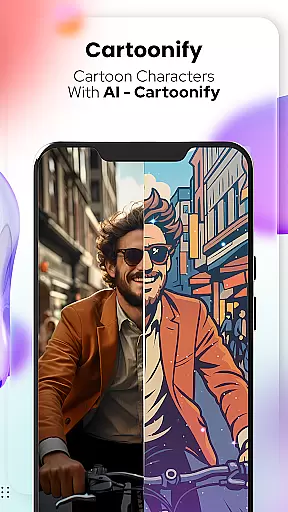
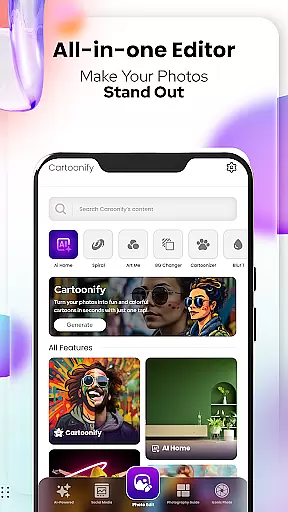
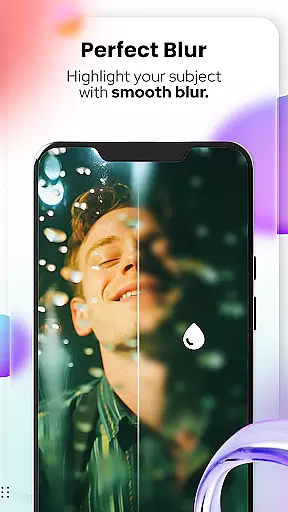
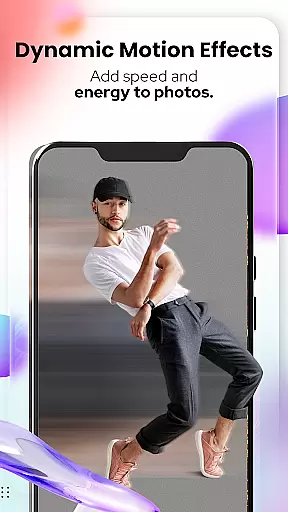
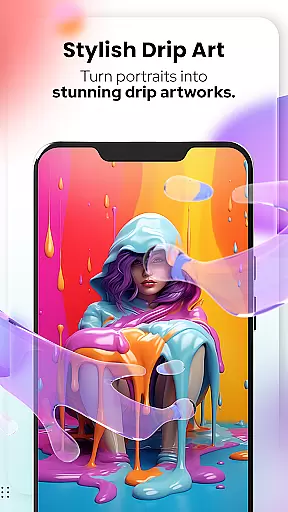
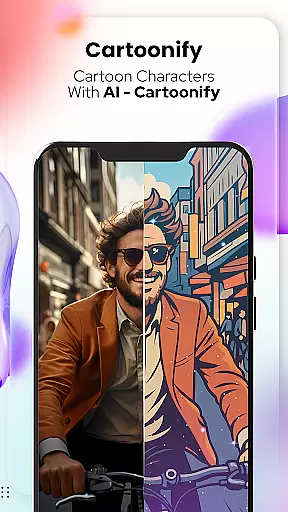
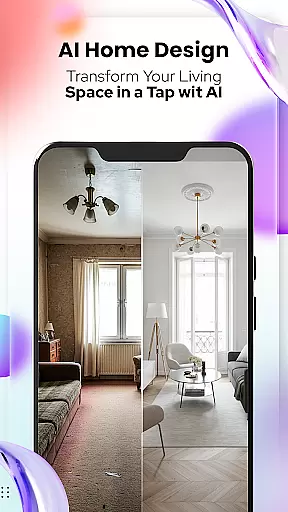
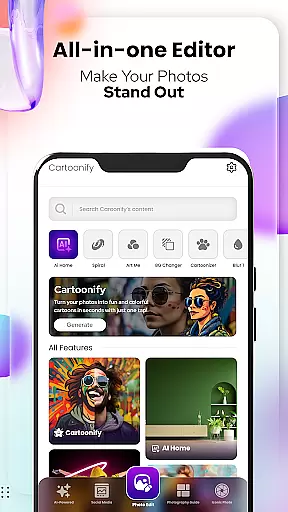
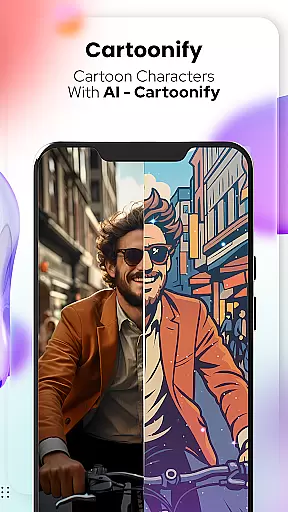
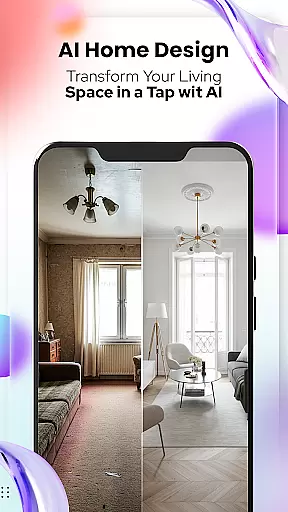
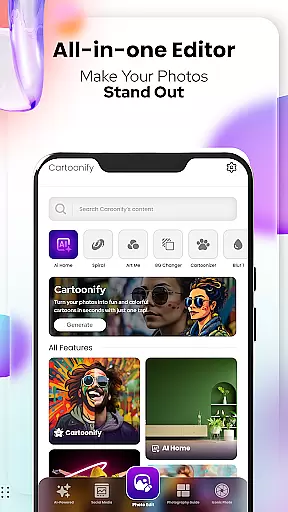
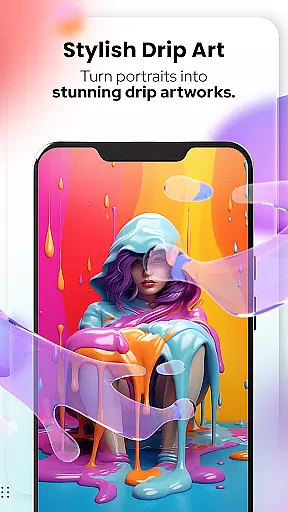
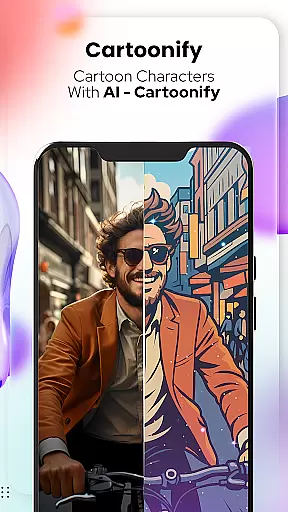
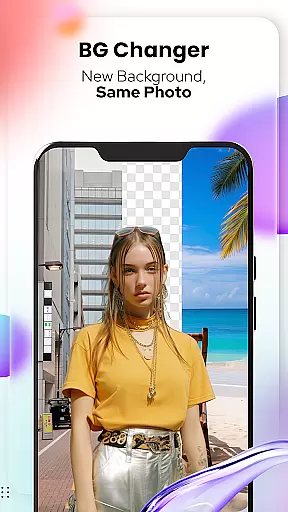
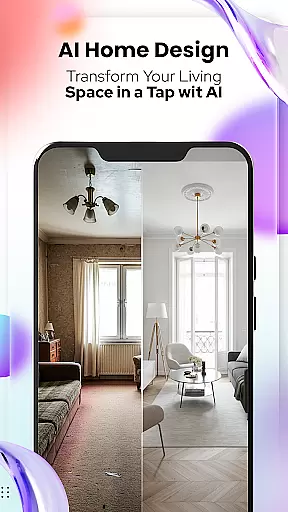
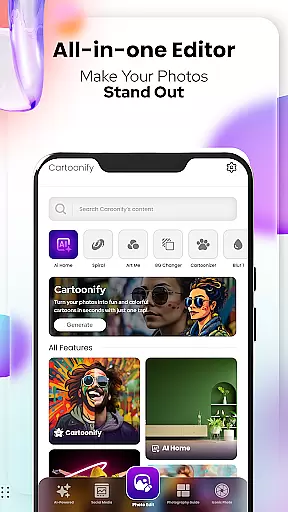
Cartoon Photo Editor - Toon Art is an innovative photo editing application designed for creative enthusiasts who want to transform their photos into stunning cartoon-style artworks. The app offers a variety of powerful features, including Cartoonify, which turns any image into a fun cartoon portrait, and Art Me, providing users with breathtaking artistic filters. Additionally, the Pet Cartoonizer feature allows users to give their furry friends a charming caricature makeover.
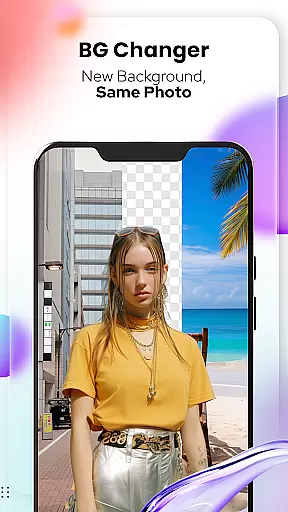
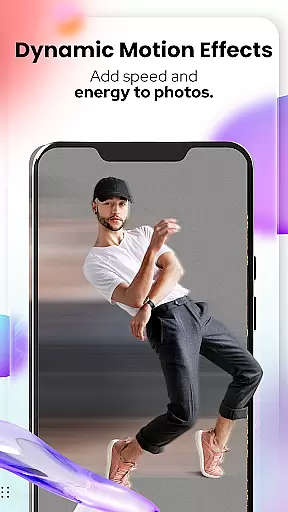
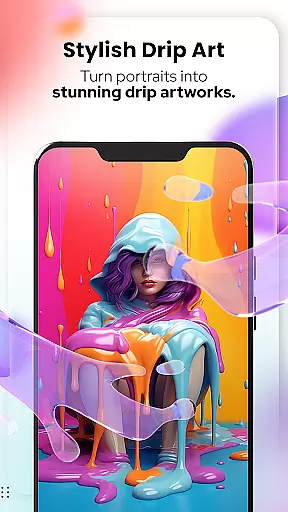
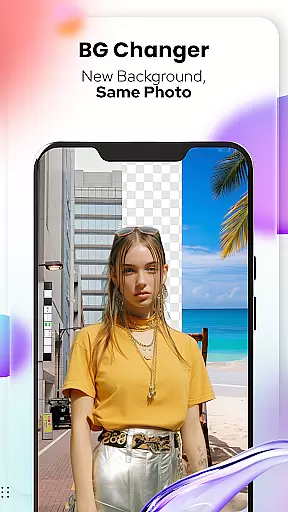
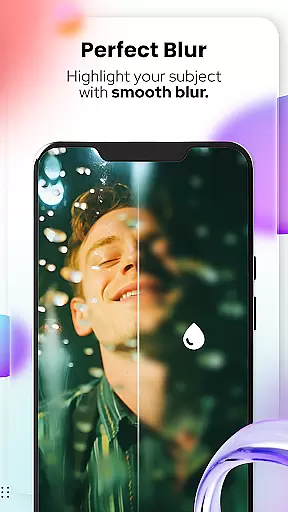
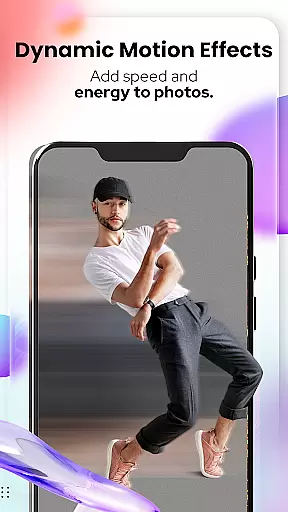
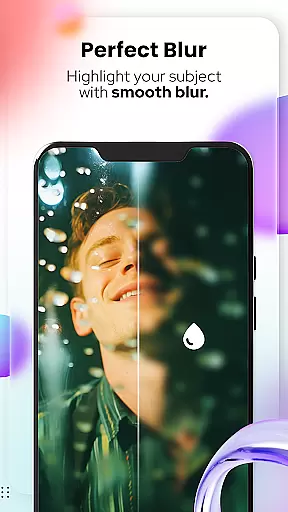
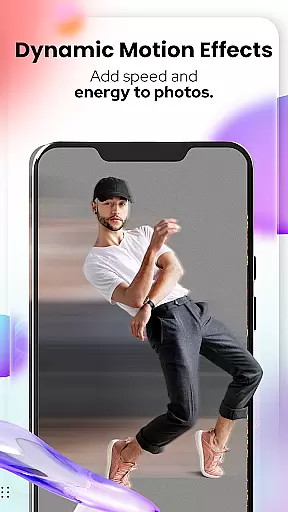
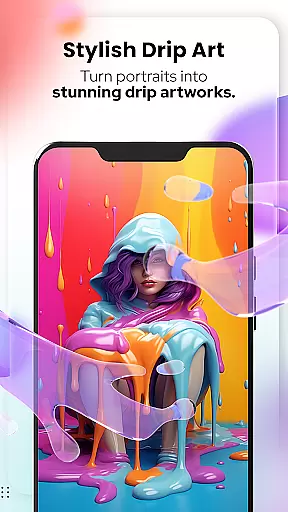
The app also includes professional-grade tools like Background Changer, Sketching, and a complete suite of photo editing options such as Blur, Motion Effects, Spiral, Drip Effects, and more. Whether you're looking to enhance your social media presence or create unique profile pictures, this app delivers both creativity and convenience in one package.
Perfect for artists, pet lovers, and casual users alike, Cartoon Photo Editor - Toon Art provides an easy-to-use platform that brings out the best in every photo while offering endless customization possibilities.
Cartoon Photo Editor - Toon Art stands out with its diverse range of creative features tailored to meet various artistic needs. One of its core functionalities is the Cartoonify tool, which uses advanced algorithms to instantly convert regular photos into vibrant cartoon-style images. This feature is ideal for creating eye-catching profile pictures or sharing playful content on social media.
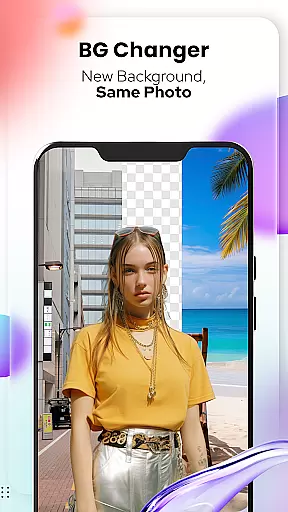
In addition to Cartoonify, the app offers Art Me, which lets users apply stunning art styles and filters to their portraits, turning them into masterpieces with just a few taps. For pet lovers, the Pet Cartoonizer feature applies a soft pastel effect to animal photos, giving pets a delightful caricature appearance. Meanwhile, the Background Changer tool enables users to seamlessly remove or replace backgrounds, adding depth and context to their creations.
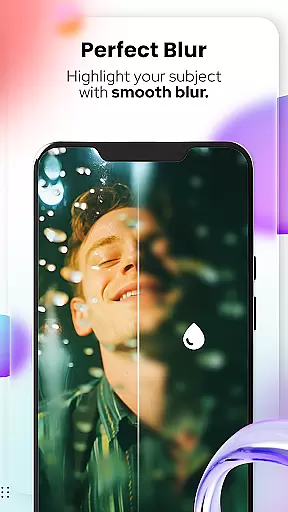
Other notable features include Sketching, which transforms photos into detailed pencil sketches, and a robust set of NEW! Photo Edit Tools such as Blur & Motion Effects, Spiral & Drip Effects, Mosaic, Splash, and Text overlays. These tools ensure that users have everything they need to take their photo edits to the next level.
In the realm of digital artistry, having a comprehensive suite of creative tools is essential for unleashing one's full artistic potential. Cartoon Photo Editoruff0dToon Art offers an extensive array of features that cater to both amateur enthusiasts and professional artists alike.
From the Cartoonify feature that ingeniously transforms any image into a cartoon-style portrait, to the sophisticated Art Me option which applies stunning art styles for that professional touch, this app ensures no creative vision goes unfulfilled. The inclusion of specialized tools such as Pet Cartoonizer and Sketching further amplifies its creative arsenal, providing unique effects that extend artistic possibilities beyond traditional boundaries.
Users benefit from not only the diversity of tools but also the ease with which they can achieve complex artistic expressions without needing advanced skills. This democratization of design enables anyone to create masterpieces with minimal effort, making it an invaluable companion for those looking to explore their creativity or enhance their social media presence with standout visuals.
The true measure of an art and design application lies in its ability to offer canvas and format flexibility, empowering users to bring their creative visions to life without constraints. Cartoon Photo Editoruff0dToon Art excels in this domain by providing a versatile platform where imagination meets limitless expression.
With innovative features like Background Changer and a suite of Photo Edit Tools including Blur & Motion Effects, Spiral & Drip Effects, and Mosaic among others, users can manipulate their canvas with precision and ease. Whether itu2019s adjusting the backdrop of an artwork or applying intricate effects that demand meticulous attention to detail, this app serves as a conduit for creativity without bounds.
This level of flexibility not only enhances user experience by allowing adjustments and customizations according to individual preferences but also supports various output formats suitable for both digital and print media. Artists can thus seamlessly integrate their creations across multiple platforms, ensuring their work reaches a wider audience while maintaining the highest standards of quality and presentation.
User-friendly interface
Wide range of effects
High-quality results
Frequent updates
Creative freedom
Premium features locked
Ads between edits
Occasional bugs
Limited free styles
Large file size

Download now for a stylish and functional timepiece
 4.0
4.0
Meet the magic aı 3d photo generator and smart AI video generator app.
3.20
Digital illustration drawing & painting pad app to paint Anime and Manga art
4.50
Text to Image, Image to Video & AI Chat
4.20
A luxurious gold watch face for an elegant and refined look.
4.3
Art of Combination Wear OS Watch faces (for Wear OS 5+ devices)
3.90
OneUI 8.5 icons ✨ Smooth, modern & based on the latest Play Store design ??
4.10
Experience next-gen icons with a modern liquid glass look.
3.60
AI-powered photo & video creation—fast, fun, and effortless with Quick Actions
4.60
Passport size photo maker, create ID photo and visa photo in seconds
4.80
Create stunning art with AI.
4.80
Customizable Outlined Fonts. Watch Face Format. Battery friendly Digital Clock.
4.20
Digital Drawing: Draw & Paint
4.10
Turning simple sketches into captivating tales filled with life and motion
3.90
Design unique, funny and adorable cat stickers that reflect your own style!
3.80
Create sweet, cool and unique couple avatars easily, in just a few steps!
3.40
Sketch, trace and master AR drawing with awesome anime art!
3.30
Art of Combination Wear OS Watch faces (for Wear OS 5+ devices)
3.00
Transform photos into amazing monochrome dither art with professional algorithms
4.1


User Reviews