

SketchPro is a premier digital art application tailored for professional artists and designers. This comprehensive drawing tool offers advanced AI features that streamline the creative process, making it an ideal choice for graphic designers, illustrators, and comic book artists. With its robust set of customizable brushes and AI-powered tools, SketchPro allows users to effortlessly transform simple sketches into polished artworks.
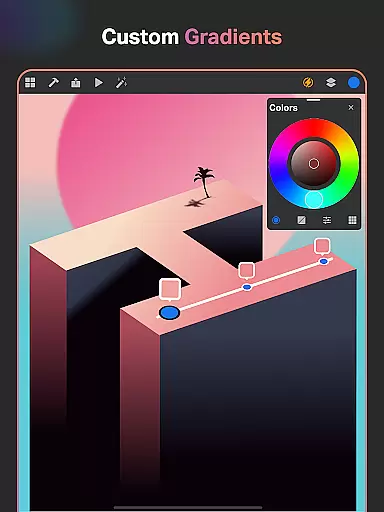
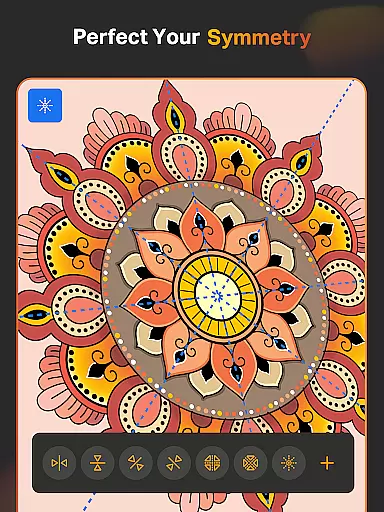
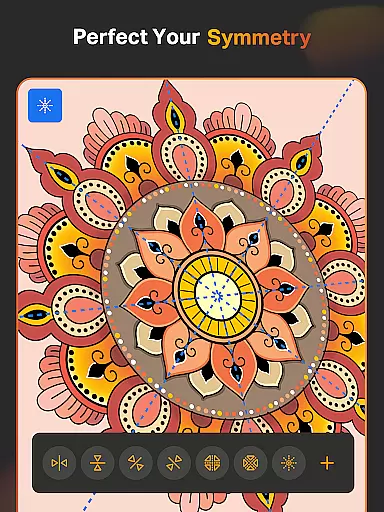
The app's standout feature is its suite of AI tools designed to enhance creativity. Users can generate images from text prompts, revamp colors and textures, and even expand their canvas seamlessly with AI assistance. These capabilities are complemented by professional-grade drawing tools such as Smart Shapes, Symmetry Tool, and Gradient options, which cater to all aspects of digital art creation.
Whether you're working on illustrations, manga, or detailed graphic designs, SketchPro provides a complete ecosystem for digital artists. Its layer system, text tools, color palettes, and extensive shape library ensure that every project receives the attention to detail it deserves. The app also includes organizational features like cloud syncing and time-lapse playback, making it perfect for professionals who need to manage multiple complex projects efficiently.
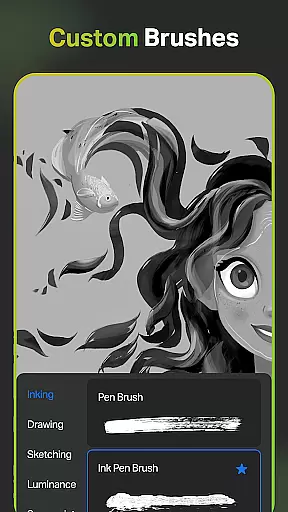
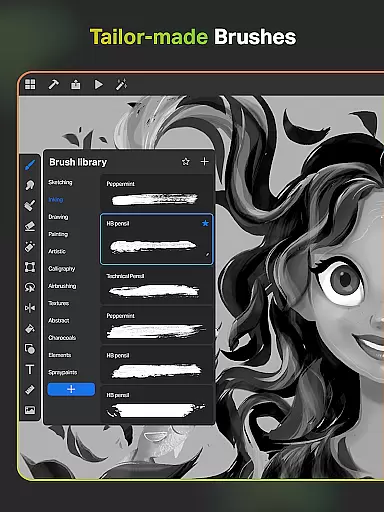
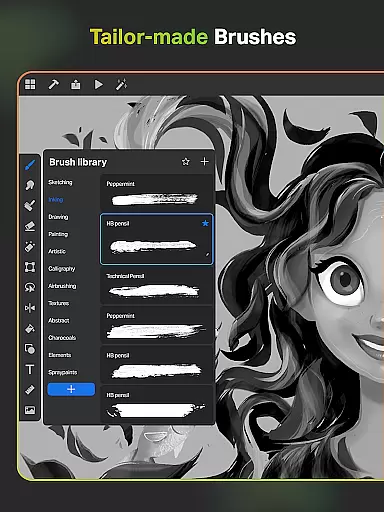
SketchPro distinguishes itself through its powerful combination of traditional drawing tools and cutting-edge AI technology. The app provides over 100 customizable brushes, including specialized options for sketching, painting, and illustrating. Each brush can be fine-tuned to match the artist's preferences, while the unique Roller Brush offers 100+ patterns for professional-grade designs.
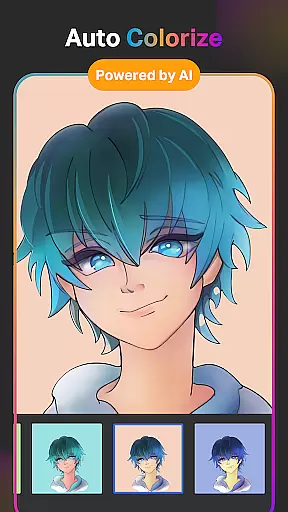
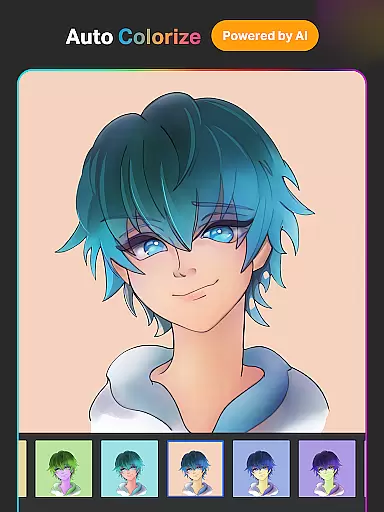
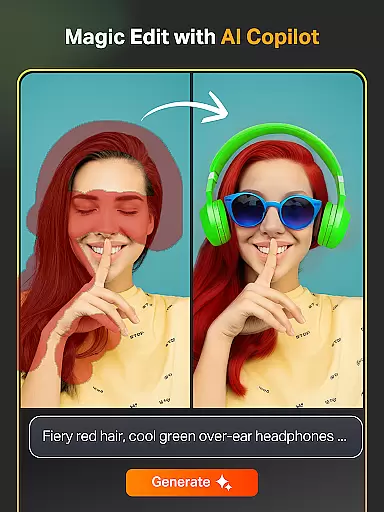
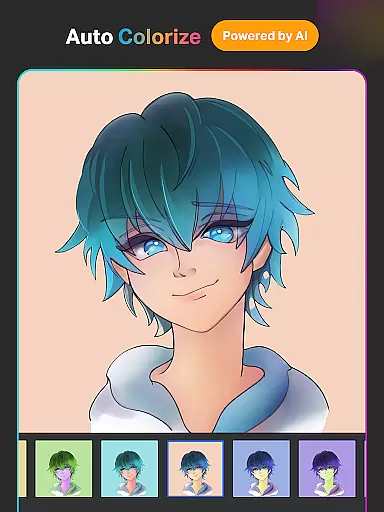
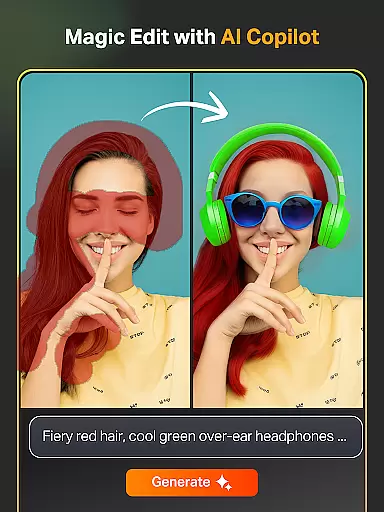
The AI toolkit in SketchPro revolutionizes digital art creation. Artists can utilize Text-to-Image conversion, automatic coloring, and background removal tools to accelerate their workflow. The Magic Edit AI tool enables precise modifications to artwork elements, while the Expand Artwork feature maintains quality when adjusting canvas dimensions. These innovations significantly reduce production time while maintaining professional standards.
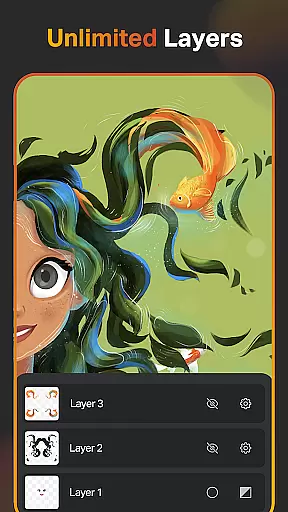
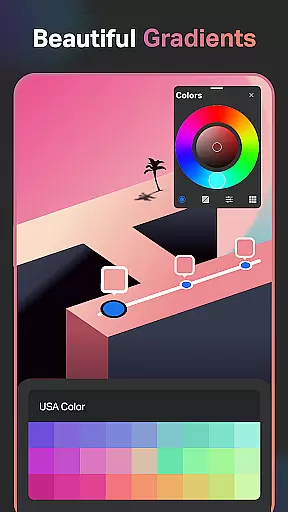
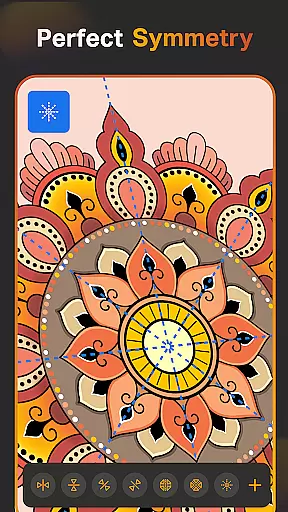
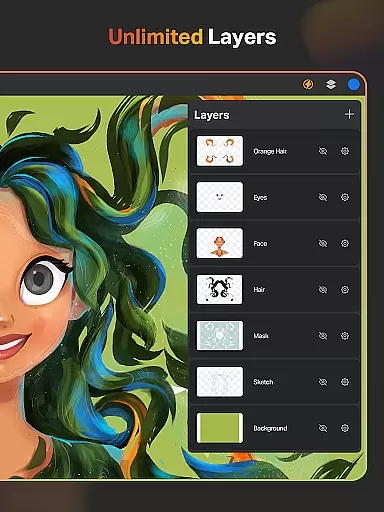
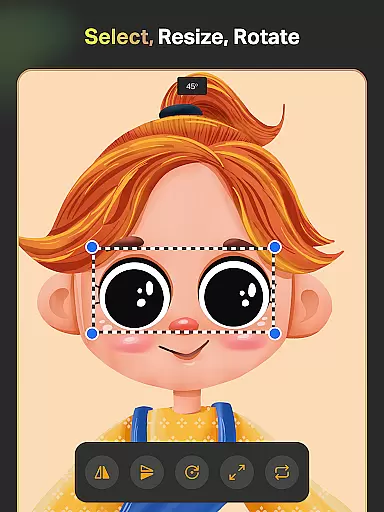
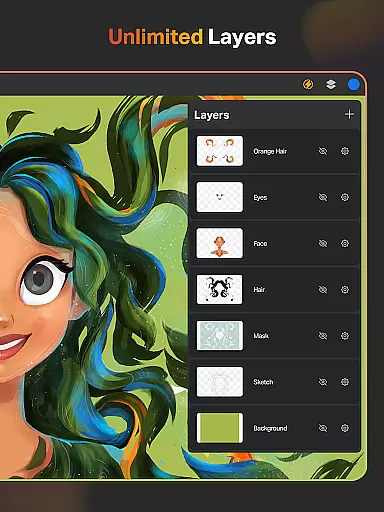
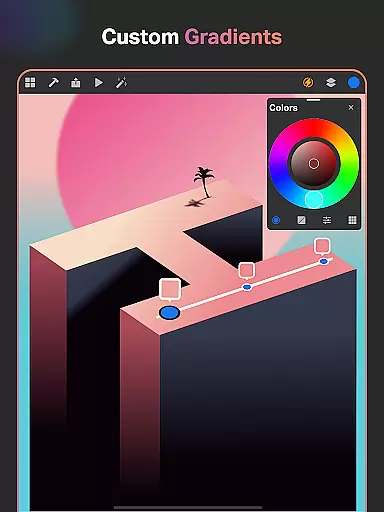
Beyond its core drawing capabilities, SketchPro offers essential design features that enhance productivity. The layer system supports unlimited layers with advanced manipulation options, while the color palette provides full control over shades and values. The inclusion of vector shapes, symmetry tools, and gradient options makes this app suitable for both quick sketches and complex design projects, establishing SketchPro as a versatile solution for digital artists across various disciplines.
SketchPro offers an extensive suite of creative tools that cater to the needs of professional digital artists. The application includes customizable brushes for sketching, painting, and illustrating, allowing artists to tailor their tools to fit specific project requirements.
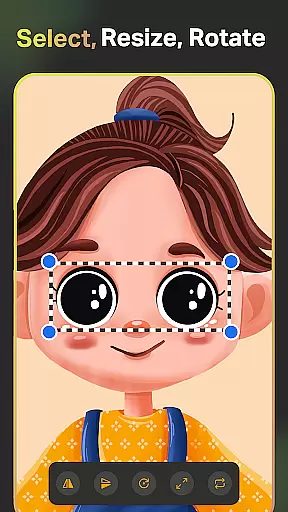
In addition to traditional drawing tools, SketchPro is equipped with advanced AI-driven features such as Text to Image, Sketch to Image, and Magic Edit, which streamline the creative process. These tools enable artists to transform simple prompts into complex artworks, modify existing pieces with ease, and experiment with new ideas without starting from scratch.
The app also provides professional utilities like Smart Shapes, a Symmetry Tool, and Gradient options, which are crucial for creating precise designs and illustrations. Such features ensure that users can execute their visions accurately, whether they're working on detailed illustrations or expansive design projects.
Flexibility in canvas and format options is a hallmark of SketchPro, making it suitable for various artistic endeavors. Users can create custom canvases tailored to their specific needs, ensuring that each project has the appropriate dimensions and orientation.
SketchPro supports unlimited layers, empowering artists to build complex compositions without constraints. This layer system includes essential functions like rasterizing, duplicating, merging, and locking layers, providing complete control over every aspect of a design.
Furthermore, the app facilitates comprehensive color management through its full-color wheel and themed palettes, enabling artists to maintain consistency across their work. With capabilities to import colors from images and adjust shades, SketchPro ensures that creatives have all the resources needed to produce high-quality, professional-grade artwork.
User-friendly interface
Advanced AI tools
Extensive brush library
Professional color management
Cloud synchronization
Steep learning curve
High system requirements
Limited free features
Occasional performance lag
Subscription-based pricing

Apply cartoon, caricature, and portrait effects to make your photos stand out!
 3.60
3.60
AI Assistant, powered by ChatGPT GPT-4 & GPT-4o. Your intelligent companion.
3.50
Art of Combination Wear OS Watch Faces
4.3
Painting, drawing, & sketching
4.50
Your AI soulmate — meaningful chats, and unique emotional moments
4.70
Turn your drawings into flipbook-style animations with simple creative tools
4.60
Experience next-gen icons with a modern liquid glass look.
3.60
Retouch photos. Create or edit images. Endless capabilities.
2.70
Unleash your inner artist! Sketchar: AR Drawing for Limitless Creativity
4.40
Make your phone cooler and have a fantastic experience
4.80
Minecraft & Roblox Clothes
4.70
Image resizer to resize, crop, rotate, flip, change dpi photo or picture in bulk
4.60
Draw, make movies & animate cartoons easily with our 2D animation maker app
4.40
AI generated images & photos, turn your words into drawing, painting & pictures.
4.30
800+ Drawing, Painting Lessons App to Practice, Sketch & Paint Art.
4.30
Create cute cat emojis & PFPs! Fun, custom avatars for cat lovers.
3.70
Sketch, trace and master AR drawing with awesome anime art!
3.30
Your Essential Color Theory Guide: Red, Yellow, Blue (RYB)
4.5
A luxurious gold watch face for an elegant and refined look.
4.1


User Reviews