
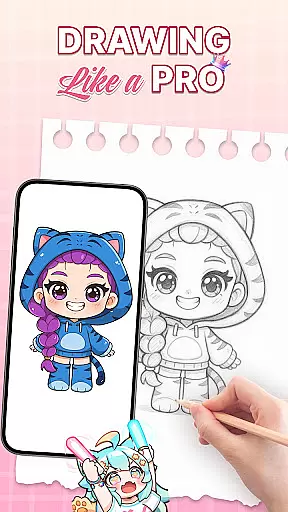
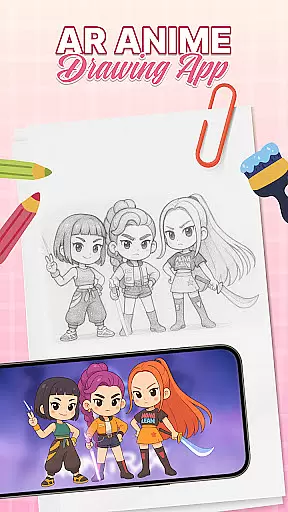
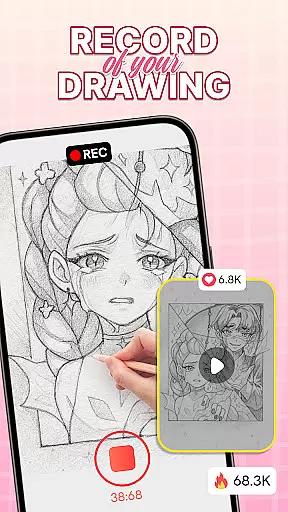
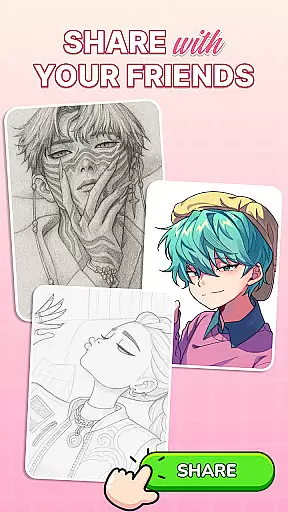
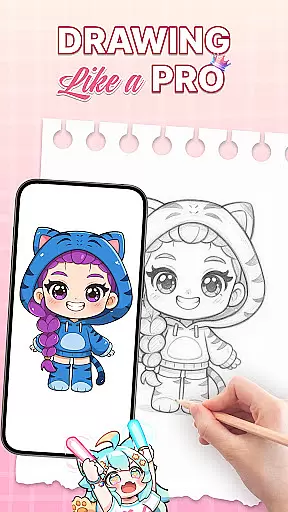
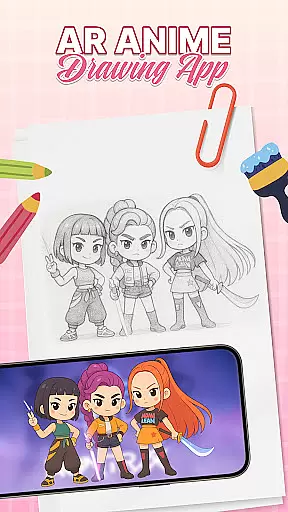
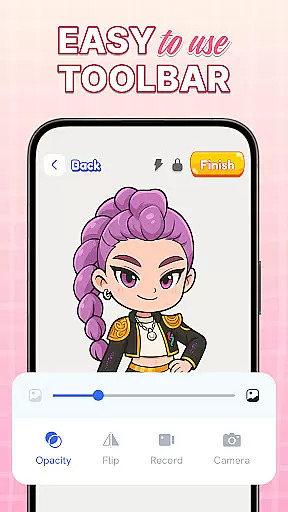
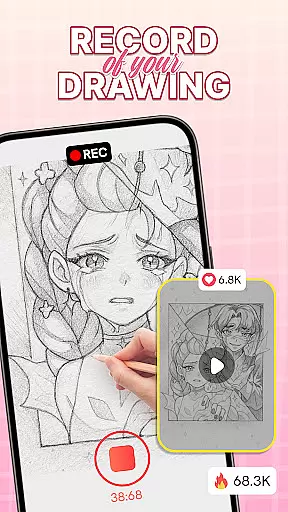
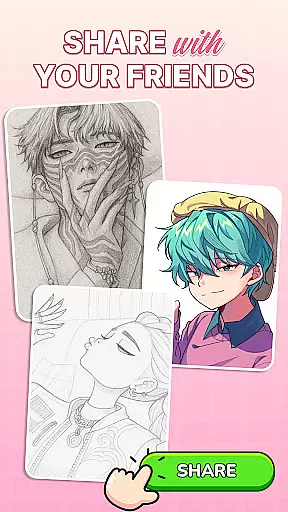
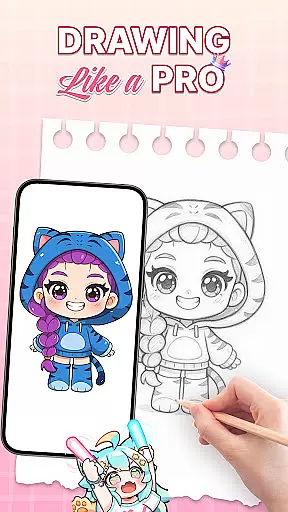
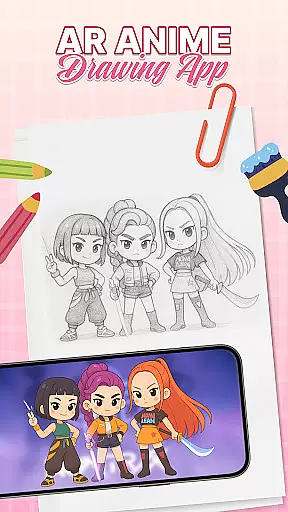
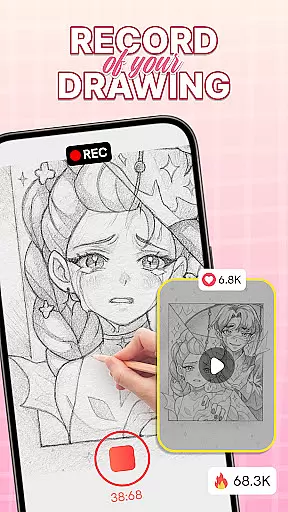
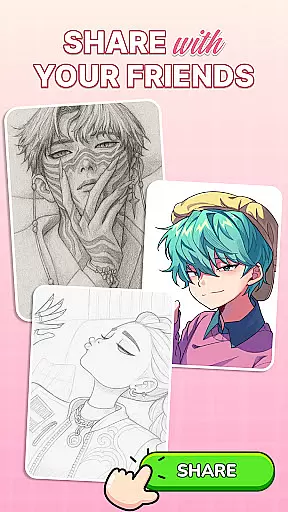
AR Drawing: Sketch & Trace is an innovative mobile application that merges augmented reality with artistic expression, allowing users to project any image onto paper for effortless tracing. The app's core functionality lies in its ability to invert images through the phone's camera, creating perfect AR guides for drawing. Whether you're a budding artist or seasoned professional, this app provides an accessible way to create detailed sketches and paintings.
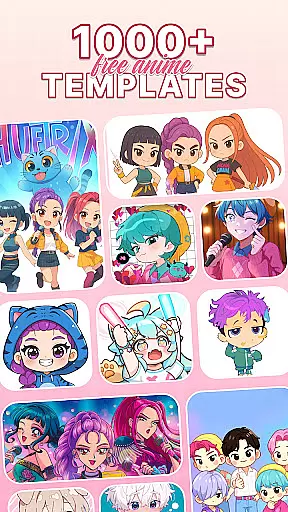
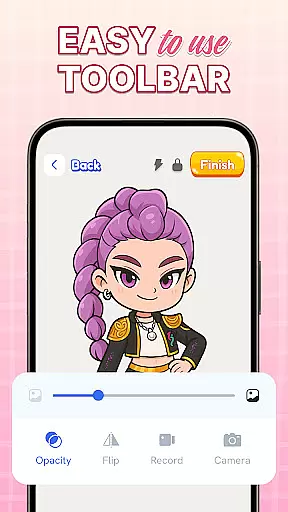
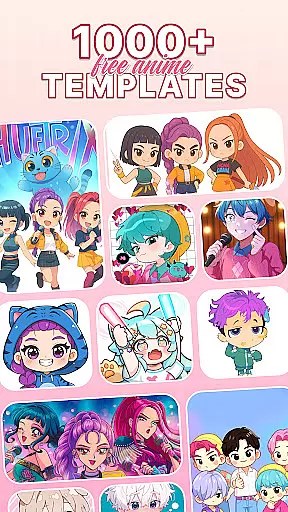
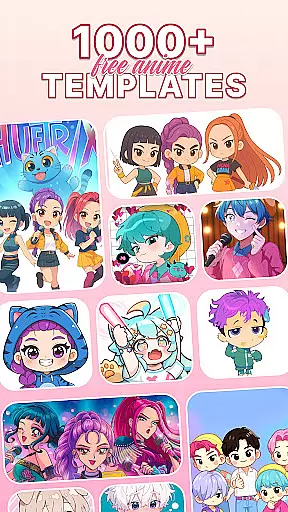
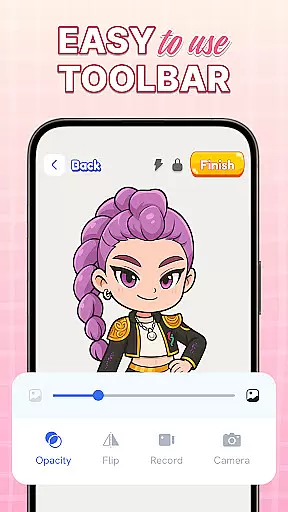
The application stands out with its diverse template library featuring anime, animals, food, and nature designs, catering to various artistic interests. Its intuitive interface makes it suitable for all age groups, while integrated tools like sketching options, color palettes, and a built-in flashlight enhance the creative process. This combination of features creates an engaging platform where technology facilitates artistic growth and exploration.
One practical use case is helping children learn basic drawing skills. Parents can use AR Drawing to project simple shapes or characters, guiding their kids through the tracing process. This interactive approach not only develops motor skills but also makes learning fun and engaging, demonstrating how AR technology can transform traditional art education.
AR Drawing: Sketch & Trace distinguishes itself through several key features that enhance the drawing experience. The primary innovation is its augmented reality tracing capability, which projects inverted images onto any surface, enabling precise tracing. This feature is particularly valuable for beginners who want to learn proper proportions and techniques without the frustration of starting from scratch.
The app offers an extensive collection of drawing templates across multiple categories including anime, cartoons, animals, and landscapes. Each template serves as a learning tool, helping users understand different artistic styles while providing inspiration for their creations. Additionally, the comprehensive sketch and paint tools allow artists to experiment with colors and details, bringing their drawings to life with professional-grade precision.
Another notable feature is the integration of practical tools like adjustable camera settings and flash functionality. These elements ensure optimal visibility during tracing sessions, even in low-light environments. The combination of these features creates a versatile drawing environment that supports both casual doodlers and serious artists in achieving their creative goals.
When it comes to digital art applications, the comprehensiveness of creative tools is paramount. AR Drawing: Sketch & Trace offers an extensive suite of artistic instruments that cater to both amateur and professional artists. The app includes AR drawing and tracing features that allow users to project any image onto a surface for easy replication.
In addition to its augmented reality capabilities, the app provides diverse drawing templates covering various categories such as anime, animals, and nature. This vast library serves as inspiration and guidance for users embarking on their artistic journey. Furthermore, Sketch & Paint functionalities enable creators to add vibrant colors and intricate details to their work, enhancing the depth and quality of the final piece.
The inclusion of camera and flash features facilitates better tracing in different lighting conditions, ensuring that artists can work in environments that suit them best. With these comprehensive tools at their disposal, users can explore new techniques and refine their skills with ease.
Flexibility in canvas and format options is essential for artists who wish to customize their workspace according to their specific needs. AR Drawing: Sketch & Trace recognizes this need by offering adaptable solutions for creators. Users can adjust their drawing space using the app's augmented reality feature, which allows them to project images onto any surface, effectively turning it into their canvas.
This application supports a wide range of artistic expressions through its diverse drawing templates and paint options. Artists have access to an extensive palette within the Paint & Color section, providing endless possibilities for customization. Whether working on small sketches or larger pieces, the app accommodates various sizes and formats without compromising quality.
Moreover, regular updates ensure that users receive continuous enhancements and new features, keeping their creative experience fresh and exciting. By combining user-friendly interface design with robust functionality, AR Drawing: Sketch & Trace empowers artists to push boundaries while enjoying complete control over their creative process.
User-friendly interface
Wide template selection
Augmented reality guidance
Family-oriented design
Regular content updates
Limited advanced tools
Requires stable setup
Premium content locked
Occasional glitches
Learning curve present

Download now for a stylish and functional timepiece
 4.5
4.5
Learn how to draw with step-by-step tutorials, fun lessons & multiplayer drawing
4.70
Custom Character Creator & PFP Maker!
4.20
Convert image to JPG PNG HEIC PDF, support almost all kinds of image formats
4.70
Image resizer to resize, crop, rotate, flip, change dpi photo or picture in bulk
4.60
Resize photos and print photos in exact size with our powerful photo printer!
3.80
Inky runs Inkscape on Android devices and Chromebooks
2.90
AI Tattoo Generator: Create Tattoo Designs & Get Ideas! Ink & Stencil Maker
4.50
Multiplayer Drawing game, Coloring, Painting・Sketch, Handwriting・Paint, draw
4.30
Draw on screen: FP sDraw is a simple and lightweight drawing app
4.70
Draw glowing spinners, relax, and spin your creative art
4.60
Remove Background, Magic Eraser, Photo Enhancer, Story Templates, Collage Maker
4.30
Digital Drawing: Draw & Paint
4.10
Get creative and make art with your Sesame Friends!
4.00
Art of Combination Wear OS Watch faces (for Wear OS 5+ devices)
3.90
Your homescreen as an elegant glass with customized blur, lighting, and visuals.
3.70
Vidu is an AI video generator made for creators and aspiring makers.
3.30
Transform photos into amazing monochrome dither art with professional algorithms
4.1
Art of Combination Wear OS Watch faces
4.4


User Reviews