
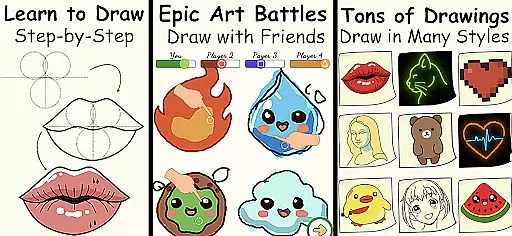
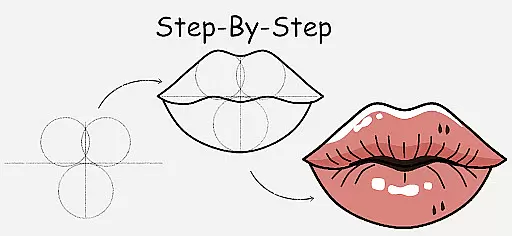
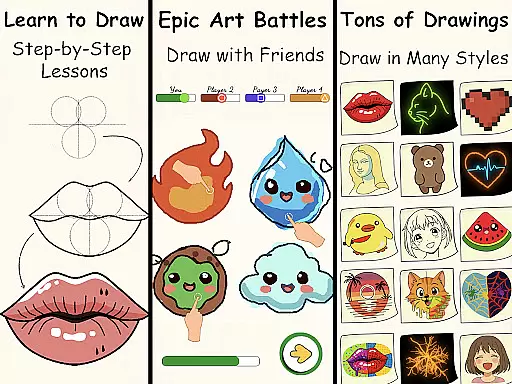
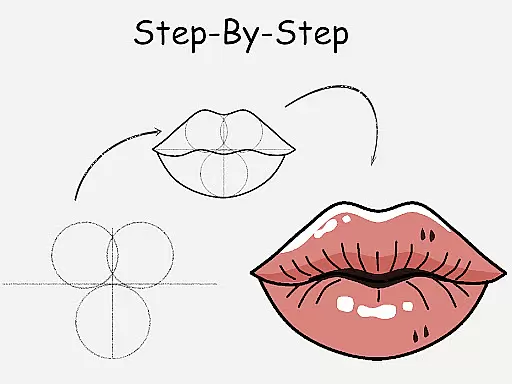
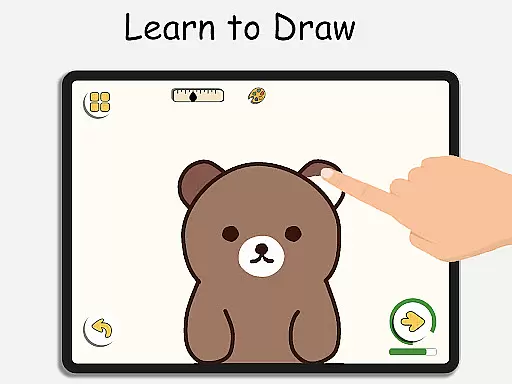
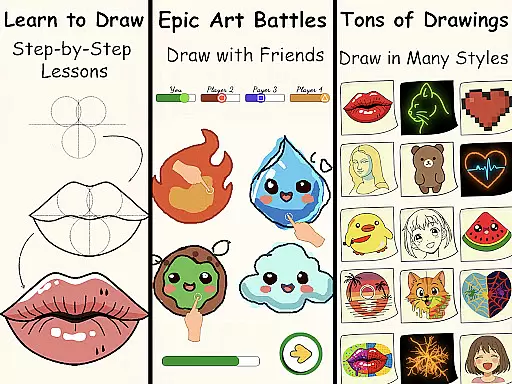
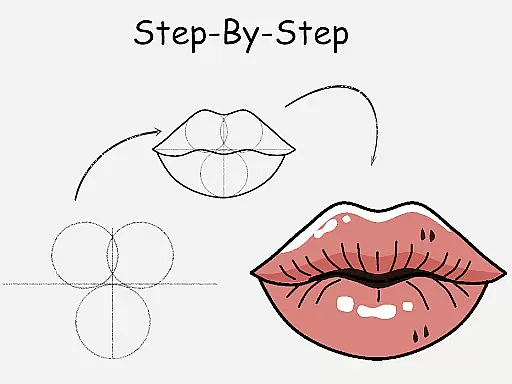
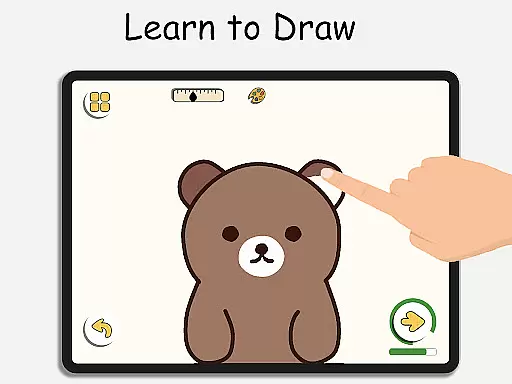
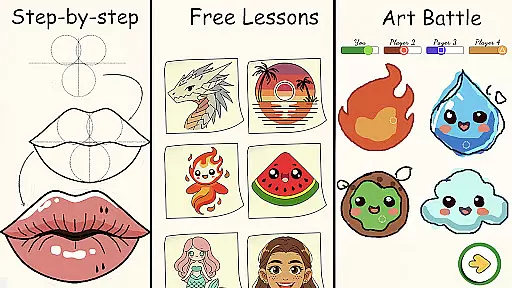
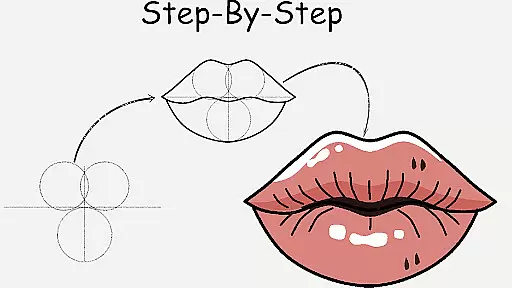
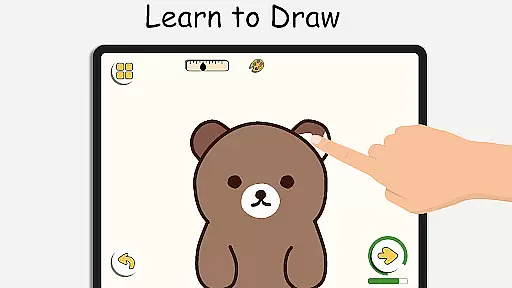
ArtLoop is a comprehensive drawing application designed to help users of all skill levels learn and improve their art techniques. The app offers step-by-step lessons covering various subjects such as characters, animals, and anime, making it suitable for beginners and experienced artists alike. Its unique multiplayer drawing battles add a competitive element, allowing users to challenge friends or random players while honing their skills.
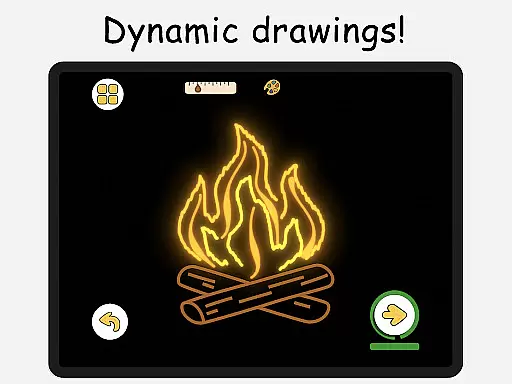
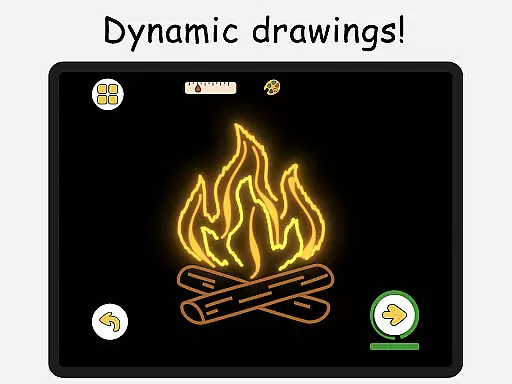
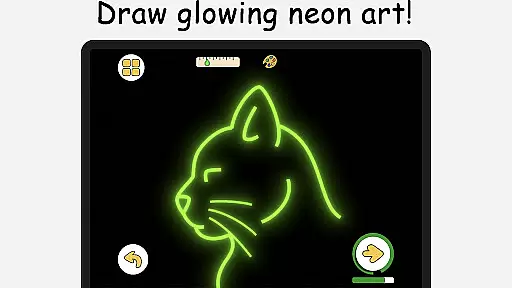
One of the standout features of ArtLoop is its offline functionality, enabling users to draw and practice without an internet connection. This makes it an ideal choice for artists who want to sketch on the go. Additionally, the app provides specialized modes like Pixel Art and Neon Drawing, catering to different artistic styles and preferences. With intuitive drawing tools and smart evaluation features, ArtLoop creates a supportive learning environment that tracks user progress over time.
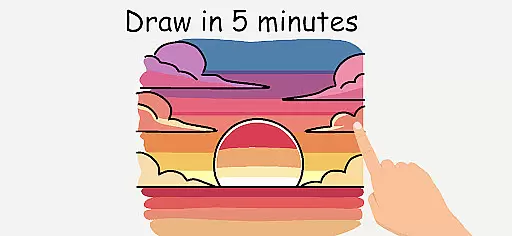
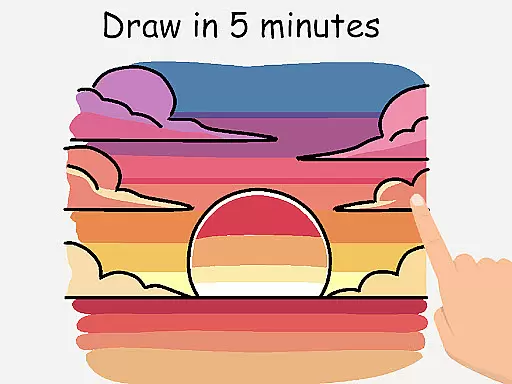
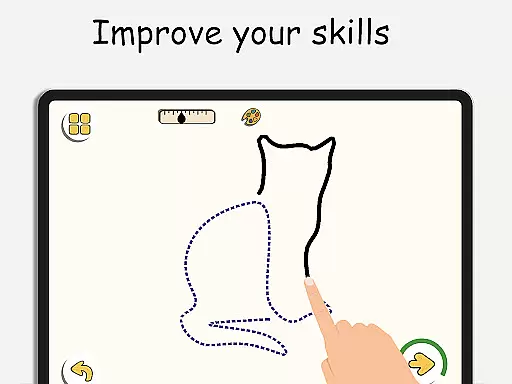
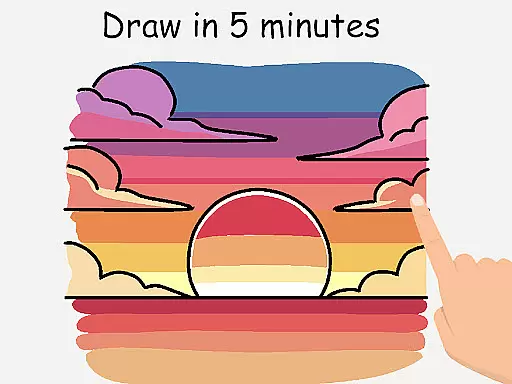
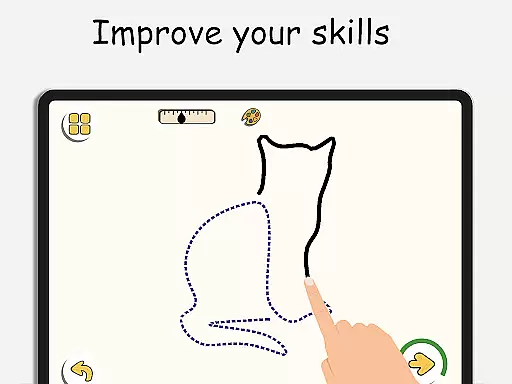
The app's value lies in its ability to combine structured learning with creative freedom. Whether users are interested in quick daily practice sessions or more detailed artistic projects, ArtLoop offers tailored learning paths and challenges that adapt to individual needs. This versatility makes it a valuable tool for both kids and adults looking to develop their drawing abilities in a fun and engaging way.
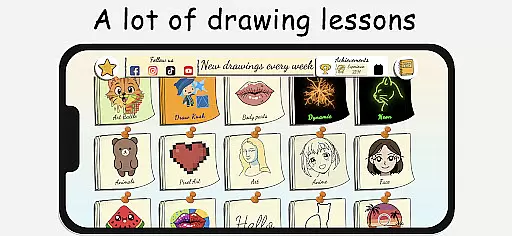
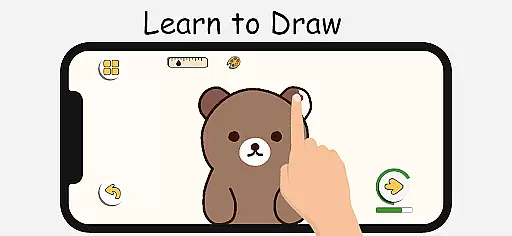
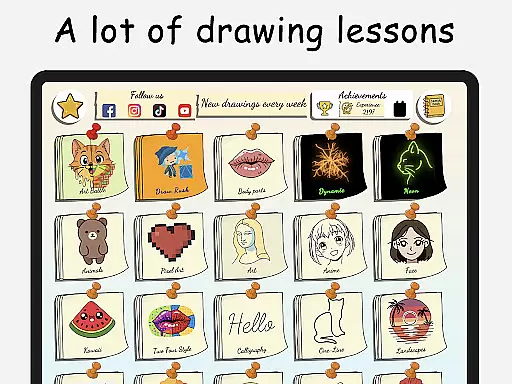
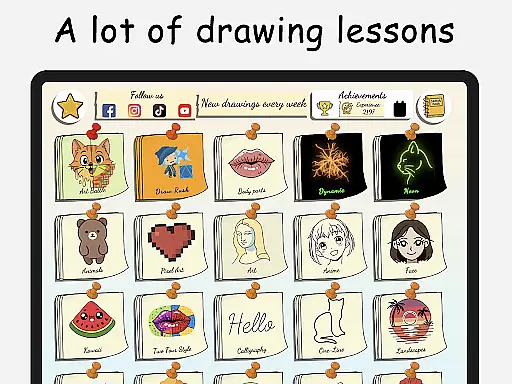
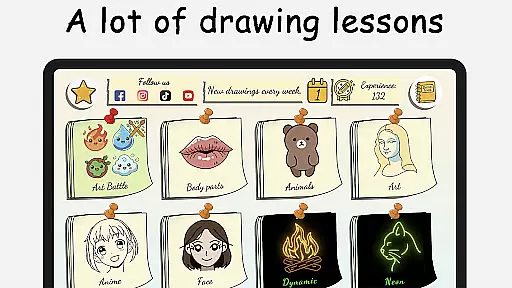
ArtLoop stands out through its diverse range of features designed to enhance the drawing experience. One of its core strengths is the collection of step-by-step tutorials that cover multiple categories including cute animals, food, flowers, and anime eyes. These tutorials are short, focused, and perfect for beginners who need guidance while learning fundamental techniques. The inclusion of structured learning paths ensures that users can progress at their own pace while focusing on specific areas of interest.
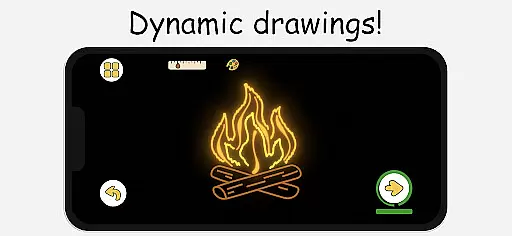
In addition to traditional drawing lessons, ArtLoop incorporates innovative game-like elements such as multiplayer drawing battles and timed Quick Draw challenges. These features not only make learning enjoyable but also encourage healthy competition among users. The app's responsive drawing tools further enhance the experience by providing smooth brush strokes and precise editing capabilities. Users can experiment with different styles using specialized modes like Pixel Art and Neon Drawing, which offer unique creative possibilities.
Another notable feature is the app's offline functionality, allowing users to access their favorite tools and lessons without an internet connection. This flexibility, combined with smart evaluation tools that analyze accuracy and flow, makes ArtLoop a complete package for anyone serious about improving their drawing skills. The app successfully balances educational content with entertainment, creating an engaging platform for artistic growth.
ArtLoop offers a comprehensive suite of creative tools that cater to both beginners and advanced artists. The app includes step-by-step drawing lessons, multiplayer drawing battles, and various tutorials covering different art styles such as anime, cartooning, and sketching.
Users can explore an array of features like pixel art mode with snap-to-grid functionality, neon drawing with luminous brushes, and quick draw challenges that enhance accuracy and speed. These tools are designed to provide artistic freedom while ensuring users can learn and improve their skills effectively.
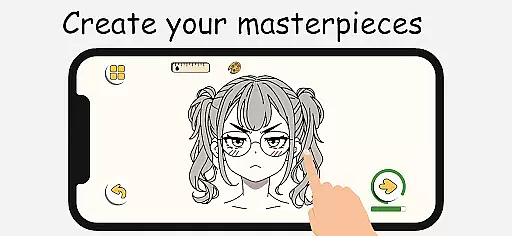
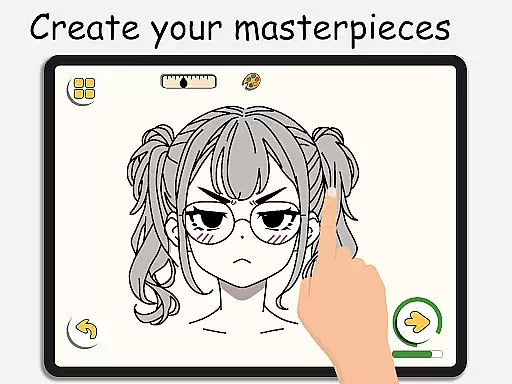
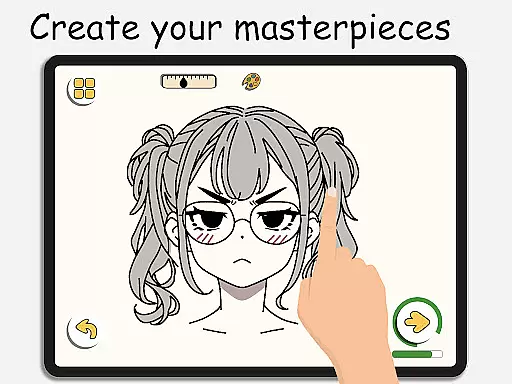
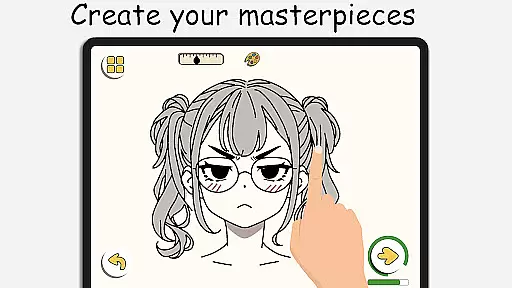
The inclusion of intuitive drawing tools ensures smooth and responsive interactions, allowing artists to create detailed digital artwork effortlessly. With options for offline drawing, ArtLoop makes it convenient for users to practice anytime, anywhere without needing an internet connection.
Flexibility in canvas and format options is a standout feature of ArtLoop, enabling artists to customize their workspace according to their needs. Users can choose from various categories including cute animals, food, flowers, and anime eyes, each offering short, focused lessons ideal for practice.
The app supports diverse drawing modes such as pixel art and neon drawing, which come with specialized tools like grid-perfect drawing and glow effects. This variety ensures that whether you're creating retro sprites or electric strokes, the app adapts to your artistic vision.
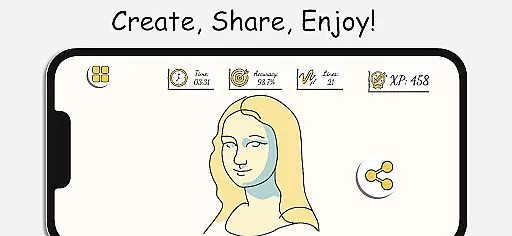
Additionally, ArtLoop provides tailored learning paths and smart evaluation tools that help track progress over time. By analyzing accuracy and flow during tutorials, users gain insights into their improvement, making it a versatile platform suitable for all ages and skill levels.
User-friendly interface
Offline drawing mode
Multiplayer challenges
Variety of tutorials
Smart evaluation tools
Limited advanced tools
Occasional bugs
Ads between lessons
Basic free version
Learning curve for kids

Vidu is an AI video generator made for creators and aspiring makers.
 3.30
3.30
Design your dream room with AI. Get decor ideas & plan home interiors
3.90
Castle is social media for creating and playing games!
4.60
AI Art Generator transforms your words into AI generated art & paintings.
3.70
Resize photos and print photos in exact size with our powerful photo printer!
3.80
A luxurious gold watch face for an elegant and refined look.
4.3
Photo stitcher for automatically screenshot stitching into a long screenshot
4.70
Bring One UI 8.5 Icons to life -elegant dark icons with a modern, premium touch.
4.30
Unleash your inner artist! Sketchar: AR Drawing for Limitless Creativity
4.40
See Color, Paint Color
4.90
Turn your drawings into flipbook-style animations with simple creative tools
4.60
Draw, fidget, and spin glow art! Relax and express your creativity with a finger
4.60
Create color palette from Image, RGB & RYB Color wheel harmonies, Color Scheme
4.50
Everything you need to create hand drawn animation, anywhere you go!
4.40
Create and Design Custom Logos in Seconds with AI-Powered Tools!
4.40
Customizable Outlined Fonts. Watch Face Format. Battery friendly Digital Clock.
4.20
Create Logos, Tattoos, AI Art & more with our AI Photo Generator & Design Editor
4.20
Get creative and make art with your Sesame Friends!
4.00
Android 14 style widgets and wallpapers app.
4.4


User Reviews