
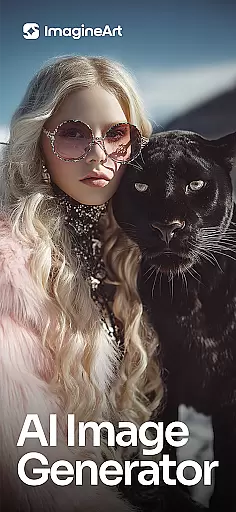
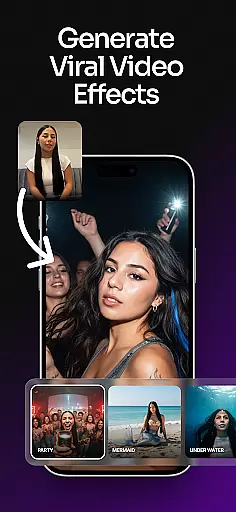
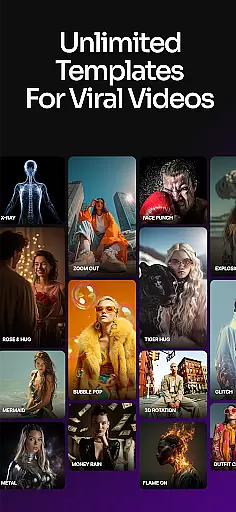
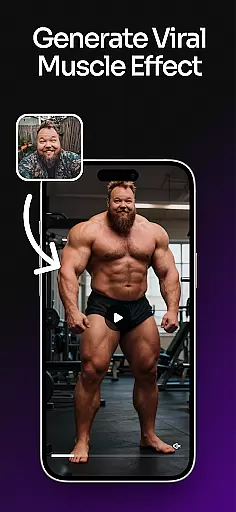
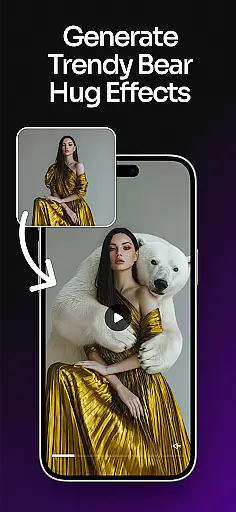
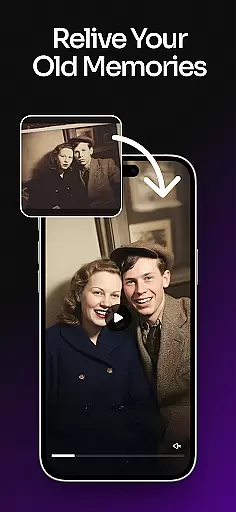
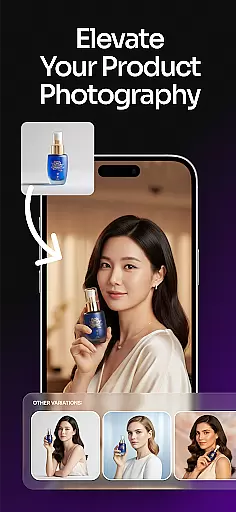
ImagineArt is a comprehensive AI-powered art design studio that enables users to create stunning visuals across various formats, including images, logos, posters, and more. With its powerful Generative AI capabilities, the app caters to both professional designers and casual users seeking an intuitive creative platform. The core functionality revolves around transforming simple text prompts into intricate designs, offering features like logo generation, photo editing, and customizable templates for diverse use cases.
The application stands out with its ability to generate realistic and professional-grade visuals while providing tools for detailed customization. Users can modify styles, colors, and effects or leverage pre-designed templates spanning over 100 categories such as social media posts, flyers, and business branding materials. This versatility makes ImagineArt suitable for entrepreneurs building brand identities, marketers crafting promotional content, or hobbyists exploring their artistic potential.
ImagineArt boasts an impressive array of features designed to streamline the creative process. At its heart lies the AI Image Generator, which allows users to produce high-quality visuals by simply typing descriptive prompts. For specialized tasks, the app includes dedicated tools like the AI Logo Generator, enabling businesses to craft unique logos through customizable templates and advanced editing options.
Beyond image creation, ImagineArt offers robust editing capabilities powered by AI. These include generative fill for seamless object insertion or removal, text editing for dynamic typography adjustments, and upscale functionality to enhance images up to 8K resolution without quality loss. Additionally, users benefit from practical utilities such as flyer makers, poster creators, and AI-driven photo editors that refine visuals with filters and cropping. Each feature is engineered to save time while delivering professional results tailored to individual preferences.
ImagineArt stands out as a comprehensive AI Art Design Studio, offering over 100 categories of AI templates tailored to various creative needs. These include designs for events, social media, personal projects, and professional use.
The app provides powerful AI-powered tools that allow users to transform and personalize their designs effortlessly. With features like Text Editing, Generative Fill, Image Resize, and Upscale Images, ImagineArt ensures every design element can be customized to fit specific requirements.
Users benefit from the inclusion of specialized tools such as the AI Logo Generator, Flyer Maker, Poster Maker, and AI Photo Editor. These tools collectively ensure that whether you are creating logos, editing photos, or designing promotional materials, ImagineArt delivers the necessary instruments to achieve professional results.
ImagineArt offers remarkable canvas and format flexibility, empowering users to adjust designs to fit banners, wallpapers, or social media posts seamlessly. This adaptability ensures that your creative vision is not constrained by predefined dimensions or formats.
The ability to upscale images to 4K or 8K quality without losing details highlights the app's commitment to high-quality output. Users can enhance their designs while maintaining clarity and precision, which is crucial for professional presentations and large-scale prints.
Additionally, ImagineArt supports exporting creations in various formats suitable for different platforms like Instagram, YouTube, TikTok, or Facebook. This versatility allows creators to share their work widely and inspire others with AI-generated designs across multiple channels.
User-friendly interface
Extensive template library
High-resolution output
Versatile design tools
Realistic AI-generated images
Limited free tier
Subscription costs
Learning curve for beginners
Occasional rendering delays
Advanced features require payment

AI generated images & photos, turn your words into drawing, painting & pictures.
 4.30
4.30
Learn how to draw with step-by-step tutorials, fun lessons & multiplayer drawing
4.70
Art of Combination Wear OS Watch faces
4.0
Photo blender app to create overlay photos & double exposure.
4.40
See Color, Paint Color
4.90
Art of Combination Wear OS Watch Faces
4.4
Create stunning art with AI.
4.80
Draw Trace image sketch by, AR art projector app, Easy to trace any image.
4.50
Get creative and make art with your Sesame Friends!
4.00
Novices can also easily complete diamond painting masters
4.70
Turn your drawings into flipbook-style animations with simple creative tools
4.60
Video AI: Revolutionize Your Content Creation with Advanced Video Generation
4.50
Sketch and paint on your device with the feel and freedom of drawing on paper
4.00
Art of Combination Wear OS Watch faces (for Wear OS 5+ devices)
3.90
Create cute cat emojis & PFPs! Fun, custom avatars for cat lovers.
3.70
Apply cartoon, caricature, and portrait effects to make your photos stand out!
3.60
Create sweet, cool and unique couple avatars easily, in just a few steps!
3.40
Sketch, trace and master AR drawing with awesome anime art!
3.30
A luxurious gold watch face for an elegant and refined look.
4.0


User Reviews