
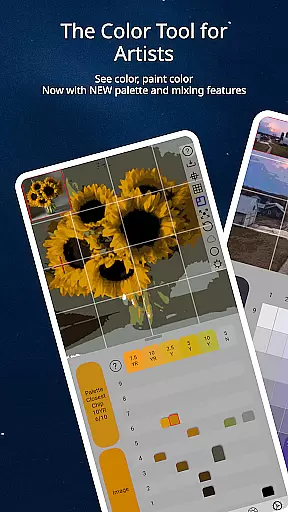
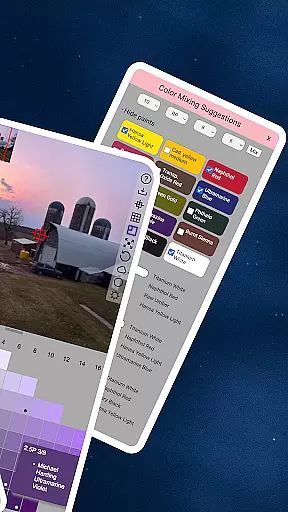
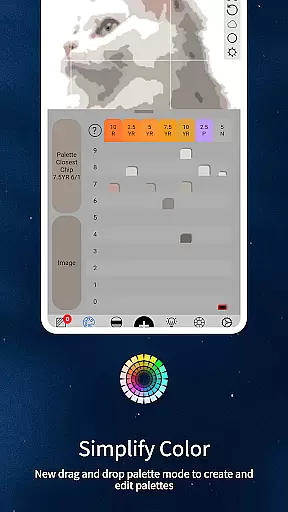
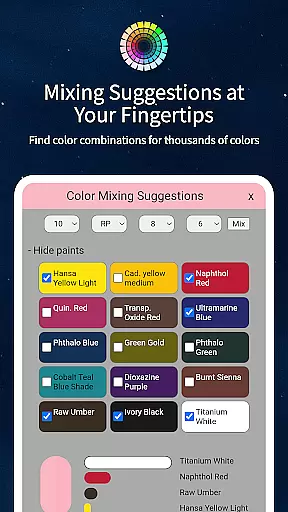
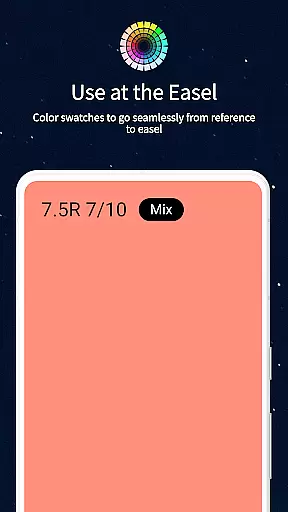
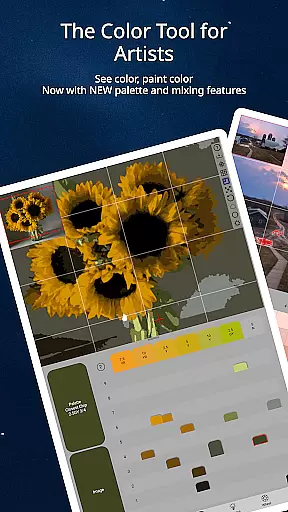
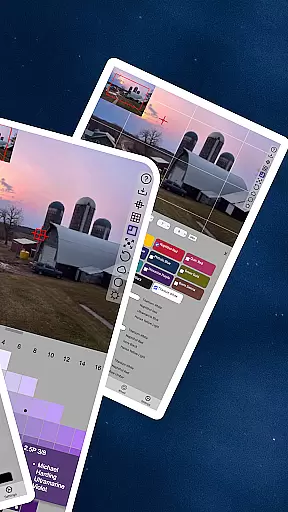
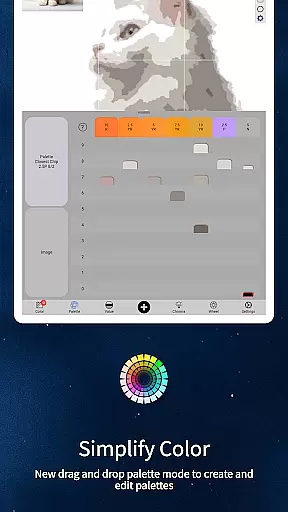
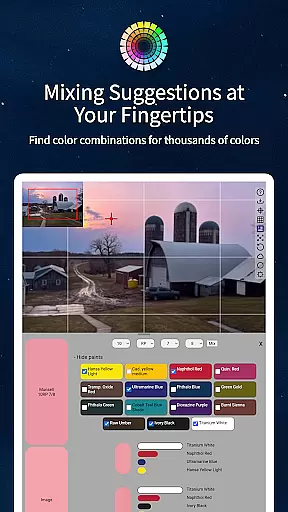
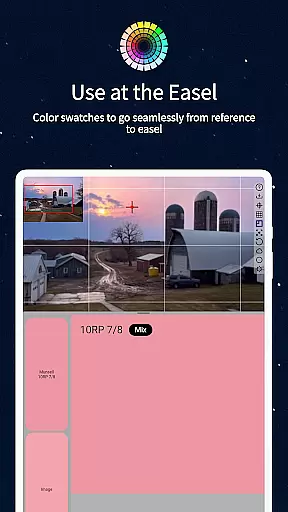
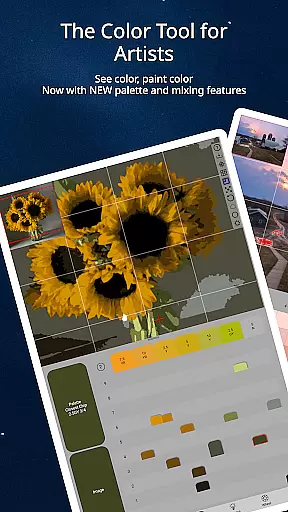
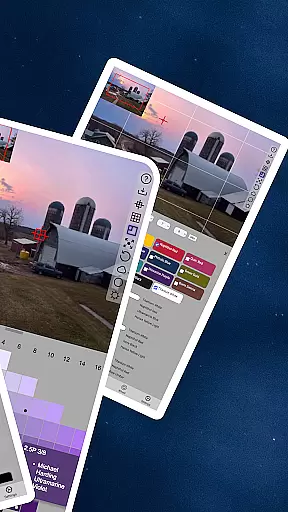
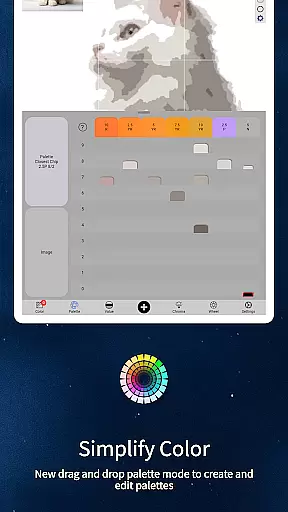
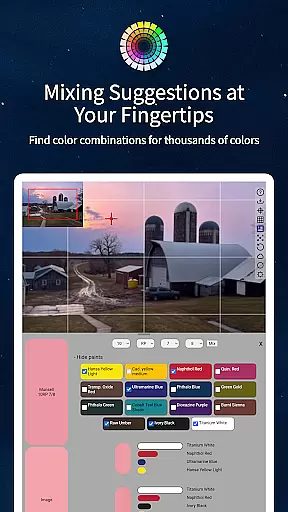
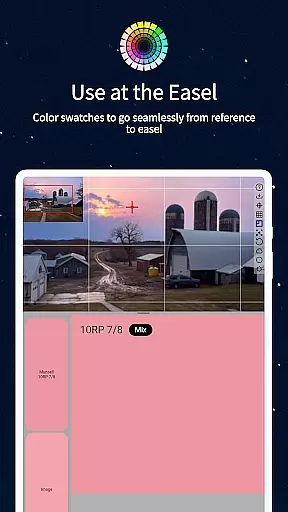
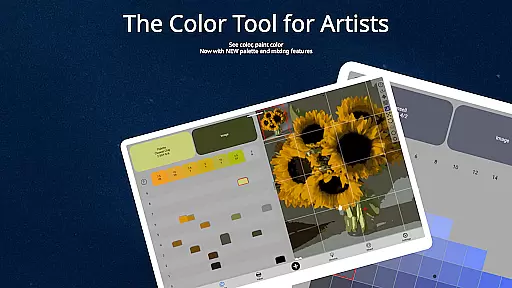
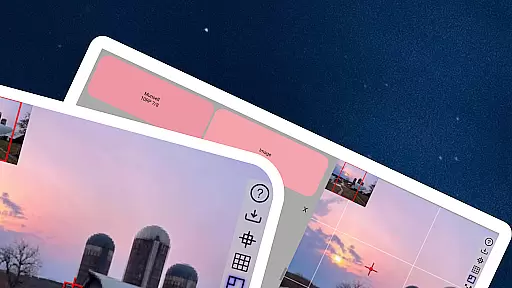
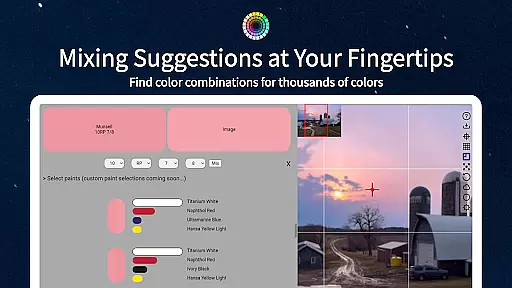
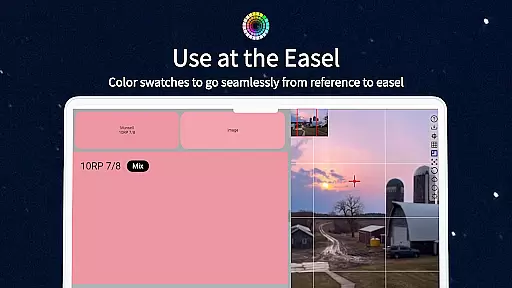
ChromaMagic is a revolutionary color analysis tool designed specifically for artists. This application allows users to load any photo or reference image and instantly identify the exact color properties using the Munsell system - hue, value, and chroma. The app goes beyond basic color identification by offering five distinct viewing modes that help artists truly understand the colors they are working with.
In addition to its core functionality, ChromaMagic offers practical features for working artists. The app provides paint recommendations matching specific colors, supports offline use for plein air painting, and includes advanced image handling capabilities like drag-and-drop file loading and smooth zoomable interfaces. These features make it equally suitable for studio work and outdoor painting sessions.
The true value of ChromaMagic lies in its ability to train artists to see color accurately. By providing precise color information and multiple visualization modes, the app helps artists develop their color perception skills. This capability is particularly valuable for painters struggling with color mixing and representation, offering a systematic approach to understanding and reproducing colors faithfully.
ChromaMagic distinguishes itself through several innovative features tailored for artists. The app's most notable capability is its implementation of the Munsell color system, which breaks down each color into its component parts - hue, value, and chroma - using terminology familiar to artists. This systematic approach provides clearer understanding than traditional color wheels or temperature-based systems.
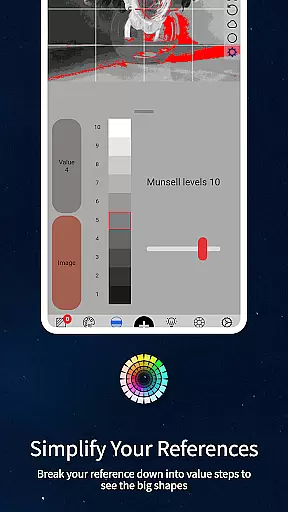
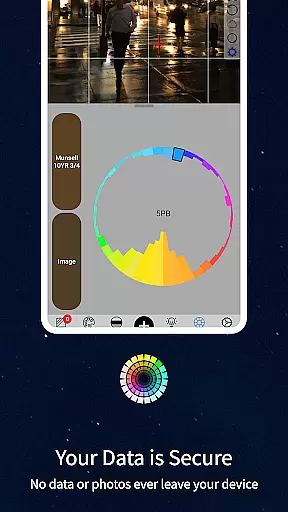
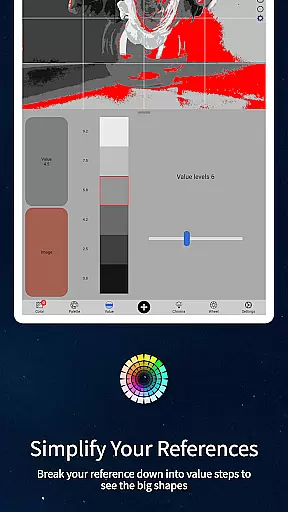
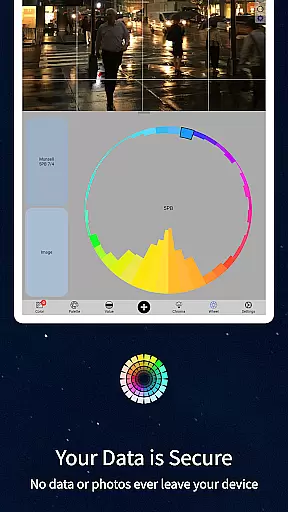
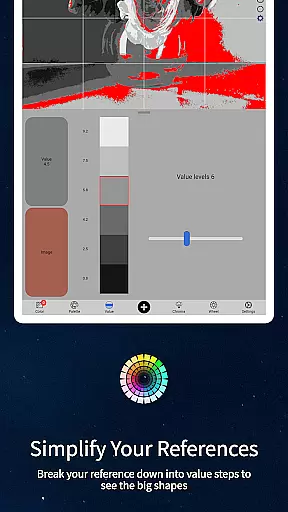
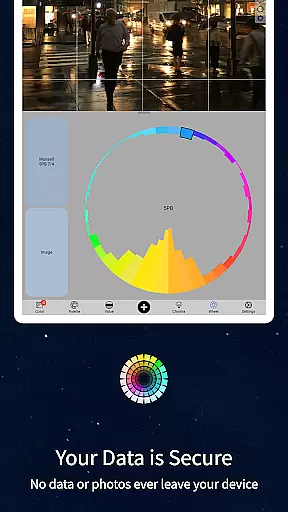
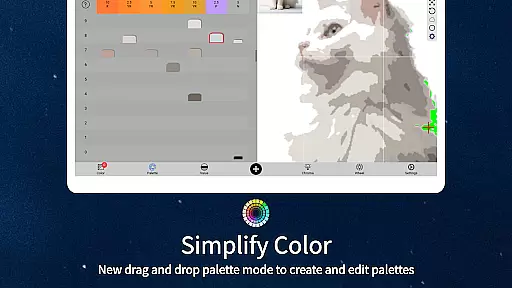
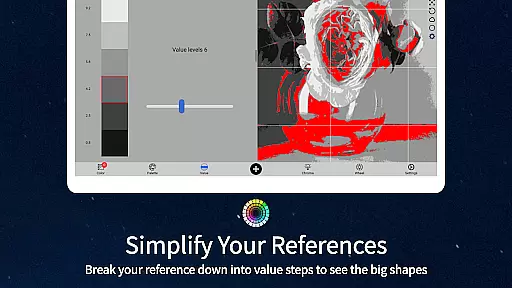
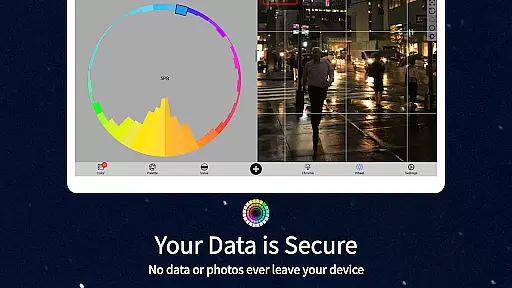
Beyond color identification, the app offers four additional visualization modes that serve different artistic needs. Value mode helps organize references into major shapes, while grayscale mode reveals fine-grained tonal variations. Saturation mapping shows color intensity distribution, and color wheel visualization demonstrates hue relationships. Each mode can be adjusted with simple interface controls, allowing for customized analysis.
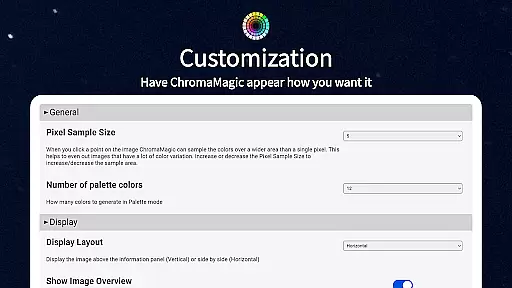
The application's technical features enhance its usability significantly. Its buttery-smooth zoomable interface enables precise color sampling, while the multi-pixel averaging function handles complex references. The inclusion of paint brand references and calibration values for mixing makes it an indispensable tool for both digital and traditional artists seeking accurate color representation in their work.
ChromaMagic offers a comprehensive suite of creative tools tailored for artists seeking precision and depth in their work. The app provides functionalities that extend beyond basic color picking, offering specialized modes such as Munsell color mode, value mode, grayscale, chroma visualization, and color wheel distribution.
Each mode is designed to enhance the artist's understanding of color by breaking it down into hue, value, and chroma, which are crucial elements in art. This allows users to analyze any reference image with clarity and accuracy, ensuring that the colors they use in their artwork are true to what they observe.
The inclusion of advanced features like zoomable and pannable images, drag-and-drop file loading, and paint recommendations further enriches the user experience. These tools collectively empower artists to refine their craft without being tethered to traditional methods or locations.
By integrating these sophisticated tools, ChromaMagic not only simplifies complex processes but also enhances an artistu2019s ability to create convincing and harmonious color palettes, making it an indispensable asset for both amateur and professional artists.
One of ChromaMagic's standout features is its canvas and format flexibility, which caters to various artistic needs and preferences. Artists can seamlessly work with different image formats and sizes, ensuring compatibility and convenience regardless of their project requirements.
The app supports high-resolution images and provides smooth zooming and panning capabilities, allowing detailed examination and manipulation of colors at any scale. This ensures that artists can focus on intricate details without worrying about losing image quality or performance.
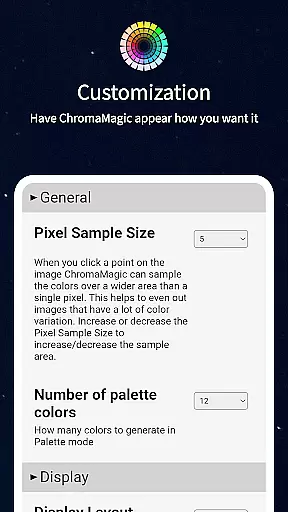
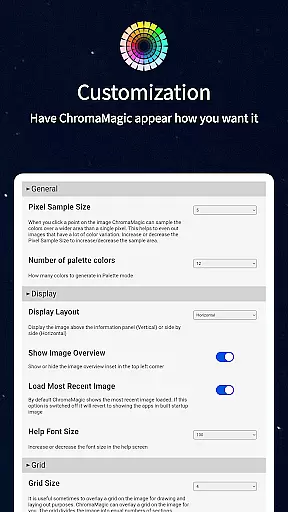
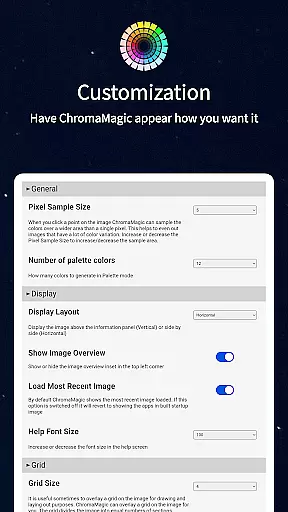
Additionally, ChromaMagic enables users to average colors over multiple pixels, which is particularly useful when dealing with images that have too many colors or gradients. This feature helps simplify complex visuals into manageable color schemes.
With the ability to run on multiple devices including Android phones and tablets, ChromaMagic ensures that artists can work flexibly from anywhereu2014be it at home, on the bus, or even up a mountain. This versatility makes it an essential tool for modern artists who demand both power and portability in their creative arsenal.
Accurate color analysis
Multiple visualization modes
Offline functionality
Paint brand references
Smooth user interface
Steep learning curve
Requires calibration
Premium price point
Advanced features complex
Resource intensive

Premium version of Shimeji-ee app with no ads & no limit active shimeji
 4.5
4.5
Transform photos into amazing monochrome dither art with professional algorithms
4.4
Digital Drawing: Draw & Paint
4.10
Digital illustration drawing & painting pad app to paint Anime and Manga art
4.50
Logo Generator powered by AI: Create stunning logos effortlessly!
4.70
The perfect place to start sketching! Use Sketchbook to draw and paint sketches.
4.50
Draw Trace image sketch by, AR art projector app, Easy to trace any image.
4.50
Resize photos and print photos in exact size with our powerful photo printer!
3.80
Your homescreen as an elegant glass with customized blur, lighting, and visuals.
3.70
Minecraft & Roblox Clothes
4.70
Draw on screen: FP sDraw is a simple and lightweight drawing app
4.70
Video AI: Revolutionize Your Content Creation with Advanced Video Generation
4.50
Image/ Text to Video Generator
4.40
Sketch, plan, take notes and illustrate on an infinite canvas.
4.20
Get creative and make art with your Sesame Friends!
4.00
Design unique, funny and adorable cat stickers that reflect your own style!
3.80
Create cute cat emojis & PFPs! Fun, custom avatars for cat lovers.
3.70
AI Assistant, powered by ChatGPT GPT-4 & GPT-4o. Your intelligent companion.
3.50
Pose and morph realistic male and female models! 3D poser app
3.00


User Reviews