
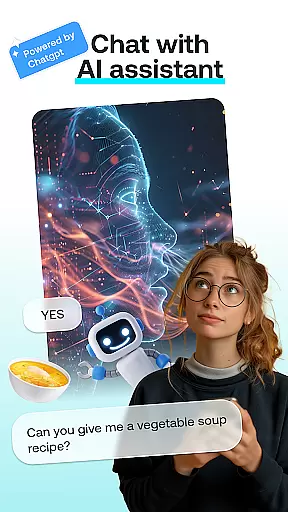
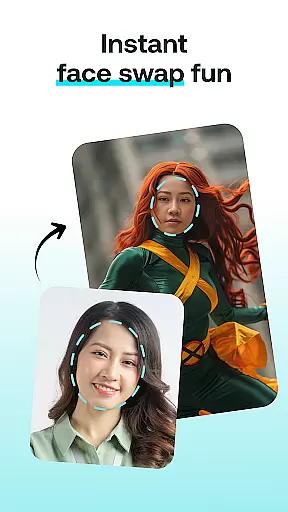
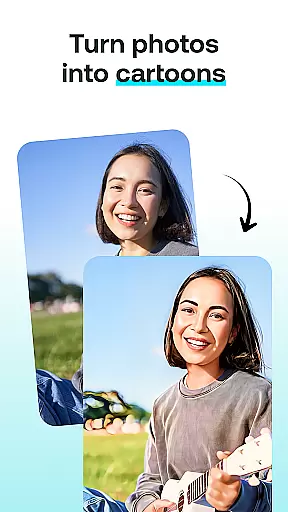
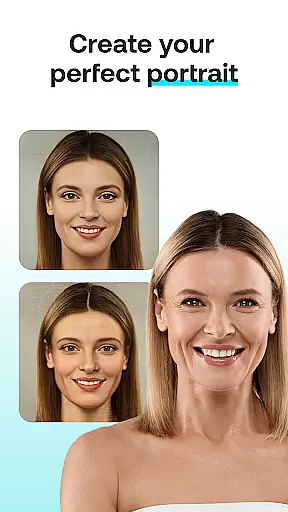
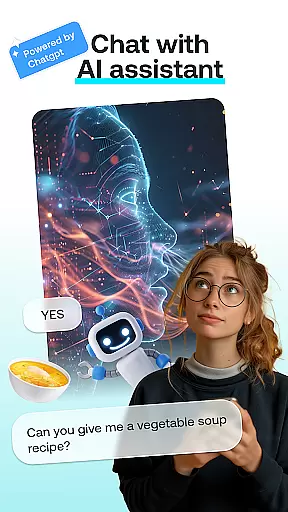
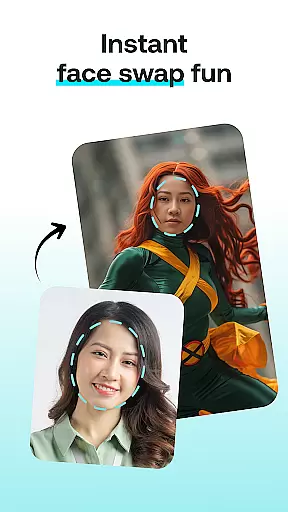
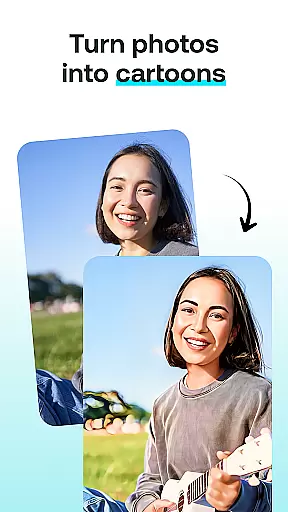
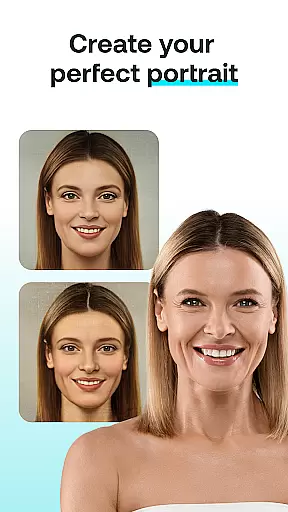
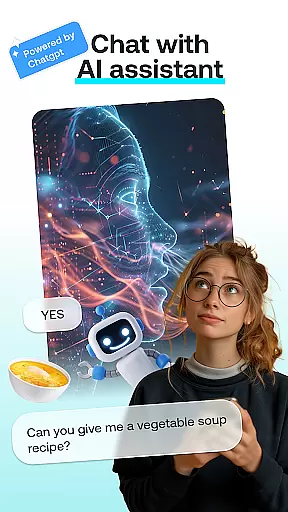
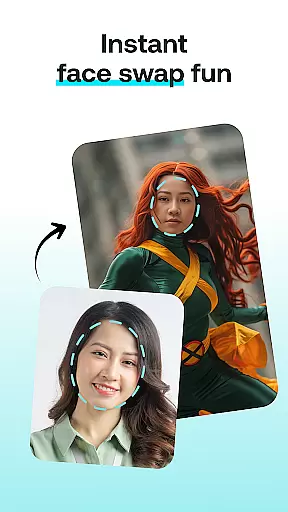
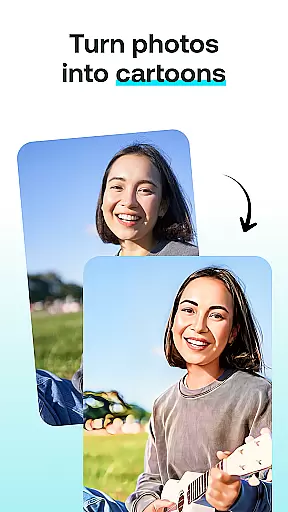
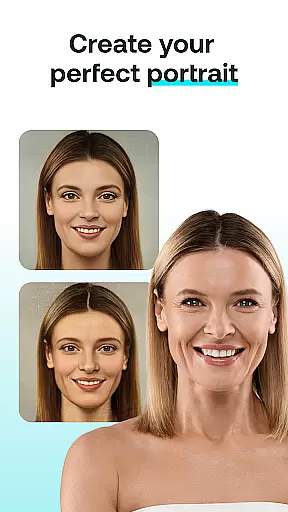
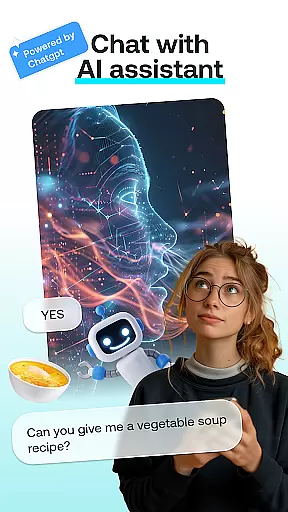
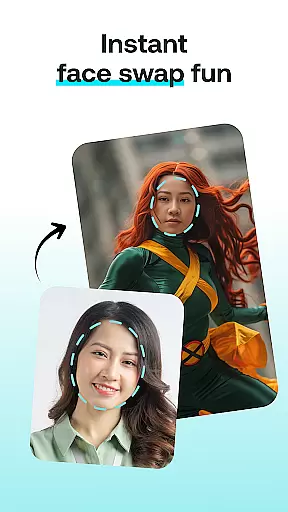
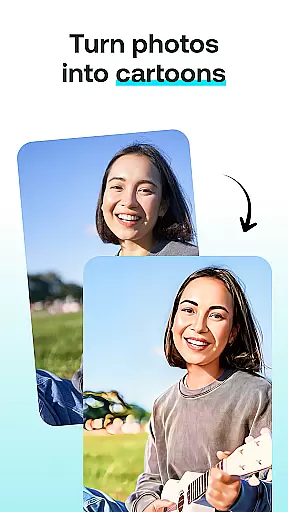
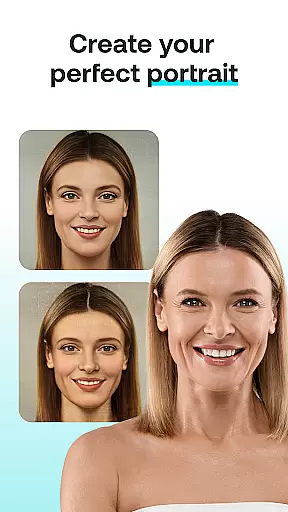
AI Chat: Chatbot Assistant is an innovative app that brings together the best of AI-driven conversations and creative image editing tools. Designed for both entertainment and productivity, this app allows users to engage in intelligent discussions with advanced AI chatbots powered by ChatGPT GPT-4 & GPT-4o. Beyond conversation, it offers a suite of creative features including Face Swap, Cartoon Effect, Portrait Maker, and AI Paintings.
The app's core strength lies in its versatility. Whether you're looking to have meaningful conversations, create fun photo edits, or design personalized artistic content, AI Chat has you covered. It caters to a wide range of users from AI enthusiasts to casual creators who want to experiment with cutting-edge technology. The intuitive interface ensures that all features are easily accessible, making it suitable for both beginners and tech-savvy individuals.
One key scenario where AI Chat shines is in collaborative creativity. Imagine brainstorming ideas with the AI chatbot while simultaneously visualizing those concepts through custom portraits or cartoon transformations. This seamless integration of conversational AI with creative tools makes the app a valuable companion for anyone seeking inspiration or simply looking to have fun with technology.
AI Chat stands out with its diverse feature set that combines conversational AI with creative image processing capabilities. At its heart is the AI Chat module, which utilizes the powerful ChatGPT GPT-4 & GPT-4o models to deliver natural, engaging, and insightful conversations. Users can seek advice, explore creative ideas, or simply enjoy casual chats with the AI assistant.
Beyond conversations, the app offers several unique creative tools. The Face Swap feature lets users instantly exchange faces in photos, creating entertaining results. The Cartoon Effect transforms regular photos into whimsical cartoon representations, while the Portrait Maker helps design professional-grade portraits with customizable styles. Additionally, the AI Paintings feature converts user inputs into stunning AI-generated artwork.
What sets these features apart is their accessibility and quality. Each tool is designed to produce high-quality results without requiring any technical expertise. The combination of advanced AI algorithms with user-friendly interfaces ensures that even complex tasks like face swapping or portrait creation can be accomplished with just a few taps. This makes AI Chat not just a productivity tool but also a source of endless entertainment and creative exploration.
In the realm of digital creativity, having a comprehensive set of tools is paramount. AI Chat: Chatbot Assistant offers an impressive suite that spans multiple creative domains. From engaging in intelligent conversations with the AI Chat module to transforming photos into cartoon characters, this app ensures you have everything needed for your artistic journey.
The application's capabilities extend to practical yet fun features like Face Swap, allowing users to create entertaining images by swapping faces with friends or celebrities. Additionally, the Portrait Maker provides the means to design stunning and personalized portraits with remarkable ease. These diverse functionalities empower users to explore various forms of artistry without limitations.
Each tool within AI Chat is crafted not only to be feature-rich but also intuitive and user-friendly. Whether itu2019s generating AI-driven paintings from thoughts or applying cartoon effects to photos, every feature is designed to deliver professional-grade results effortlessly. This dedication to providing a complete creative toolkit makes AI Chat an invaluable companion for both casual creators and seasoned artists alike.
Flexibility in canvas and format options is crucial for unleashing full creative potential, and AI Chat: Chatbot Assistant excels in this area. The app supports a wide array of formats, ensuring that whether you're designing realistic depictions or abstract creations, you can do so without being constrained by predefined settings.
Users will find the ability to customize their workspace particularly beneficial. With features like adjustable canvas sizes and adaptable design templates, AI Chat accommodates different project requirements seamlessly. Whether itu2019s crafting detailed portraits or whimsical cartoons, the app provides the necessary flexibility to bring any vision to life.
Moreover, AI Chat enhances creative freedom through its versatile export options. Finished projects can be saved in various formats suitable for social media, wallpapers, or professional presentations. This adaptability not only streamlines the creative process but also ensures that users can share their masterpieces across multiple platforms with ease.
User-friendly interface
Advanced AI chatbot
Versatile creative tools
High-quality results
Fun and engaging
Limited free features
Requires internet
Premium subscription
Occasional bugs
Privacy concerns

Pose and morph realistic male and female models! 3D poser app
 3.00
3.00
Create trending AI photos & videos with powerful effects and 3D styles.
3.20
Text to Image, Image to Video & AI Chat
4.20
Create stunning video, photo & magic from text with FlixAI GPT video generator.
3.10
Nano Banana AI Image Generator, Anime Filter, AI Portrait, AI Photo Generator
4.30
The perfect place to start sketching! Use Sketchbook to draw and paint sketches.
4.50
Your AI soulmate — meaningful chats, and unique emotional moments
4.70
Get creative and make art with your Sesame Friends!
4.00
Art of Combination Wear OS Watch Faces
3.30
Learn how to draw with step-by-step tutorials, fun lessons & multiplayer drawing
4.70
Castle is social media for creating and playing games!
4.60
Photo editor for art, avatars, filters & fun transformations.
4.60
Discover Cartoon Dream : Unleash Your Creativity with CuttingEdge AI
4.50
Draw anime & manga drawing, art with templates to create stunning picture!
4.50
Image/ Text to Video Generator
4.40
Sketch, plan, take notes and illustrate on an infinite canvas.
4.20
Unleash the artist in you with our AR drawing and tracing tool for photo drawing
4.10
Apply cartoon, caricature, and portrait effects to make your photos stand out!
3.60
Art of Combination Wear OS Watch faces
4.4


User Reviews