
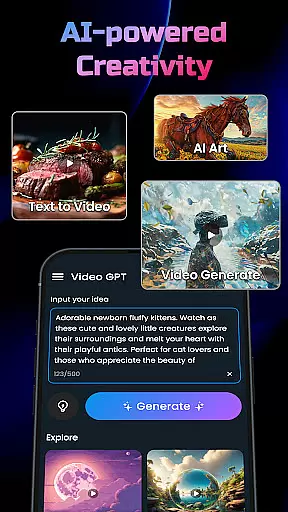
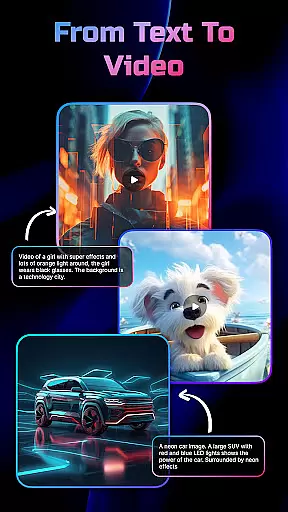
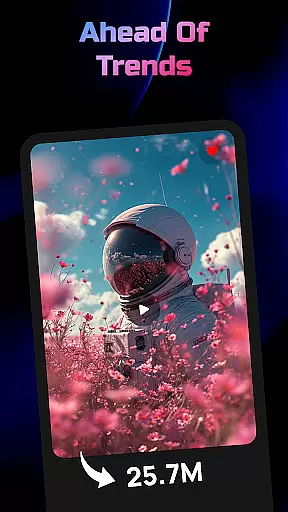
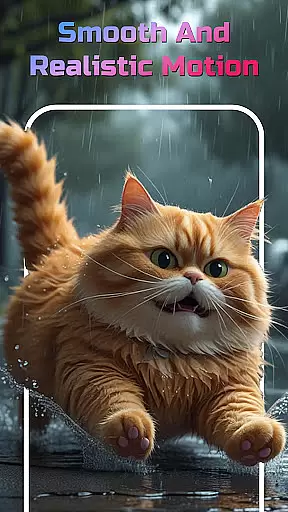
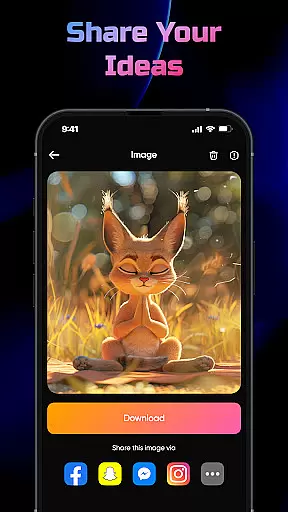
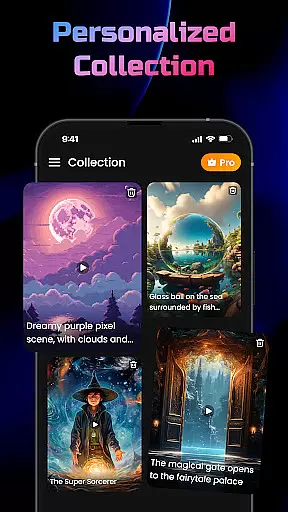
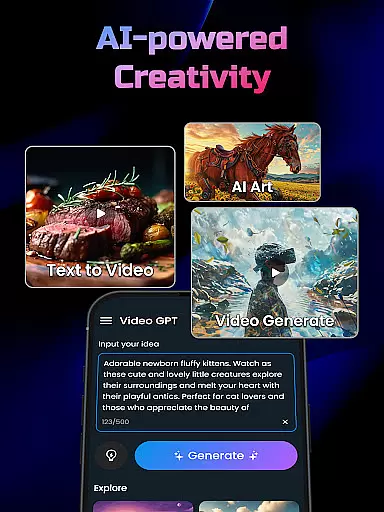
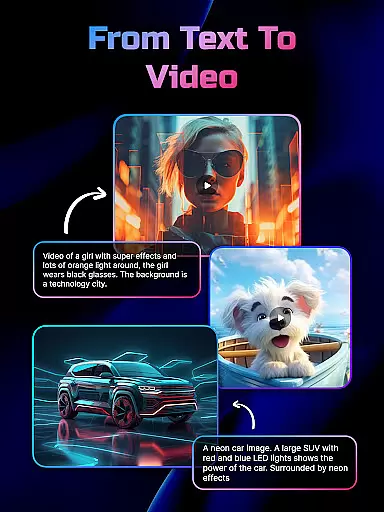
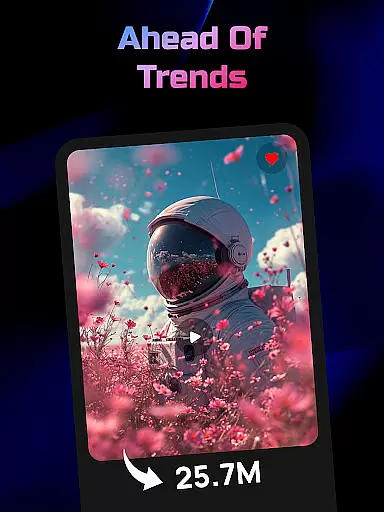
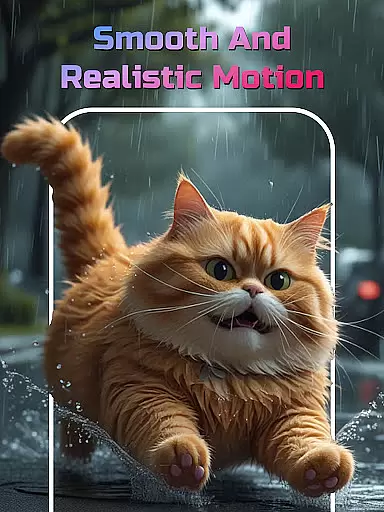
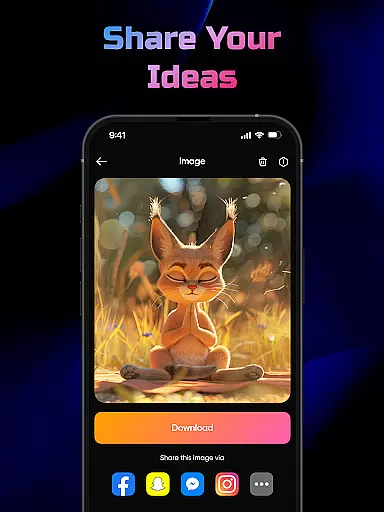
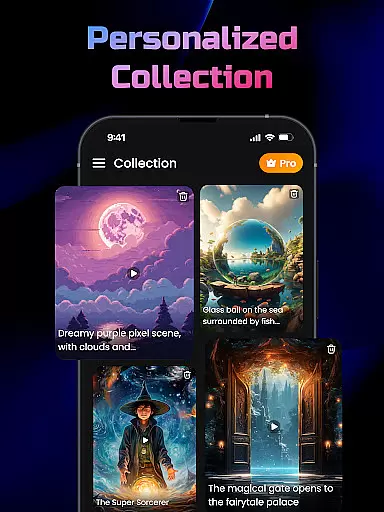
AI Video Generator is a cutting-edge application designed for creators and marketers who want to transform their textual content into professional-quality videos effortlessly. The app leverages advanced FlixAI GPT technology to convert scripts, articles, or any text-based ideas into visually engaging videos or images. With capabilities ranging from AI-powered video generation to unique art-inspired image creation, it caters especially to those in marketing, education, and social media domains.
One of the standout features of this app is its ability to generate high-quality visuals with synced text, motion effects, and smooth transitions. Whether you're looking to create anime visuals or dynamic storytelling sequences, AI Video Generator delivers studio-style outputs that are both intuitive and fast. This makes it an ideal tool for users who need quick yet polished content without spending hours on manual editing.
The app's practical use cases extend to various fields such as digital marketing, educational content creation, and even casual social media posting. By simply typing your idea into the app, you can produce stunning visual narratives that captivate audiences and convey messages effectively. Its ease of use and powerful AI-driven tools make it invaluable for anyone seeking efficient content production.
AI Video Generator offers a comprehensive suite of features that cater to diverse content creation needs. At its core, the app provides an AI Video Generator powered by GPT technology, which allows users to convert any text input into a fully-realized video. This feature uses sophisticated algorithms to analyze the provided content and generate matching visuals, animations, and transitions automatically.
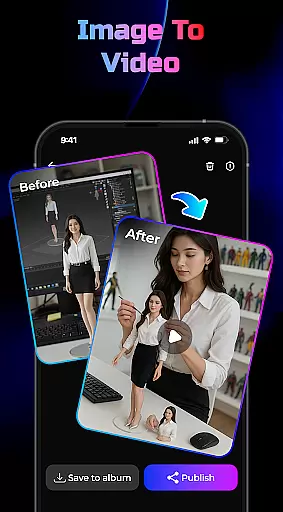
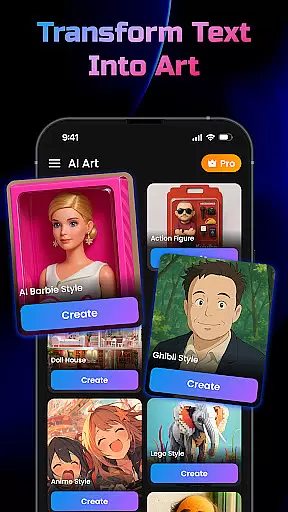
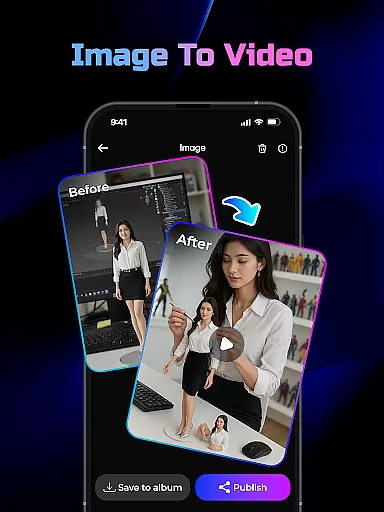
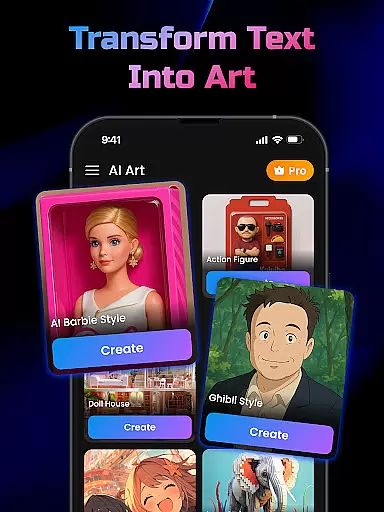
In addition to video generation, the app includes a Text-to-Image Generator that transforms written descriptions into unique, art-inspired images. Another notable feature is the Image-to-Video Generator, which converts static photos into dynamic videos with 3D effects and smooth motions. These functionalities ensure that users have multiple creative avenues to explore while maintaining high output quality.
Speed and simplicity are central to the app's design philosophy. It boasts an intuitive interface that facilitates lightning-fast video creation without compromising on quality. Users can expect studio-grade results complete with synced text overlays, motion graphics, and professional transitions. Such robust features not only save time but also enhance the overall storytelling experience, making AI Video Generator a top choice for modern content creators.
In the realm of digital content creation, having a comprehensive suite of creative tools is essential for realizing one's vision. AI Video Generator stands out by offering an extensive array of features that cater to various content creation needs.
At its core, this application leverages FlixAI technology to transform text into high-quality videos or images, providing users with unmatched flexibility. Whether it's through the AI Video Generator, Text-to-Image Generator, or Image-to-Video Generator, each tool is designed to unlock new levels of creativity.
Users benefit from not only the diversity of tools but also their sophistication. The app automatically adds animations, effects, and transitions based on the input text, resulting in dynamic storytelling capabilities. This means creators can produce studio-style videos complete with synced text, motion, and effects without needing any design skills.
The true value of such a complete set of creative instruments lies in democratizing content creation. By simplifying complex processes into just a few taps, AI Video Generator empowers all users to bring their ideas to life quickly and professionally.
Flexibility in canvas and format options is crucial for adapting to different creative visions and platform requirements. AI Video Generator addresses this need by enabling users to experiment with a wide range of visual formats effortlessly.
This app doesn't constrain creators to a single type of output; instead, it allows for the generation of both videos and realistic images. With support for various styles including anime visuals and magic transitions, the possibilities are vast.
Moreover, the ability to convert any photo or picture from your phone into an AI video with smooth motion and 3D effects showcases the appu2019s versatility. Such features ensure that no matter what kind of project you're working on, AI Video Generator can accommodate it.
Ultimately, this level of adaptability not only enhances user experience but also broadens the scope of projects that can be undertaken. Creators have the freedom to explore different mediums and formats, knowing that their final outputs will maintain high quality across all platforms.
User-friendly interface
High-quality video output
Quick rendering speed
Versatile content options
Advanced AI technology
Limited customization
Occasional glitches
Internet dependency
Few templates available
Premium features locked

Meet the magic aı 3d photo generator and smart AI video generator app.
 3.20
3.20
Unleash your drawing and painting potential
4.50
Photo blender app to create overlay photos & double exposure.
4.40
See Color, Paint Color
4.90
Art of Combination Wear OS Watch Faces
4.4
2D animation studio for Android tablets - unlimited layers, infinite timeline
4.70
Everything you need to create hand drawn animation, anywhere you go!
4.40
Beauty Camera - Selfie Camera is the ultimate beauty camera and selfie app
4.30
Multiplayer Drawing game, Coloring, Painting・Sketch, Handwriting・Paint, draw
4.30
Convert image to JPG PNG HEIC PDF, support almost all kinds of image formats
4.70
Castle is social media for creating and playing games!
4.60
Turn your drawings into flipbook-style animations with simple creative tools
4.60
Image/ Text to Video Generator
4.40
Remove Background, Magic Eraser, Photo Enhancer, Story Templates, Collage Maker
4.30
Create Logos, Tattoos, AI Art & more with our AI Photo Generator & Design Editor
4.20
OneUI 8.5 icons ✨ Smooth, modern & based on the latest Play Store design ??
4.10
Turning simple sketches into captivating tales filled with life and motion
3.90
Experience next-gen icons with a modern liquid glass look.
3.60
A luxurious gold watch face for an elegant and refined look.
4.2


User Reviews