
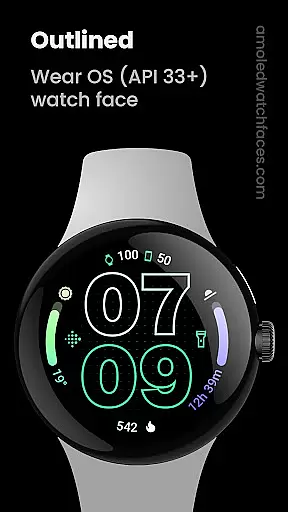
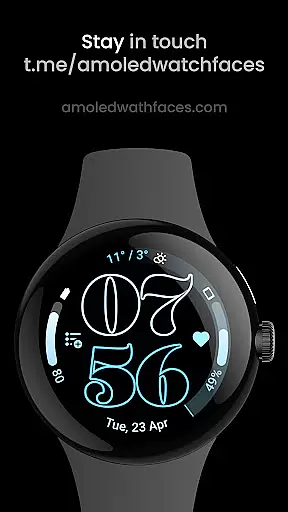
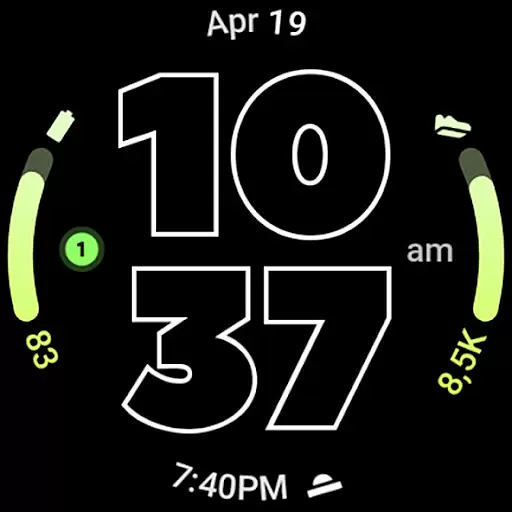
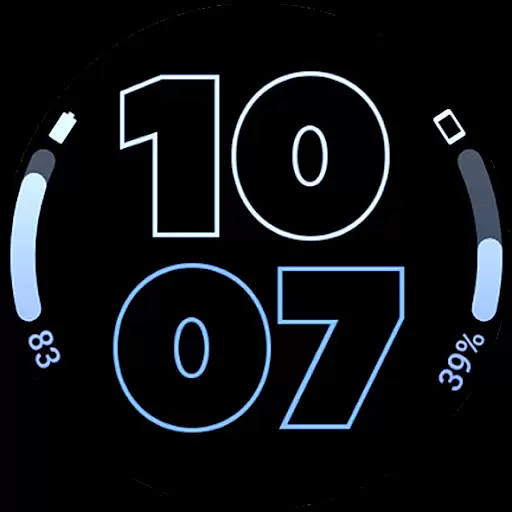
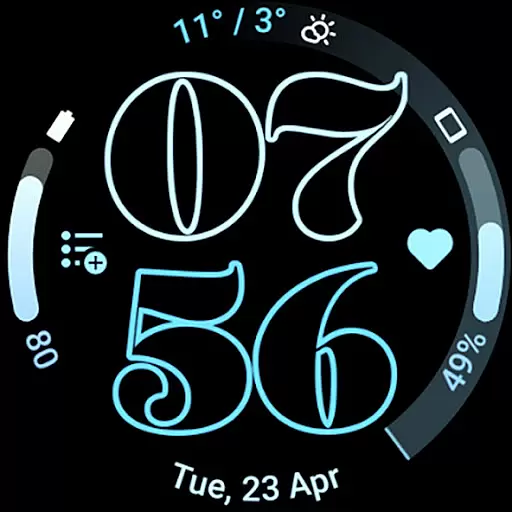
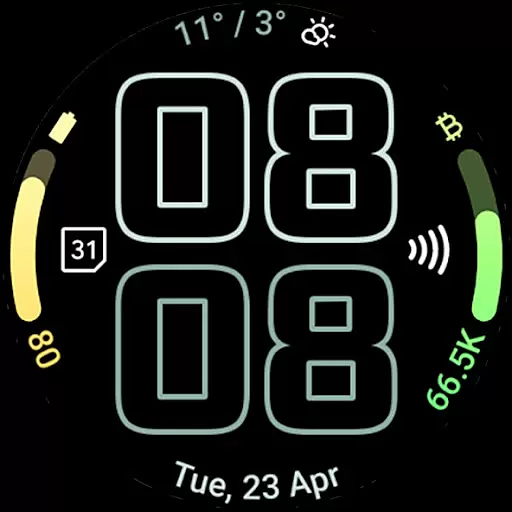
Outlined Watch Face is a premium wearable app designed exclusively for Wear OS 4+ devices. This sophisticated watch face features a modern outlined digital clock design with customizable font options, making it both stylish and functional. With support for two gradient arc complication slots and combined watch/phone battery complications, users can access essential information at a glance while enjoying a battery-friendly true black background.
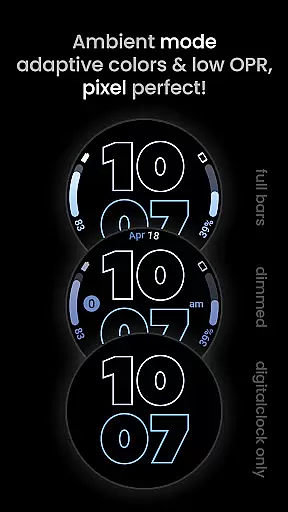
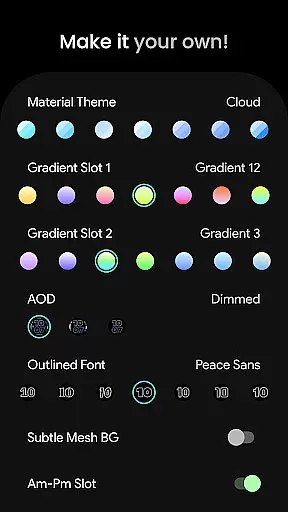
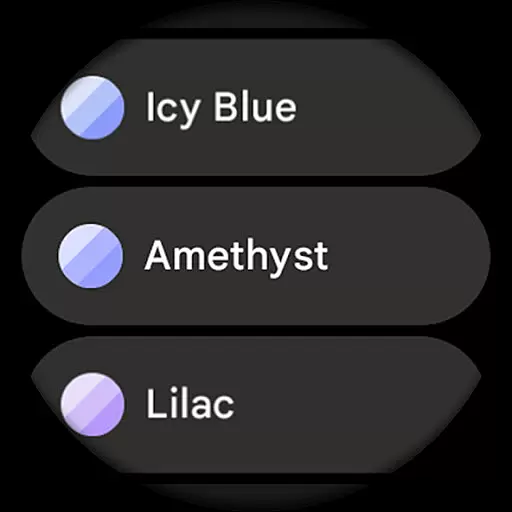
The watch face offers extensive customization possibilities including unique material color themes, high-resolution design elements, and three Always-On Display (AOD) styles. Users can personalize each progress bar gradient individually and choose from over 60 material themes. The optional wave-styled seconds indicator and subtle mesh background add distinctive visual touches to create a truly unique timepiece experience.
Ideal for users seeking a balance between aesthetics and functionality, this watch face is fully compatible with Pixel Watch 2 and Galaxy Watch6 devices. The intuitive customization options allow users to tailor their watch face to match their personal style while maintaining excellent battery efficiency through features like MCU offloading in AOD mode.
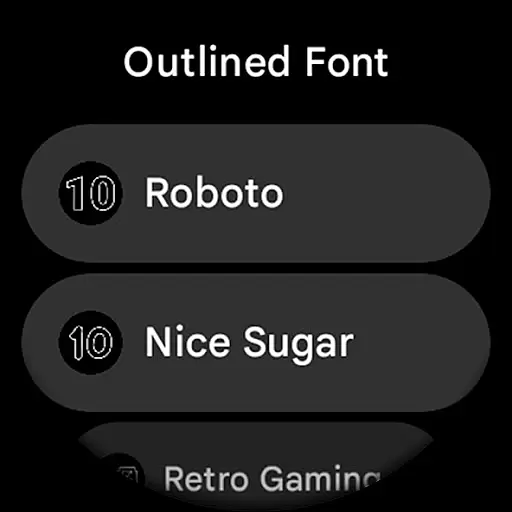
Outlined Watch Face stands out with its innovative Watch Face Format implementation and comprehensive feature set. The application supports two gradient arc complication slots that can display ranged value complications with individually customizable gradients, providing users with detailed progress indicators. Its unique outlined digital clock fonts come in ten variations, allowing for personalized time display that maintains excellent readability.
Battery efficiency is prioritized through several key features including true black background optimization, burn-in protection, and three distinct AOD modes. The most efficient AOD option utilizes only the digital clock while offloading processing to the MCU, significantly extending battery life. Users can further customize their experience with options like wave-styled seconds indicators, monochromatic icon tinting, and am/pm slot configurations.
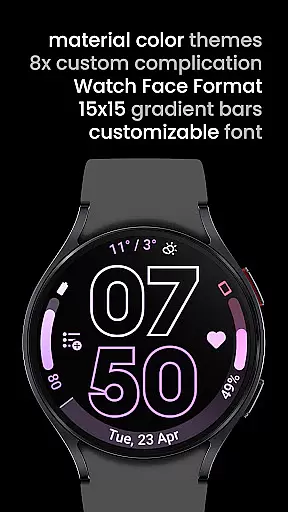
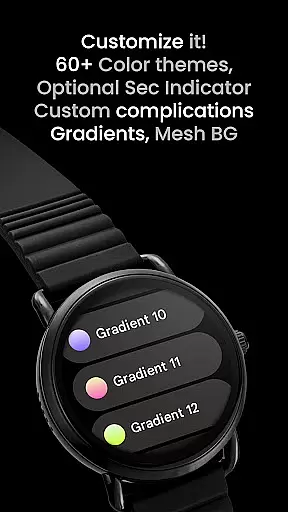
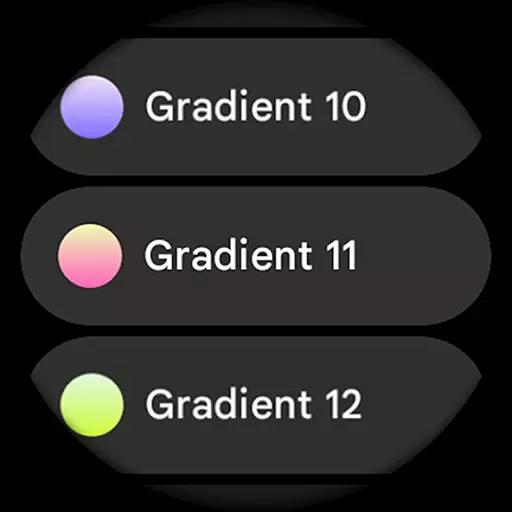
The watch face offers extensive user configuration options including 60+ material themes, 19 gradient choices for complication slots, and eight custom complication settings. These features are complemented by practical considerations such as high-resolution design elements, compatibility with custom complication apps, and support for both Wear OS native complications and third-party applications. The result is a versatile and visually striking watch face that adapts to various user preferences and device capabilities.
Outlined Watch Face offers a comprehensive suite of creative tools that cater to users who want to personalize their Wear OS 4+ devices. With over 60 material themes, 19 gradient options for two slots, and 10 unique outlined font choices, the app ensures that every user can find a combination that suits their style.
The app also supports advanced customization features such as individual progress bar gradients when using ranged value complications. This allows users to fine-tune the appearance of their watch face in a way that is both visually appealing and meaningful to them. Additionally, the inclusion of burn-in protection and optional wave-styled seconds indicators showcases its attention to detail and device longevity.
Furthermore, Outlined Watch Face provides three Always-On Display (AOD) styles, giving users flexibility in how they interact with their timepiece throughout the day. These extensive customization options empower users to create a truly unique daily companion tailored specifically to their preferences.
One of the standout features of Outlined Watch Face is its canvas and format flexibility, which ensures compatibility across various devices like the Pixel Watch 2 and Galaxy Watch6. The app's support for high-resolution designs and true black backgrounds makes it ideal for AMOLED displays, offering crisp visuals and battery efficiency.
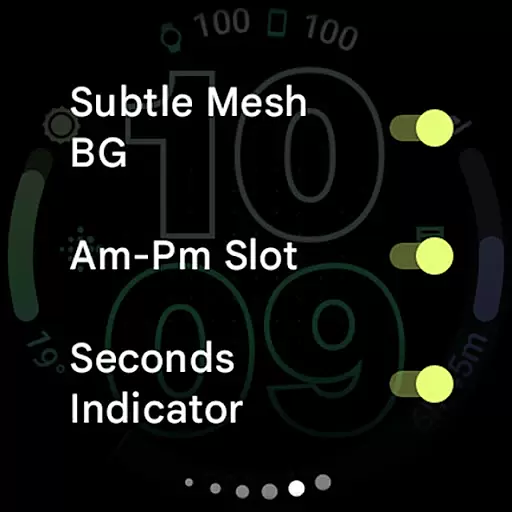
The app's design takes full advantage of the Watch Face Format, ensuring that all elements are displayed correctly regardless of the device's screen specifications. Users have the option to customize each aspect of the watch face, including toggles for subtle mesh backgrounds, AM-PM slots, and tinted icons, allowing for a personalized experience that maintains visual consistency.
Additionally, the app offers different settings to optimize battery usage without compromising aesthetics. For instance, users can choose from three AOD styles or opt to use only the digital clock, offloading more tasks to the MCU for improved battery life. This balance between customization and performance highlights the app's commitment to providing a flexible yet efficient user experience.
Highly Customizable
Battery Efficient
Modern Design
True Black Background
Extensive Compatibility
No Rectangular Support
Premium Only
Complex Setup
Limited Free Options
Wear OS 4+ Required

Apply cartoon, caricature, and portrait effects to make your photos stand out!
 3.60
3.60
See Color, Paint Color
4.90
Design unique, funny and adorable cat stickers that reflect your own style!
3.80
Your AI soulmate — meaningful chats, and unique emotional moments
4.70
Minecraft & Roblox Clothes
4.70
Get an overview over all your embroidery threads, projects and more.
4.60
Experience next-gen icons with a modern liquid glass look.
3.60
Video AI: Revolutionize Your Content Creation with Advanced Video Generation
4.50
Draw, make movies & animate cartoons easily with our 2D animation maker app
4.40
2D animation studio for Android tablets - unlimited layers, infinite timeline
4.70
Draw anime & manga drawing, art with templates to create stunning picture!
4.50
Digital illustration drawing & painting pad app to paint Anime and Manga art
4.50
Create neon drawing with magic doodle and fun doodle art effects!
4.50
Share the joy of painting with ibis Paint! Drawing anime and manga art.
4.50
Photo blender app to create overlay photos & double exposure.
4.40
Trace, draw, and create art with AR - from memes to masterpieces!
4.30
Easy 3D drawing design maker & creator. Model designing, Sculpting. Create&paint
4.00
AR Anime Drawing: How to draw anime with AR drawing & sketching apps!
4.00
Get creative and make art with your Sesame Friends!
4.00


User Reviews