
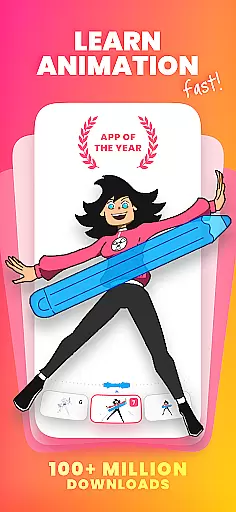
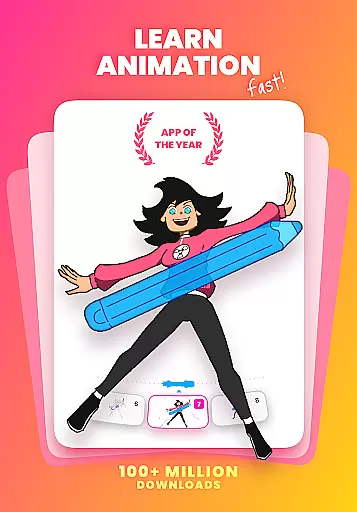
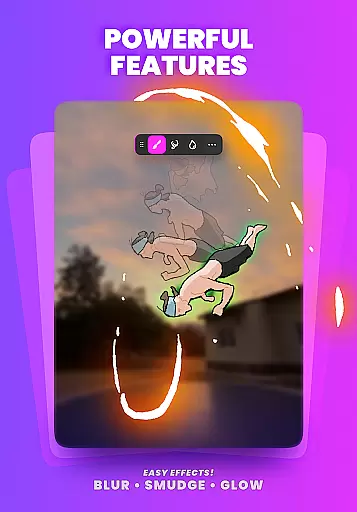
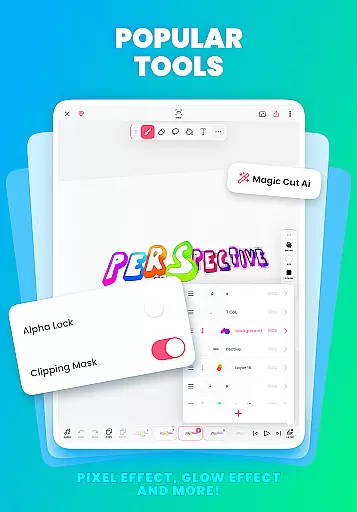
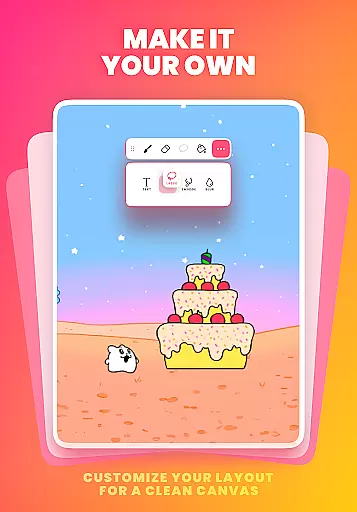
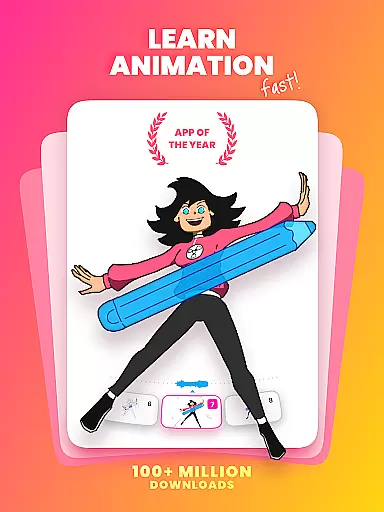
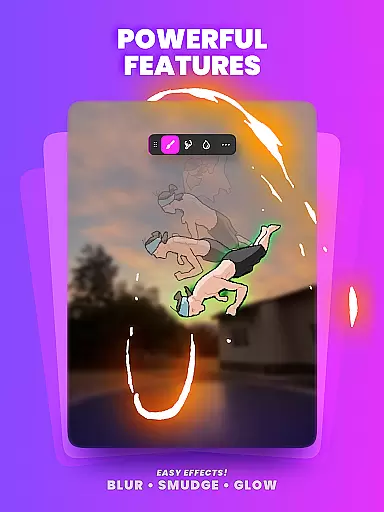
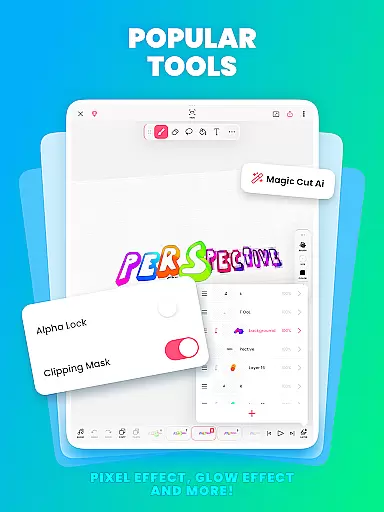
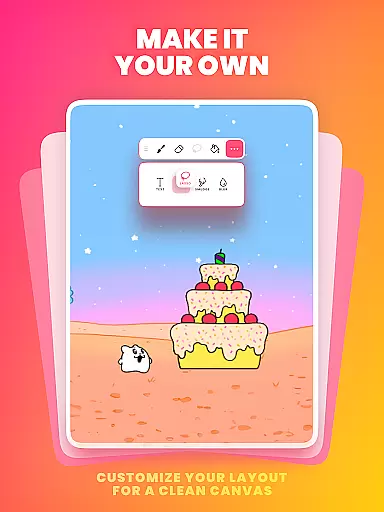
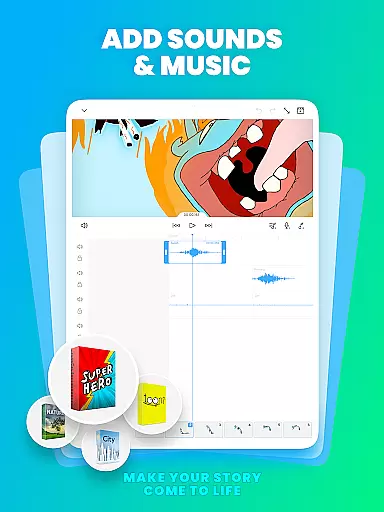
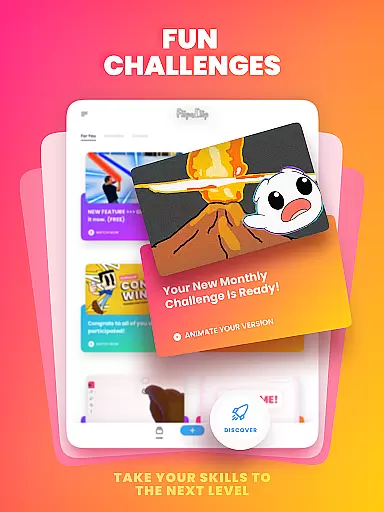
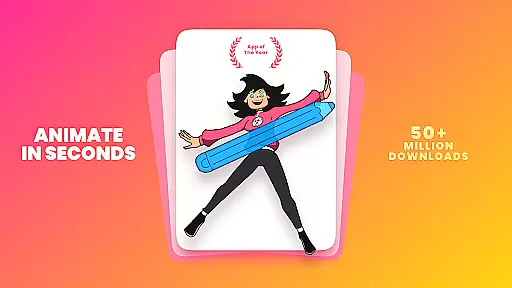
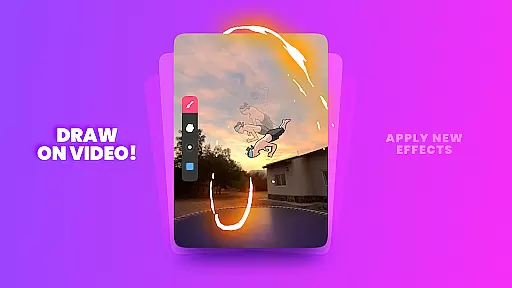
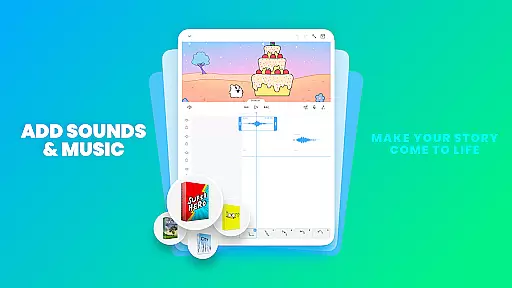
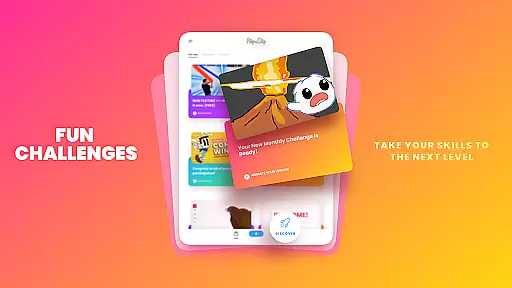
FlipaClip is a leading 2D animation app designed for both amateur artists and professional creators. This versatile tool allows users to draw, animate, and produce short animated films and flipbooks with remarkable ease. The app's intuitive interface combines the simplicity of traditional flipbook animation with advanced features like frame-by-frame editing, onion skinning, and multi-layer support.
Whether you're creating cartoons, anime, memes, or storyboards, FlipaClip provides all necessary tools in one place. With support for pressure-sensitive styluses and various export options including MP4, GIF, and PNG sequences, it caters to diverse creative needs. The app also incorporates AI-powered features like Magic Cut and Voice Maker, making it an ideal choice for modern content creators across platforms like YouTube, TikTok, and Instagram.
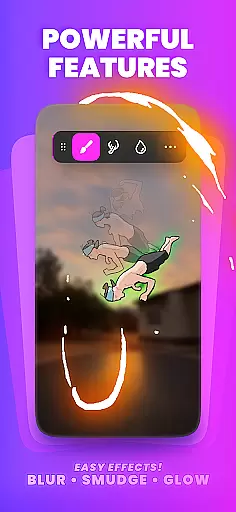
FlipaClip distinguishes itself through its comprehensive suite of professional-grade animation tools. The app's frame-by-frame animation timeline gives creators precise control over their work, while the innovative onion skin feature ensures smooth transitions between frames. Users can work with up to 10 layers (3 free) for complex compositions, and utilize advanced effects such as glow and blending modes even in the free version.
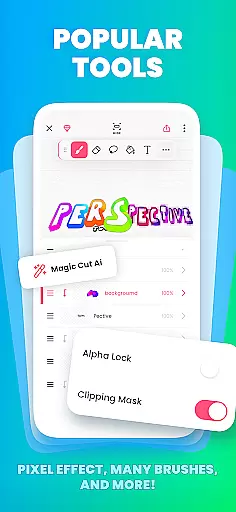
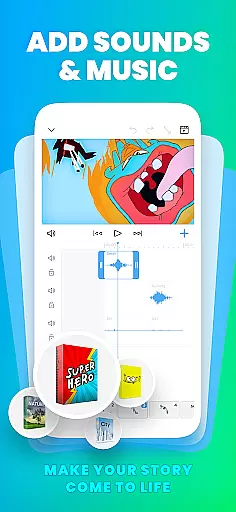
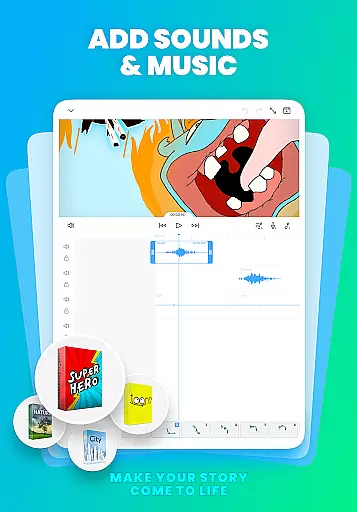
The application supports importing photos and videos for rotoscope animation, and offers unique AI-powered tools like Magic Cut for instant object separation. Its audio capabilities are equally impressive, allowing up to 6 audio tracks with perfect synchronization to animation timelines. Additional features include pressure-sensitive drawing tools, customizable canvas sizes, and various import/export options that make it suitable for both beginners learning animation basics and professionals working on complex projects.
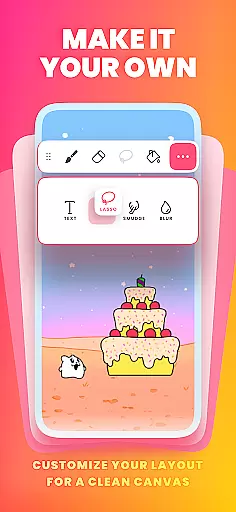
FlipaClip stands out as a comprehensive creative suite for both budding and professional artists in the realm of 2D animation. The app offers an extensive array of drawing tools, including brushes, fill, lasso, eraser, ruler, text, and shape tools, which cater to a wide spectrum of artistic needs.
With support for pressure-sensitive styluses like the Samsung S Pen and SonarPen, FlipaClip ensures precision and natural drawing experiences. Artists can work on custom canvas sizes and utilize up to 10 layers (with 3 free) for complex drawings, allowing them to create detailed and vibrant animations.
The inclusion of innovative features such as onion skinning for smooth transitions, glow effects, blending modes, and AI-powered Magic Cut for instant object slicing showcases FlipaClip's commitment to providing a complete creative toolkit. These tools not only enhance the drawing experience but also streamline the animation process.
Creators looking to learn how to animate or refine their skills will find FlipaClip's frame-by-frame animation timeline and rotoscope animation capabilities invaluable. This robust set of features empowers users to bring their ideas to life with ease and efficiency.
Flexibility in canvas and format options is crucial for unleashing creativity without constraints, and FlipaClip excels in this aspect. The app allows artists to paint on custom canvas sizes, offering the freedom to experiment with different dimensions and aspect ratios that best suit their project requirements.
Artists are not limited by format either; FlipaClip supports exporting animations in multiple formats, including MP4, GIF, or PNG sequences with transparency. This versatility enables creators to share their work across various platforms like YouTube, TikTok, Instagram, and more, ensuring their animations look great no matter where they're viewed.
For those interested in flipbook animation or creating content for social media, the ability to export in these versatile formats is particularly beneficial. It allows for seamless integration into video projects or online posts, maintaining high-quality visuals throughout.
Moreover, the support for importing photos or videos to create rotoscope animations adds another layer of format adaptability. With these flexible canvas and format options, FlipaClip positions itself as an ideal choice for animators seeking uninhibited creative expression.
User-friendly interface
Powerful animation tools
AI-powered features
Multi-platform support
Active community engagement
Limited free layers
Premium features locked
Advanced tools complexity
Occasional performance lag
Internet connection required

Transform photos into amazing monochrome dither art with professional algorithms
 4.2
4.2
Art of Combination Wear OS Watch faces
4.1
Digital illustration drawing & painting pad app to paint Anime and Manga art
4.50
Logo Generator powered by AI: Create stunning logos effortlessly!
4.70
See Color, Paint Color
4.90
Make your phone cooler and have a fantastic experience
4.80
AI Art Generator transforms your words into AI generated art & paintings.
3.70
Powerful home decoration & house design that allows you to design dream home.
3.80
Image resizer to resize, crop, rotate, flip, change dpi photo or picture in bulk
4.60
Mobile pixel art editor. Simple. Fast. Portable.
4.80
Novices can also easily complete diamond painting masters
4.70
2D animation studio for Android tablets - unlimited layers, infinite timeline
4.70
Castle is social media for creating and playing games!
4.60
Draw glowing spinners, relax, and spin your creative art
4.60
Kling AI is an image and video generation and editing studio powered by AI.
4.50
Customizable Outlined Fonts. Watch Face Format. Battery friendly Digital Clock.
4.20
Design your dream room with AI. Get decor ideas & plan home interiors
3.90
Premium version of Shimeji-ee app with no ads & no limit active shimeji
4.4
Art of Combination Wear OS Watch Faces
4.1


User Reviews