
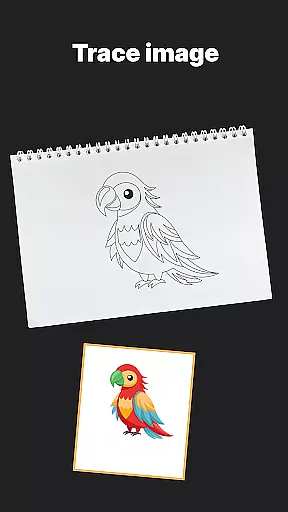
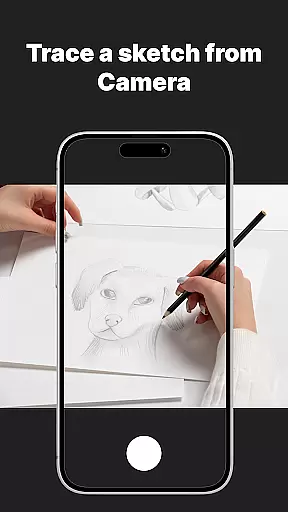
AR Drawing Sketch Painting App is an innovative mobile application that transforms your smartphone into a powerful AR-powered drawing tool. Designed for artists of all skill levels, this app allows users to trace drawings, create meme art, and learn to draw directly on real paper using augmented reality technology.
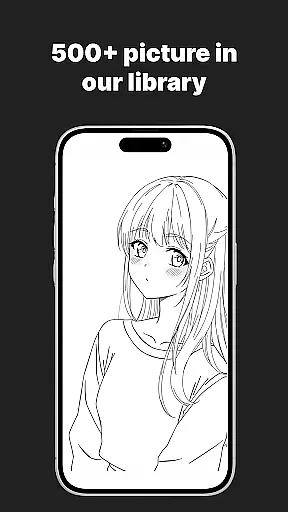
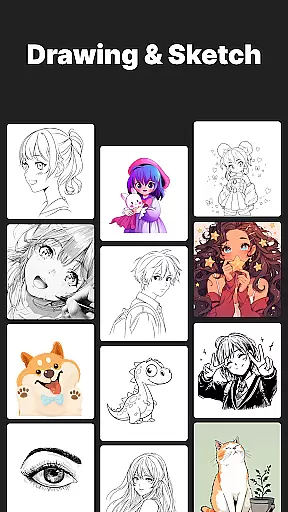
The app's standout feature is its massive template library, offering thousands of templates across various categories including anime, portraits, animals, cars, flowers, tattoos, icons, and trending memes. With additional tools like step-by-step drawing lessons, customization options, and time-lapse video capture, it provides both educational value and creative entertainment. Whether you're a beginner looking to learn drawing basics or a professional artist wanting to experiment with new styles, this app caters to all artistic needs.
This application is particularly useful in educational settings where art teachers can utilize the guided tutorials to help students develop their skills systematically. The combination of traditional drawing methods with modern AR technology creates a unique and engaging artistic experience that bridges the gap between digital and physical art forms.
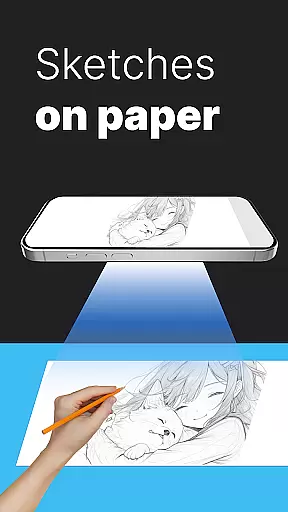
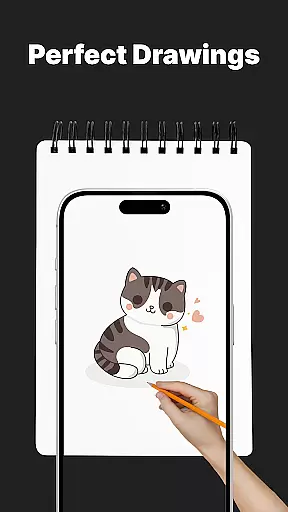
AR Drawing Sketch Painting App stands out through its comprehensive set of features designed to enhance the drawing experience. The app's core functionality revolves around its AR Trace Drawing feature, which projects selected templates onto real paper through the phone's camera, allowing users to trace artwork with precision.
Beyond basic tracing, the app offers multiple modes to suit different artistic needs. The Meme Mode provides exclusive collections of popular internet memes, while the step-by-step drawing lessons cater to artists at all skill levels. Advanced customization tools enable users to adjust opacity, zoom, rotate images, and even use the flashlight for better visibility during tracing sessions.
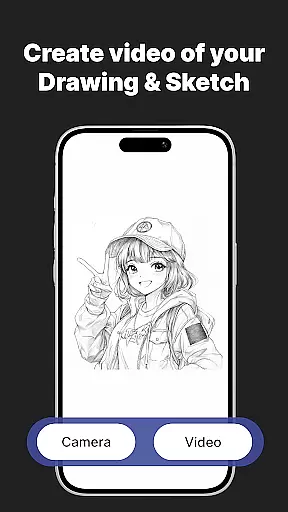
Additional notable features include automatic time-lapse recording of the drawing process, weekly template updates to keep content fresh, and seamless sharing capabilities for showcasing finished artwork on social media platforms. These features collectively create a versatile artistic tool that combines entertainment with practical learning opportunities.
AR Drawing Sketch Painting App offers an extensive suite of creative tools that cater to both amateur and professional artists. The app includes a massive template library with thousands of templates spanning various categories such as anime, portraits, animals, and trending memes.
One of the standout features is the AR Trace Drawing, which allows users to select a template and trace the lines directly onto paper using their phoneu2019s camera. This functionality bridges the gap between digital convenience and traditional art forms, providing an innovative way to create artwork.
In addition to tracing, the app provides step-by-step drawing lessons tailored for all skill levels. These tutorials help users improve their skills while offering customization tools that allow adjustments in opacity, zoom, rotation, and even flashlight settings for better visibility.
The combination of these comprehensive tools ensures that users have everything they need to explore their creativity fully. Whether you're looking to learn new techniques or produce high-quality art, this app delivers the complete package.
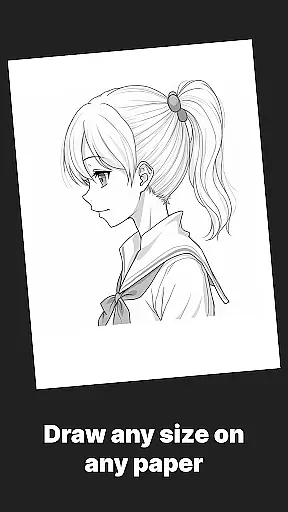
Flexibility in canvas and format options is crucial for artists who wish to express their creativity without limitations. AR Drawing Sketch Painting App excels in this area by offering versatile solutions that adapt to different artistic needs.
Users can choose from a wide array of templates or upload their own images, giving them the freedom to work with custom content. This feature is particularly beneficial for those who want to incorporate personal photos or unique designs into their artwork.
The app supports multiple styles, from realistic portraits to humorous meme drawings, ensuring it caters to diverse tastes and preferences. Additionally, its compatibility with various devices means you can use your phone or tablet as a portable art studio.
With weekly updates introducing fresh templates and continuous improvements, AR Drawing Sketch Painting App remains a dynamic platform for unleashing creativity. Its flexible approach empowers users to experiment with different formats and styles, making it an invaluable tool for artists of all ages and skill levels.
User-friendly interface
Extensive template library
Augmented reality guidance
Regular content updates
Educational value
Requires stable phone positioning
Limited free templates
Device compatibility issues
Premium subscription needed
Learning curve for beginners

Premium version of Shimeji-ee app with no ads & no limit active shimeji
 4.4
4.4
Digital Drawing: Draw & Paint
4.10
Draw on screen: FP sDraw is a simple and lightweight drawing app
4.70
Castle is social media for creating and playing games!
4.60
Create stunning art with AI.
4.80
A luxurious gold watch face for an elegant and refined look.
4.4
Video AI: Revolutionize Your Content Creation with Advanced Video Generation
4.50
How to draw anime step by step for beginner easily by AR drawing sketch & paint.
3.60
Multiplayer Drawing game, Coloring, Painting・Sketch, Handwriting・Paint, draw
4.30
Make your phone cooler and have a fantastic experience
4.80
Mobile pixel art editor. Simple. Fast. Portable.
4.80
Draw, fidget, and spin glow art! Relax and express your creativity with a finger
4.60
Discover Cartoon Dream : Unleash Your Creativity with CuttingEdge AI
4.50
Create neon drawing with magic doodle and fun doodle art effects!
4.50
800+ Drawing, Painting Lessons App to Practice, Sketch & Paint Art.
4.30
Sketch, plan, take notes and illustrate on an infinite canvas.
4.20
Create Logos, Tattoos, AI Art & more with our AI Photo Generator & Design Editor
4.20
Inky runs Inkscape on Android devices and Chromebooks
2.90
Android 14 style widgets and wallpapers app.
4.5


User Reviews