
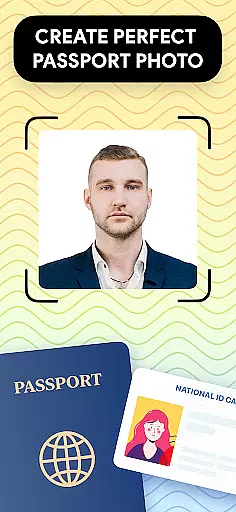
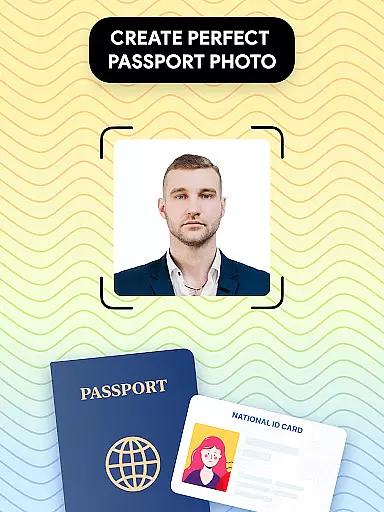
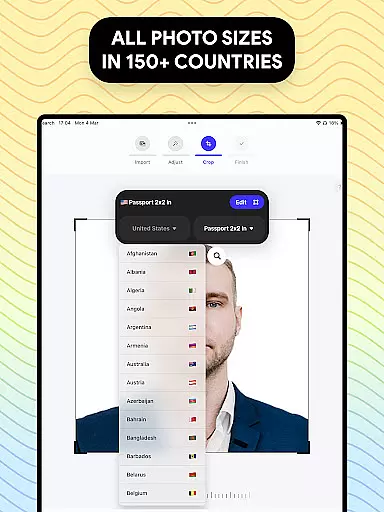
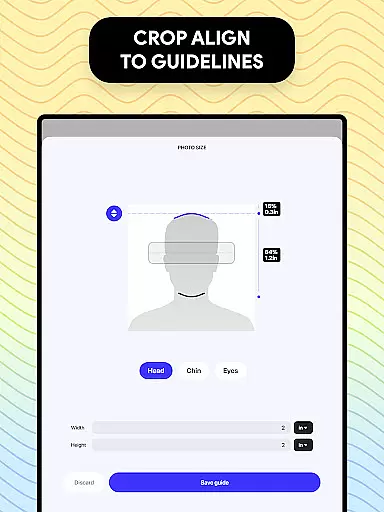
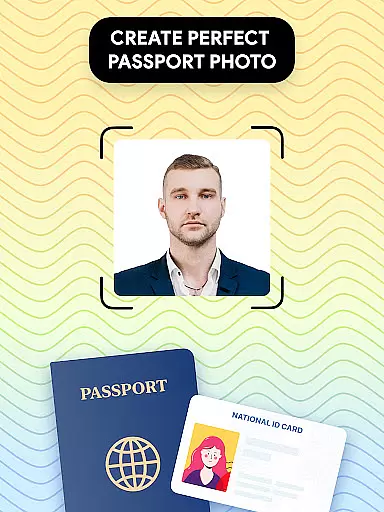
Passport Photo - ID Photo Print is a professional passport photo editor designed for creating high-quality, compliant identification photos from the comfort of your home. This app specializes in adjusting and formatting photos to meet specific government requirements for passports, visas, and other IDs.
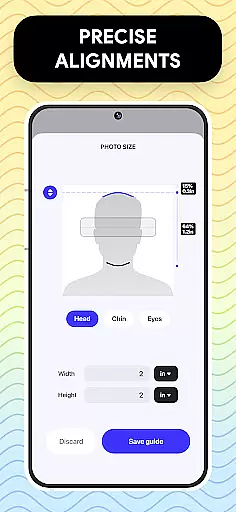
The core functionality includes precise photo sizing options such as 3x4, 4x4, 4x6, 5x7, or 2x2 dimensions, background removal tools for clean white backgrounds, and comprehensive editing features like brightness adjustment, temperature control, and sharpening. It also provides access to a database of international passport photo regulations, ensuring users can create photos that comply with various country-specific standards.
Ideal for travelers, professionals, and anyone needing quick photo updates, this app streamlines the process of preparing official documents. Whether you need a US passport photo or visa images for another country, Passport Photo - ID Photo Print offers an accessible solution that saves time and effort while delivering professional results.
Passport Photo - ID Photo Print stands out with its robust set of features tailored specifically for creating official identification photos. One of its key strengths is the ability to customize photo sizes instantly, supporting formats like 3x4, 4x4, 4x6, 5x7, and 2x2, which cater to different document requirements worldwide.
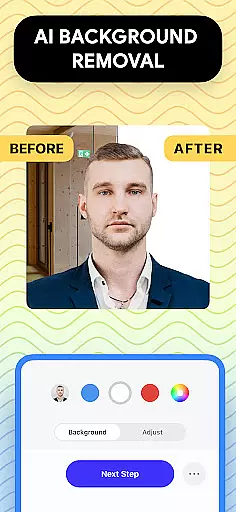
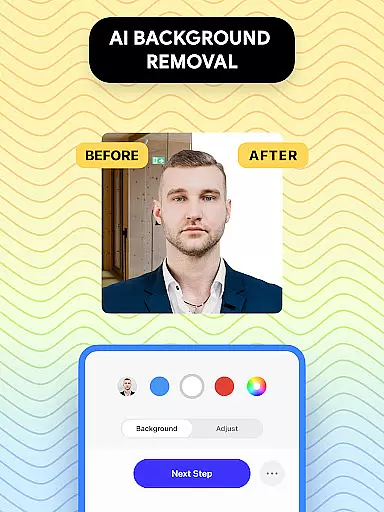
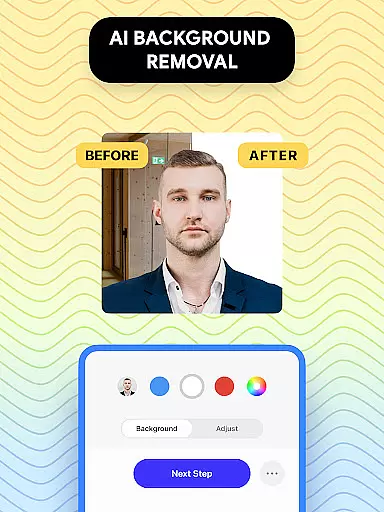
The app's advanced editing tools allow users to enhance their photos with precision. Features include brightness and temperature adjustments, sharpening options, and aspect ratio modifications. Additionally, the built-in background remover enables users to replace any backdrop with a pure white or colored background, ensuring compliance with strict governmental guidelines.
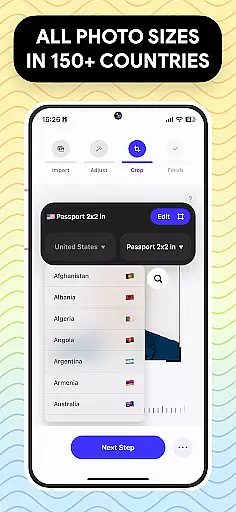
Another notable feature is the extensive database of international passport and visa photo regulations. This ensures that users can confidently produce photos that meet the exact specifications required by various countries. The combination of these powerful tools makes Passport Photo - ID Photo Print an indispensable resource for anyone needing professional-grade identification photos without leaving home.
When it comes to creating and editing passport photos, having access to a comprehensive set of creative tools is essential. Passport Photo - ID Photo Print offers an extensive suite of features that cater to all your photo editing needs.
This app provides users with the ability to adjust brightness, temperature, and sharpness, ensuring that each photo meets the highest standards of quality. The inclusion of these editing tools allows for precise modifications, making certain that your passport or visa photos are picture-perfect.
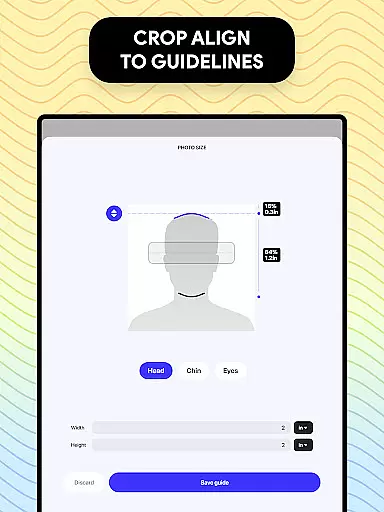
Moreover, the app supports various photo sizes such as 3x4, 4x4, 4x6, 5x7, or 2x2, which are necessary for different official documents. With the added functionality to change aspect ratios and crop images to exact dimensions, users can be confident that their photos will comply with specific regulatory requirements.
The availability of a background remover feature further enhances the creative process by allowing users to create a white background or choose any colored background. This ensures that regardless of the initial setting, the final photo will meet stringent passport photo guidelines.
Flexibility in canvas and format options is crucial for adapting photos to meet diverse international standards. Passport Photo - ID Photo Print excels in providing users with adaptable solutions for their photo editing needs.
Users can effortlessly modify their photos to fit various formats required for IDs, visas, and passports across different countries. This adaptability ensures that whether you need a 3x4, 4x6, 5x7, or 2x2 photo size, this app has got you covered.
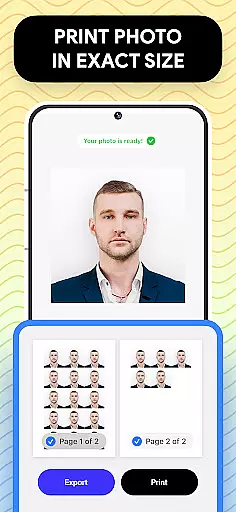
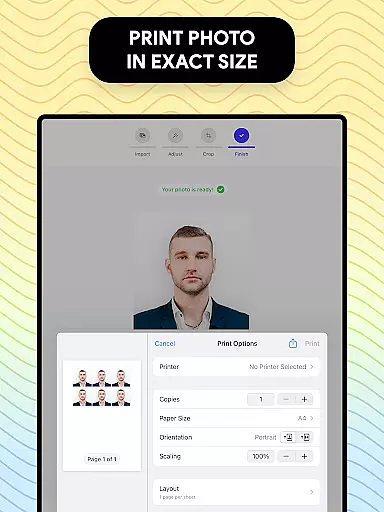
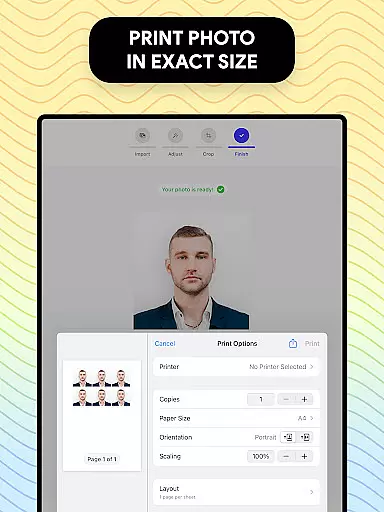
In addition to supporting multiple photo dimensions, the app also enables exporting and printing directly from your phone. This convenience saves time and resources while maintaining professional-grade output quality.
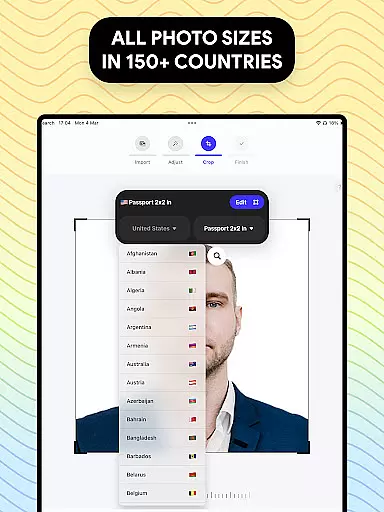
Furthermore, the app's compatibility with regulations from around the world means you can confidently produce an ID photo for a US passport or customize a picture to meet any country's specifications. Such versatility makes Passport Photo - ID Photo Print an indispensable tool for anyone requiring reliable and compliant photo documentation.
User-friendly interface
Comprehensive editing tools
Wide range of size options
Background removal feature
Global regulation database
Limited creative filters
No live customer support
Premium features may require payment
Occasional ads in free version
Advanced tools have learning curve

Customizable Outlined Fonts. Watch Face Format. Battery friendly Digital Clock.
 4.20
4.20
Digital illustration drawing & painting pad app to paint Anime and Manga art
4.50
Create color palette from Image, RGB & RYB Color wheel harmonies, Color Scheme
4.50
Digital, Abstract, Classic - all types of color wheels in one app!
4.60
Your AI soulmate — meaningful chats, and unique emotional moments
4.70
Create cute cat emojis & PFPs! Fun, custom avatars for cat lovers.
3.70
AI Tattoo Generator: Create Tattoo Designs & Get Ideas! Ink & Stencil Maker
4.50
AI-powered photo & video creation—fast, fun, and effortless with Quick Actions
4.60
All-in-One art, logo & collage maker. Design photos and edit video backgrounds
4.80
Mobile pixel art editor. Simple. Fast. Portable.
4.80
Make your phone cooler and have a fantastic experience
4.80
Learn how to draw with step-by-step tutorials, fun lessons & multiplayer drawing
4.70
Minecraft & Roblox Clothes
4.70
Photo stitcher for automatically screenshot stitching into a long screenshot
4.70
Image/ Text to Video Generator
4.40
AI Face Swap, Video Effects Editor, Realtime Morph, Funny Video FX,AI Filters
3.70
AI Assistant, powered by ChatGPT GPT-4 & GPT-4o. Your intelligent companion.
3.50
Create sweet, cool and unique couple avatars easily, in just a few steps!
3.40
Art of Combination Wear OS Watch faces
4.1


User Reviews