
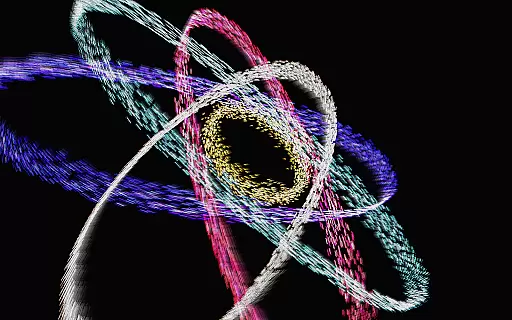
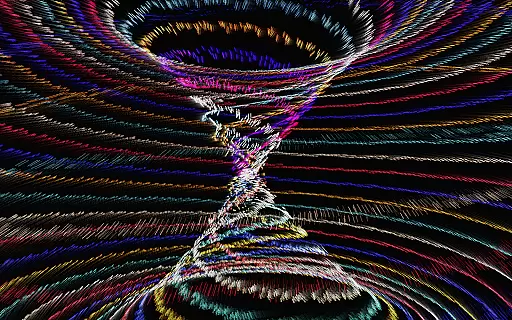
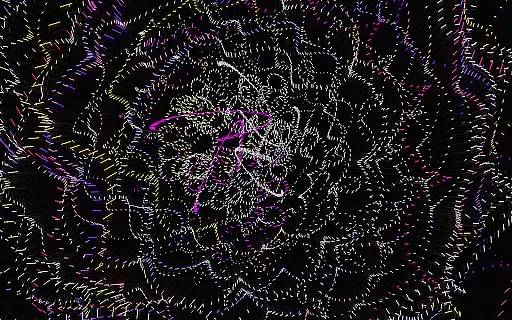
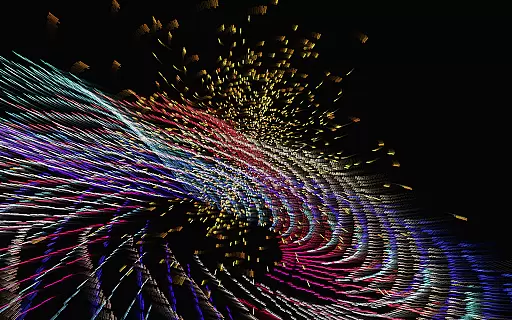
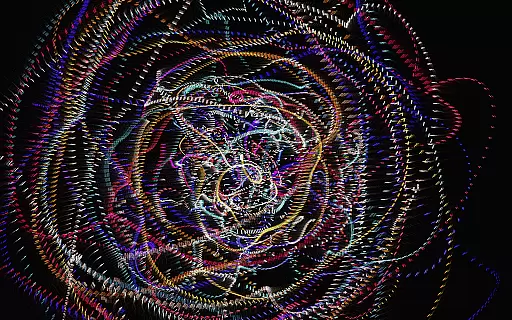
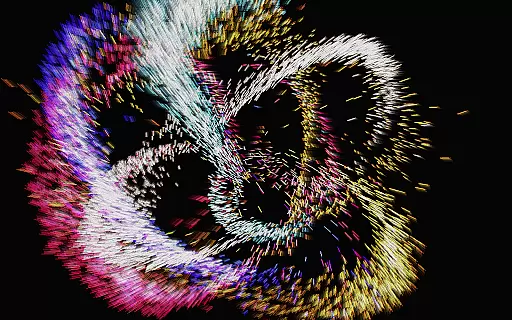
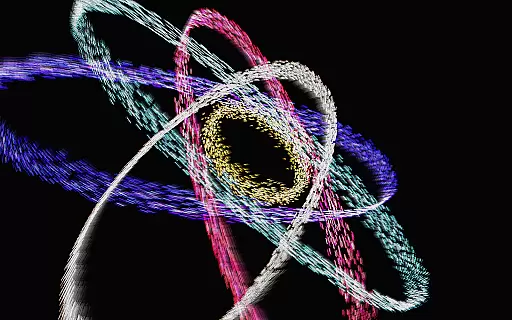
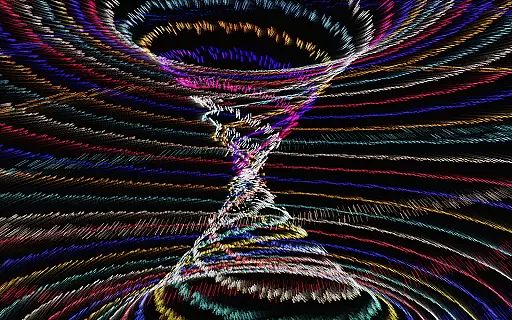
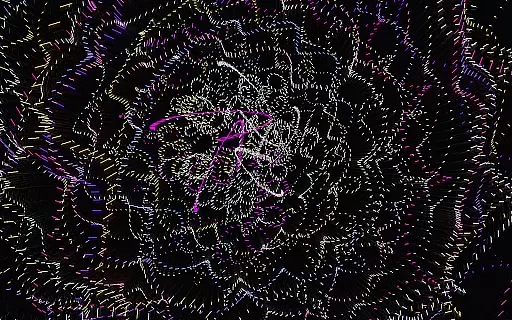
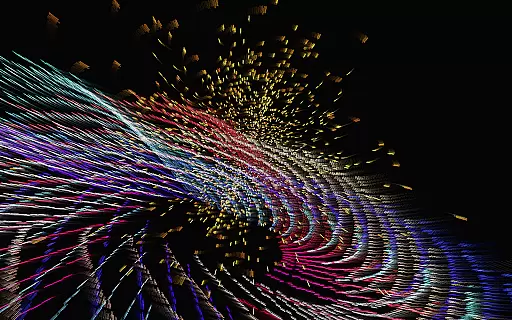
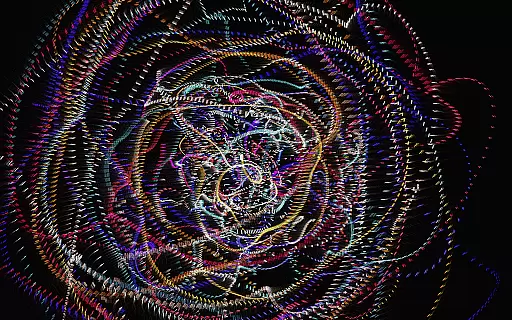
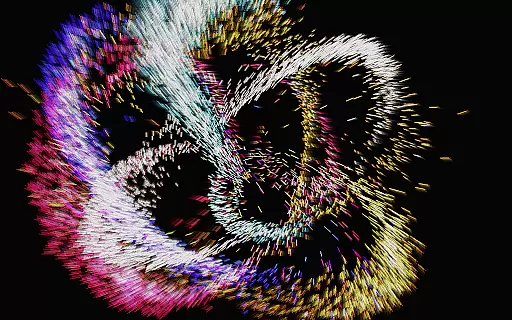
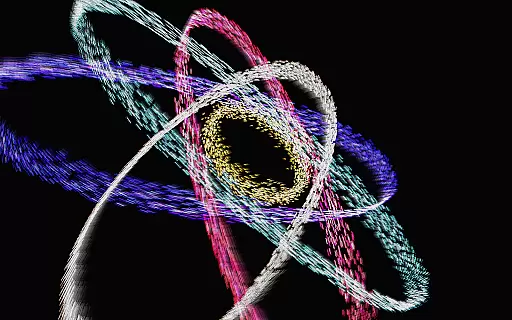
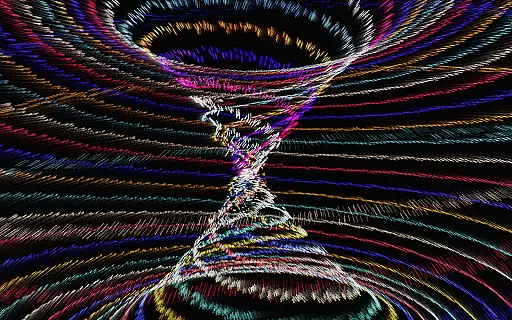
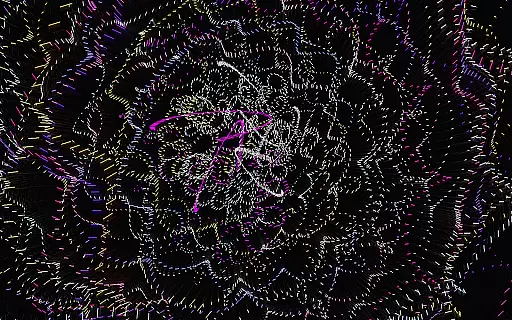
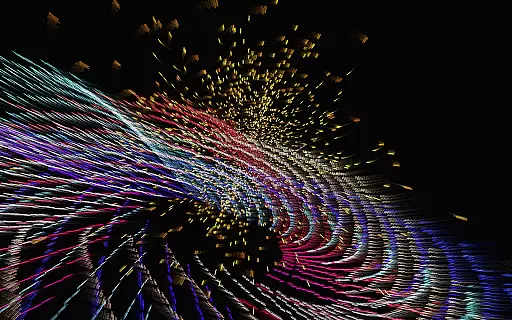
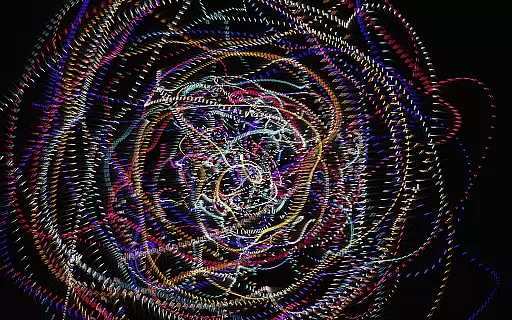
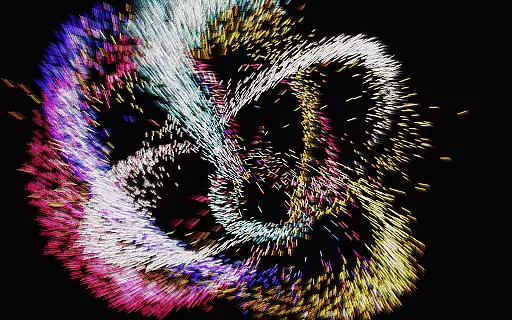
Atomus 3D is an innovative entertainment application that combines art, science, and interactivity into a single mesmerizing experience. Designed for creative thinkers and those seeking a change of pace, this app offers a dynamic visualizer with stunning graphics and customizable features. Users can explore various natural phenomena like fireworks, auroras, and black holes through mathematical and physical simulations optimized for mobile environments.
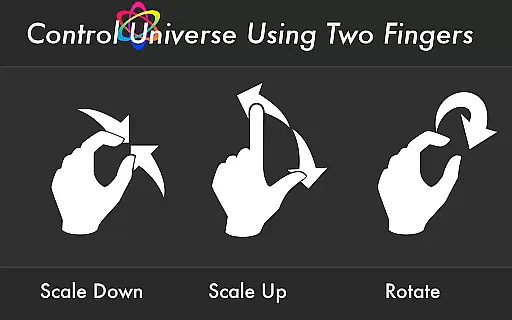
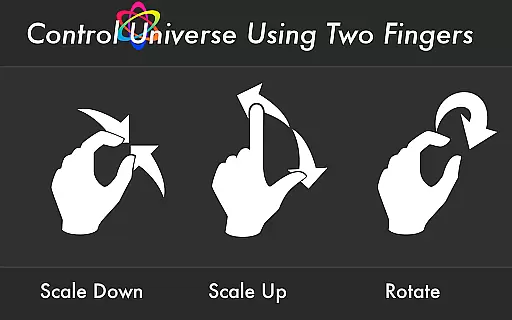
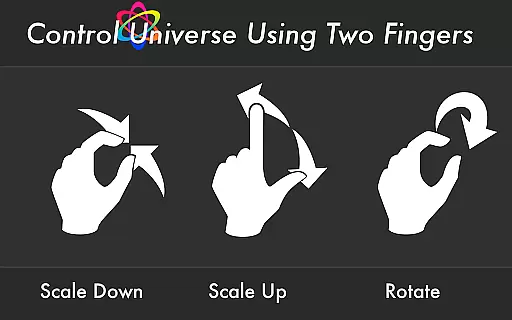
The app's interactive design allows users to manipulate parameters in real-time, creating unique visual experiences. With support for 10-finger multi-touch display and live wallpaper functionality, Atomus 3D transforms any mobile device into a canvas of creativity. Whether you're looking for a digital toy, party entertainment, or interior design inspiration, this app delivers both aesthetic beauty and technical sophistication.
Atomus 3D stands out with its advanced feature set tailored for immersive entertainment. The app supports 10-finger multi-touch gestures, enabling fluid interaction with the visual elements. It includes five selectable music tracks by Ross Bugden, which can be toggled on or off based on user preference.
Performance-wise, Atomus 3D guarantees an impressive rendering speed of 60 FPS, capable of emitting up to 10,000 particles simultaneously. Users can customize particle length, number, and size while switching between three distinct color modes: Neon, Crystal, and Nature. Additionally, the live wallpaper feature ensures that your device's home screen remains as dynamic as the app itself.
Atomus 3D offers an impressive range of content that caters to various interests and preferences. With its foundation in mathematics, physics, and advanced 3D graphic techniques, the app provides users with a dynamic visual experience that includes simulations of natural phenomena such as auroras, tsunamis, and even cosmic events like comets and black holes.
The application's versatility is one of its key strengths. Users can explore a multitude of visual themes ranging from fireworks and whirlwinds to atomic symbols and alien landscapes. This diversity ensures that there is always something new and engaging for users to discover within the app.
Moreover, Atomus 3D allows for extensive customization options which contribute to the feeling of novelty with each use. By adjusting design parameters such as particle length, number, size, and choosing between different color modes like Neon or Nature, users can create unique visual experiences tailored to their personal tastes.
User engagement is a critical factor for any entertainment app, and Atomus 3D excels in this area by providing an interactive platform that encourages prolonged use. The app's ability to render complex visuals at a consistent 60 FPS ensures smooth animations that captivate users' attention and invite them to spend more time exploring its features.
In addition to its captivating visuals, Atomus 3D incorporates auditory elements through five music tracks composed by Ross Bugden. These soundtracks are not only enjoyable but also serve as background scores that enhance the overall immersive experience, prompting users to remain engaged with the app for extended periods.
Retention is further supported by Atomus 3D's live wallpaper feature and multi-touch display capabilities which add practical value beyond mere entertainment. Users can personalize their deviceu2019s appearance with animated wallpapers that reflect their style while enjoying responsive interactions thanks to the 10-finger multi-touch support.
Highly Interactive
Visually Stunning
Customizable Options
Live Wallpaper Support
Multi-Touch Gestures
Complex Interface
High Resource Usage
Limited Free Features
No Offline Mode
Steep Learning Curve

Heroclix search units with multi filter , team builder, collection manager.
 4.40
4.40
Simulation of Dashboard / Touch Screen for Tesla. (Works without actual Tesla).
4.3
Music visualizer and party effects for your Nanoleaf devices
4.3
Time tracking, lap counting and much more for Carrera® Digital 132/124
4.80
Fire effects for your Philips Hue lights
4.20
Catalog & tracker of your DVD, Blu-ray & Digital Movie and TV Collection Library
4.80
Create and play realistic-looking mock Emergency Alert System messages.
4.30
Everything FOX in one place. Watch FOX News, NFL, MLB, TV shows and more.
4.50
Earn Real Rewards Playing Fun Mobile Games & Easy Cash Out - PayPal & Gift Cards
4.40
Pathfinder 2e initiative tracker with bestiary, HP, reaction, conditions, etc
4.80
Chat with AI characters! Anime, games, roleplay & more.
4.50
Realistic Baby Simulator App
4.00
Necrophone is spirit box ghost hunting app made for spirit communication.
3.70
VR 360 Cinema Player is the ultimate VR player for playing videos on mobile
3.50
Stream live TV shows, sports, news, movies & more - all without cable.
3.00
Explore the unknown!
3.00
A wonderful collection of the most beautiful sounds of animals and birds
4.1
Disney Stickers: Zootopia 2
4.3
The classic game of rock, paper, scissors
4.2


User Reviews