
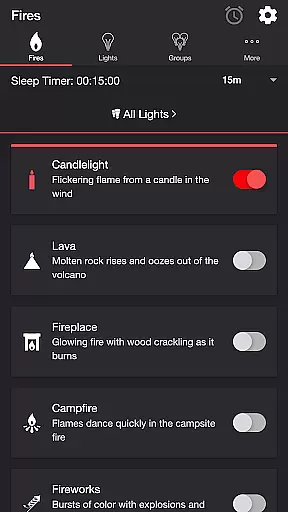
Firestorm for Hue is an innovative entertainment application that allows users to create immersive lighting experiences using Philips Hue smart lights. The app simulates various fire-themed lighting effects, including Candlelight, Fireplace, and Fireworks, complete with customizable sound and light settings.
With its extensive customization options, users can adjust flicker speed, color, brightness, and sound effects to create the perfect ambiance. The app also supports advanced features like Bluetooth speaker connectivity and Chromecast integration, making it ideal for home entertainment setups or creating relaxing environments.
This application is particularly useful for setting the mood during gatherings, enhancing movie nights, or simply unwinding after a long day. By combining dynamic lighting with realistic sound effects, Firestorm for Hue delivers a truly captivating experience that transforms any space into an engaging environment.
One of the standout features of Firestorm for Hue is its diverse range of fire-themed effects, each offering unique audio-visual experiences. Users can choose from multiple fire presets such as Lava, Campfire, and Fireworks, each with dedicated soundtracks and customizable light patterns.
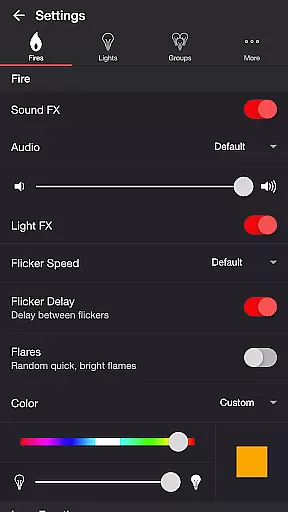
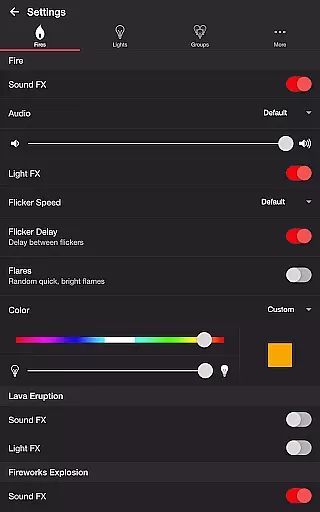
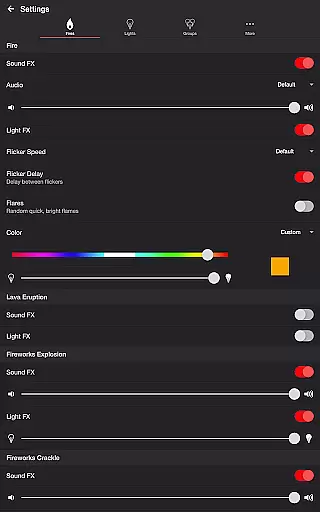
The app provides granular control over both audio and lighting effects. For instance, users can toggle sound effects on/off, modify volumes, adjust flickering speeds, and even set delays between light bursts. Advanced settings include options for eruptions, flares, and background sounds like birds or crickets, allowing for highly personalized configurations.
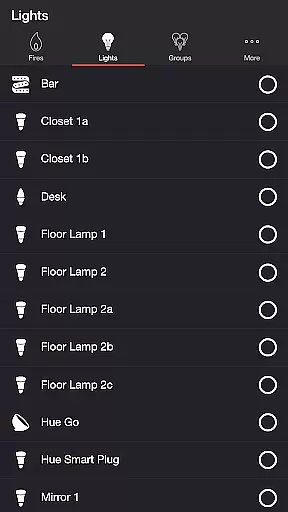
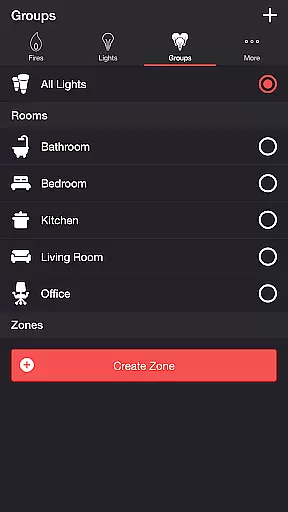
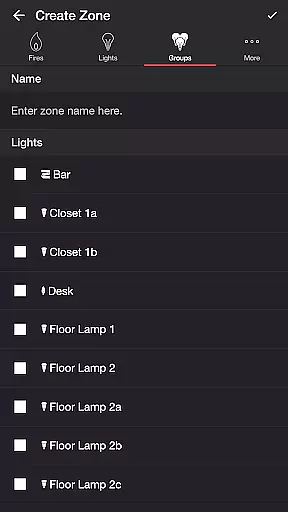
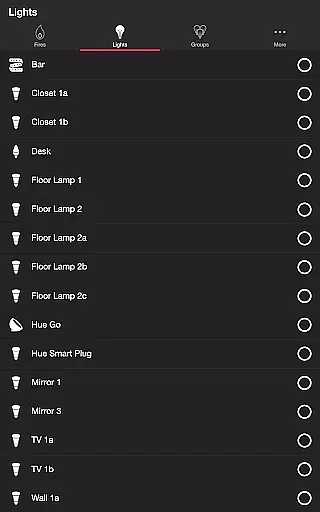
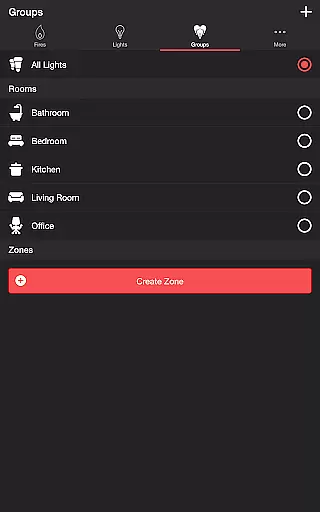
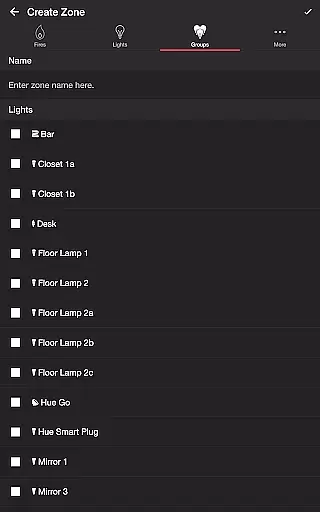
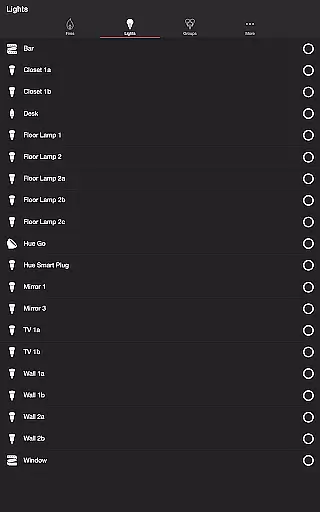
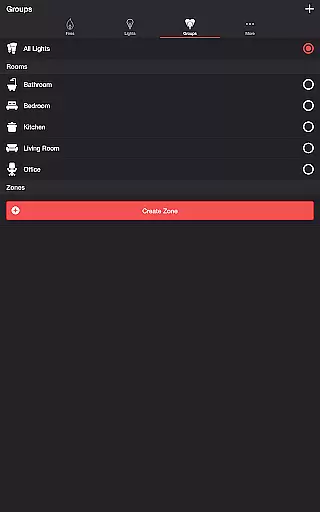
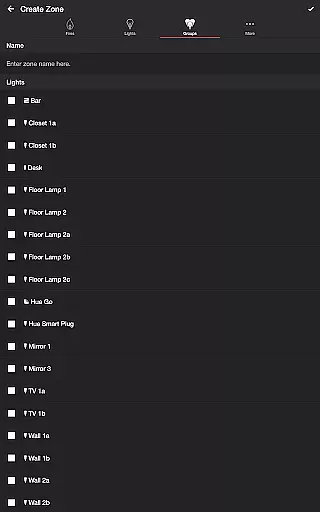
Additional functionalities enhance usability further. These include sleep timers with fade-out effects, support for Bluetooth speakers, and compatibility with Chromecast-enabled devices. The ability to select specific lights or groups ensures seamless integration with existing Philips Hue setups, while automatic mode cycling adds convenience for recurring events.
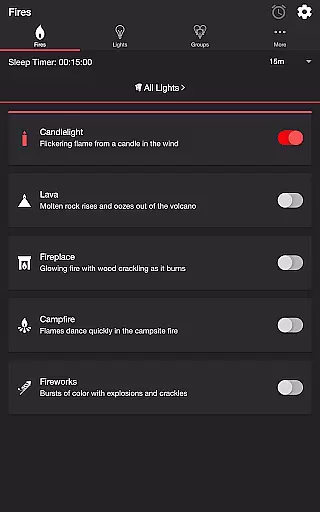
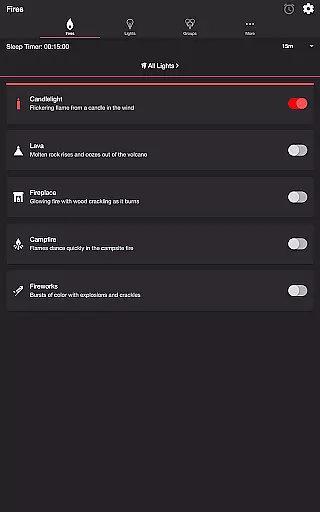
Firestorm for Hue offers a diverse range of content that caters to various moods and settings. With options like Candlelight, Lava, Fireplace, Campfire, and Fireworks, users can customize their Philips Hue lights to create the perfect ambiance.
The app doesn't just stop at static lighting; it provides dynamic light effects that change with sound, offering an immersive experience. Users can toggle between different fire sounds, adjust volumes, flicker speeds, and even control the occurrence of flares or bursts of color in the Fireworks setting.
Moreover, Firestorm for Hue includes background sounds such as Birds, Cicadas, Crickets, and Frogs, adding another layer to the atmosphere you wish to create. These additional features ensure that the content remains fresh and engaging every time you use the app.
User engagement is a key strength of Firestorm for Hue, thanks to its intricate settings and customization options. The ability to fine-tune every aspect of both audio and visual effects encourages users to spend more time interacting with the app.
With features like Sleep Timer, which includes an audio fade-out function, users are likely to keep the app running longer as they wind down for the night. This not only increases session length but also promotes retention by becoming part of the user's nightly routine.
Furthermore, the appu2019s support for Bluetooth speakers and Chromecast built-in speakers through the Google Home App enhances accessibility and convenience, making it easier for users to integrate Firestorm for Hue into their daily lives, thus boosting long-term retention rates.
User-friendly interface
Extensive customization options
Realistic sound-light synchronization
Wide range of effects
Regular feature updates
Requires Hue Bridge
Premium version needed
Complex for beginners
Occasional bugs
Limited without Philips Hue

Atomus is a 10-finger multi-touch interactive visualizer.
 4.30
4.30
Watch everything you want.
2.90
Underrated short-drama gems that hit hard and keep your heart hooked.
4.50
Chat with AI characters! Anime, games, roleplay & more.
4.50
Experience the video editing experience brought by our intuitive interface
4.10
Christmas Globe: Transform your Wear OS device into a festive timekeeper!
4.1
Raise Christmas Magic with daily missions, magical scanners, and kindness.
4.3
Browse popular images and videos from Reddit on Android TV!
3.90
Create your Songs. Cover Maker with any Voice, Song Generator
3.30
Classic dynamic pixel art from Mark Ferrari.
4.70
Fun brain twisting challenge with trending Whirlpool Filter.
4.70
Companion app for Elden Ring to track quests, bosses, progress and more.
4.70
Create, chat & bond with AI souls who truly listen.
4.50
Necrophone is spirit box ghost hunting app made for spirit communication.
3.70
VR 360 Cinema Player is the ultimate VR player for playing videos on mobile
3.50
With the Steam Mobile App, you can take Steam with you anywhere.
3.00
Ultimate VR movie player for android mobile videos
4.0
EVP Recorder / Voice Recorder for ghost hunting, to communicate with ghosts.
4.0
See the frequencies! Watch the magic!
4.0


User Reviews