
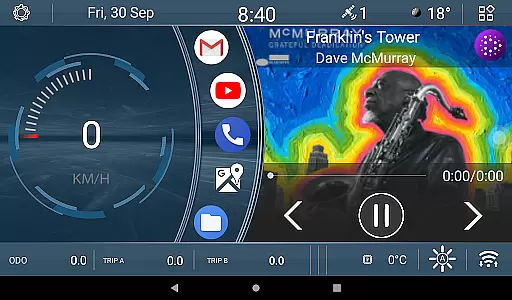
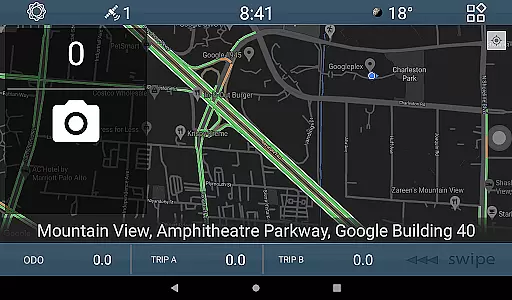
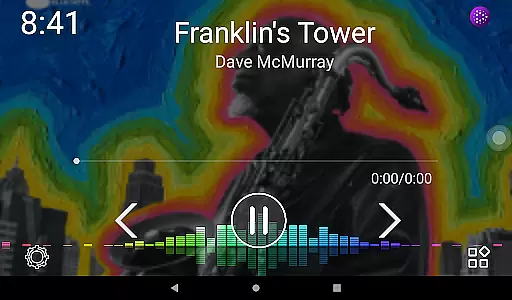
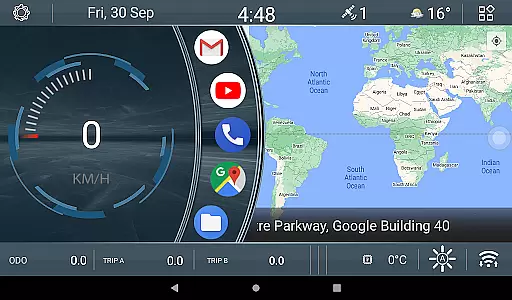
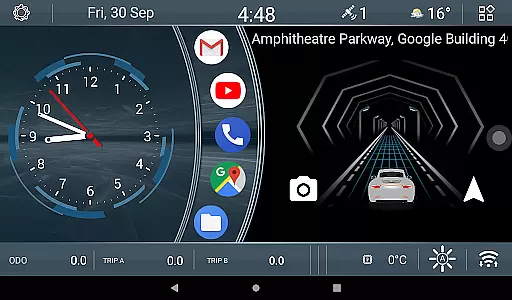
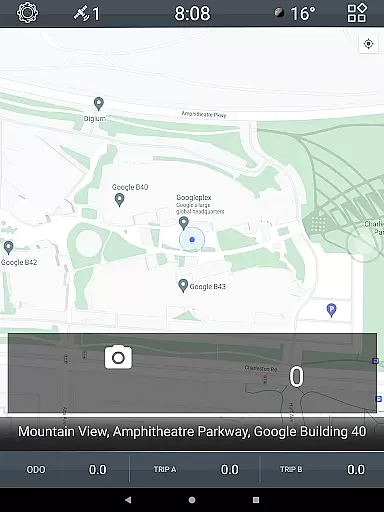
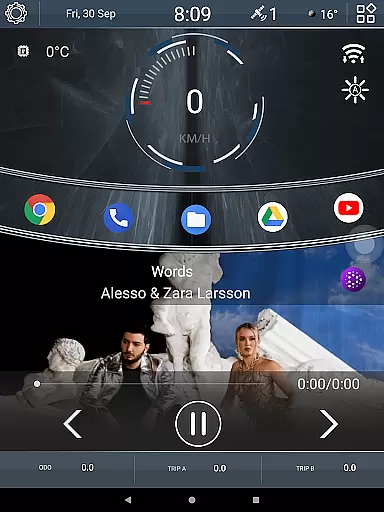

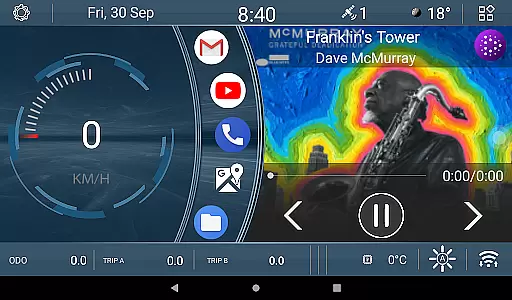
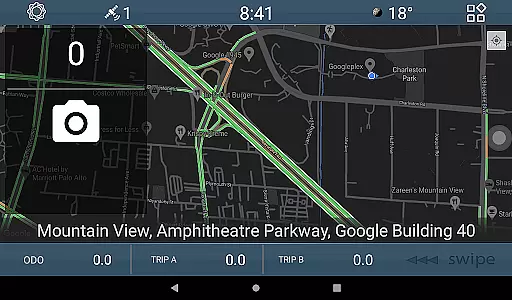
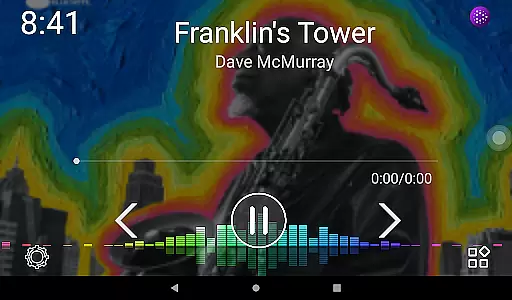
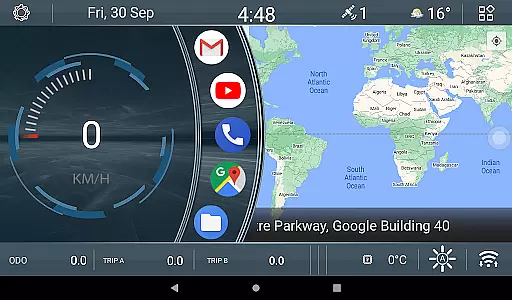
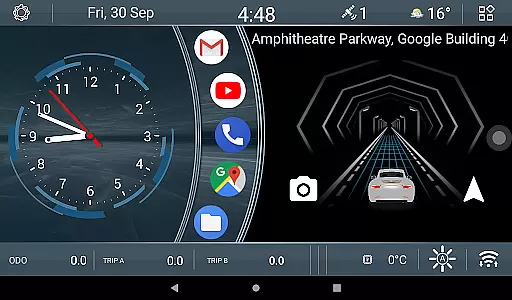
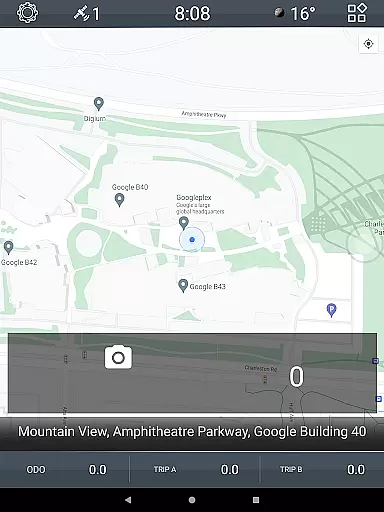
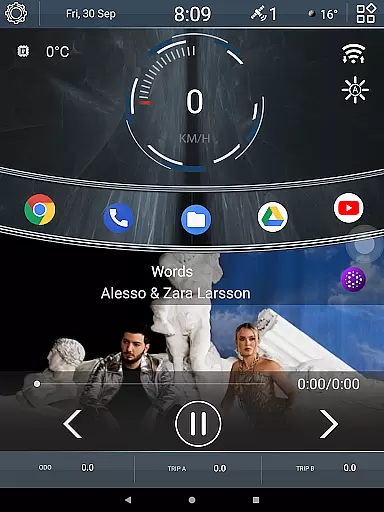

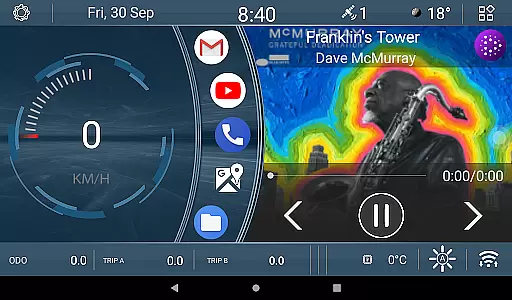
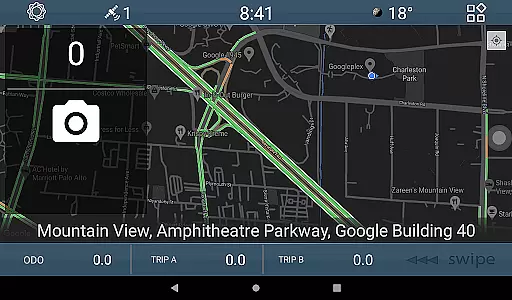
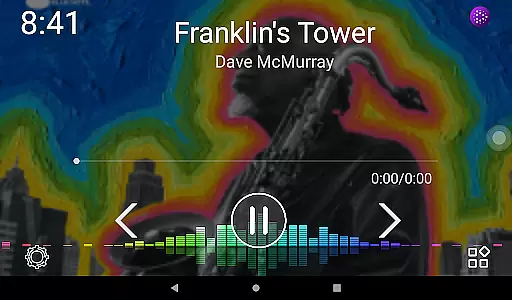
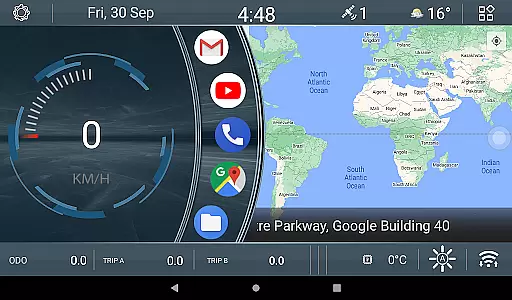
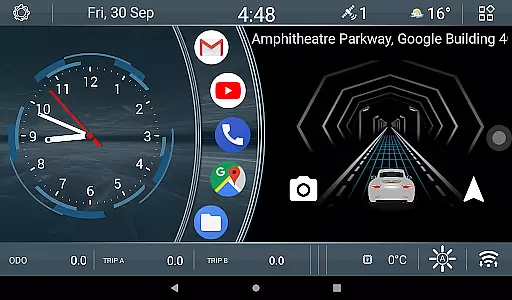
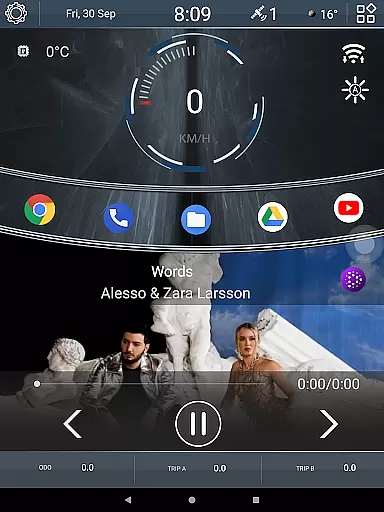

CL Theme V1 is a specialized theme designed for Car Launcher, offering users an enhanced visual and functional experience. This theme features three interactive screens that can be navigated using left-right gestures, providing easy access to essential functions while driving.
A standout feature of this theme is the dynamic car animation widget, which responds to vehicle speed - the faster you drive, the quicker the animated car moves. Additionally, it includes three customizable odometer widgets tracking speed statistics for different time periods - all-time, monthly, and daily.
This theme is particularly useful for drivers who want to maintain a modern and functional interface in their vehicles. The combination of aesthetic appeal with practical functionality makes it a valuable addition to any car's infotainment system, enhancing both usability and driving experience.
The CL Theme V1 offers several distinctive features that set it apart from other car launcher themes. Its most notable characteristic is the innovative speed-responsive animation widget, creating a dynamic and engaging user interface that reflects real-time driving conditions.
Another key feature is the triple odometer system, allowing drivers to monitor their speed statistics across different time frames. These widgets are fully customizable through simple long-press interactions, giving users complete control over their preferred speed tracking metrics.
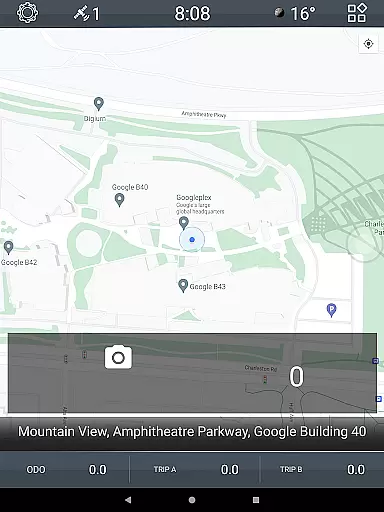
The theme also maintains full functionality even when the map is displayed in full-screen mode, with navigation controls conveniently relocated to the bottom bar. This ensures uninterrupted access to essential features while preserving screen space for important navigation information.
CL Theme V1 offers comprehensive details about your vehicle's performance through its innovative interface. The theme includes three functional screens that display crucial vehicle metrics.
Users can navigate between these screens using simple left-right gestures, ensuring intuitive access to important vehicle data. When the map is maximized, navigation controls shift to the bottom bar for uninterrupted viewing.
The application features dynamic widgets that provide real-time feedback on vehicle performance. These include an animation widget that visually represents speed and three odometer widgets tracking speed statistics across different time periods.
This detailed vehicle information system enables drivers to maintain better awareness of their driving patterns and vehicle status, promoting safer and more informed driving decisions.
One of the key advantages of CL Theme V1 is its complete price transparency. The theme itself is available as a single purchase option without any hidden costs or subscription fees.
Users can access all features including the interactive vehicle movement animation and customizable odometer widgets without additional charges. There are no in-app purchases required for unlocking essential functionalities.
The pricing structure is clearly displayed on the Google Play store page, allowing users to make informed decisions before downloading. This straightforward approach to pricing builds trust with potential users.
By offering full functionality at a fixed price point, CL Theme V1 ensures that drivers can enjoy premium vehicle information features without worrying about unexpected expenses or complex pricing models.
User-friendly interface
Dynamic speed animation
Customizable widgets
Multiple data tracking
Gesture-based navigation
Limited to Car Launcher
Requires setup time
Consumes additional memory
May need customization
Specific use case only

OBD1 ECMs application. Data log or tune directly from your phone or tablet!
 4.60
4.60
Discover new and used cars in Syria easily! Browse ads and connect with sellers.
3.70
Car Sounds Engine Sounds app welcomes Auto Lovers to feel Car Simulator Sound
4.20
Automotive Electrical Wiring Diagrams
4.40
DMV practice test 2025: Driver License permit test & written test for all states
4.70
MySubaru: Download. Connect. Love.
4.70
Find, search, and browse 40,000+ used cars, SUVs, and trucks.
4.50
7-Day Returns on All Cars
4.80
Quick and easy car diagnostics to get you the right fix.
4.70
Take Control of Your Car
4.80
The Texaco App allows you to pay for fuel from the comfort of your car!
4.80
Lexus app currently supports 2010 or newer vehicles (2018 or newer for Hawaii).
4.80
Autotrader is your online solution for buying and selling new and used cars.
4.40
Simplify your drive
3.90
Mobile Phone Parking - So easy to park
3.70
Read and delete OBD codes with any ELM327 OBD scanner. Coding functions included
3.40
The Smarter Way Forward
3.30
Theme for Car Launcher
4.5
DIY Vehicle Wheel Alignment
4.2


User Reviews